
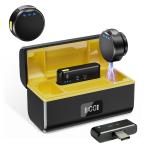
Wireless Lavalier Microphone for iPhone & Android 48kHz 24bit HiFi Audio Noise Cancelling
SKU: GW53.0097
A
Please mute the sound on the device watching the live stream, otherwise, an echo will occur (devices in the same space watching the live stream should not have the sound on).
A
①Check if the microphone has the reverb function on (the third indicator light is on). Double-click the multifunction button to turn off the reverb function.
②Enter the song request interface in the live broadcast room and set it to the original sound in the tuning section.
A
Please install the windshield on the microphone.
A
①Please shorten the distance between the microphone and the sound source reasonably to avoid breaking the sound.
②Please click the volume button on the receiver to
increase the volume.
③Some brands of mobile phones require the "OTG" function, please activate it on system settings. Check with your mobile provider for details.
Related products




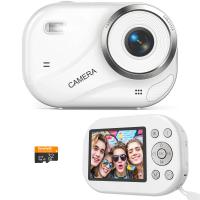
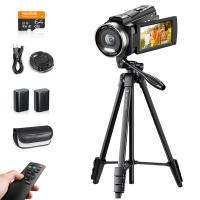
Products You May Like
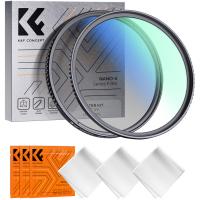

$200.00 $180.00
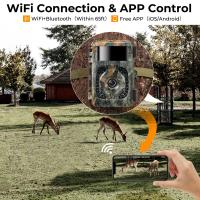
$162.99 $106.99
$135.99 $74.99


NEW
Arrival
Related articles










Related Searches
Wireless Remote Control Video Camera
Full Frame 4k Video Camera
4k Full Hd Video Camera
Video Camera With Wireless Remote Control
Wireless Camera Remote Control
Full Frame Camera With 4k Video
Camera Connect With Wifi
Wireless Mic For Camera
Video Camera With Remote Control Zoom
Earbuds With Wireless Charging Support
Related Scenes
Best Wireless Wifi Security Camera
Best Wireless Wifi Camera Outdoor
Best Wireless Wifi Outdoor Security Camera
Best Wireless Home Security Camera Wifi
Best Wireless Video Camera System
Best 4K Wifi Security Camera
Best Wireless Home Camera
Best Battery Wireless Camera
Best Wireless Battery Security Camera
Best Wireless Solar Security Camera