
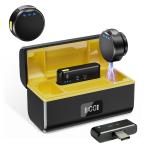
Wireless Lavalier Microphone for iPhone & Android 48kHz 24bit HiFi Audio Noise Cancelling
SKU: GW53.0097
Q
What if there is an echo?
Answer Question
A
①Check if the microphone has the reverb function on (the third indicator light is on). Double-click the multifunction button to turn off the reverb function.
②Enter the song request interface in the live broadcast room and set it to the original sound in the tuning section.
Related products
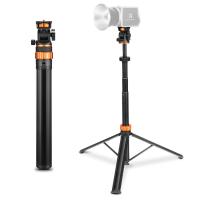
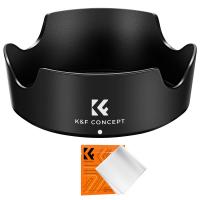
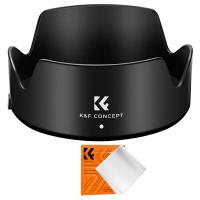
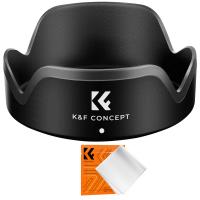
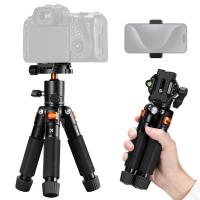
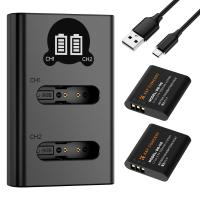

$162.99 $106.99

Products You May Like

Related articles












Related Searches
Microphone For An Ipad
Smart Watch For An Android Phone
Is Nikon D5100 F Mount
Canon Powershot S5 Is Lens Adapter
Lensmate Adapter For Canon Sx10 Is
Is Canon 6d Mark Ii Fd Mount
Is Canon Eos M5 M Lens Mount
Canon 18 200 Is Ef-s Mount Lens
Canon 55-250mm Is Stm Lens Metal Mount
Digital Camera With Aa Batteries
Related Scenes
The Best Dash Camera
Best Smartphone Security Camera
Best Fill Light For Photography
Best Quality Point And Shoot Digital Camera
Best Dash Camera With Night Vision
Best Waterproof Action Video Camera
Best Vlogging Camera With Stabilization
Best Glasses With Camera
Best Power Binoculars For Hunting
Best Tripod For Projector