
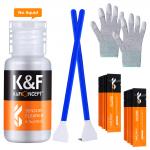
Reviews
Worked great on my Sony a6000
I used this to clean my Sony a6000. It worked perfectly.My camera had two large dots visible in photos of sky. Here's what I did:1. Take a photo showing the dirt on the sensor:- Enable manual focus mode and focus to infinity (mountains icon).- Switch to aperture priority mode and set it to the highest setting. For my lens it was f/22.- Take a photo of a bright white surface. A white wall with flash works well. The photo will show all the dirt on the sensor.2. Try to blow out the dust.3. Take another photo. No change.4. Activate the camera's built-in sensor cleaning function. This uses the image stabilization motors to shake the sensor.5. Take another photo. No change.6. Clean with a dry swab, using the right technique.7. Take another photo. Most of the dots were gone.8. Add two drops onto a new clean swab. Wait about 30 seconds for the liquid to wet the entire swab. Clean using the right technique.9. Take another photo. All the dots are gone! Perfect! :DSubtracting one star because the bottle is very hard to squeeze.
26/02/2018
Related products
HOT
Seller
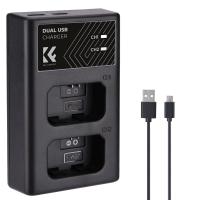
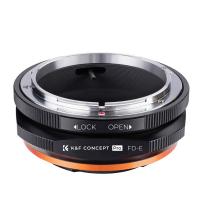
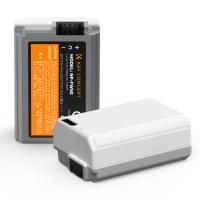
Products You May Like
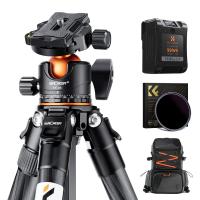

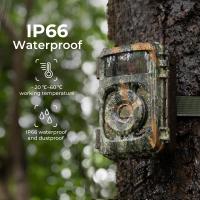
$135.99 $106.99
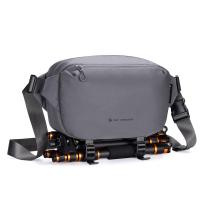
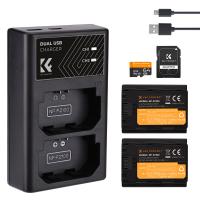
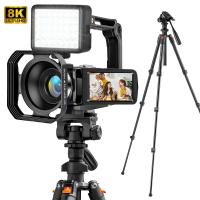


NEW
Arrival
Related articles




Blog You May Like





Related Scenes
Best Carry On Camera Bag
Best Sony Camera For Photography
Best Sony Camera For Video
Best Sony A Mount Camera
The Best Sony Camera For Video
Best Sony Camera For Video Recording
Best Sony A Camera For Video
Best Sony 4K Camera For Video
Best Sony Camera Lens For Video
Best Sony Camera For Shooting Video