
Reviews
Images are darker than my other WebCam
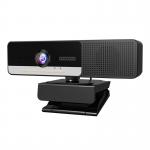
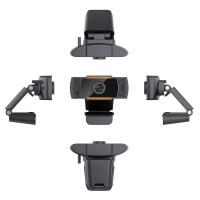
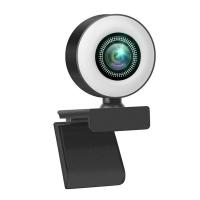
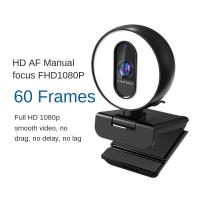
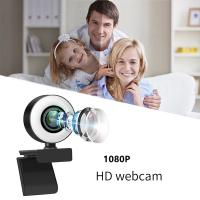
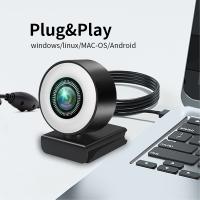
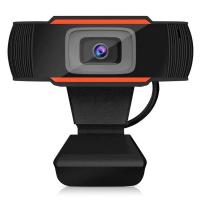
Punchline:Not a bad camera, but not as good as my Logitech. NexiGo image is noticeably darker when comparing the resulting images. Logitech doesn't require any adjustment, NexiGo provides you options to download and/or purchase/download/get-reimbursed software to adjust color tones and brightness. Under lower light conditions NexiGo showed my face with a reddish hue (but not the case with Logitech). The attached image is during bright strong daylight. At night the right side will take a very obvious red-hue.A little more detail:If I didn't already have a WebCam I may not have realized how much better the image is on my other one (Logitech C920S Pro HD WebCam) which I also bought from Amazon (but about 1.5 years ago pre-pandemic). This NexiGo (N680E - the model # indicated on the box) is pretty plug-and-play to get going. Build quality seems to be pretty good. I would say about the same as the Logitech. Plastic, but sturdy enough that if treated well should last a long time. My biggest (and probably only) gripe is that the image is quite dark. And the Ring Light (even at the brights of 3 settings) doesn't change much on the lighting. To be fair, I'm not using it on a laptop where my face might be REALLY close to the screen/camera, but I'm putting it on my monitor (I'm probably about 18"-24" away from the light). But even if I moved my face closer, I could start to see the image getting a 'little' bit brighter. Certainly, not what the advertised pictures seem to show/imply). And under certain lighting conditions, my face has a reddish hue to hue (I'm compare against the Logitech and what I think is the 'reality' of the situation, which I think the Logitech matches well). They seem to almost 'know' this as in the instructions they have a few 'solutions' you can use. For the Windows platform they point you to software you can download and install. For MacOS platform they point you to software that you have to purchase, download and install (they say they will reimburse you the cost against your Amazon account if you provide the order # and the receipt of the purchase). I guess I would just prefer that something works as a 'plug-and-play' and either provide me with the software from them (the manufacturer) or at the very least a convenient no-cost solution. The main point is, I didn't have to do ANY of this with my Logitech. I've sent an email to their Customer Service, just in case there is a solution that wasn't in the instructions they provided. Otherwise, I may be returning this and biting the bullet for a 'now more expensive' Logitech. I did try to use their available-to-download firmware updater, thinking that might help. But the app installed correctly, but could never detect the camera (even though it wasn't in use by any application) and would never install any updates.Again, not a bad camera. If I didn't have my Logitech to compare, I may not have realized how much better the Logitech is in comparison. However, now with pandemic pricing.... the Logitech is much more expensive.
25/10/2020
Related products

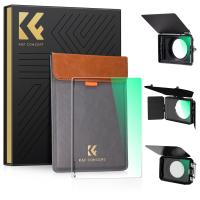
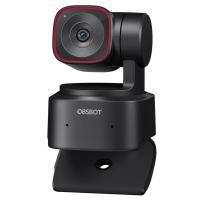
Products You May Like
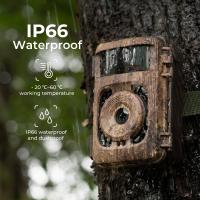
$135.99 $106.99
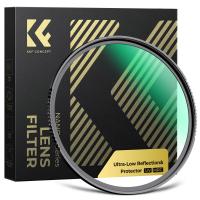


$162.99 $106.99
Related articles

Blog You May Like



Related Scenes
Best Camera For Webcam Streaming
Best Wireless Wifi Outdoor Security Camera
Best Trail Camera For Hunting
Best Camera And Drone Backpack
Best Outdoor Wildlife Camera
Best Lens Filter System
Trail Camera With Best Battery Life
Best Camera And Microphone For Vlogging
Best Professional Digital Video Camera
The Best Action Camera