kfconcept

KENTFAITH
K&F Concept    Blog >

Enjoy Your Selected Digital Life

Recently Viewed
  • Recently Viewed
  • 43mm MCUV Protection Filter with 28 Multi-Layer Coatings HD/Hydrophobic/Scratch Resistant/Ultra-Slim UV Filter for 43mm Camera Lens Nano-X Series
    43mm MCUV Protection Filter with 28 Multi-Layer Coatings HD/Hydrophobic/Scratch Resistant/Ultra-Slim UV Filter for 43mm Camera Lens Nano-X Series
    $24.95
    K&F Concept Carbon Fiber Camera Tripod 4 Section 61 Inch Load Capacity 26.46lbs Monopod Compitable with DSLR DV Cameras
    K&F Concept Carbon Fiber Camera Tripod 4 Section 61 Inch Load Capacity 26.46lbs Monopod Compitable with DSLR DV Cameras
    $163.99
Compare (0) 0
  • Compare
  • You have not chosen any products to compare.

  • Compare
Currency: USD
  • Currency
Shop by Scene Shop by Rank

Log Into Your Account

Account

Order History

Wish List

Login

Forgotten Password?

Or connect with

Register Account

Already have an Account?Log In

  • Shopping Cart
  • Your shopping cart is empty!

  • Register/Login to purchase, earn points
  • Favorite
  • Your wish list is empty.

  • Register/Login to like, earn points
  • Activities
  • Guide
    • Filter Guide
    • Lens Adapter
    • Product Review
  • News & Reviews
    • Camera Reviews
    • Sample Gallery
    • News
  • Tutorials
    • Solar eclipse photography
    • Photography Basics
    • Landscape Photography
  • Inspiration
    • Travel
    • Travel Stories
  • Home
  • Blog
  • How To Zoom In Logitech Webcam ?

How To Zoom In Logitech Webcam ?
Kentfaith 2023-05-02 08:30:54 0 Comments
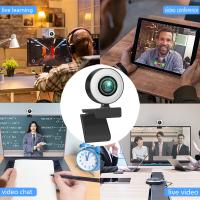
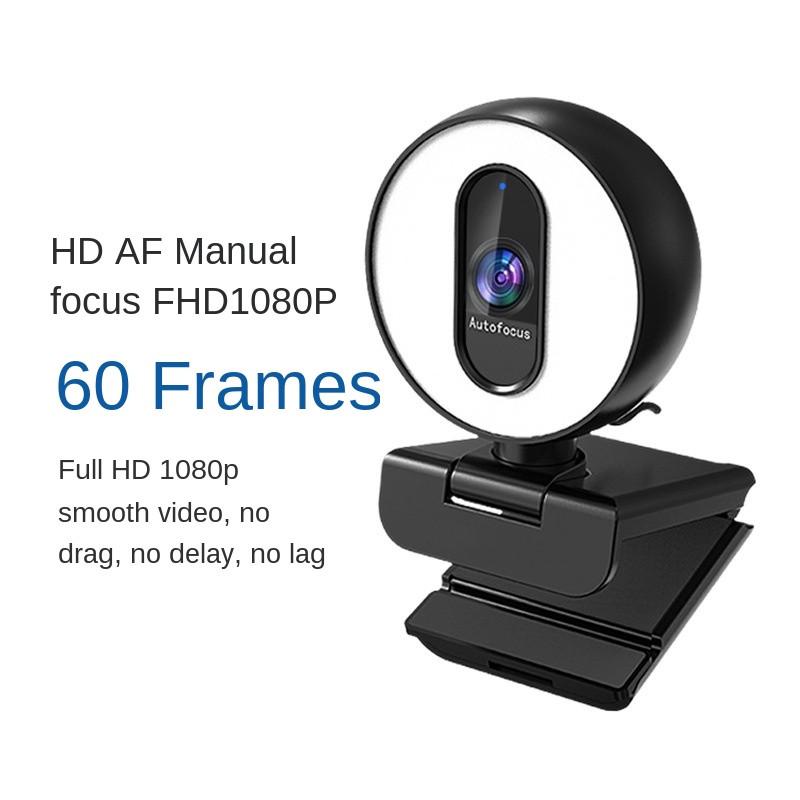
Logitech webcams are favored by users for their high quality video output and versatility. The zoom function is an important feature of these webcams, especially important in scenarios such as video conferencing, online teaching and live streaming. As an expertise blogger, I will introduce how to zoom Logitech webcam in detail and provide some practical steps and optimization suggestions.

Adjusting Zoom Settings in Logitech Webcam Software

1. Hardware requirements and preparation

Before starting the operation, make sure you have prepared the following necessary hardware devices:

Logitech webcam: Make sure the webcam supports the zoom function, common models such as Logitech C920, C922, Brio, etc. have this function.

Computer: a webcam-compatible computer for connecting and controlling the webcam.

USB port: Make sure there is an available USB port on the computer for connecting the camera.


2. Software installation and setup

In order to be able to use the zoom feature without problems, you will need to install specialized software provided by Logitech. These software usually include Logitech Capture or Logitech Camera Settings.

Downloading the software: Visit the official Logitech website to download and install the software compatible with your camera model.

Install the software: Follow the prompts to complete the software installation process and launch the software when it is complete.

Connect the camera: Connect the Logitech camera to your computer via the USB port to ensure that the camera is properly recognized.


3. Zoom Function Operation Procedure

After installing the software and connecting the webcam, you can follow the steps below to operate the zoom function:

Open the software: Launch the Logitech Capture or Logitech Camera Settings software.

Select Camera: In the software interface, select the connected Logitech camera as the video source.

Adjust Zoom: In the Settings screen of the software, find the Zoom Control option. There will usually be a slider or button that allows you to zoom in or out. Adjust the zoom ratio as needed until you achieve the desired viewing angle.
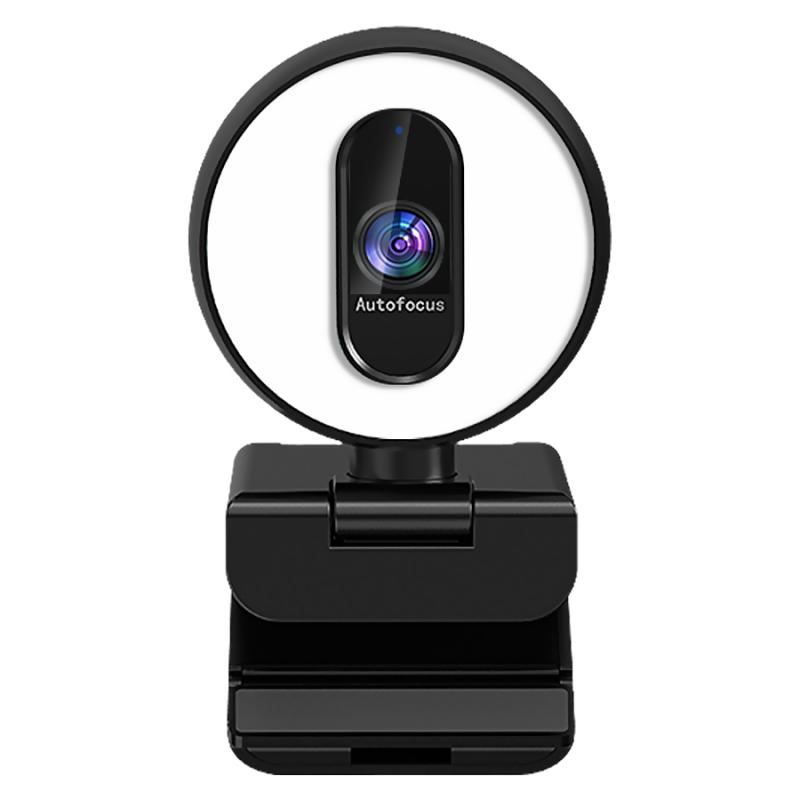
Using Keyboard Shortcuts to Zoom In on Logitech Webcam

4. Adjusting and optimizing video quality

During the zoom process, other settings may need to be adjusted to ensure optimal video quality:

Resolution setting: adjust the camera's resolution setting as needed. Higher resolution provides sharper images, but may increase the burden on the system.

Focus and Exposure: Manually adjust the focus and exposure settings to ensure that images are sharp and moderately bright.

Background Optimization: Use the background optimization options in the software, such as the automatic background replacement or blur function, to enhance the video.


5. Frequently asked questions and solutions

When using the zoom function, you may encounter some common problems. Below are the solutions:

Zoom does not work: Make sure that both the software and the camera driver have been updated to the latest version. Try reconnecting the camera or restarting the software.

Image is blurry: Check the focus settings to make sure the camera is on target and focusing correctly. Adjust the focus ring manually or use the autofocus function in the software.

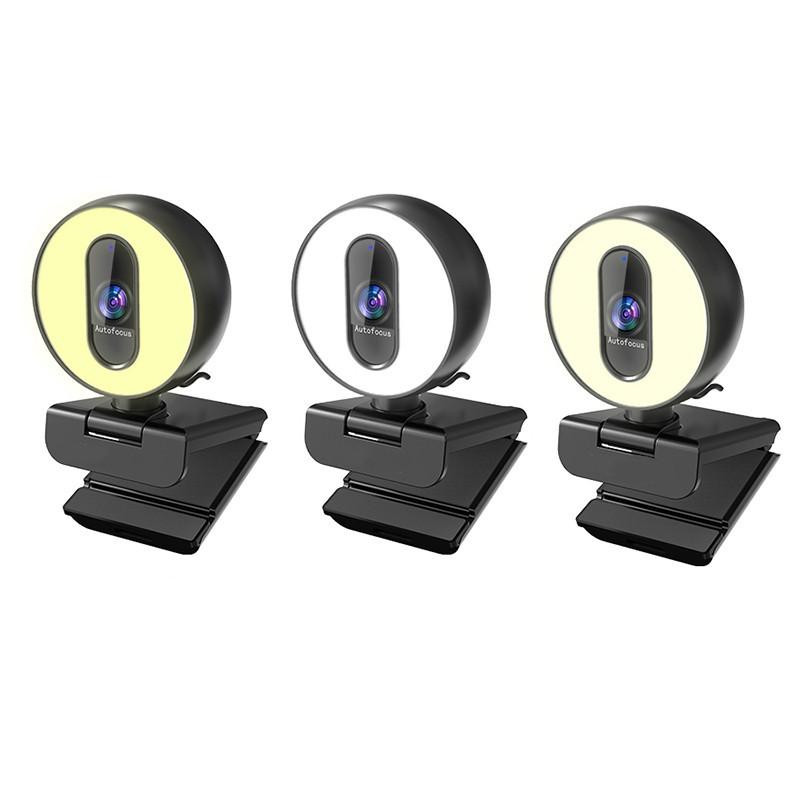
Latency and lag: May be due to insufficient computer performance or network bandwidth. Close other resource-hogging programs or upgrade hardware devices.Zooming In on Logitech Webcam During Video Call

6. Security and privacy

When using the Logitech webcam, you need to pay attention to security and privacy protection:

Turn off unused webcam: When the webcam is not in use, it is recommended to turn it off or disconnect it to prevent unauthorized access.

Regular software updates: Keep your software and firmware up to date to ensure the latest security patches and feature improvements are available.

Permission management: Set appropriate permissions in the operating system and applications to prevent unnecessary applications from accessing the camera.
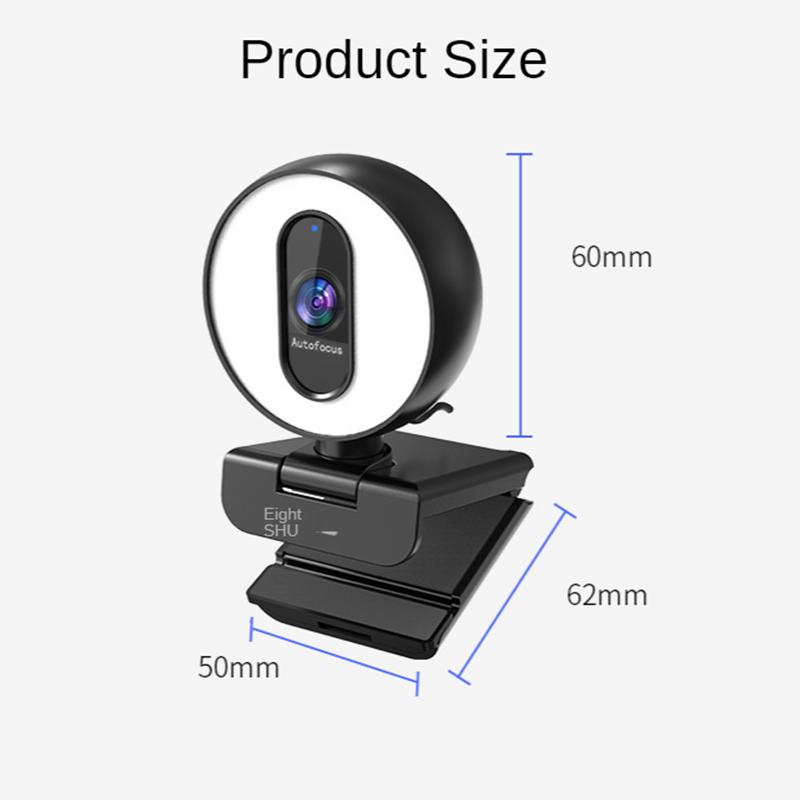

Changing Zoom Level on Logitech Webcam in OBS Studio

7. Customer support and technical service

If you encounter problems that cannot be resolved during use, we recommend contacting Logitech's customer support or technical service team. By visiting the official Logitech website, you can find relevant contact information and support resources.


To summarize, the zoom Logitech webcam is not complicated, just follow the steps mentioned above to complete the settings and adjustments successfully. By using the zoom function reasonably, users can get better video effects in various application scenarios. At the same time, pay attention to adjusting and optimizing video quality, solving common problems, and paying attention to security and privacy protection to ensure the efficient use of the webcam. We hope the guide in this article can help you fully utilize the functions of Logitech webcam to achieve more efficient video communication and work experience.

Leave your comment
Cancel reply
Note: HTML is not translated!
Related products
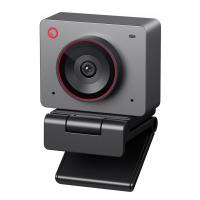
OBSBOT Tiny 2 Webcam 4K Voice Control PTZ, AI Tracking Multi-Mode & Auto Focus, Web Camera with 1/1.5" Sensor, Gesture Control, 60 FPS, HDR Light Correction, Webcam for PC, Streaming, Meeting
$374.99 $299.99
Head-Mounted Night Vision Binoculars with 3D VR Viewing & 6X Zoom, Up To 700M/2296FT Night Vision Range, Kentfaith Night Vision Binoculars
11
$629.99 $439.99
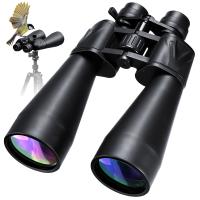
Zoom Binoculars 10-30x70 High Power Zoom with Tripod Adapter BAK4 Prism Kentfaith
16
$168.74 $134.99
OBSBOT 4K 60 FPS Webcam for PC with 1/2" Sensor AI Framing & Autofocus Dual Mics Beauty Mode
$174.99 $139.99
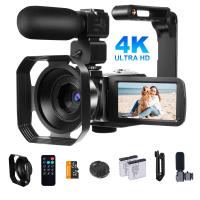
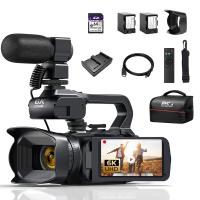
Video Camcorder with 4K 30FPS Videos, 80MP Photos, 13MP Sony CMOS, 11PCS Accessories, Night Vision, Webcam Mode, Kentfaith
12
$162.49 $129.99
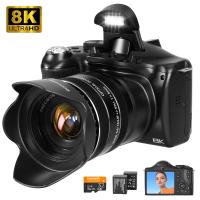
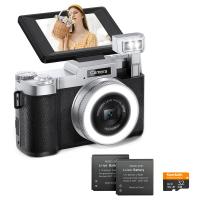
4K 64MP Digital Camera for Photography, Flash + Lens Fill Light, Auto Focus, Webcam, 180° Flip Screen, for Vlogging, Youtube, Traveling, Kentfaith
15
$112.49 $89.99
4K Video Camera Professional 60FPS UHD for Filmmaking, Movie & Photography, Video Recorder Camera with 18X Zoom, Digital Camera for Video Recording, 4.0" Flip Touchscreen, 64GB Card, Up To 6 Hours Work Time
508
$404.99 $239.99
Camera Light LED Video Light Panel for Camera Camcorder Lighting in Studio or Outdoors 3200K to 5500K Variable Color Temperature (Only ship to us)
26
$44.99 $39.99
4K Night Vision Binoculars with Infrared 3D 8X Zoom 32G Card Kentfaith
61
$359.99 $251.99
Infrared Night Vision Goggles for Helmet 4K 8X Digital Zoom Flashlight 32GB
13
$284.99 $199.99
Products You May Like
62mm ND Filter ND1000 (10 Stop) Lens Filter 28 Multi-Layer Coatings Waterproof Scratch Resistant Super Slim for Camera Lens (Nano-Xcel Series)
90
$42.99 $33.99
55mm Solar Filter ND100000,16.6-Stop Solid Neutral Density Filter for DSLR Camera Nano-Xcel Series
102
$37.99 $29.99
55mm Solar Filter 20-Stops,ND1000000 Solid Neutral Density Filter Solar Filter For Eclipse With 18 Multi-Layer Coatings Nano-Klear Series (Only Ship to US)
34
$24.99 $19.99
43mm MCUV+CPL+ND2-400 (1-9 Stops) Lens Filter Kit - 18-Layer Coated Optical Glass with Pouch & Cleaning Cloth - Nano-Klear Series
21
$42.99 $23.93
62mm MCUV Lens Protection Filter with Filter Cap Ultra-Slim 24-Layer Coatings Waterproof for Camera Lens Nano-Dazzle Series
26
$43.99 $23.99
DJI Air 3 CPL Filter Circular Polarizer, 28 Layer Multi-Coated HD Optical Glass Filter
58
$24.99
62mm UV Lens Filter HD MCUV Ultraviolet 28 Multi-Coated Filters (Nano-Xcel series Toughened Glass)
$44.99 $35.49
58mm Matte Box Adapter Ring
$13.99
49mm-77mm Magnetic Lens Filter Adapter Ring
7
$22.99
11 in 1 Step Up Ring Set
56
$37.99 $19.99
Related articles
How To Zoom In On A Microscope?
Can You Zoom In With Binoculars?
How To Download Zoom Audio Recording?
Where To Place Webcam?
How To Position Ring Light For Zoom?
How To Flip Your Webcam Camera ?
How To Test Webcam Windows 7?
How To Setup Dslr As Webcam?
How To Record Audio On Zoom For Podcast?
How To Install Secret Camera In House?
Blog You May Like
What Ir Filter Works Without A Converted Camera?
Camcorder Can See In The Dark?
How To View Sd Card On Android Tablet?
How To Record Discord Voice Calls?
What Is A Drone Light Show?
How To Attach A Camera Lens?
What Is A Ball Head Mount?
How Does A Bluetooth Earphone Work?
What Is A Good Microscope Magnification?
How Far Will Wireless Backup Cameras Work?
Related categories
2 in 1 Filter Screw-In Filter C mount lens adapter m4/3 adapter camera battery pentax k mount lenses lens adapters Square Filter Kit
Popular products
skype camera microphone 1080p autofocus webcam 1080p hd usb webcam hd webcam with microphone 3 light video kit best conference webcam best webcam conference room wireless conference room webcam Best HD Webcam with Microphone night vision goggles 4k
Related searches
Webcam With Zoom Lens Webcam With Built In Light Zoom In Camera Lens Webcam With Zoom And Autofocus Logitech C920 Lens Adapter Logitech C310 Lens Adapter Logitech C922 Lens Mount Logitech C920 Macro Lens Adapter Logitech C922 Macro Lens Adapter Logitech C922 Accessory Lens Mount
Popular searches
Sigma 16mm F1.4 Dc Dn Sony E-mount Anamorphic Lens Filter 72mm 27-70 2.8 Nikon 1 J2 Lens Adapter K&f Concept Nd & Cpl Filter Review Minolta Srt 100x Lens Mount Benefits Of Canon Rf Mount Leica R Lens Adapter Lens Adapters For Lumix G3 Fast Video Camera Camera Bag For Large Lenses
Blog Category
  • Activities
  • Guide
    • Filter Guide
    • Lens Adapter
    • Product Review
  • News & Reviews
    • Camera Reviews
    • Sample Gallery
    • News
  • Tutorials
    • Solar eclipse photography
    • Photography Basics
    • Landscape Photography
  • Inspiration
    • Travel
    • Travel Stories
Search Article
Latest from the Blog
ND Filter: The Complete Guide to Neutral Density Filters for Photography and Video
How Many Stops Is An Nd 8 Filter?
How To Find A Good Digital Camera?
Can I Charge Camera Battery With Power Bank?
How Does a WiFi Trail Camera Work?
Best Metal Detector for Kids in 2025
How Do Cellular Trail Cameras Work? – The Complete Guide for Hunters and Wildlife Enthusiasts
How To Buy A Security Camera System?
How Much Does It Cost For Security Cameras?
How Do Night Vision Goggles Work?
  • Easy Payment Multilple Payment Options

  • Free Shipping Global WareHouse Shipment

  • No Risk 30-Day No Reason Return

  • Limited Deals Buy More, Save More

  • Tax Free No any surcharges or tax fee

Information
  • About us
  • Contact Us
  • Site Map
  • Blog
  • Video
  • Gallery
  • VIP Membership Rewards
Service
  • Privacy Policy
  • Terms & Conditions
  • Shipping & Delivery
  • Payment Info
  • Warranty, Return & Refund
  • Intellectual Property Rights
  • Ambassador
  • Affiliates
  • Wholesale
Support
  • My account
  • Order History
  • FAQs
  • Extend Warranty
  • Logistics Tracking
Follow us
NewsLetter

Get the latest product, K&F Concept respects your privacy.

Powered By KENTFAITH © 2025