How To Reset Earbuds Without Buttons?
Use the Charging Case to Trigger a Factory Reset
For buttonless earbuds, the charging case is usually the control hub. Many models include hidden sensors or magnetic contact triggers that initiate a reset sequence when the earbuds are placed inside correctly.
- Place both earbuds in the charging case.
- Close the lid and leave them inside for at least 10-15 seconds.
- Open the lid and keep the earbuds inside.
- Look for indicators such as flashing LEDs, a color change, or a repeated blink pattern-these often signal a reset.
- Remove the earbuds and try pairing again.
Closing the lid forces the earbuds into a hard power cycle, which clears temporary pairing data and often resets the internal sync between left and right earbuds.
Resetting Bluetooth earbuds that lack physical buttons can feel counter-intuitive, especially when you are used to holding down a power key or tapping a reset switch. Many ultra-compact, touch-only, or minimalist earbuds hide their reset functions behind case-based triggers or automatic firmware behaviors.
Because each model handles this differently, users often end up stuck with issues like constant disconnections, pairing failures, or one earbud not syncing with the other.
These earbuds rely heavily on the charging case, touch sensors, and timed sequences to manage power and pairing states.
After any reset method, wait at least 10 seconds before removing the earbuds from the case. This gives the internal firmware time to complete the reset cycle and re-initialize the inter-earbud TWS bond.
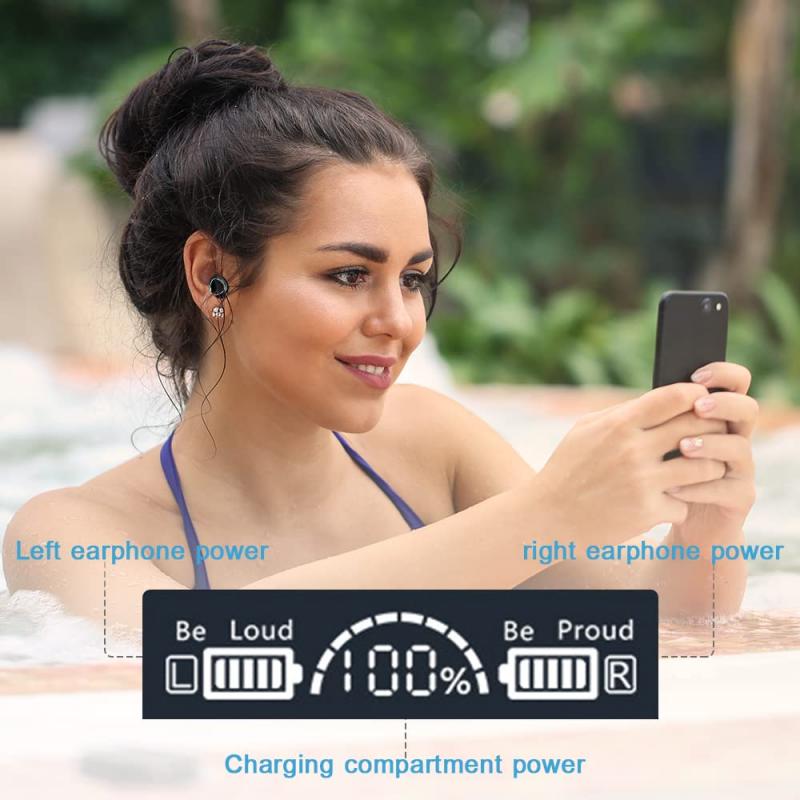
Use Touch-Sensor Sequences
Even without buttons, many earbuds use capacitive touch controls to access hidden reset features.
- Touch and hold both earbuds simultaneously for 8-15 seconds.
- Touch controls can be sensitive.
- Touch and hold one earbud until the LED turns off, then repeat on the other.
- Make sure your fingers cover the touch area fully and avoid brushing motions.
- Perform triple-tap or quadruple-tap sequences followed by a long hold.
- Many modern earbuds offer companion apps that include a built-in "factory reset" option.
Some buttonless earbuds still include a button on the charging case-often tiny and recessed. This counts as a "no-earbud-button" reset.
- Place earbuds inside and close the lid.
- Hold the case button for 5-15 seconds until the LED indicator changes.
- Release and reopen the lid to complete the reset.
Even though the earbuds have no buttons, the case may serve as the reset controller.
Many modern earbuds offer companion apps that include a built-in "factory reset" option. Even without physical buttons, the earbuds respond to software commands.
- Install the companion app (if available).
- Connect one or both earbuds (even if imperfectly).
- Navigate to device settings - reset factory reset.
- Confirm, then re-pair the earbuds.
Apps can trigger deep-level firmware commands-something touch sensors cannot always do.

Reset Via Bluetooth Settings
Some earbuds automatically wipe their pairing memory when removed from all previously connected devices. This method works especially well when earbuds refuse to appear in scanning lists.
- On your phone or laptop, delete or "forget" the earbuds from Bluetooth settings.
- Turn Bluetooth off and then back on.
- Place earbuds back into their case for 30 seconds to force a memory refresh.
- Remove them and attempt pairing again.
Certain earbuds store pairing info only in volatile memory; removing the device from all host devices forces them to regenerate a fresh pairing identity.
Remove pairing info: go to your phone or device's Bluetooth settings and forget or remove your earbuds from the list of paired devices.
Turn off earbuds: make sure the earbuds are powered off. If they do not have a power button, place them in their charging case.
Re-pair: take the earbuds out of the case, put them in pairing mode, and reconnect them to your device.
- Bluetooth reconnection: after a reset, remove old Bluetooth profiles from your device and initiate a fresh pairing to avoid connection conflicts.
- Device restart: restart your smartphone, tablet, or computer to clear residual Bluetooth cache and improve pairing success.
- Firmware update: open the brand's companion app and check for software updates to ensure compatibility and fix bugs.
- Audio balance test: play audio and check if both earbuds produce sound equally. Adjust the balance in your device's sound settings if needed.
- Try alternate devices: connect your earbuds to another device to determine whether the issue lies with the earbuds or your primary device.
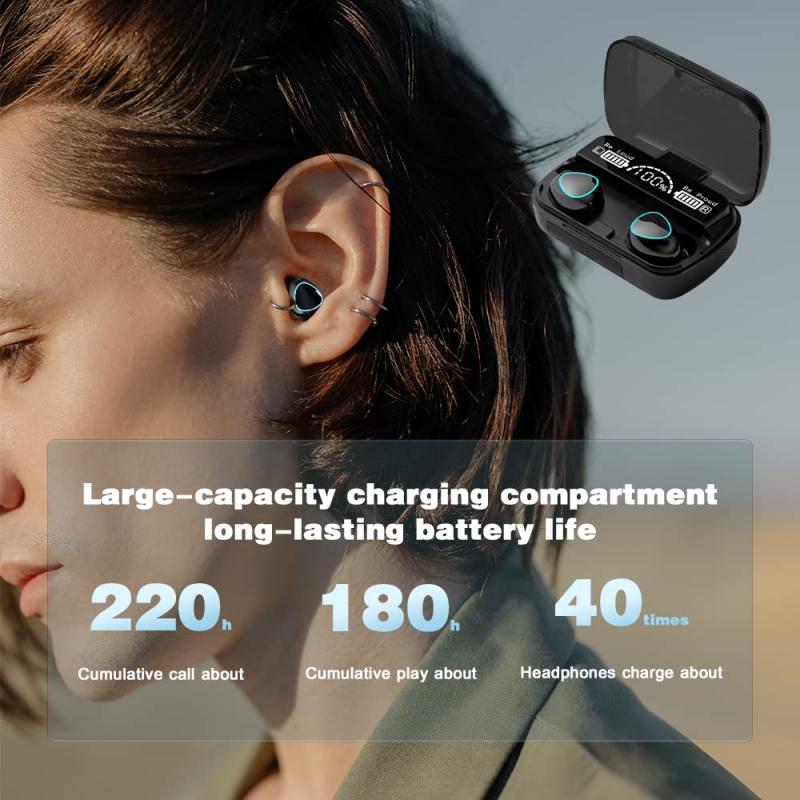
Use the Automatic Desynchronization Fix
A common problem with buttonless earbuds is one earbud not working earbuds not pairing with each other. Fortunately, most models re-sync automatically after a short isolation cycle.
- Remove both earbuds from the case.
- Place only one earbud back into the case and close the lid.
- Wait 10 seconds.
- Take it out, then place the other earbud in and repeat.
- Put both earbuds into the case again and close the lid for 15 seconds.
- Remove them and check if they sync.
This isolates each earbud's internal processor, forcing them to renegotiate their stereo link when they are next removed from the case together.
You should reset your wireless earbuds when they stop working properly-like if they will not pair with your device, the audio keeps cutting out, one earbud is not responding, or settings seem stuck.
A reset can clear out glitches and restore default settings. It is also helpful if you are switching to a new phone or facing issues after a software update.
Touch/button responsiveness: test physical or touch controls to confirm they are functioning correctly. If not, consider repeating the reset process.
Re-pair individually (for TWS models): in rare cases, pair each earbud individually before syncing them together, as some models allow independent connections.
Resetting your earbuds can often fix pairing problems. It clears out old Bluetooth connections, software glitches, and sync issues that may be preventing a stable connection.
- The earbuds return to factory settings.
- Previous device pairings are erased.
- You can re-pair them as if they were brand new.
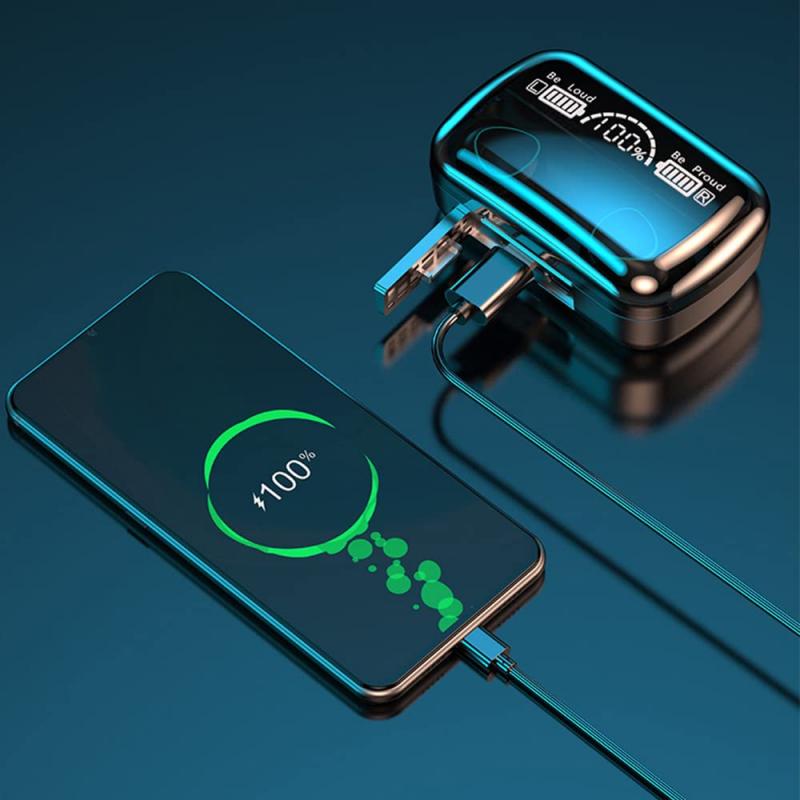
Perform a Deep Discharge and Recharge Cycle
If the earbuds are glitching because of firmware loops, a complete power drain can initiate an automatic reset.
- Leave the earbuds outside the case until both fully discharge.
- Once dead, place them in the charging case and let them charge uninterrupted to 100%.
- After charging, open the case and try pairing again.
Disconnect your earbuds from every device and let the battery drain out.
When the battery is drained, it will automatically power off which will help to reset the internal settings.
Then recharge your earbuds and wait until they are fully charged.
Remove the earbud's name in the audio source device (i.e. smartphone) and then reconnect the earbuds.
Pair the earbuds with your device and enjoy your audio.
- LEDs freeze
- Deep discharge forces all volatile memory to clear, acting as a silent reset.
- Touch controls stop responding
- Deep discharge forces all volatile memory to clear, acting as a silent reset.
- Earbuds refuse to power on
- Deep discharge forces all volatile memory to clear, acting as a silent reset.
- The charging case itself is not recognizing the earbuds correctly
- Deep discharge forces all volatile memory to clear, acting as a silent reset.
These steps are general recommendations, and the exact procedure can vary depending on the brand and model of your earbuds.
If you are unsure about how to reset your specific earbuds, consult the user manual or visit the manufacturer's website for detailed instructions on performing a reset without a physical button.