kfconcept

KENTFAITH
K&F Concept    Blog >

Enjoy Your Selected Digital Life

Recently Viewed
  • Recently Viewed
  • Recently Viewed list is empty.

Compare (0) 0
  • Compare
  • You have not chosen any products to compare.

  • Compare
Currency: USD
  • Currency
Shop by Scene Shop by Rank

Log Into Your Account

Account

Order History

Wish List

Login

Forgotten Password?

or connect with

Register Account

Already have an Account?Log In

  • Shopping Cart
  • Your shopping cart is empty!

  • Register/Login to purchase, earn points
  • Favorite
  • Your wish list is empty.

  • Register/Login to like, earn points
  • Activities
  • Guide
    • Filter Guide
    • Lens Adapter
    • Product Review
  • News & Reviews
    • Camera Reviews
    • Sample Gallery
    • News
  • Tutorials
    • Solar eclipse photography
    • Photography Basics
    • Landscape Photography
  • Inspiration
    • Travel
    • Travel Stories
  • Home
  • Blog
  • Can You Use Iphone As Microphone?

Can You Use Iphone As Microphone?

Kentfaith 2025-08-15 02:02:36 0 Comments

In today’s digital age, smartphones have become versatile tools that extend far beyond their original purpose of making calls. Among the many creative ways to use an iPhone, one of the most practical and lesser-known applications is using it as a microphone. Whether you're a content creator, a musician, a teacher, or someone who simply needs a quick audio solution, your iPhone can serve as a reliable microphone in various scenarios. In this article, we’ll explore how to use your iPhone as a microphone, the tools and apps you’ll need, and the practical applications of this functionality.

Why Use an iPhone as a Microphone?
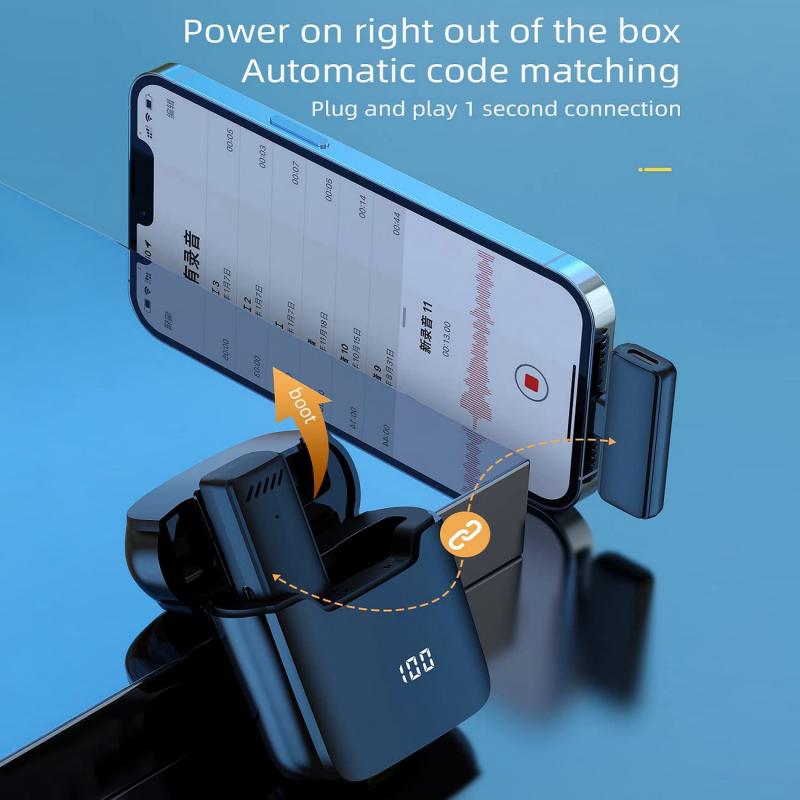
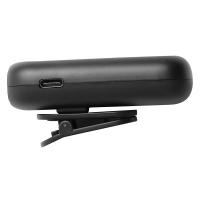
can you use iphone as microphone 1

There are several reasons why you might want to use your iPhone as a microphone:

1. Convenience: If you don’t have access to a dedicated microphone, your iPhone can act as a quick and portable alternative.

2. Cost-Effective: Instead of purchasing an external microphone, you can use your iPhone to save money.

3. Versatility: With the right apps and settings, your iPhone can be used for a variety of purposes, such as recording audio, amplifying sound, or even connecting to a computer for live streaming or video conferencing.

4. Portability: iPhones are lightweight and easy to carry, making them a great on-the-go solution for audio needs.

How to Use Your iPhone as a Microphone
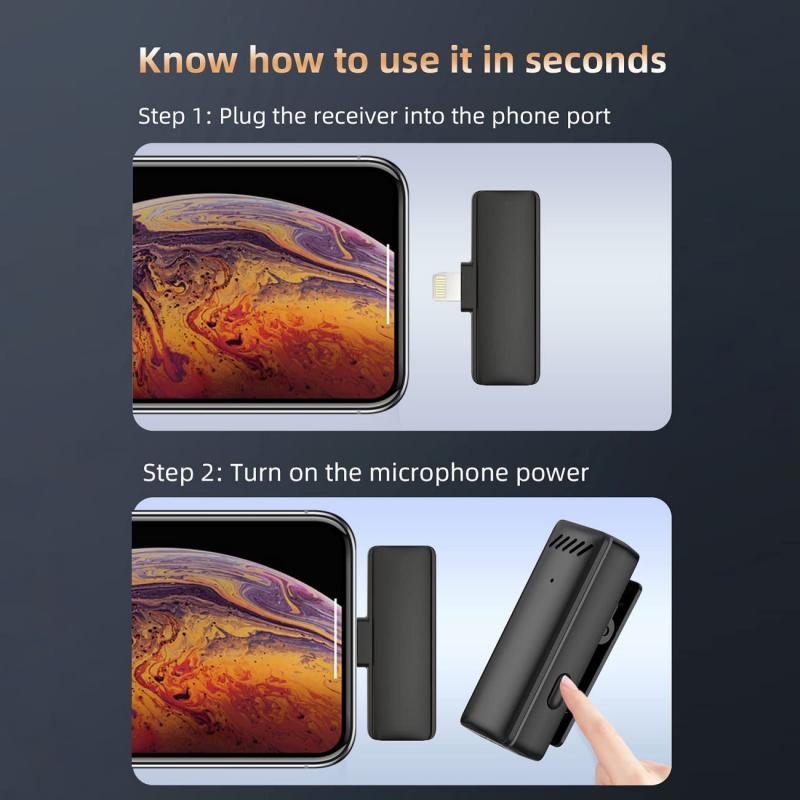
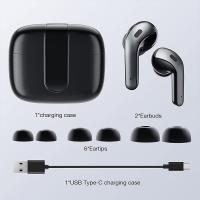
can you use iphone as microphone 2

Using your iPhone as a microphone is relatively simple, but it does require some setup. Here’s a step-by-step guide:

1. Using Built-In Features
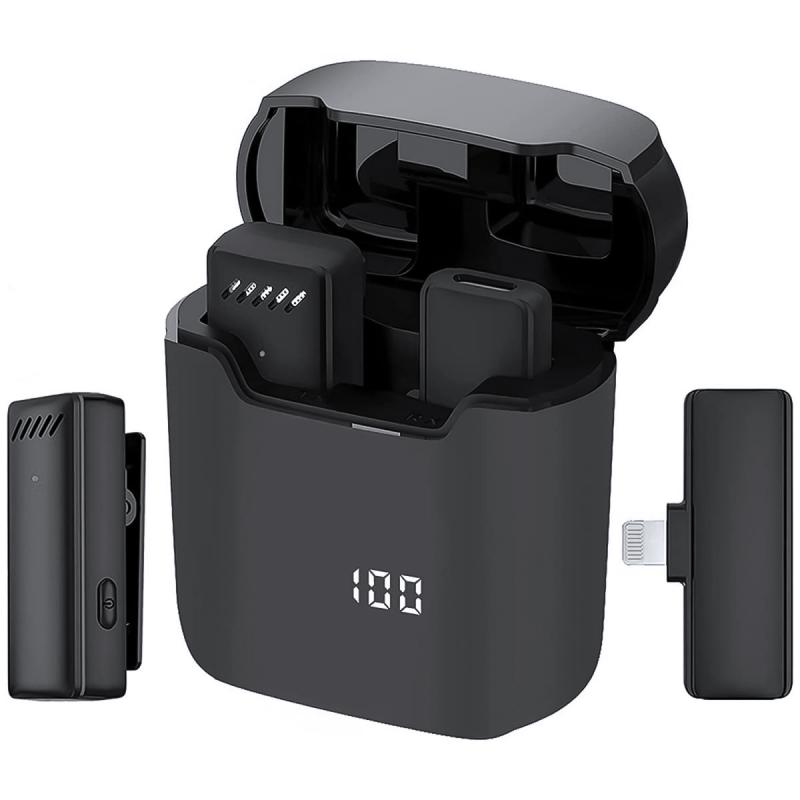
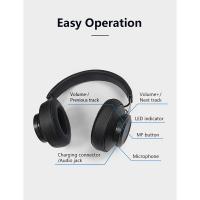
can you use iphone as microphone 3

If you’re looking for a quick and easy solution, you can use the iPhone’s built-in Voice Memos app to record audio. While this doesn’t turn your iPhone into a live microphone, it’s a great way to capture high-quality audio for later use.

Steps:

- Open the Voice Memos app.

- Tap the red record button to start recording.

- Speak into your iPhone’s microphone.

- Save and share the recording as needed.

While this method is straightforward, it’s limited to recording and doesn’t allow for live audio output.

2. Using Third-Party Apps
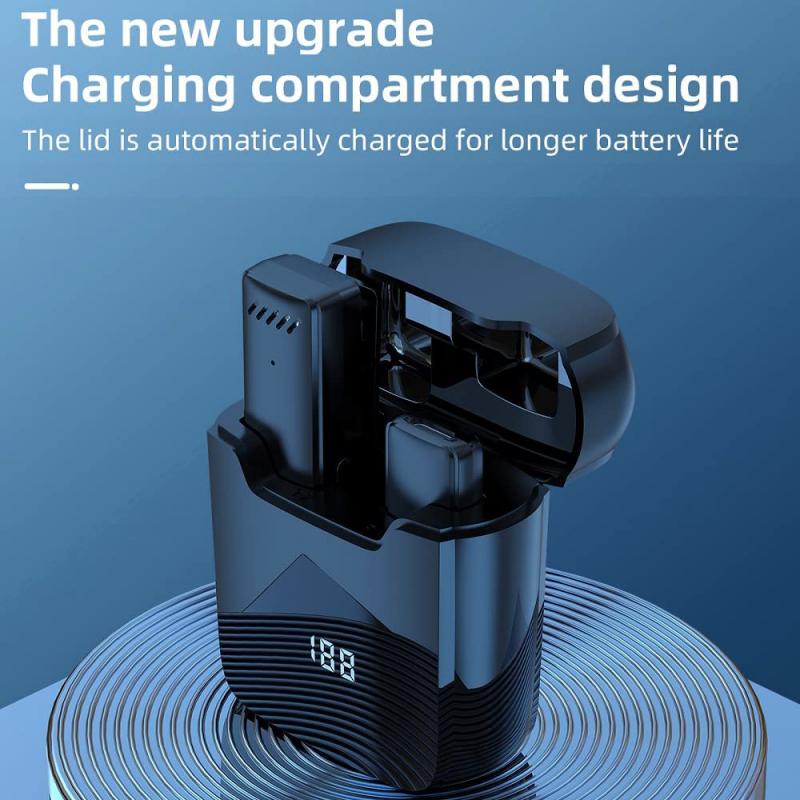
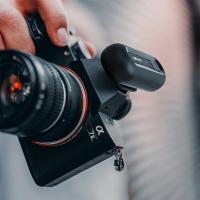
can you use iphone as microphone 4

To use your iPhone as a live microphone, you’ll need a third-party app. Some popular options include:

- Megaphone: This app turns your iPhone into a live microphone that can amplify your voice through a speaker.

- Microphone Live: This app allows you to connect your iPhone to external speakers or headphones for live audio output.

- GarageBand: While primarily a music production app, GarageBand can also be used to process and amplify audio in real-time.

Steps:

- Download and install the app of your choice.

- Connect your iPhone to an external speaker or headphones.

- Open the app and follow the on-screen instructions to enable live audio.

3. Connecting to a Computer

If you want to use your iPhone as a microphone for your computer, you’ll need additional software and hardware. Here’s how:

Option 1: Using a USB Cable

- Download an app like WO Mic or Microphone Pro.

- Install the corresponding software on your computer.

- Connect your iPhone to your computer using a USB cable.

- Follow the app’s instructions to set up your iPhone as a microphone.

Option 2: Using Bluetooth or Wi-Fi

- Some apps, like WO Mic, also support Bluetooth or Wi-Fi connections.

- Pair your iPhone with your computer via Bluetooth or connect both devices to the same Wi-Fi network.

- Configure the app to use your iPhone as a microphone.

4. Using External Adapters

For professional-grade audio, you can use external adapters to connect your iPhone to a sound system or recording device. Lightning-to-3.5mm adapters or USB-C adapters (for newer iPhones) can help you connect your iPhone to external equipment.

Practical Applications of Using an iPhone as a Microphone

Now that you know how to set up your iPhone as a microphone, let’s explore some practical applications:

1. Public Speaking

If you’re giving a presentation or speech and don’t have access to a traditional microphone, your iPhone can serve as a makeshift mic. Simply connect it to a speaker using an app like Megaphone, and you’re good to go.

2. Content Creation

For vloggers, podcasters, and YouTubers, the iPhone can be a handy tool for recording audio. Apps like GarageBand allow you to process and edit audio, making it suitable for professional use.

3. Music Practice

Musicians can use their iPhone as a microphone to amplify their instruments or vocals during practice sessions. This is especially useful for solo performers or small groups.

4. Video Conferencing

If your computer’s built-in microphone isn’t up to par, you can use your iPhone as an external mic for video calls on platforms like Zoom, Microsoft Teams, or Google Meet.

5. Classroom or Workshop Settings

Teachers and workshop facilitators can use their iPhone as a microphone to ensure their voice reaches everyone in the room. This is particularly useful in larger spaces or when addressing a group.

6. Field Recording

Journalists, researchers, and filmmakers can use their iPhone to capture high-quality audio in the field. The portability and ease of use make it an excellent tool for on-the-go recording.

Tips for Optimal Audio Quality

To get the best results when using your iPhone as a microphone, keep the following tips in mind:

1. Use a Pop Filter: If you’re recording vocals, a pop filter can help reduce plosive sounds (like “p” and “b”).

2. Minimize Background Noise: Record in a quiet environment to ensure clear audio.

3. Adjust Settings: Many apps allow you to tweak settings like gain, equalization, and noise reduction for better sound quality.

4. Use External Accessories: Consider using an external microphone that connects to your iPhone for even better audio quality.

5. Test Before Use: Always test your setup before using it in a live or important setting to ensure everything works as expected.

Limitations to Consider

While using an iPhone as a microphone is convenient, it does come with some limitations:

1. Audio Latency: Depending on the app and connection method, there may be a slight delay in audio output.

2. Battery Life: Prolonged use can drain your iPhone’s battery, so keep a charger handy.

3. Sound Quality: While the iPhone’s built-in microphone is decent, it may not match the quality of professional-grade microphones.

4. Compatibility: Not all apps and devices are compatible with this setup, so you may need to experiment to find the right combination.

Using your iPhone as a microphone is a practical and versatile solution for a variety of audio needs. Whether you’re giving a presentation, recording a podcast, or amplifying your voice, your iPhone can serve as a reliable tool with the right apps and accessories. While it may not replace a professional microphone in all scenarios, it’s a cost-effective and convenient alternative that’s always within reach.

By understanding the setup process, exploring different applications, and optimizing your audio quality, you can make the most of this functionality. So the next time you find yourself in need of a microphone, remember that your iPhone might just be the perfect solution.


Leave your comment
Cancel reply
Note: HTML is not translated!
Related products
Gift Certificate: $200 Value - Can Use with Any Discounts
$200.00 $190.00
Gift Certificate: $300 Value  - Can Use with Any Discounts
Gift Certificate: $300 Value - Can Use with Any Discounts
$300.00 $285.00
Gift Certificate: $1000 Value  - Can Use with Any Discounts
Gift Certificate: $1000 Value - Can Use with Any Discounts
$1,000.00 $950.00
Gift Certificate: $500 Value  -Can Use with Any Discounts
Gift Certificate: $500 Value -Can Use with Any Discounts
$500.00 $475.00
Gift Certificate: $800 Value - Can Use with Any Discounts
$800.00 $760.00
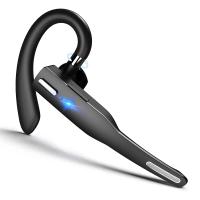
Bluetooth Headset for Mobile Phone Wireless Headset with Microphone Bluetooth Headset 5.1 Hands-free Headset CVC8.0 Compatible with iPhone Android Business Office Driving
43
$14.99
A Camping Lantern That Dances with You, Rechargeable, Telescoping & Compact with Bluetooth Speaker, Emergency Power Bank 14000mAh Battery Kentfaith
116
$199.99 $94.99
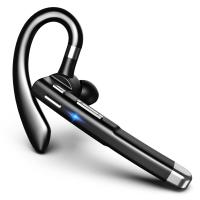
Mobile Phone Bluetooth Earphones Bluetooth V5.1 Earphone Hands-free Single Ear Earphone with CVC8.0 Noise-cancelling Microphone for Office/driving Compatible with Android/iPhone/laptop
42
$14.99
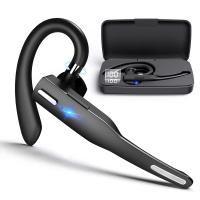
Bluetooth Headset for Mobile Phone Wireless Headset with Microphone Bluetooth Headset 5.1 Hands-free Headset CVC8.0 Compatible with iPhone Android Business Office Driving with Charging Case
42
$26.99
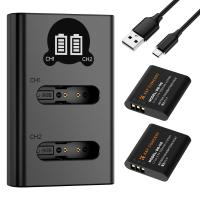
K&F Concept Premium is compatible with the Ricoh cameras GR III, GR III HDF, GR IIIx HDF, GR IIIX, WG-6 with DB-110 batteries as well as with the Olympus cameras TG7/6/5/4 with Li-90B/Li-92B batteries.
7
$29.99
Products You May Like
49mm MCUV Lens Protection Filter with Lens Cap Optical Glass Ultra Slim 18 Multi-Layer Coatings UV Filter for Camera Lens Nano-Klear Series
83
$15.99 $11.99
52mm Matte Box Adapter Ring
$19.99 $13.99
2 Pack 1730mAh Batteries for GoPro Hero 12/11/10/9 Black, with 3-Channel LCD USB Fast Charger Fit for Gopro Hero 12 Black, Hero 11 Black, Hero 10 Black, Hero 9 Black
84
$29.99
Insta360 GO 3S Action Camera Lens Filter UV + CPL + ND4 Filters Kit with 28 Multi-Layer Coated
15
$29.99
CM-500 Shotgun Microphone for DSLR Camera Video Photography
78
$29.99
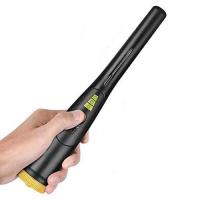
Hand held metal detector, three sensitivity levels, LED indicator light, audio and vibration alarm
21
$37.49 $29.99
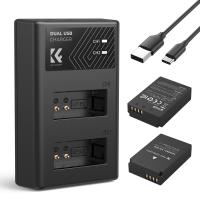
LP-E12 Battery and Charger Set with Dual Slot Charger for Canon M2, M200, M50, M100, M10, 100D
86
$25.99
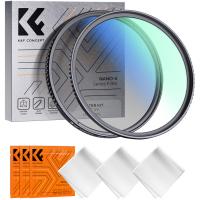
55mm Filter Kit MCUV + CPL Circular Polarizer Filter & MCUV Protection Filter HD Ultra-thin with 18 Multi Layer Coatings Nano-Klear Series
45
$32.99 $25.99
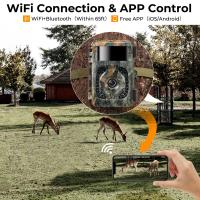
Insite Cell Trail Camera
10
$162.99 $106.99
Leica R Lenses to Canon EF Lens Mount Adapter K&F Concept M40131 Lens Adapter
$53.99 $27.99
Related articles
Can You Use Iphone As Baby Monitor?
Can You Use A Microphone With An Iphone?
Can I Use Alexa As A Microphone?
Can You Use Ps5 Camera As Webcam ?
Can You Turn The Microphone Off On Iphone?
Can You Use Microphone Cable For Speakers?
How To Use Iphone As A Security Camera?
How To Use Old Iphone As Security Camera?
Can You Use A Lavalier Microphone For Music?
How To Connect Wireless Camera With Pc?
Blog You May Like
Which Car Dash Camera Is Best?
How To Mirror A Video On Iphone Camera?
Where To Watch Free Movies On Smart Tv?
How To Stop Crackling Noise In Headphones ?
How To Pair Wireless Lavalier Microphone?
Which Cars Have Built In Dash Cam?
Where Can I Buy Hidden Surveillance Camera?
How To Use A Digital Camera?
Where To Find A Hidden Camera For Car?
What's A Digital Camera?
Related categories
phone camera lens iphone lens filter streaming video camera cell phone tripods Snake Camera Consumer Electronics UV protection lens filter
Popular products
uhf wireless microphone system mini web camera wifi wireless system for microphone mic bluetooth wireless microphone microphone with foam cover wireless microphone with usb mini microphone for iphone background noise cancelling microphone lapel microphone wireless iphone Wireless Lavalier Microphone
Related searches
Use Iphone As Wireless Microphone Use Usb Microphone With Iphone Wireless Microphone To Use With Iphone Wireless Microphone For Outdoor Use Camera Tripod That Follows You Tiny Microphone For Iphone Best External Microphone Iphone Microphone On Iphone 11 Bluetooth Lapel Microphone Iphone Handheld Microphone For Iphone
Related Scenes
Best Endoscope Camera For Iphone Best Camera For Outdoor Use Best Borescope For Home Use Outdoor Use Best Security Camera Best Compact Camera Microphone Best Vlogging Camera Microphone Best Camera Microphone For Vlogging Best Vlogging Camera And Microphone Best Vlogging Camera With Microphone Best Camera And Microphone For Streaming
Blog Category
  • Activities
  • Guide
    • Filter Guide
    • Lens Adapter
    • Product Review
  • News & Reviews
    • Camera Reviews
    • Sample Gallery
    • News
  • Tutorials
    • Solar eclipse photography
    • Photography Basics
    • Landscape Photography
  • Inspiration
    • Travel
    • Travel Stories
Search Article
Latest from the Blog
What Is The Aperture Of A Telescope?
What Is The Field Diameter Of A Microscope?
How Accurate Are Smart Watch Blood Oxygen Monitor?
How To Use Your Phone As A Microphone?
How To Clean Cleaning Cloth For Glasses?
Which Ring Light Is Best?
What Camera Has The Best Video Quality?
How To Allow Camera And Microphone?
Smart Watch You Can Call And Text On?
How Long To Charge Bluetooth Headphones?
  • Easy Payment Multilple Payment Options

  • Free Shipping Global WareHouse Shipment

  • No Risk 30-Day No Reason Return

  • Limited Deals Buy More, Save More

  • Tax Free No any surcharges or tax fee

Information
  • About us
  • Contact Us
  • Site Map
  • Blog
  • Video
  • Gallery
  • VIP Membership Rewards
Service
  • Privacy Policy
  • Terms & Conditions
  • Shipping & Delivery
  • Payment Info
  • Warranty, Return & Refund
  • Intellectual Property Rights
  • Ambassador
  • Affiliates
  • Wholesale
Support
  • My account
  • Order History
  • FAQs
  • Extend Warranty
  • Logistics Tracking
Follow us
NewsLetter

Get the latest product, K&F Concept respects your privacy.

Powered By KENTFAITH © 2026