Smart Watch You Can Call And Text On?
If you want a smartwatch you can actually call and text on, the first thing to know is this: not all “smart” watches are equal. Some only show notifications from your phone. Some let you reply to messages but still need your phone nearby. A smaller group can make calls, send texts, and stay connected even when your phone is at home.
That difference matters a lot in real life. A watch that works fine at your desk may feel useless when you’re running, walking the dog, working a shift, or trying to give one to a child or older parent.
The kind of smartwatch you need for calls and texts
There are two main types to look at.
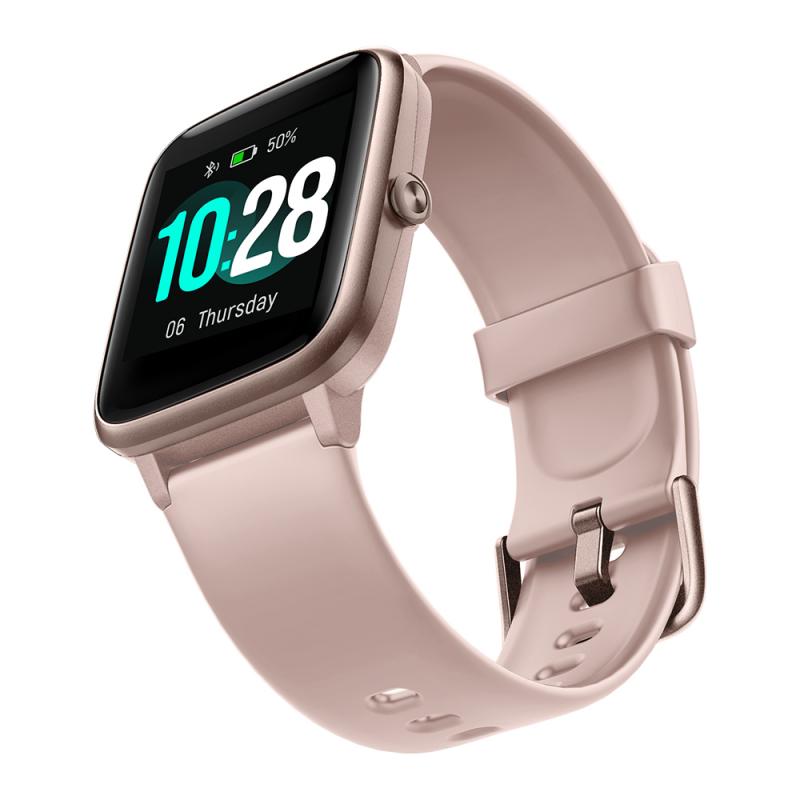
A Bluetooth smartwatch can make and receive calls only when it is connected to your phone. It uses your phone’s cellular connection. If your phone is in another room, your pocket, or your bag, that’s usually fine. If you leave your phone at home, the watch loses calling and texting ability.
A cellular smartwatch has its own mobile connection through LTE. These are the watches people usually mean when they ask for a smartwatch that can call and text by itself. You’ll typically pay extra for the cellular version of the watch, plus a monthly carrier fee to add it to your phone plan.
If you want freedom from your phone, buy the cellular model. If you mostly want convenience while your phone is nearby, Bluetooth may be enough.
Apple Watch: best choice for iPhone users
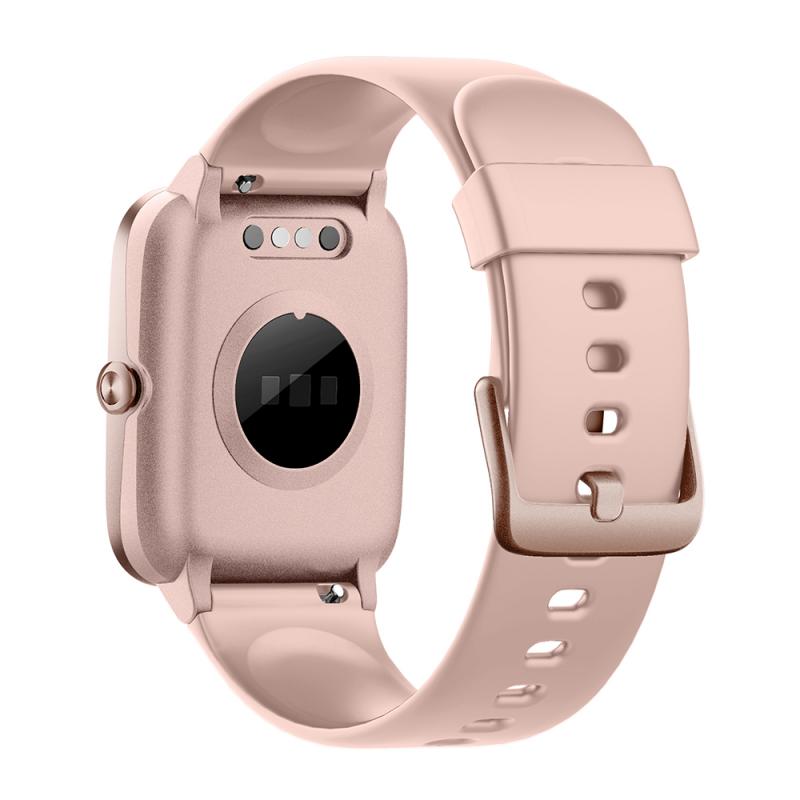
For most iPhone owners, the Apple Watch is the easiest recommendation. The cellular versions can make calls, send and receive texts, use Siri, stream music, share location, and handle emergency features without the iPhone nearby.
The experience is smooth because Apple controls both the iPhone and the watch software. Calls come through reliably, iMessage works well, and the keyboard, dictation, and quick replies are all usable. You can type short texts, dictate longer ones, send voice messages, or use preset replies like “On my way” or “Call you soon.”
The Apple Watch SE is the sensible pick for most people. It gives you calling, texting, fitness tracking, fall detection, emergency SOS, and solid performance without the higher price of the flagship models.
The Apple Watch Series models add features like a brighter always-on display, more health sensors, and a more premium feel. If you’ll wear it all day, every day, those upgrades are nice. If your main goal is calling and texting, the SE usually does the job.
A practical warning: battery life is still the biggest compromise. If you use LTE heavily — phone calls, maps, music streaming — the battery drains much faster than it does when paired to your iPhone. For short errands, workouts, school pickup, or a few hours away from your phone, it works well. For a full day of heavy standalone use, you’ll need realistic expectations.
Samsung Galaxy Watch: strongest option for Android users
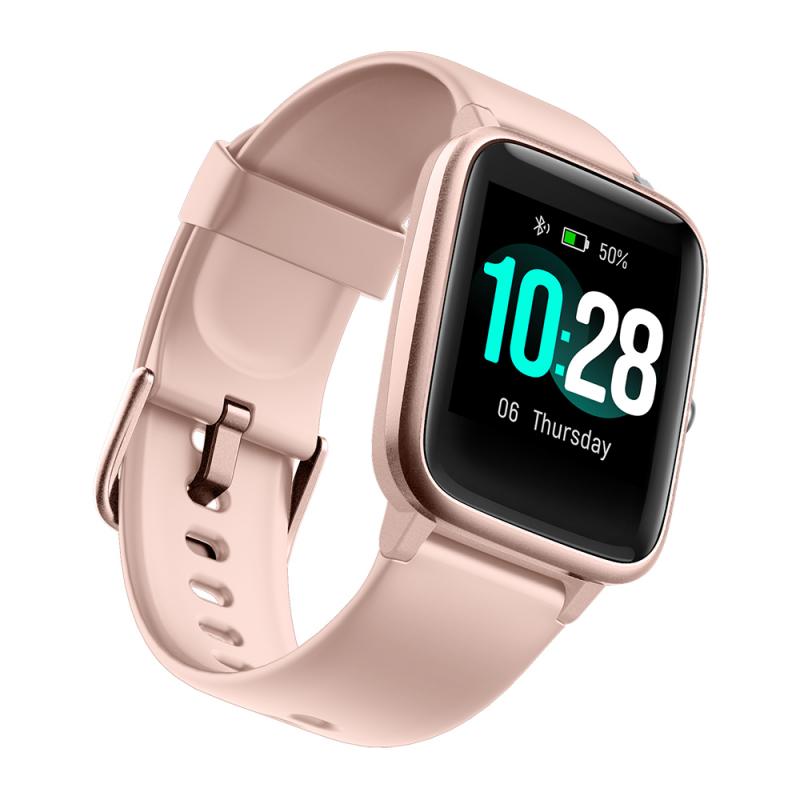
If you use a Samsung phone or another Android phone, the Samsung Galaxy Watch with LTE is usually the best mainstream option. It can make calls, send texts, receive notifications, use apps, track fitness, and work independently when activated on a mobile plan.
The call quality is surprisingly usable in quiet places. Around traffic, wind, or a busy store, you’ll want earbuds or you’ll find yourself holding your wrist close to your mouth like a secret agent. That’s normal for nearly every smartwatch, not just Samsung.
Texting works through voice dictation, quick replies, swipe typing, and a small keyboard. For quick responses, it’s convenient. For long conversations, your phone is still better. This is something buyers often misunderstand: a smartwatch is great for short communication, not for replacing your phone as a full texting device.
Samsung watches work best with Samsung phones. They can work with many Android phones, but some health features and app integrations may be limited depending on the phone model and region. If you’re using a Pixel or Motorola phone, check compatibility before buying.
Google Pixel Watch: clean Android experience, especially with Pixel phones
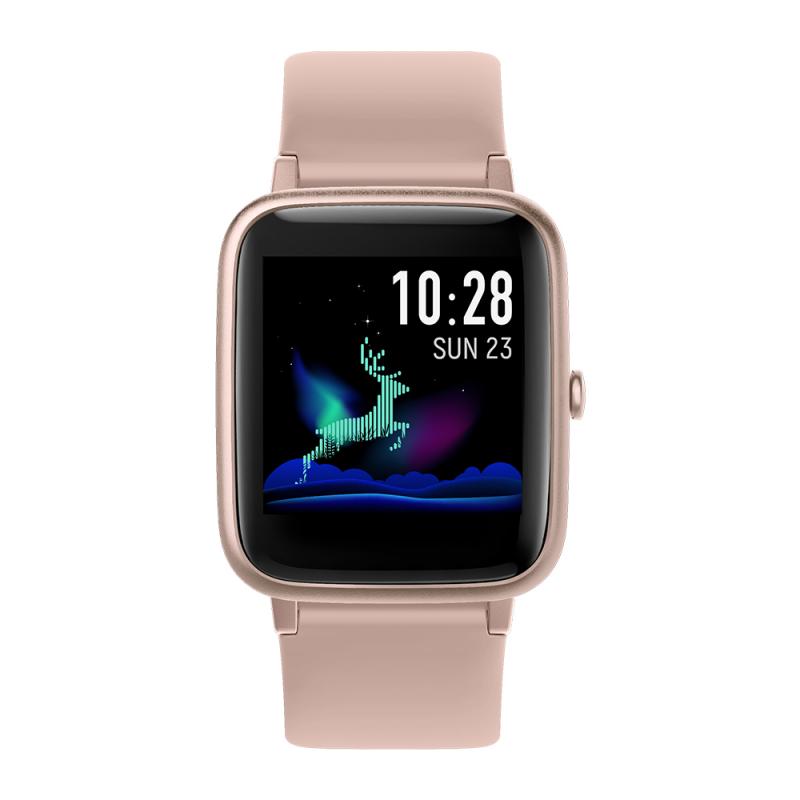
The LTE version of the Google Pixel Watch is another good option for calling and texting. It has a clean interface, solid Google services integration, and works especially well with Pixel phones.
It’s a good fit if you like Google Assistant, Gmail, Google Calendar, Maps, and Fitbit-style health tracking. Calls and texts work well once the watch is set up with a carrier plan.
The Pixel Watch feels more like a small phone companion than a rugged sports watch. It’s comfortable and polished, but battery life can be tight if you use LTE often. People who are out for long hikes, long shifts, or all-day travel may prefer something with longer battery performance.
Garmin watches: great for fitness, but not always full texting watches
Garmin makes excellent watches, especially for runners, cyclists, hikers, golfers, and people who care more about battery life than app features. Some Garmin models have LTE features, safety tracking, or incident alerts, but most are not designed to be full calling-and-texting replacements like an Apple Watch or Galaxy Watch.
Many Garmin watches can show texts and let Android users send quick replies when connected to a phone. iPhone users are more limited because Apple restricts how third-party watches interact with messages.
If calling and texting are your top priorities, don’t buy a Garmin unless you’ve checked that the exact model does what you need. Garmin is brilliant for training and battery life. It is usually not the best choice for everyday phone-like communication.
Kids’ smartwatches that can call and text
For children, the best option is often not an Apple Watch or Samsung watch. There are kid-focused smartwatches from brands like TickTalk, Gabb, Gizmo, and Xplora that are built around parent-controlled calling, messaging, GPS location, and school mode.
These watches usually don’t offer open internet access or full app stores, which is the point. Parents can approve contacts, limit usage during school hours, and track location. The child can call or message approved people without carrying a smartphone.
The trade-off is that these watches are less polished than adult smartwatches. Battery life, app smoothness, and durability vary a lot. Kids also test devices in ways adults don’t — playground dirt, water, drops, forgotten chargers. A rugged case and a simple interface matter more than fancy features.
If you’re buying for a child, focus on three things: approved contact controls, GPS reliability, and monthly service cost. Don’t assume every kids’ smartwatch works with every carrier.
Smartwatches for seniors and safety use
A calling smartwatch can be useful for older adults, especially if they sometimes forget their phone or don’t keep it nearby at home. Apple Watch is popular here because of fall detection, emergency SOS, medication reminders, heart rate alerts, and location sharing.
For someone who already uses an iPhone, a cellular Apple Watch can be a strong safety tool. Family Setup also allows certain Apple Watches to be managed without the wearer having their own iPhone, though setup still requires an iPhone in the family.
The most important factor is comfort with charging and wearing it daily. A watch that sits on the nightstand doesn’t help during a fall. Larger buttons, simple watch faces, and fewer unnecessary notifications make the experience better for seniors who don’t want a mini computer on their wrist.
What calling from a smartwatch is really like
Calling from a watch is convenient, but it is not magic. The speaker is small. The microphone is decent but exposed to wind and background noise. In a quiet kitchen, car, office, or hallway, it works fine. On a windy walk or in a loud store, it can get annoying.
For regular calls, Bluetooth earbuds make a huge difference. Many people use the watch to answer or start the call, then speak through AirPods, Galaxy Buds, Pixel Buds, or another headset.
Texting is similar. Quick replies are great. Voice dictation is often faster than typing. The tiny keyboard is useful in a pinch, but nobody wants to write paragraphs on a watch.
Think of it as a way to stay reachable, not a complete replacement for your phone.
Don’t forget the monthly cost
A cellular smartwatch usually needs its own line or add-on plan. In many cases, carriers charge around $10 per month, sometimes plus taxes and fees. Prices vary, and promotions change often.
You also need to make sure your carrier supports the watch you want. Buying an LTE watch does not automatically mean it will work with your mobile provider. This is especially important with used watches, imported models, and kids’ watches.
Before buying, check:
- Whether the watch is the cellular/LTE version
- Whether your carrier supports that exact model
- Whether it needs to be added to an existing phone plan
- The monthly cost after taxes and fees
- Whether number sharing is supported
Number sharing lets your watch use the same phone number as your smartphone. That’s what most adults want. Kids’ watches often use their own number.
Battery life is the hidden dealbreaker
A smartwatch connected to your phone over Bluetooth can last much longer than one relying on LTE all day. LTE uses more power, especially during calls, streaming, navigation, and poor signal conditions.
If you plan to leave your phone behind for a one-hour run or a quick shopping trip, most cellular watches handle that well. If you want a watch to replace your phone for an entire workday, choose carefully and expect to charge daily.
Apple Watch and Pixel Watch users should plan on daily charging. Samsung is similar, depending on model and settings. Garmin generally wins on battery life, but again, most Garmin models are not true phone-like calling and texting devices.
Which smartwatch should you buy?
If you use an iPhone, get a cellular Apple Watch. The Apple Watch SE is the best value if calling and texting are your main needs. Choose a newer Series model if you want the better display and extra health features.
If you use Android, look at the Samsung Galaxy Watch LTE first. It gives the most complete calling and texting experience for most Android users. Pixel phone owners should also consider the Pixel Watch LTE, especially if they like Google’s apps and Fitbit integration.
If you’re buying for a child, look at a kid-specific watch with parental controls instead of a full adult smartwatch.
If you mainly care about fitness and battery life, Garmin may be better — but only if you don’t need full standalone calling and texting.
The best smartwatch for calls and texts is the one that fits your phone, your carrier, and the way you’ll actually use it. A cellular model gives you the freedom people expect, but the small screen, battery limits, and monthly fee are part of the deal. For quick calls, short texts, safety, and staying reachable without carrying your phone everywhere, a good LTE smartwatch can be genuinely useful.