How Accurate Are Smart Watch Blood Oxygen Monitor?
Smartwatch blood oxygen readings can be useful as a rough wellness check, but they are not as accurate or dependable as a medical fingertip pulse oximeter, especially when the reading matters clinically.
If your watch says your blood oxygen is 97% while you’re relaxed and sitting still, that’s generally reassuring. If it says 88% once, then 96% two minutes later, the watch probably struggled with the measurement. If you repeatedly see low readings, feel short of breath, have chest pain, blue lips, confusion, or a known lung/heart condition, don’t rely on the watch — use a proper pulse oximeter and seek medical advice.
What smartwatch blood oxygen sensors are actually measuring
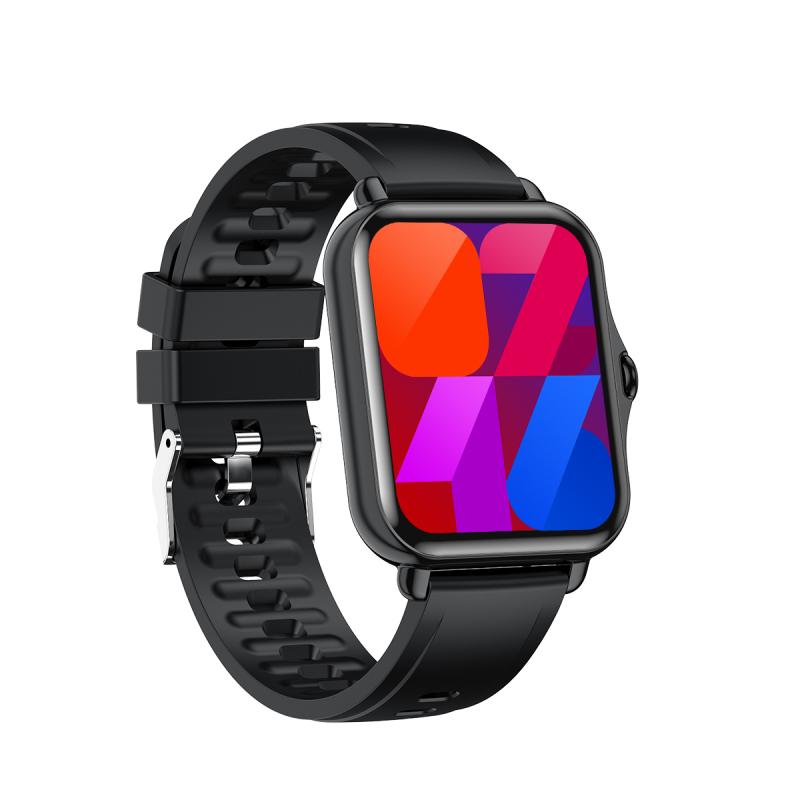
Smartwatches estimate blood oxygen saturation, often shown as SpO₂. This is the percentage of hemoglobin in your blood carrying oxygen.
A healthy person at sea level often reads somewhere around 95–100% on a good fingertip oximeter. Some people with lung disease, sleep apnea, heart problems, or high-altitude exposure may run lower. The number can also dip temporarily during sleep or heavy exertion.
The watch measures this using light. LEDs shine into the skin on your wrist, and sensors look at how much light is reflected back. Oxygenated and deoxygenated blood absorb light differently, so the device estimates saturation from that signal.
A fingertip pulse oximeter uses a similar principle, but it has an easier job. It shines light through a thin part of the body with strong blood flow. A smartwatch has to read reflected light from the wrist, where the signal is weaker and more easily disturbed.
That difference matters a lot.
How accurate are smartwatch oxygen readings in normal use?
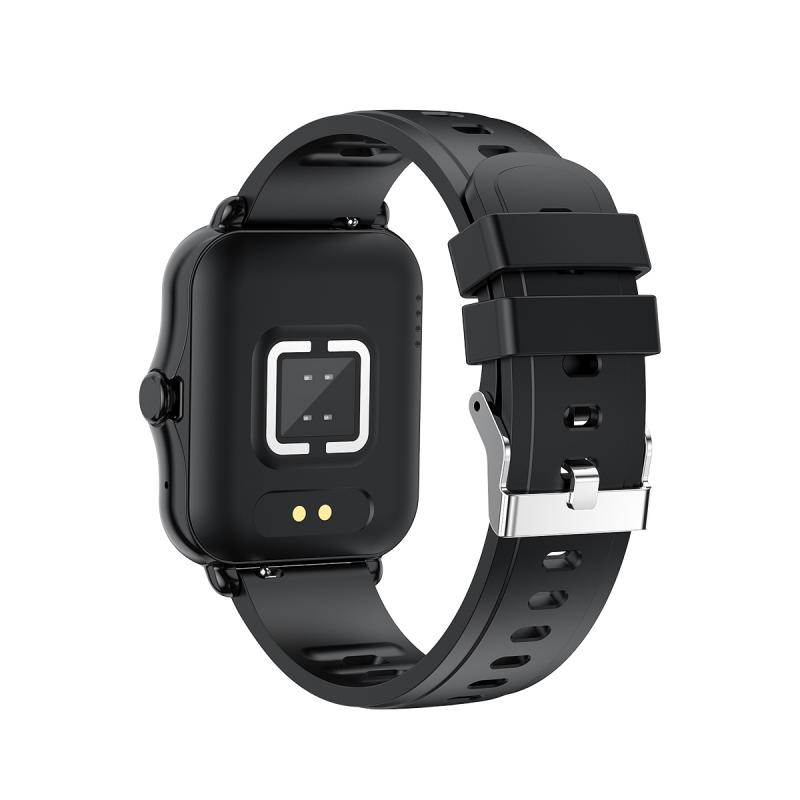
In good conditions, many modern smartwatches can land fairly close to a fingertip oximeter. If you are warm, still, wearing the watch correctly, and have normal oxygen levels, the reading may be within a few percentage points.
In real life, the accuracy is more uneven.
Wrist-based oxygen sensors are sensitive to:
- loose watch fit
- movement
- cold hands or poor circulation
- tattoos under the sensor
- darker or very uneven skin pigmentation
- sweat, lotion, dirt, or hair
- bony wrists
- low battery or sensor placement issues
- trying to measure during exercise
- sleeping with the watch shifted off position
I’ve seen the same pattern many users notice: normal readings look believable most of the time, but the odd low reading can appear out of nowhere. A watch might show 91% during the night, then 98% when you run a manual check while sitting upright. That doesn’t always mean your oxygen truly dropped. It may simply mean the sensor lost a clean signal.
This is why smartwatch SpO₂ is better for trends than single readings.
If your watch usually shows 96–99% and suddenly starts showing repeated readings in the low 90s over several days, that may be worth paying attention to. If it gives one strange number after a restless night, don’t panic based on that alone.
Why watches struggle more than fingertip pulse oximeters
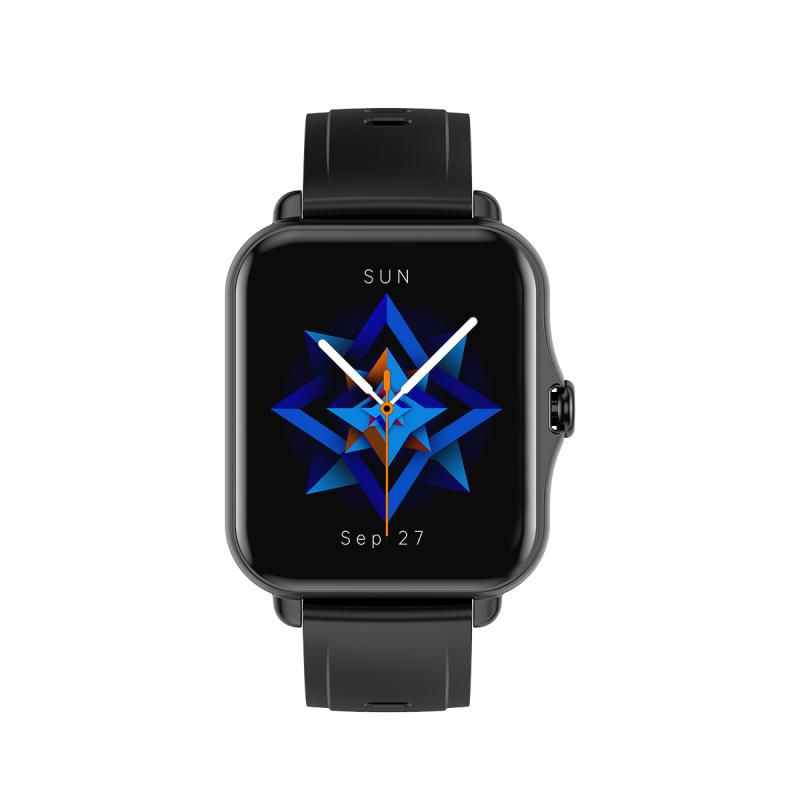
The wrist is a difficult place to measure oxygen saturation.
A fingertip oximeter clips firmly around your finger and reads blood flow through tissue. The finger has rich blood circulation and gives the device a stronger signal. You’re also usually sitting still while using it.
A smartwatch sits on top of the wrist. It has to interpret reflected light through skin, tissue, small blood vessels, and whatever gets between the sensor and your skin. Even a tiny gap caused by a loose strap can throw it off. During sleep, your wrist may bend, the watch may rotate, or your arm may be under your body, reducing blood flow.
This is why a cheap but decent fingertip pulse oximeter often gives more consistent results than an expensive smartwatch.
Not all fingertip oximeters are perfect either. Very cheap units can be inaccurate, especially with cold fingers or poor circulation. But for spot-checking blood oxygen, a proper finger device is generally the better tool.
Are Apple Watch, Garmin, Fitbit, and Samsung oxygen sensors medical-grade?
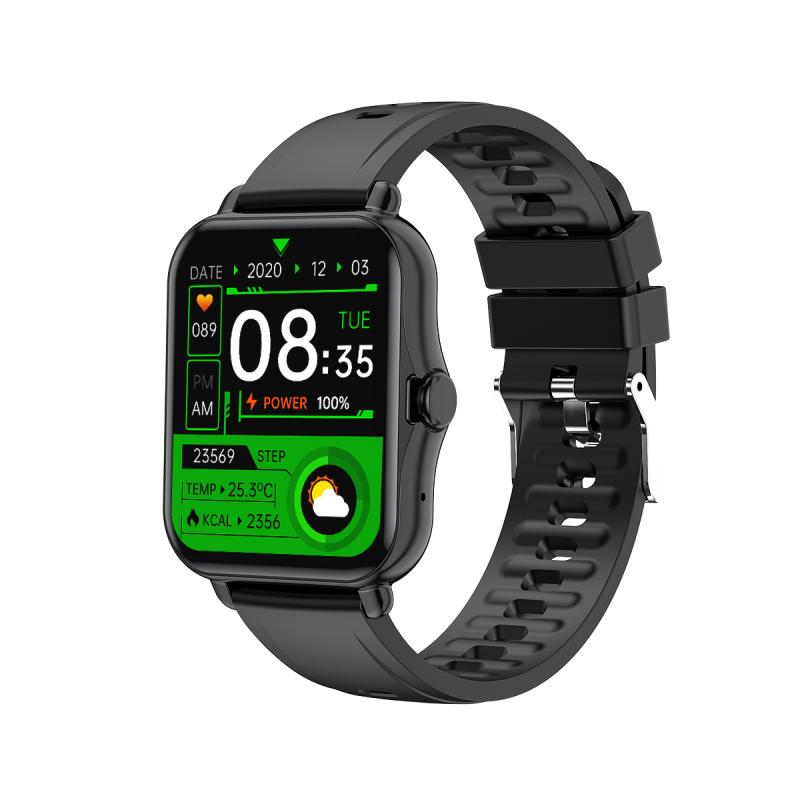
Most smartwatch blood oxygen features are marketed as wellness tools, not diagnostic medical devices. The wording varies by brand and country, but the practical meaning is the same: these readings should not be used to diagnose, treat, or monitor a medical condition without professional guidance.
Apple Watch, Garmin, Fitbit, Samsung Galaxy Watch, and similar devices can provide helpful context, especially when paired with heart rate, sleep, altitude, and activity data. They are not replacements for hospital-grade monitors or medically validated pulse oximeters.
This matters if you have conditions such as:
- COPD
- asthma that flares badly
- pneumonia or respiratory infection
- sleep apnea
- heart failure
- long COVID symptoms
- pulmonary hypertension
- recent surgery
- oxygen therapy use
For those situations, a smartwatch may be interesting, but it should not be your main safety device.
What is a normal blood oxygen reading on a smartwatch?
For many healthy adults, a typical watch reading will be around 95–100%. Readings of 93–94% may happen occasionally, especially during sleep, at altitude, or if the sensor gets a poor signal.
Repeated readings below 92% deserve more caution, especially if they are confirmed by a fingertip oximeter. Readings below 90% are generally considered low and should be taken seriously, particularly with symptoms.
Context matters. Someone living at high altitude may have lower normal readings than someone at sea level. A person with chronic lung disease may have a target oxygen range set by their clinician. Athletes are not immune to low oxygen either, but their resting numbers are usually still in the normal range unless altitude, illness, or a medical issue is involved.
The mistake many people make is treating every number from the watch as equally reliable. It isn’t. A clean manual reading while sitting still is more useful than an automatic reading taken while your arm was twisted under a pillow.
How to get the most reliable reading from a smartwatch
If you want the best possible reading, treat the watch like a measurement device for a minute, not like a casual background sensor.
Sit down and rest your arm on a table or your lap. Keep your wrist still. Wear the watch snugly, slightly above the wrist bone, with the sensor flat against the skin. Your hand should be warm. Don’t take the reading immediately after walking upstairs, showering, exercising, or coming in from the cold.
If you get a surprisingly low result, repeat it after a few minutes. Then compare with a fingertip pulse oximeter if you have one. One bad reading is common. Several low readings taken carefully are more meaningful.
At night, make sure the watch is not too loose. Many people wear watches looser while sleeping for comfort, but that can make oxygen readings worse. The strap should be secure without cutting off circulation.
Also check whether your watch records oxygen continuously, periodically, or only during sleep. Some devices take sparse samples and then show an average or range. That can make the data look more precise than it really is.
Smartwatch oxygen readings during sleep
Sleep SpO₂ is one of the more interesting uses for smartwatch sensors, but also one of the easiest to misread.
A watch may show an overnight oxygen range, average, or estimated variation. Small dips can happen normally. Bigger or repeated drops may suggest poor breathing during sleep, especially if paired with loud snoring, morning headaches, daytime sleepiness, or waking up gasping.
Still, a smartwatch cannot diagnose sleep apnea. It may raise a useful red flag, but a proper sleep study is the standard way to evaluate it.
The most practical use is pattern recognition. If your watch shows repeated oxygen dips night after night and you also have symptoms, it gives you a reason to talk to a clinician. Bring the data, but don’t expect the watch graph alone to settle the question.
Why you may see false low readings
False lows are common with wrist-based oxygen sensors. The usual causes are boring but easy to overlook.
A loose strap is probably the biggest one. If the watch slides around, the sensor loses stable contact. Cold skin is another. Reduced blood flow makes the signal weaker. Sleeping position can also matter; lying on your arm or bending your wrist sharply may affect the reading.
Tattoos are a known problem for optical sensors. Dark ink under the sensor can interfere with light-based measurements. Some users find moving the watch slightly higher or using the other wrist helps.
Movement is another major issue. Trying to measure oxygen while walking, cooking, typing, or talking with your hands can produce junk data. Wrist sensors need stillness.
When you should not trust the watch
Do not rely on a smartwatch blood oxygen reading if you feel unwell and the number looks normal. Symptoms matter more than the watch.
A normal SpO₂ reading does not rule out every serious problem. Shortness of breath, chest pressure, fainting, blue or gray lips, severe weakness, confusion, or worsening breathing symptoms need medical attention regardless of what your watch says.
Also don’t use a smartwatch to decide whether to start, stop, or adjust supplemental oxygen unless your healthcare provider has specifically told you how to use it. People on oxygen therapy need more reliable monitoring.
The practical answer
Smartwatch blood oxygen monitors are reasonably useful for general wellness trends, sleep patterns, altitude awareness, and occasional spot checks. They can be surprisingly close under ideal conditions.
They are not consistently accurate enough to be treated like medical equipment. The wrist is a messy measurement site, and false low readings happen often enough that you should confirm anything concerning with a fingertip pulse oximeter or a healthcare professional.
For most healthy users, the best way to use the feature is simple: look for repeated patterns, not one-off numbers. Take manual readings properly when you want a cleaner result. If the reading is low and you feel fine, repeat it and confirm it. If the reading is low and you feel unwell, don’t troubleshoot the watch — get medical help.