How Many Security Cameras For A House?
How to Determine the Number of Security Cameras Needed for Your Home
When designing a home security camera system, one of the most common questions homeowners face is: how many security cameras are truly necessary? Striking the right balance between adequate coverage and avoiding overkill is key to creating a safe, secure, and budget-conscious system. The answer to this question depends on a range of factors, including the size and layout of your property, your security goals, and specific areas of concern.
In this article, we’ll break down the decision-making process to provide practical guidance tailored to meet your needs. You'll leave knowing how to assess your property, prioritize key areas, and determine the number of cameras that would best protect your home and family.
Step 1: Begin with Your Security Goals
Before you even think about which cameras to purchase or their placement, take a moment to define your security priorities. Ask yourself the following questions:
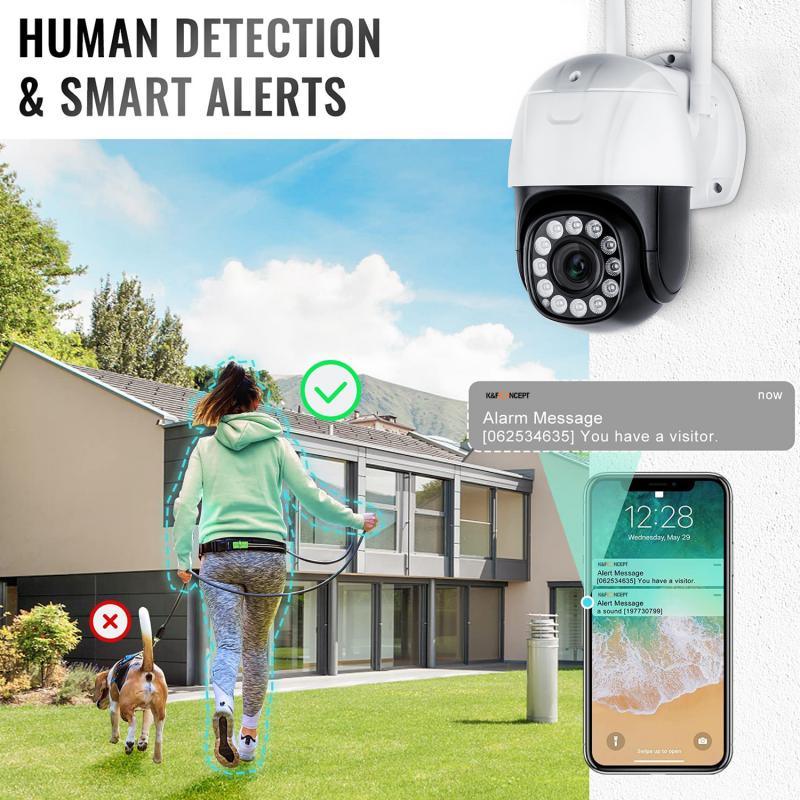
Do I want to deter break-ins? Homes with visible cameras are less likely to be targeted by intruders.
Do I need to monitor who comes to my door? Tracking visitors, delivery personnel, and potential threats is a common reason to install a front door camera.
Do I need round-the-clock monitoring? Some homeowners seek robust, continuous monitoring, while others are more concerned with specific high-risk periods.
Do I want to monitor specific valuables or entry points? This could include areas like a garage, driveway, or backyard.
Answering these questions will help you understand your level of vigilance and the critical areas that should fall under surveillance. From this foundation, you can map out the most efficient placement and number of cameras.
Step 2: Assess the Layout of Your Property
Every home is different. Variables such as square footage, outdoor space, and the number of entry points significantly influence the number of cameras required. Let’s break the property into key zones:
Critical Locations for Camera Installation
1. Front Door
- Around 34% of burglars use the front door to enter a home, making this the most critical spot for surveillance.
- A single camera focused on the front door can monitor deliveries, visitors, and any suspicious activity.
2. Back Door
- Approximately 22% of intruders look for less conspicuous entryways, such as the back door.
- A camera here is essential to ensure comprehensive coverage of primary access points.
3. Ground-Floor Windows
- Unlocked or breakable windows are common entry points for burglars. If your home has multiple ground-floor windows, you may need additional cameras strategically placed, or one that provides a panoramic view of the exterior.
4. Driveway and Garage
- A driveway or garage often stores valuable items such as cars, tools, and equipment. Recording this area helps deter vandalism and theft or provide evidence after an incident.
5. Yard (Front and Back)
- Outdoor spaces can be monitored for potential trespassers, ensuring children and pets are safe in your yard.
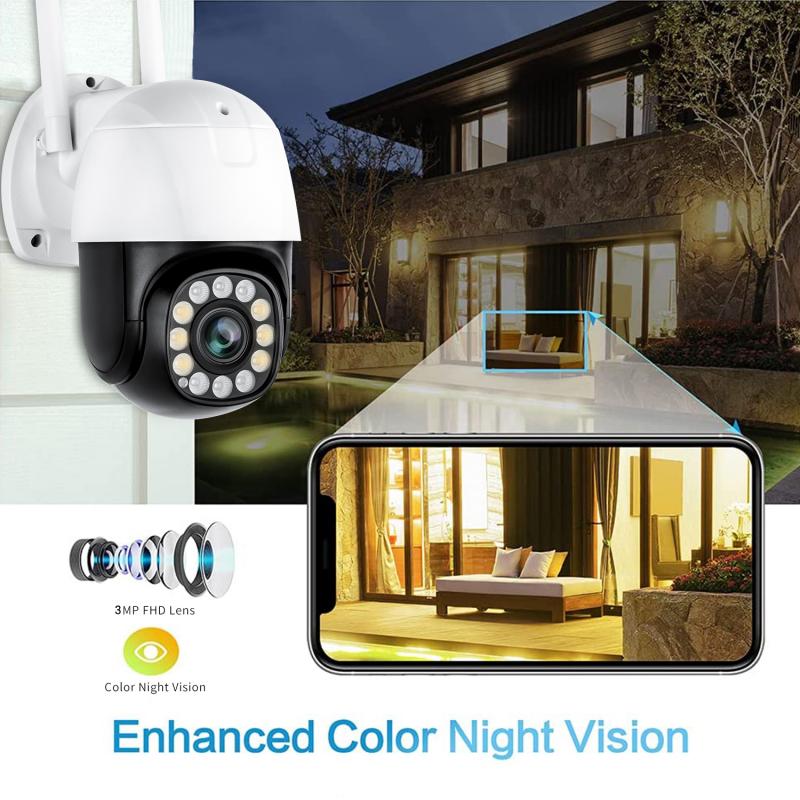
- Cameras here should be chosen with night vision capabilities due to the lack of consistent lighting.
6. Interior High-Risk Areas
- For added protection, some homeowners opt to monitor the interiors of their homes, focusing on entryways, hallways, and rooms containing valuables such as safes or electronics.
Step 3: Calculate Your Camera Needs
Now that you’ve identified the key zones for coverage, you can estimate the actual number of cameras needed. Below is a helpful framework. Adjustments may be necessary based on the size and layout of your home.
1. Small Homes (1,000 - 2,000 sqft):
- 4-6 cameras should suffice. Focus on the front door, back door, driveway, and yard areas.
2. Medium-Sized Homes (2,000 - 3,500 sqft):
- 6-10 cameras may be necessary. Add additional cameras for large windows, garage spaces, and specific valuables indoors.
3. Large Homes (3,500 sqft and up):
- You may require as many as 12-16 cameras to comprehensively monitor the larger perimeter, additional entrances, and expansive outdoor spaces.
These numbers are a general guideline. Depending on your security priorities, you may decide to start with fewer cameras and scale up based on your experience with the system.
Step 4: Consider Camera Types and Coverage Area
Certain cameras are better suited for specific locations and tasks. Keep these in mind when designing your setup:
1. Doorbell Cameras:
- Ideal for the front door and porch area; they provide two-way audio so you can interact with visitors remotely.
2. Outdoor Cameras:
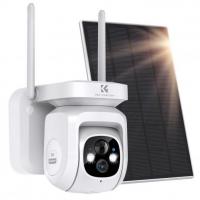
- Weatherproof units are essential for covering driveways, entrances, and yards. They often include motion detection and night vision.
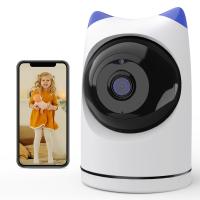
3. Indoor Cameras:
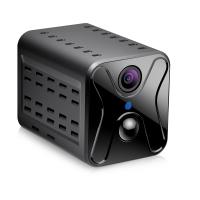
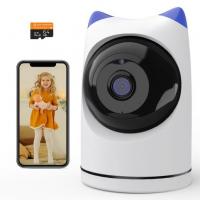
- Used to monitor significant areas inside your home. Compact designs can blend in with your decor.
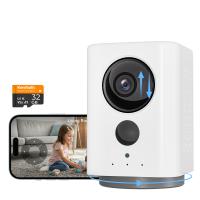
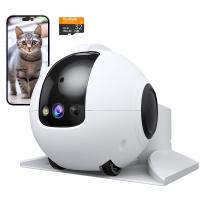
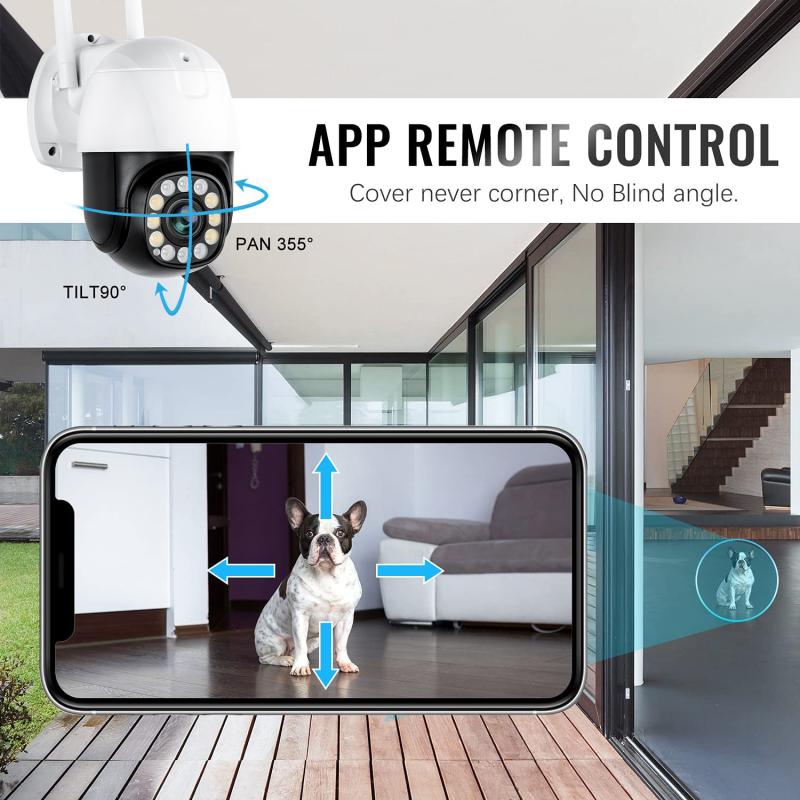
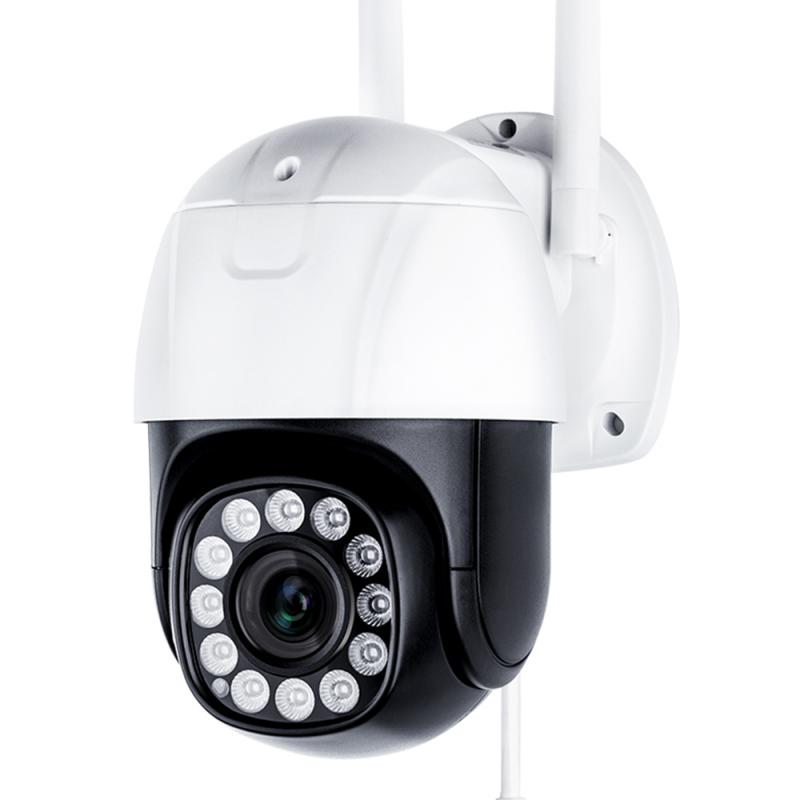
4. Pan-Tilt-Zoom Cameras:
- These cameras provide expansive, adjustable views and are great for outdoor spaces or open areas.
5. Wide-Angle Cameras:
- Useful for covering large areas like backyards or multiple entry points with a single unit.
Step 5: Factor in Camera Placement Best Practices
Proper positioning ensures each camera captures the most useful footage. Here are several important placement tips:
- Install cameras high enough to avoid tampering, but low enough to capture clear facial features.
- Aim cameras away from direct sunlight and reflective surfaces to prevent glare.
- Make use of the camera's field of view to maximize visibility. For instance, wide-angle cameras can cover more space with fewer units.
- Ensure outdoor cameras are weatherproof and can function in various temperatures and lighting conditions.
Step 6: Budget Considerations
The number of security cameras you need for your house is influenced by your budget. A basic DIY security system with 4-6 cameras may cost anywhere from $300 to $1,000, while larger or professionally installed systems with advanced capabilities like motion tracking, cloud storage, and AI-based alerts can exceed $3,000.
To keep costs down:
- Start small. Invest in cameras for the front door, back door, and driveway first, and expand the system as needed over time.
- Look for bundled camera systems, which are often more cost-effective than purchasing individual units.
Conclusion: Tailoring the Setup to Your Needs
No two homes are the same, and your security camera setup will differ depending on your unique priorities. To recap:
- The most critical areas to monitor are your front door, back door, driveway, and yard.
- A small home might require 4-6 cameras, medium homes 6-10, and large homes 12+.
- Consider the types of cameras available and select those that align with your specific needs.
- Proper placement is key to maximizing coverage and minimizing blind spots.
By following this process, you can design an intentional and effective home security system. Not only will this give you peace of mind, but it can also serve as a powerful deterrent to potential intrusions. With the right number of cameras and thoughtful setup, you'll be able to keep your home safe and secure for years to come.