How Much Does It Cost For Security Cameras?
Security Cameras: A Comprehensive Guide to Costs and Considerations
Investing in security cameras is one of the most effective ways to protect your property, enhance safety, and deter potential threats. Whether you're interested in securing your home, business, or any other premises, understanding the cost behind purchasing, installing, and maintaining security cameras is crucial for making an informed decision. In this article, we'll delve deep into the factors that determine how much security cameras cost, explore the types of systems available, and provide practical guidance on how to balance your budget with your security needs.
Why Cost for Security Cameras Varies
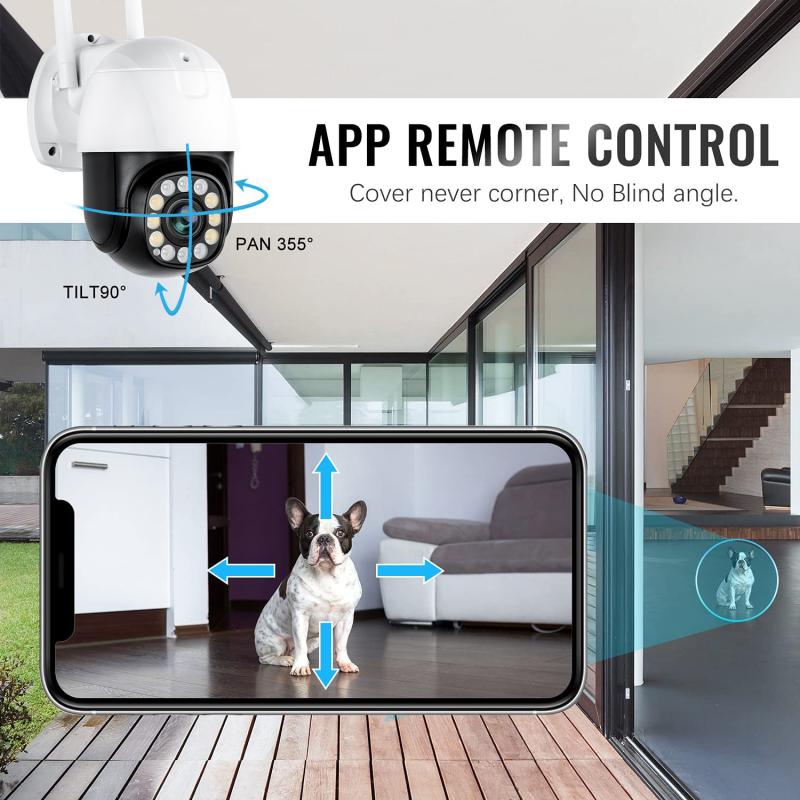
The price of security cameras can vary widely depending on several factors. These include camera features, equipment type, installation charges, and ongoing costs such as maintenance or subscription fees for cloud storage. Here are the major cost determinants:
1. Type of Camera:
Wired Cameras: Wired cameras are typically more reliable and often have higher image quality compared to wireless options. However, they require professional installation and wiring, which can increase upfront costs.
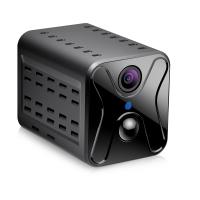
Wireless Cameras: These are easier to install and often more budget-friendly, but they might have limited range and higher susceptibility to interference.
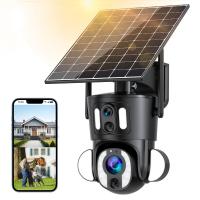
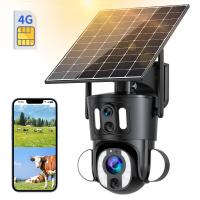
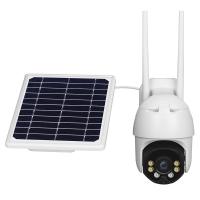
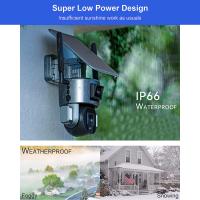
Indoor vs. Outdoor Cameras: Outdoor cameras are usually more expensive as they need weatherproof designs and additional durability features.
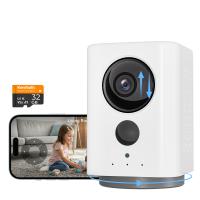
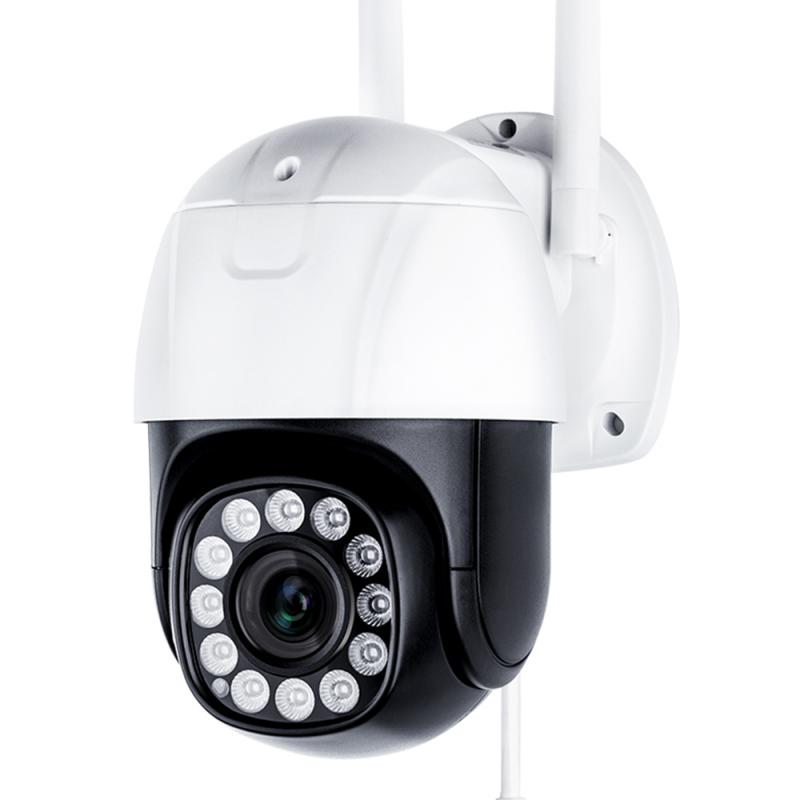
PTZ Cameras: Pan-Tilt-Zoom cameras come with advanced functionality that allows them to rotate or zoom in to capture details—making them more expensive than fixed cameras.
2. Features Included:
Resolution: Higher resolution (e.g., 4K) cameras will usually cost more than lower-resolution models, such as 720p or 1080p.
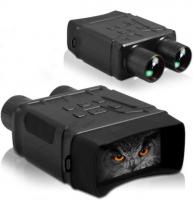
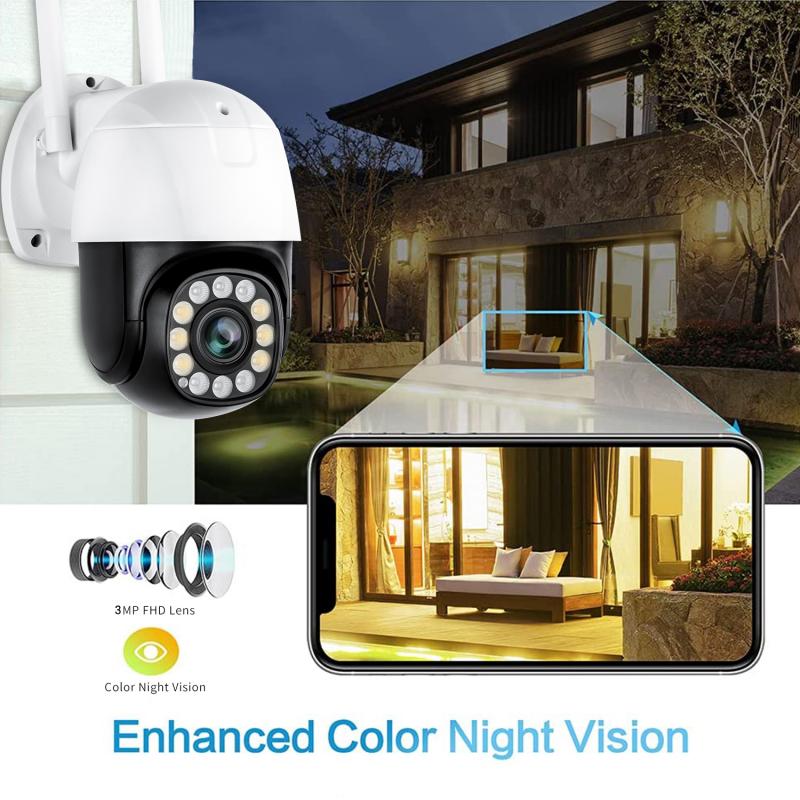
Night Vision: Cameras equipped with infrared sensors or color night vision are priced higher.
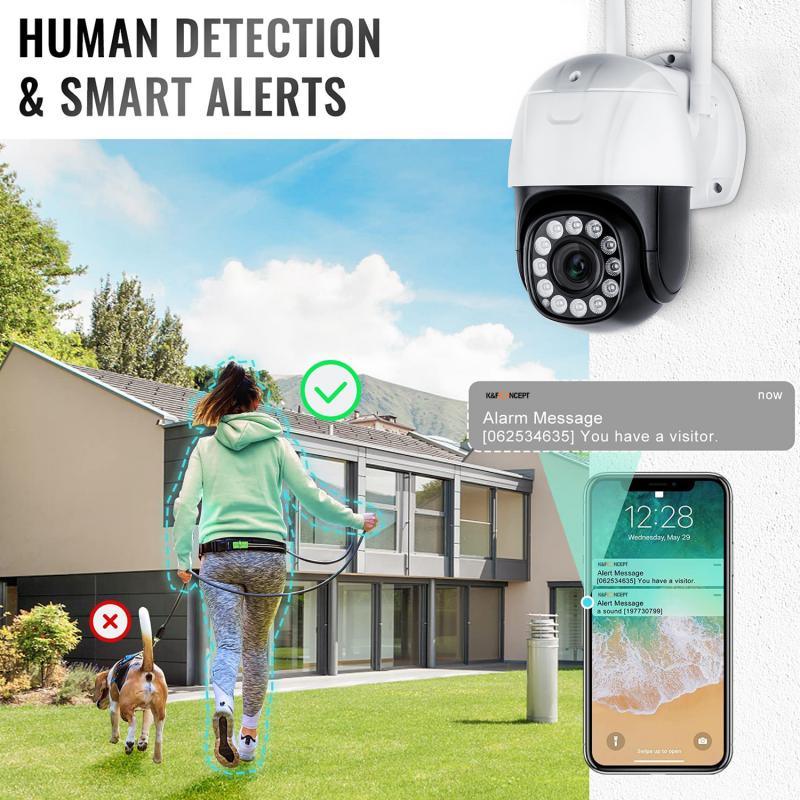
Smart Features: Systems integrated with AI-based technology, facial recognition, motion detection, or mobile app connectivity are typically on the expensive side.
Cloud Storage: Cameras offering cloud-based storage often come with an ongoing subscription fee for accessing footage.
3. Number of Cameras Needed:
The larger your property and the more extensive the coverage you require, the more cameras you'll need—leading to higher overall costs. For single-room surveillance, one camera may suffice, while multi-point and sprawling properties need intricate multi-camera systems.
4. Brand Reputation and Quality:
The brand will also influence pricing. Well-known security camera brands such as Arlo, Ring, Nest, and Lorex typically charge more due to their reputation for better technology, reliability, and customer support.
5. Installation Costs:
Professional installation services are an added expense for many types of cameras, especially wired cameras that require customized wiring and possibly drilling. DIY systems often help eliminate labor costs and make pricing more affordable.
6. Maintenance and Subscription Costs:
- Some security system providers offer annual maintenance services, repairs, or upgrades as part of recurring costs.
- Cloud storage subscriptions can add monthly or yearly fees ranging from $2 to $30+, depending on the amount of footage you want to store.
Average Costs of Security Cameras
Below is an average price range for different types of cameras and installation:
1. Individual Camera Costs:
- Basic Indoor Camera: $20–$100
- Outdoor Camera: $50–$200
- High-Resolution Cameras (4K): $150–$400
- PTZ Cameras: $300–$1,000+
- Wireless Smart Doorbell Cameras: $75–$300
2. Full System Packages:
- DIY Home Security Systems (2–4 cameras): $150–$500
- Mid-range system with professional monitoring (4–8 cameras): $500–$2,000
- Advanced Surveillance Systems (commercial-grade, 10+ cameras): $2,000–$10,000+
Costs vary based on the camera type, brand, coverage area, and included equipment.
3. Installation Fees:
- DIY: $0 (free if you install the cameras yourself)
- Professional Installation: $100–$500+ depending on the complexity of installation (e.g., wired system across multiple areas).
4. Recurring Subscription Fees:
Many security cameras require ongoing subscriptions for cloud storage or advanced features, such as custom alerts and live monitoring. Here are some general pricing details:
- Basic cloud subscription: $2–$5 per month per camera
- Premium subscription for advanced storage and monitoring: $10–$30 per month per camera/system
Factors to Consider Before Purchasing Security Cameras
Although understanding costs is essential, there are additional factors to evaluate before choosing the best security camera system for your needs. Consider the following questions when selecting a system:
1. Purpose and Coverage Needs
What is the primary goal of installing security cameras? Is it to monitor entry points, observe indoor activity, or provide outdoor surveillance? Defining the purpose helps you decide the number of cameras your system will need to cover all critical areas effectively.
2. Camera Features
Do you require a camera with night vision or a high resolution for detailed recordings? Would you prefer a smart system with mobile alerts? Factor in these preferences when comparing models, as more features often increase costs.
3. Integration with Smart Home Devices
If you own other smart devices (e.g., smart speakers, lights, locks), compatibility with your security camera is important for seamless integration. Some brands, like Nest and Ring, are designed to integrate efficiently into smart home ecosystems.
4. DIY vs. Professional Installation
Are you comfortable with DIY setups, or do you want professional installation? A DIY approach is ideal for renters or those with limited budgets, but professional services offer precision for permanent residential or business needs.
5. Long-term Costs
Consider whether you’re willing to pay monthly or annual subscription fees for cloud recording or additional functionalities, as these can rack up over time.
Cost-Saving Tips When Buying Security Cameras
1. Opt for DIY Installation: You can save on labor charges by installing cameras yourself. Most wireless systems come with user-friendly instructions and don't require extensive technical expertise.
2. Bundle Deals: Many security camera companies offer packages that include multiple cameras, cloud storage, and additional features. Buying bundled systems is often cheaper than purchasing individual components separately.
3. Choose Basic Features: If advanced features like facial recognition or AI capabilities aren’t necessary for your needs, consider opting for basic models to reduce costs.
4. Leverage Discounts: Keep an eye on seasonal sales or promotional discounts offered by brands or retailers like Amazon, Best Buy, or Costco.
5. No Subscription Services: Opt for cameras with SD card storage rather than cloud-based storage if you want to avoid recurring fees.
6. Compare Brands and Shop Around: Research and compare pricing from multiple brands. Affordable options such as Wyze or Blink may be suitable for light security needs, while higher-tier brands like Arlo or Nest are better for robust systems.
Practical Example: Cost Analysis for a Home Setup
Let’s assume you’re seeking security cameras for a standard home setup:
2 indoor cameras for living areas: $50 each ($100 total)
2 outdoor cameras for entry points: $150 each ($300 total)
Installation charges for wired setup: $200
Cloud subscription for 1 year: $10/month per camera ($480 total for 4 cameras annually)
In this case, the overall expense for purchasing and installing a security camera system for your home would amount to $1,080—covering equipment, installation, and subscription costs for the first year.
Conclusion: Spending Wisely While Staying Secure
Security cameras are an invaluable investment when it comes to protecting your property, loved ones, and peace of mind. Their costs can vary depending on the features, installation requirements, and brand you choose. Budget-conscious buyers can save by opting for DIY setups, streamlined packages, and basic models. However, those seeking maximum protection and premium features might require a higher investment.
By thoroughly evaluating your needs, comparing products, and factoring in ongoing expenses, you can find a security camera system that aligns perfectly with your budget and requirements. Remember: the right security solution is about striking the balance between cost and functionality while ensuring your security goals are effectively met.