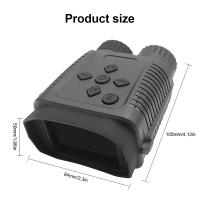
How Much Does A Security Camera System Cost?
How Much Does a Security Camera System Cost? A Comprehensive Guide
The increasing emphasis on safety and surveillance has made security camera systems a necessity for homes, businesses, and public spaces. Whether you're seeking security for your residence or a robust setup to safeguard your office premises, understanding the cost of a security camera system is an essential first step in making an informed purchase decision.
Understanding the Components of a Security Camera System
Before we delve into the pricing, it’s important to understand what comprises a standard security camera system. The cost of a system isn’t just about the cameras themselves; it involves several components working together to ensure seamless surveillance. Let’s break these components down:
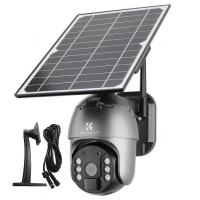
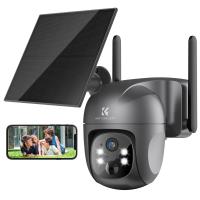
1. Cameras: The most obvious and essential part of the system. Cameras can range from basic models with standard definition to advanced devices with 4K resolution, night vision, or even facial recognition.
2. Digital Video Recorder (DVR) or Network Video Recorder (NVR): These devices store the footage recorded by the cameras. DVRs are typically used with analog cameras, while NVRs are paired with IP cameras.
3. Monitors: These allow you to view the camera footage in real-time or playback recorded clips.
4. Cabling and Mounting Equipment: If using a wired system, you’ll need cables and other hardware to set up the cameras and connect them to the recording device. Wireless systems may avoid this cost.
5. Installation Costs: Professional installation often ensures the system is configured correctly, but it comes with its own expenses.
6. Cloud Storage and Software: Many modern security systems use cloud-based storage in addition to, or instead of, local video storage. Cloud services might include monthly or annual subscription fees.
Each of these components affects the overall cost of the system. It’s also important to consider factors like the size of the surveillance area, the system’s scalability, and additional features such as integration with smart home devices.
Types of Security Camera Systems and Their Costs
The cost of a security camera system can vary widely based on its type and technical specifications. Here’s a breakdown of some popular options and their price ranges:
1. Basic DIY Systems
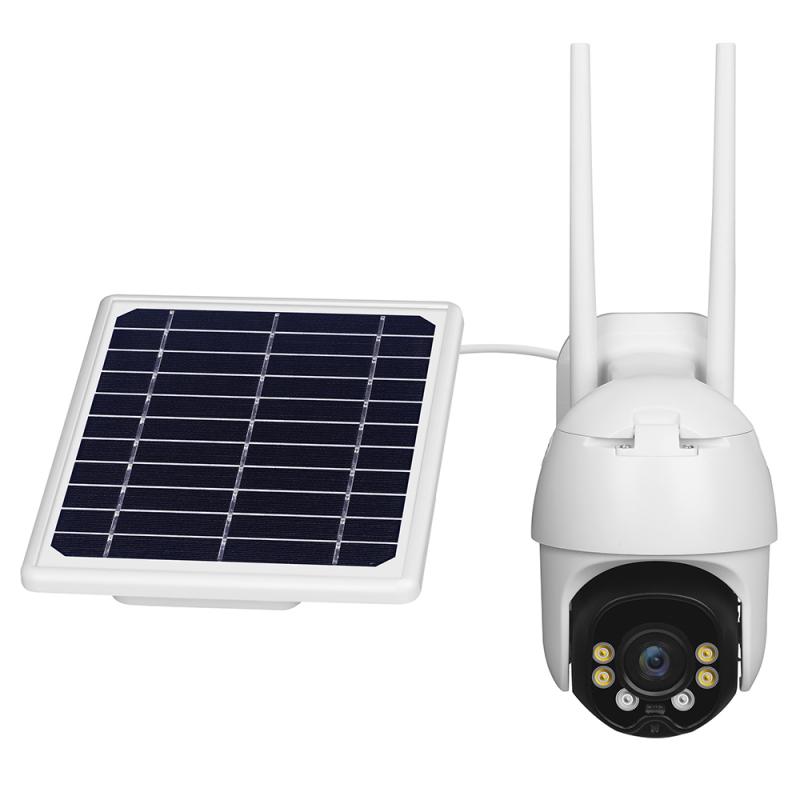
These are entry-level security systems designed for consumers who want to set them up themselves. They are suitable for small-scale surveillance, such as monitoring the front door or a small space inside a home.
Cost: $50 to $300
Features: Basic video recording, often wireless, limited video resolution (usually 720p or 1080p), mobile app connectivity.
Best For: Individuals or families looking for affordable, easy-to-install solutions.
2. Mid-Range Systems
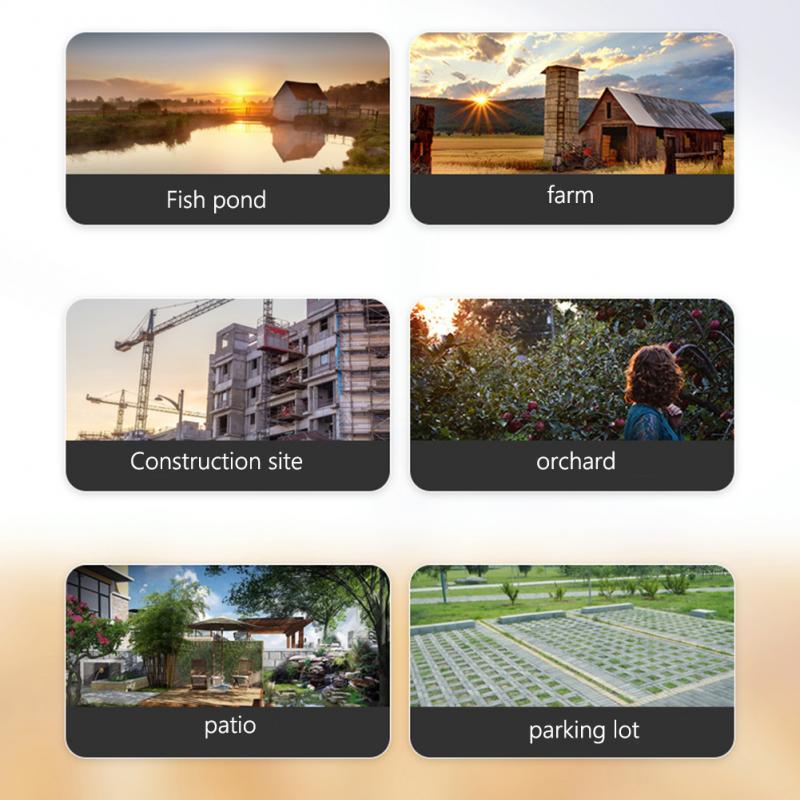
Mid-range systems typically come with higher-resolution cameras, more coverage area, and enhanced features such as night vision and motion detection.
Cost: $300 to $1,000
Features: Full HD cameras, multiple units in a system, weatherproof options for outdoor use, some basic cloud storage plans.
Best For: Small to medium-sized homes, rental properties, or small businesses.
3. High-End Systems
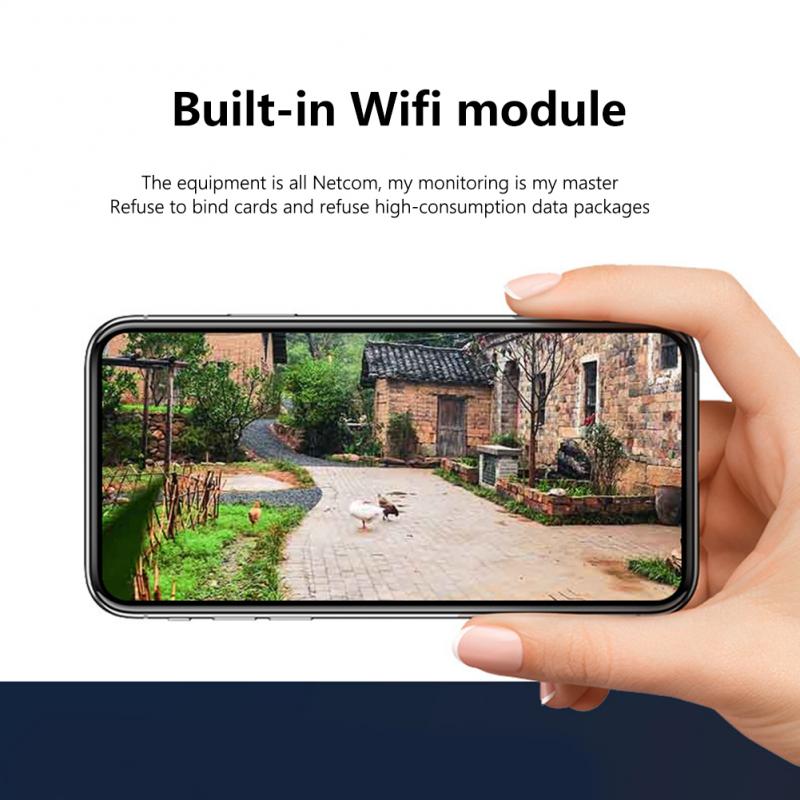
These systems are feature-rich with advanced functionalities aimed at ensuring premium security. They are often preferred for businesses and larger properties.
Cost: $1,000 to $5,000 or more
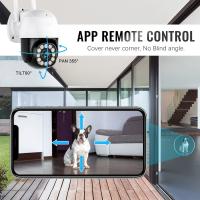
Features: 4K ultra-HD footage, PTZ (Pan-Tilt-Zoom) cameras, wide-angle lenses, facial recognition, robust NVR devices, and extensive storage options.
Best For: Commercial properties, multi-family complexes, large residential settings.
4. Customized or Comprehensive Systems
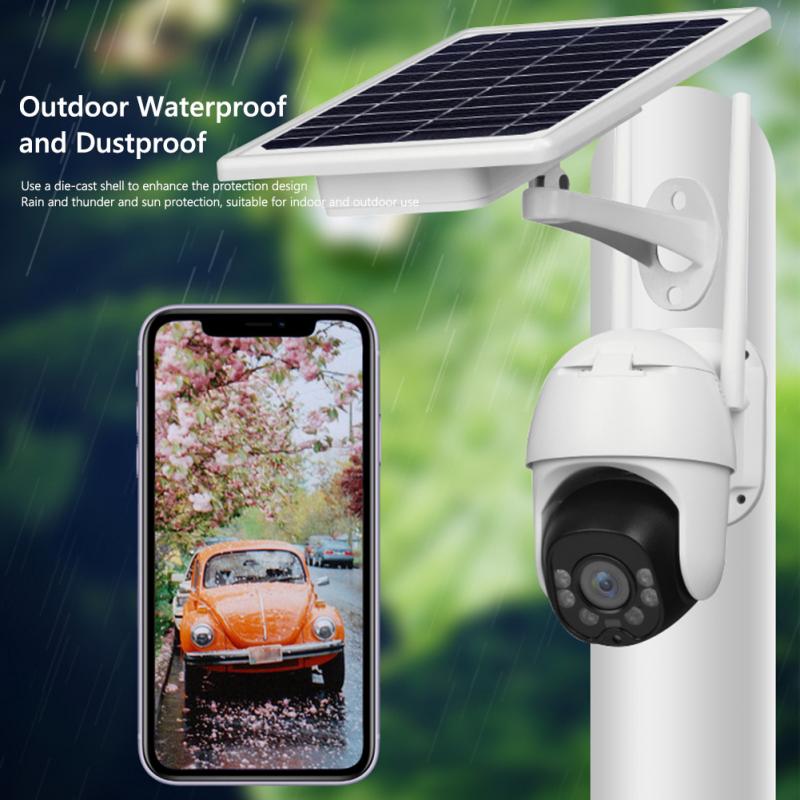
Tailored for specific needs, these systems are highly versatile and can include dozens of cameras, enterprise-level NVRs, and dedicated surveillance teams.
Cost: Starts at $5,000, can go as high as $50,000 or more depending on scalability.
Features: Custom configurations, long-term cloud storage, advanced analytics, and supplemental services like remote monitoring.
Best For: Large corporations, shopping malls, schools, hospitals, and government facilities.
Key Factors Influencing the Cost
So, why does the cost of a security camera system vary so much? Some core factors that influence pricing are:
1. Wired vs. Wireless Systems
- Wired systems often have lower upfront camera costs but involve higher installation fees due to the complexity of wiring.
- Wireless cameras, on the other hand, offer flexibility but might include additional costs for wireless dependability and maintenance.
2. Camera Resolution and Features
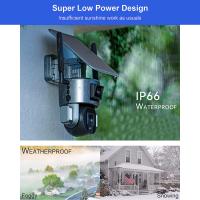
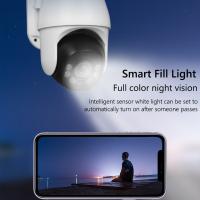
Better resolution (e.g., 1080p, 2K, 4K) ensures clearer video quality, especially when zooming in on footage. Night vision, motion detection, AI features like object tracking, and weatherproofing also contribute to the overall cost of the system.
3. Storage Options
Local storage via DVR or NVR is a one-time expense. However, cloud storage often incurs recurrent fees ranging from $10 to $60 per month depending on the provider and storage limits.
4. Brand and Warranty
Renowned brands like Ring, Nest, Arlo, and Hikvision come with a premium price tag but offer better quality, warranties, and customer support.
5. Post-Sales Maintenance
If your system requires regular updates, additional hardware, or periodic troubleshooting, these costs can add up over the years.
Is Installation a Make-or-Break Cost?
One of the most overlooked aspects of security camera systems is the expense of installation. Depending on your technical expertise, you may choose to install the system yourself or hire professionals. Here’s a comparison:
DIY Installation: Free, apart from any necessary tools. Best suited for wireless systems or simpler setups.
Professional Installation: $100 to $500, depending on the system’s complexity and the number of cameras to install.
In large-scale installations that span multiple buildings or require integration into an existing security network, installation costs can escalate drastically.
Tips on Choosing the Right Security Camera System for Your Needs
1. Determine Your Priorities: Is high resolution essential? Do you need 24/7 recording or motion-based capturing? Outline your requirements first.
2. Compare Total Costs: Factor in not just the initial purchase price but also long-term expenses like storage subscriptions and potential maintenance.
3. Check Integration Capabilities: Systems that integrate well with other smart devices like Alexa or Google Assistant can improve your overall smart home experience.
4. Factor in Scalability: If you foresee future expansion (e.g., adding more cameras), choose a system that can scale with your needs.
Common Questions About Security Camera Costs
1. Are wireless cameras worth the extra cost?
Wireless cameras are often easier to install, but their reliability can depend on your Wi-Fi strength. They are worth it if you value flexibility and a less intrusive setup.
2. Is cloud storage necessary?
Cloud storage ensures that your footage remains safe even if your hardware is stolen or damaged. However, it’s not always necessary, especially if you’re comfortable managing footage locally.
3. Should I invest in a professional-grade system for home use?
Professional-grade systems are often overkill for simple residential needs. Instead, look for mid-range options with solid reviews and tailored features.
Final Thoughts
The cost of a security camera system can vary from as little as $50 to tens of thousands of dollars depending on your specific needs and preferences. For homeowners and small business owners, mid-range systems often strike a balance between affordable pricing and essential features. Larger organizations, however, may need to invest in high-end or customized solutions to meet their complex requirements.
Ultimately, the right system is the one that offers peace of mind, delivers consistent performance, and aligns with your budget. By understanding the factors that influence pricing, you can make a purchase that ensures robust security while keeping costs under control.