kfconcept

KENTFAITH
K&F Concept    Blog >

Enjoy Your Selected Digital Life

Recently Viewed
  • Recently Viewed
  • 43mm Circular Polarizer Filter with 24 Multi-Layer Green Coatings HD/Hydrophobic/Scratch Resistant CPL Filters Nano-Dazzle
    43mm Circular Polarizer Filter with 24 Multi-Layer Green Coatings HD/Hydrophobic/Scratch Resistant CPL Filters Nano-Dazzle
    $24.99 $19.79
    64GB Multifunctional Recorder, Active Noise Reduction Voice Recorder, Mp3 Playback, Video Playback, Suitable for Lectures, Meetings, Interviews, Classrooms, Etc.
    64GB Multifunctional Recorder, Active Noise Reduction Voice Recorder, Mp3 Playback, Video Playback, Suitable for Lectures, Meetings, Interviews, Classrooms, Etc.
    $53.99
Compare (0) 0
  • Compare
  • You have not chosen any products to compare.

  • Compare
Currency: USD
  • Currency
Shop by Scene Shop by Rank

Log Into Your Account

Account

Order History

Wish List

Login

Forgotten Password?

Or connect with

Register Account

Already have an Account?Log In

  • Shopping Cart
  • Your shopping cart is empty!

  • Register/Login to purchase, earn points
  • Favorite
  • Your wish list is empty.

  • Register/Login to like, earn points
  • Activities
  • Guide
    • Filter Guide
    • Lens Adapter
    • Product Review
  • News & Reviews
    • Camera Reviews
    • Sample Gallery
    • News
  • Tutorials
    • Solar eclipse photography
    • Photography Basics
    • Landscape Photography
  • Inspiration
    • Travel
    • Travel Stories
  • Home
  • Blog
  • How To Adjust Tripod?

How To Adjust Tripod?

Kentfaith 2024-09-06 01:05:23 0 Comments

Adjusting a tripod is a fundamental skill for photographers, videographers, and anyone who uses a camera or other equipment that requires stable support. Whether you're a beginner or an experienced professional, knowing how to properly adjust your tripod can make a significant difference in the quality of your shots. In this article, we will delve into the various aspects of tripod adjustment, covering everything from setting up the tripod to fine-tuning its position for optimal performance.

Understanding the Components of a Tripod
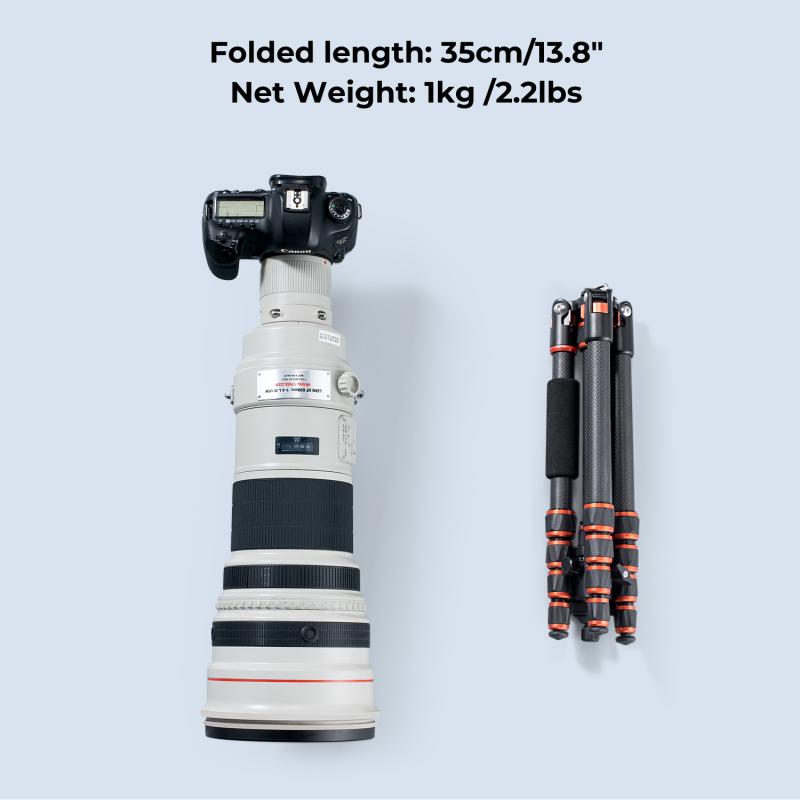
how to adjust tripod 1

Before we dive into the adjustment process, it's essential to understand the basic components of a tripod:

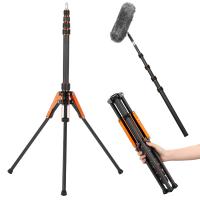
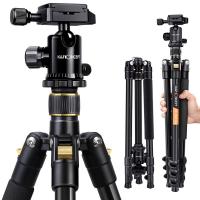
1. Legs: Most tripods have three legs, which can be extended or retracted to adjust the height.

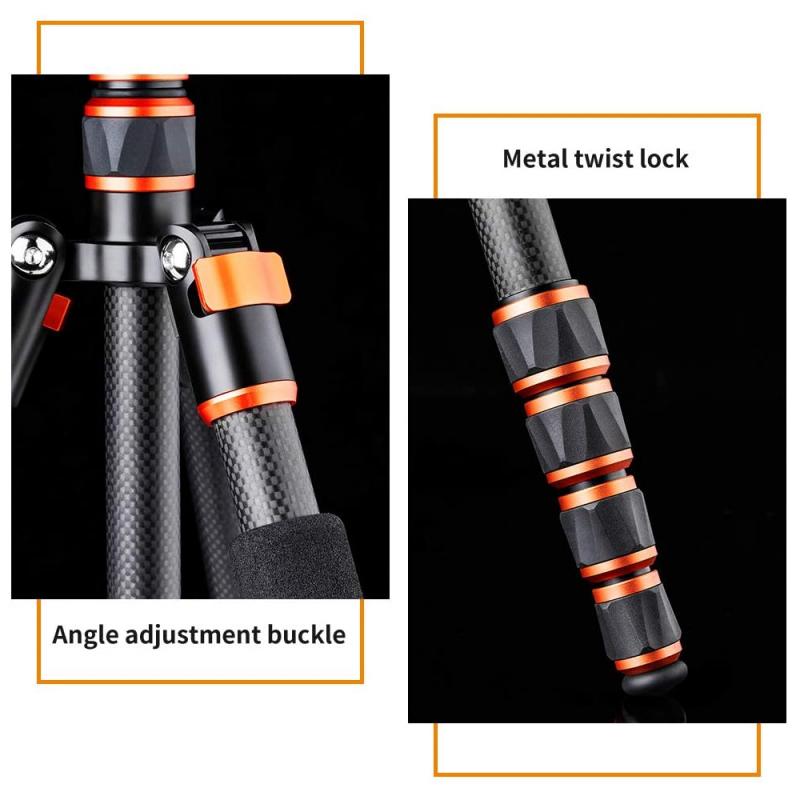
2. Leg Locks: These are mechanisms that secure the legs at a desired length. They can be flip locks, twist locks, or lever locks.

3. Center Column: This is a vertical column that can be raised or lowered to adjust the height further.

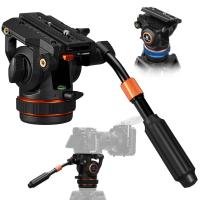
4. Head: The head is the part where the camera is mounted. It can be a ball head, pan-tilt head, or fluid head, depending on the type of tripod.

5. Quick Release Plate: This is a detachable plate that attaches to the camera and allows for quick mounting and dismounting.

Step-by-Step Guide to Adjusting a Tripod
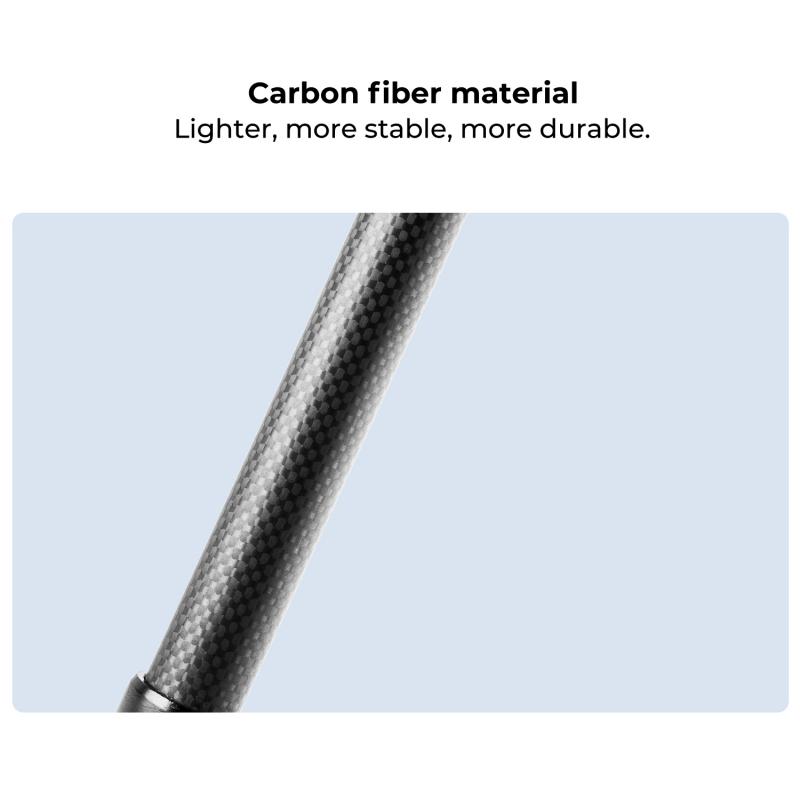
how to adjust tripod 2

1. Setting Up the Tripod

how to adjust tripod 3

Choose a Stable Surface: The first step in setting up your tripod is to find a stable, flat surface. Uneven or unstable ground can lead to shaky shots and potential damage to your equipment.

Spread the Legs: Fully spread the tripod legs to their widest position. This provides a stable base and reduces the risk of tipping over.

Adjust the Leg Length: Extend the legs to the desired height. Start with the thicker sections of the legs for better stability. Use the leg locks to secure the legs in place. Ensure that all legs are extended to the same length to keep the tripod level.

2. Adjusting the Center Column
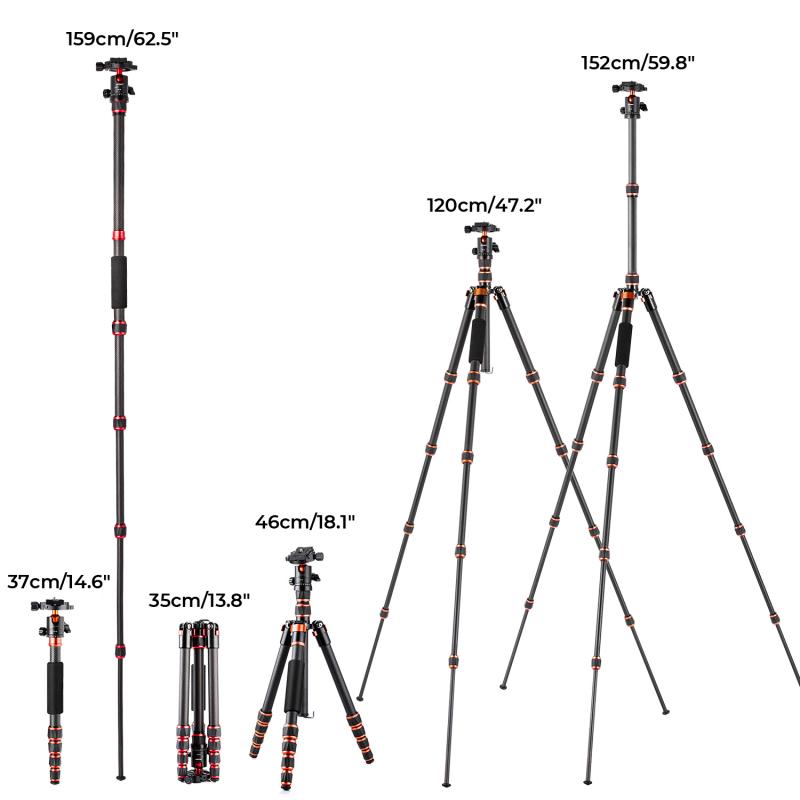
how to adjust tripod 4

Raise or Lower the Center Column: If you need additional height, you can raise the center column. However, be cautious when doing this, as raising the center column too high can compromise stability. Lowering the center column can provide extra stability if needed.

Lock the Center Column: Once the center column is at the desired height, use the locking mechanism to secure it in place. Make sure it is tightly locked to prevent any movement.

3. Positioning the Tripod Head

Level the Tripod Head: Use the built-in bubble level (if available) to ensure that the tripod head is level. This is crucial for achieving straight and balanced shots.

Adjust the Head Angle: Depending on the type of head your tripod has, you can adjust the angle to suit your needs. For a ball head, loosen the knob to move the head freely and then tighten it to lock it in place. For a pan-tilt head, use the separate controls to adjust the horizontal and vertical angles.

Attach the Quick Release Plate: Attach the quick release plate to your camera and then mount it onto the tripod head. Ensure that it is securely locked in place to prevent any accidental falls.

4. Fine-Tuning the Position

Check the Stability: Once everything is set up, give the tripod a gentle shake to check for stability. If there is any wobbling, readjust the legs and locks until the tripod is stable.

Recheck the Level: Double-check the bubble level to ensure that the tripod head is still level after making adjustments.

Adjust the Camera Position: Use the tripod head controls to fine-tune the camera position. Make sure the camera is pointing in the desired direction and at the correct angle.

Tips for Optimal Tripod Use

1. Use a Remote Shutter Release: To minimize camera shake, use a remote shutter release or the camera's self-timer function.

2. Add Weight for Stability: If you're shooting in windy conditions, hang a weight (such as your camera bag) from the center column hook to add extra stability.

3. Avoid Extending the Center Column Fully: Extending the center column to its maximum height can reduce stability. Use it sparingly and only when necessary.

4. Regular Maintenance: Keep your tripod clean and check the leg locks and other mechanisms regularly to ensure they are functioning correctly.

Common Mistakes to Avoid

1. Ignoring the Bubble Level: Not using the bubble level can result in uneven shots, especially in landscape photography.

2. Overloading the Tripod: Ensure that your tripod can support the weight of your camera and any additional equipment. Overloading can lead to instability and potential damage.

3. Improper Leg Locking: Failing to secure the leg locks properly can cause the tripod to collapse unexpectedly.

4. Neglecting the Ground Surface: Setting up on an unstable or uneven surface can compromise the stability of your tripod.

Adjusting a tripod may seem straightforward, but it requires attention to detail and an understanding of the various components and mechanisms. By following the steps outlined in this article, you can ensure that your tripod is set up correctly and provides the stability needed for high-quality shots. Remember to choose a stable surface, adjust the legs and center column carefully, and fine-tune the tripod head for optimal performance. With practice, adjusting your tripod will become second nature, allowing you to focus on capturing the perfect shot.
Leave your comment
Cancel reply
Note: HTML is not translated!
Related products
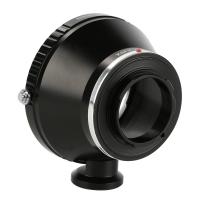
Olympus OM Lenses to Pentax Q Camera Mount Adapter with tripod mount
$55.99 $29.99
TM2624L 69.7‘’/177cm  Camera Tripod 8.8lbs Load Phone Tripod with 3-Way Pan Head & Detachable Monopod for DSLR (Only Ship to US)
TM2624L 69.7‘’/177cm Camera Tripod 8.8lbs Load Phone Tripod with 3-Way Pan Head & Detachable Monopod for DSLR (Only Ship to US)
35
$69.99 $59.99
Olympus OM Lenses to Canon EOS M Camera Mount Adapter with Tripod Mount
$64.99 $33.99
Professional Fluid Head, Silky-Smooth Fluid Head Tripod for Video Stable Tripod Head Mount Max Load 22lbs/10kg, Tripod Head for 360°Pan and -55°to 90 Tilt. BV60 K&F CONCEPT


1
$129.99
【$0.1 Flash Deal One order per customer】K&F Concept TM 2624L Black Portable Conpact Tripod, 69.7"/1.77m Phone Tripod DSLR Tripod 8.8lbs Load with Phone/Pad Mount - Only Ship to USA
$59.99
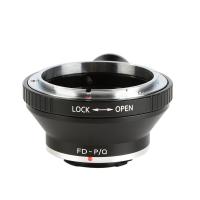
Canon FD Lenses to Pentax Q Lens Mount Adapter with Tripod Mount K&F Concept M13162
$36.99 $18.99
Pentax 67 Lenses to Canon EF Lens Mount Adapter with tripod mount K&F Concept M34131 Lens Adapter
$96.99 $50.99
Pentax 67 Lenses to Nikon F Lens Mount Adapter with tripod mount K&F Concept M34171 Lens Adapter
1
$87.99 $45.99
Canon FD Lenses to Pentax Q Lens Mount Adapter with Tripod Mount K&F Concept M13162 Lens Adapter
2
$53.99 $27.99
Nikon F Lenses to Pentax Q Lens Mount Adapter with Tripod Mount K&F Concept M11162 Lens Adapter
$53.99 $35.99
Products You May Like
67mm CPL & ND2-32 Lens Filter in Brass Filter Ring, 36-layer-coated Ultra-thin HD Optical Glass Nano-Xcel Pro Series
21
$199.99 $159.99
Hd Digital Trail Camera
10
$162.99 $106.99
9.8" Magic Arm with Super Clamp, Magic Arm Clamp Kit with 1/4" & 3/8" Thread Screw, Articulating Friction Arm with Cold Shoe Clamp Mount for Monitor, LED Light, Webcam, Action Camera
52
$27.99
4G Solar Security Camera System Wireless LTE cctv Solar Camera PIR Motion Detection 2-Way Audio Built-in Battery 10400mAh 2K Infrared Night Vision 20m/65.6ft US Version with Memory Card
124
$269.99 $159.99
67mm Variable ND2-ND400 Filter+ Cleaning Cloth+ Filter Cap
$44.99 $29.99
Compound Microscope with 7-inch Screen, 40X-1000X, Capture 2.7K Videos 24MP Photos, Support PC Connection, Remote Control, Kentfaith
14
$499.99 $399.99
K&F Concept Electric Compressed Air Duster - 300000RPM Vacuum Cleaner, 3 Gear Adjustable, Super Wind Power, Rechargeable Brushless Motor for Deep Computer Clean, Keyboard, Car, Home, Outdoor
1
$69.99 $64.99
Sprint Compatible Trail Camera
10
$162.99 $106.99
K&F Concept Aluminum Alloy Gimbal Tripod Head
98
$194.99 $80.99
K&F Concept Lens Camera Protective Wrap, Anti-scratch Lens protector, Magic Self-Adhesive Cloth Camera Wrap for Camera Lens/DSLR/Accessories 45x45cm
$26.99 $16.99
Related articles
How To Adjust Binoculars?
How To Adjust Nikon Binoculars?
How To Connect Bluetooth Tripod?
How Do I Adjust Microphone Sensitivity ?
What Tripod To Buy?
What Tripod To Buy?
How To Take Video Without Tripod?
What Does Tripod?
What Does Tripod?
How To Build A Tripod Tree Stand?
How To Build A Phone Tripod Stand?
How Do You Focus A Telescope?
Blog You May Like
How To Fix Memory Card Error On Camera?
Does The Speed Camera Always Flash?
Which Is The Best Video Camera For Kids?
What Is The Best Surveillance Camera For Home?
How To Change Canon Camera Wifi Password?
Where To Use My Metal Detector?
How Do I Find A Wifi Camera Ip Address ?
What Power Binoculars For Long Distance Viewing?
How To Install Camera Outside House?
Which Camera Is Good For Home Security?
Related categories
tripod legs mini camera tripod C mount lens adapter m4/3 adapter camera tripod parts Tripods camera tripod mount
Popular products
Pentax Q Mount Adapter professional travel tripod phone monopod tripod Lightweight Travel Camera Tripod olympus om canon ef adapter portable tripod for dslr canon fd pentax k adapter nikon camera tripod adapter canon ef lens to pentax k mount adapter Pentax K Lens to Nikon F Mount Adapter
Related searches
Quick Adjust Tripod Sony A6000 Af Micro Adjust For E-mount Gopro To Tripod Light Stand To Tripod Adapter Tripod Tripod Dslr Tripod Travel Video Tripod Knf Tripod Level Tripod
Popular searches
Camera With Nd Filter Tripod With 360 Ball Head Lee Filters Sw150 Mark Ii Lens Adapter Canon 80d Lens Mount White Light For Videos Sony Dsc Hx300 Lens Filter Nikon F-c Adapter Aperture Screw Sony Nex 7 Flash Adapter Wireless Headphones With Ps4 Nikon 18 55mm Kit Lens Filter Size
Blog Category
  • Activities
  • Guide
    • Filter Guide
    • Lens Adapter
    • Product Review
  • News & Reviews
    • Camera Reviews
    • Sample Gallery
    • News
  • Tutorials
    • Solar eclipse photography
    • Photography Basics
    • Landscape Photography
  • Inspiration
    • Travel
    • Travel Stories
Search Article
Latest from the Blog
Camera That Can Wifi Photos To Phone?
How Big A Memory Card For Camera?
Can Security Cameras Detect Motion Through Glass?
How To Place Cameras Around Your House?
Which Smart Watches Are Waterproof?
Which Binoculars To Buy?
What Power Binoculars For Long Distance Viewing?
Black Friday 2025 Special at Kentfaith
UV Filter: Everything You Need to Know About UV Protection Lens Filters
Where Can I Find Hidden Cameras?
  • Easy Payment Multilple Payment Options

  • Free Shipping Global WareHouse Shipment

  • No Risk 30-Day No Reason Return

  • Limited Deals Buy More, Save More

  • Tax Free No any surcharges or tax fee

Information
  • About us
  • Contact Us
  • Site Map
  • Blog
  • Video
  • Gallery
  • VIP Membership Rewards
Service
  • Privacy Policy
  • Terms & Conditions
  • Shipping & Delivery
  • Payment Info
  • Warranty, Return & Refund
  • Intellectual Property Rights
  • Ambassador
  • Affiliates
  • Wholesale
Support
  • My account
  • Order History
  • FAQs
  • Extend Warranty
  • Logistics Tracking
Follow us
NewsLetter

Get the latest product, K&F Concept respects your privacy.

Powered By KENTFAITH © 2025