How Does A Wireless Surveillance Camera Work?
Wireless Video And Audio Transmission
Wireless security cameras work by transmitting video and audio signals via radio waves (Wi-Fi signals). These cameras capture data and send it to a receiver, which can be an NVR/DVR, a computer, or an app on a smart device. The stored data can be accessed conveniently through the same device from anywhere with internet connection.
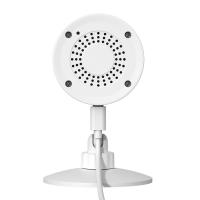
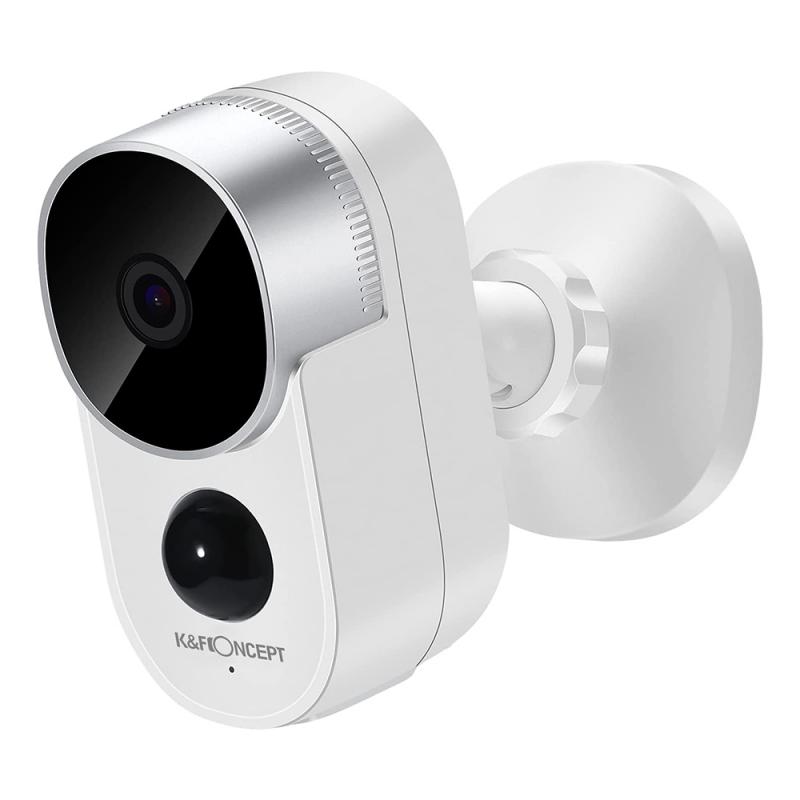
A wireless security camera connects to your home Wi-Fi network to transmit video without the need for cables. It contains several key components, including a lens, image sensor, processor, memory card, and Wi-Fi antenna.
A wireless security camera is a video recording device that sends video and audio signals to a receiver through a Wi-Fi connection. Unlike traditional wired security cameras, they don’t need a physical cable to connect to your recording or monitoring system. That said, many wireless cameras still require a power source—either a battery or a wall outlet.
- Wireless security cameras transmit video data via a wireless signal.
- Most modern wireless cameras rely on your home’s wireless network (Wi-Fi) to send and receive video and audio.
- Wireless cameras transmit via radio frequencies without permanent cables, typically powered by rechargeable batteries or optional solar panels.
- WiFi security cameras leverage your existing home wireless network to deliver video.
- They broadcast over 2.4GHz or 5GHz frequencies via the 802.11 WiFi protocol, the same technology used for smart home devices and laptops.
Core Parts Inside A Wireless Camera
The lens focuses light onto the image sensor, which captures video much like a digital camera. Common image sensors include CMOS and CCD. The sensor contains millions of light-sensitive pixels that convert photons into electrons to represent images.
The images are then processed by the camera's onboard chipset, which encodes the video into a compressed digital format like H.264 or H.265 to conserve bandwidth and storage space while maintaining quality. Image processing features like motion sensing, facial recognition, digital zoom, and night vision are also handled on the integrated circuit board.
- Camera lens: this is what captures the image.
- Image sensor: translates light into electronic signals.
- Processor: handles tasks like compressing video and sending it out.
- Wireless transmitter: sends video to your phone, a storage device, or the cloud.
- Antenna: helps maintain a strong connection.
- Infrared LEDs: let the camera see at night.
- Motion sensors: trigger recordings when something moves.
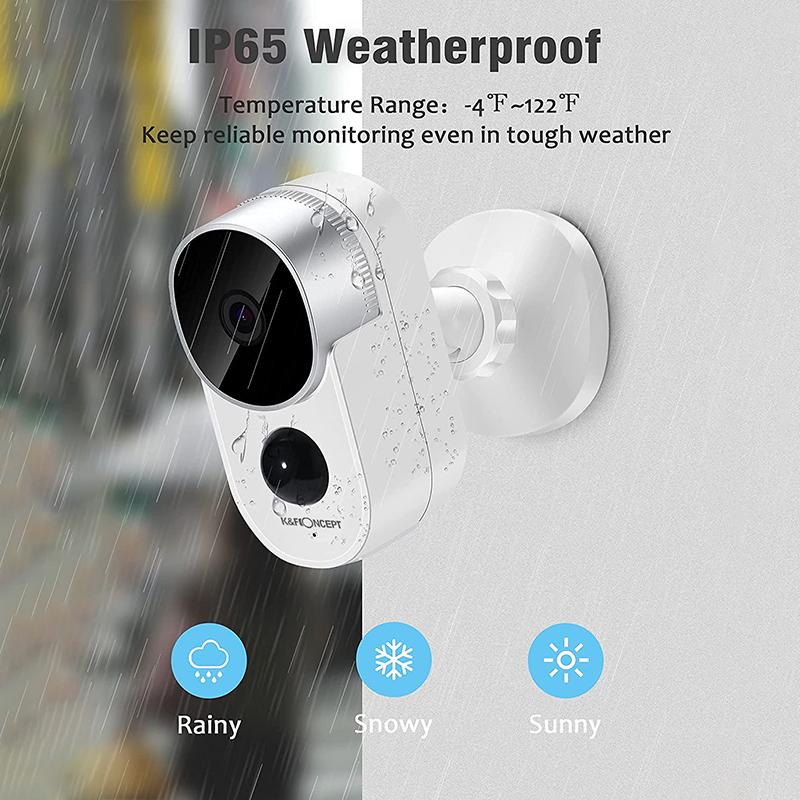
- Weatherproof housing: keeps all the internal parts safe from rain, wind, and dust.
- Power supply: could be a cable, battery, or even solar panel.
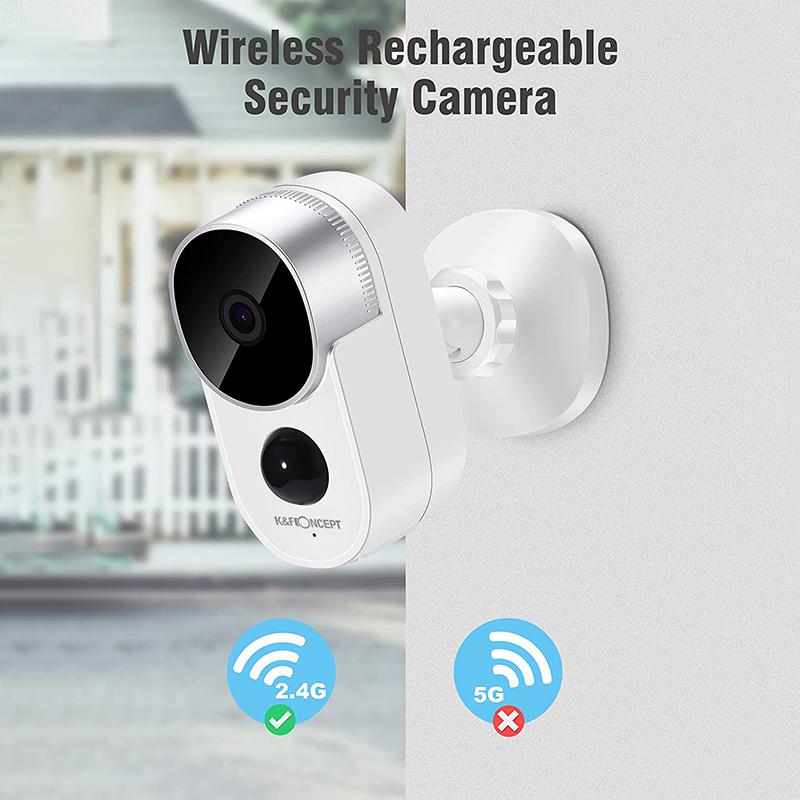
Wi-Fi Connection And Setup
Wi-Fi security cameras transmit video and data wirelessly, relying on a stable internet connection. Connecting these cameras to your home Wi-Fi network requires a few devices and steps.
- First, choose a suitable location for your camera with a strong Wi-Fi signal.
- Ideal spots are high-traffic zones or entry points like front doors, backyards, or garages.
- Once you've chosen a location, install the camera using the provided mounting hardware.
- Make sure it's within range of your Wi-Fi router to maintain a stable connection, and depending on your power source, check that the camera is powered and ready to connect.
- Download and open the manufacturer's app on your smart device to connect your camera to your wireless network.
- Then, follow the on-screen instructions, which typically involve creating an account and adding a new device.
- Some cameras may require you to scan a QR code with your phone to complete this step.
- Once connected, test the camera to ensure it's transmitting video and responding to commands.
- Adjust the camera's position to find the best spot for a strong signal.
A reliable Wi-Fi router is necessary for maintaining a stable connection. Ensure your router can handle the additional devices and bandwidth the camera requires. A strong and stable internet connection is also needed for real-time video streaming and alerts.
- To ensure even coverage throughout your home, place your router in a central location, avoiding metal objects or thick walls that can interfere with the signal.
- If your camera is far from the router, consider using Wi-Fi extenders or mesh network systems to boost the signal strength in hard-to-reach areas.
- Check your internet plan to ensure it has sufficient bandwidth to support multiple devices, especially if you have connected several cameras or other smart home devices.
- Wi-Fi cameras work best with consistent bandwidth and network access.
- Network congestion, electromagnetic interference, or router issues can interrupt performance, which is where dual-storage systems shine.
Power Sources
Wireless security cameras can draw power from various sources.
Plug-in WiFi security cameras connect directly to a power outlet, so you don't have to worry about changing or recharging batteries. They can operate 24/7 with continuous power. These cams also tend to offer higher video resolution and advanced features than battery-powered models.
However, plug-in WiFi cams have less flexible placement since they must be located near an AC outlet.
- Regardless of the transmission method, all cameras need a reliable power source.
- Keep in mind that even a camera without a physical cable for video may still require a cable or plug for power—unless it’s fully solar or battery powered.
- Wireless cameras can be powered through regular batteries or solar panels.
- Batteries for wireless security cameras work very similarly to other batteries, and they will need regular charging and maintenance to ensure they work properly.
- You can also find wireless security cameras that use wired power, which provides a consistent source of power but removes flexibility in where the camera can be placed.
- For optimal uptime, especially in remote areas, solar-powered cameras with battery backups are recommended.
- Regular maintenance of these power sources ensures continuous operation and minimizes downtime.
Storage And Recording
Video is temporarily archived on a removable microSD card slotted into the wireless camera before it gets transmitted over the home WiFi network. Local storage acts as a backup footage source in case of internet outages. Some cameras support up to 512GB cards for weeks of 24/7 recording.
When your wireless camera records video, that data has to go somewhere. Wireless security cameras offer several storage options:
- Cloud storage
- Cloud storage involves uploading video footage to a remote server, providing easy access from anywhere with an internet connection.
- This method offers several advantages, such as accessibility, automatic backups, and enhanced security measures provided by the storage service.
- However, cloud storage typically requires a subscription fee, and reliance on an internet connection can be a drawback if your network is unstable.
- Local storage
- Local storage involves saving footage directly onto a physical storage device such as a microSD card, hard drive, or video recorder.
- This option eliminates recurring subscription fees and doesn't depend on an internet connection for access.
- However, local storage can have a limited storage capacity and be vulnerable to theft or damage since the data is stored on-site.
- Network video recorders
- NVRs) store video footage from multiple cameras onto a centralized hard drive, offering a higher storage capacity than individual local storage solutions.
- NVRs can be more reliable than cloud storage, as they don't rely on an internet connection for access, and they centralize your storage needs, making management easier.
- But like local storage, NVRs are susceptible to physical damage or theft.
Motion Detection And Night Vision
Most outdoor wireless cameras will automatically start recording the moment they sense some sort of movement in their field of view. The footage a wireless cam will pick up will then be sent to some sort of storage location.
Motion detection uses sensors to detect movement within the camera's field of view, triggering recording and sending real-time alerts. Look for cameras with adjustable sensitivity, activity zones, and integration with other smart devices to minimize false alarms and focus on relevant activity.
Night vision lets cameras capture clear video in low-light or complete darkness using infrared (IR) LEDs. When choosing a camera, consider the IR range, image quality, and smart IR capabilities for effective night-time monitoring. These features guarantee that your camera can provide clear and detailed footage regardless of lighting conditions.
- PIR sensors: pick up body heat.
- Video analysis: uses software to detect movement in the video feed.
- Motion sensors are the brain behind the camera’s recording feature.
- AI integration enhances motion detection by using advanced analytics to filter out non-threatening movements, such as those from animals or weather, significantly reducing false alerts and improving response efficiency.
- Modern AI-powered surveillance systems accurately distinguish between humans, animals, and environmental triggers, dramatically reducing false alarms and enabling real-time threat assessment for smarter security.
Real-Time Monitoring And Notifications
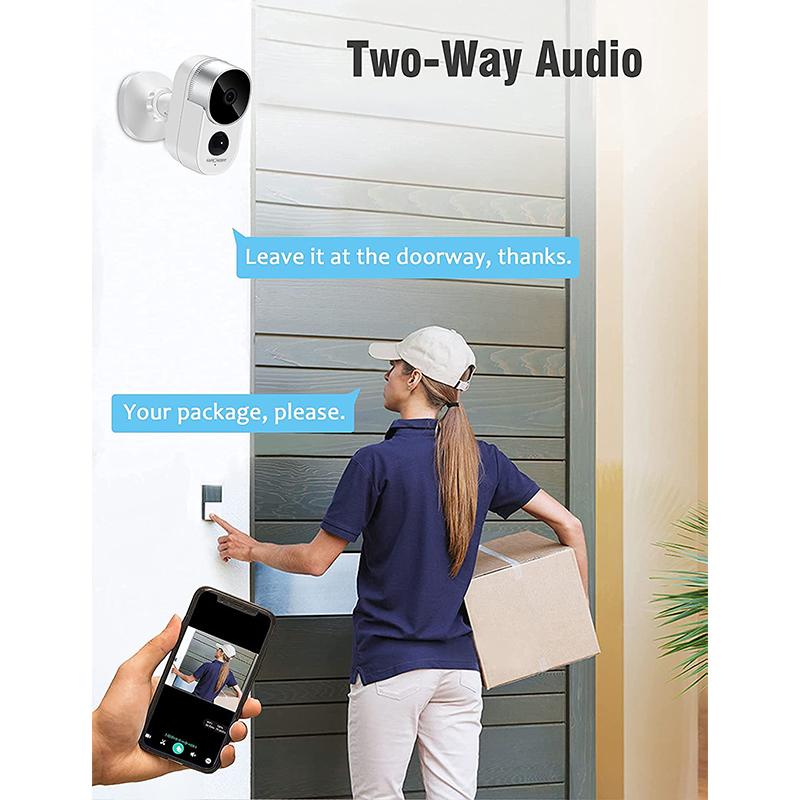
Real-time monitoring through mobile apps, allowing users to access live video feeds from anywhere via a smartphone, tablet, or computer. These apps provide remote viewing capabilities, letting you check in on your home at any time. Real-time monitoring is crucial for immediate response to suspicious activity, giving homeowners peace of mind even when they are away.
Notifications are a key feature of wireless security camera systems. They send alerts to your mobile device whenever they detect motion. The combination of real-time monitoring and instant notifications enables proactive home security management, allowing users to take swift action if necessary.
- Most wireless security cameras come with mobile apps offering real-time updates, notifications, and cloud access.
- Modern security systems offer complete packages, combining wireless devices such as surveillance cameras, motion sensors, lights, and smart locks—all working together under one app or platform.
- Integration with smart home systems also enables advanced features like synchronized lighting and alarm responses.
- If your camera detects motion, it could do things like trigger smart lights or activate an alarm system.
Working Without Internet
Wireless cameras can record and store video data locally, even without internet access, depending on the model. However, you’ll lose these features:
- Cloud storage
- Remote viewing from anywhere
- Real-time alerts and notifications
To operate fully without an internet connection, camera systems need local SD or hard drive storage built in and independent from router access.
Many wireless home security cameras can still record locally during internet outages. When connectivity returns, they sync up and upload queued footage. This ensures continuous surveillance even when internet access is temporarily cut off.
Many wireless security cameras can work without internet or Wi-Fi. These systems are often referred to as security cameras without Wi-Fi, andthey are designed to operate independently by using alternative methods to record and store footage.
- Local storage (such as SD cards or internal memory)
- Closed-circuit systems connected to an NVR
- Cellular networks for limited connectivity in remote areas
You’ll still be able to capture and store video, but some advanced features will be unavailable.
Wireless, Wire-Free, And Wired Differences
Wireless security cameras are designed to work without the need of a wire. This makes them a great option for outdoor surveillance as its much more convenient to have a wireless security camera than a wired one.
- Wire-free cameras: these are fully wireless and rely on batteries to operate
- Wireless cameras: these types of wireless cameras send data wirelessly but still plug into a power source. so they aren't completely wireless.
Wired cameras use permanent physical connections for video transmission and power. Traditional analog wired cameras require separate coaxial and power cables, while modern IP cameras use ethernet with power over ethernet (PoE) combining both functions. Wired systems offer continuous power and guaranteed connectivity without signal degradation.
WiFi cameras specifically use standard WiFi networks (2.4 GHz or 5 GHz), depending on facility WiFi quality. Non-WiFi wireless cameras use proprietary frequencies through dedicated base stations, potentially offering better range and reliability. WiFi cameras suit consumer/small business applications, while enterprises may prefer proprietary wireless systems.
- Wired cameras can offer superior reliability through permanent connections often immune to interference and signal degradation, supporting 4K-8K+ resolutions without bandwidth constraints.
- Wireless cameras depend on signal strength (limited by walls, interference, distance) and bandwidth (typically 720p-2K), but offer rapid deployment and flexibility.
- Wireless systems are straightforward to install but require ongoing battery management.
- PoE provides continuous power; batteries require regular charging (~2-6 months); solar options reduce charging but depend on sunlight.
- Wired ethernet systems with encrypted protocols offer superior security; wireless systems transmit through radio frequencies vulnerable to interception and depend on network password strength.
Security And Privacy
Wi-Fi security cameras offer numerous benefits but also have potential security and privacy concerns. One of the primary risks is hacking, where unauthorized individuals gain access to your security camera system. Hackers can exploit vulnerabilities to view your camera feeds, tamper with the surveillance system, or even turn off your cameras, leaving your home unprotected.
Wireless home security cameras are as secure as your network. That means your Wi-Fi network should be encrypted and password protected.
- Use encryption and strong passwords to secure your Wi-Fi network.
- Regularly update your camera's firmware to protect against known vulnerabilities.
- Change your camera's default login credentials to unique, strong passwords.
- If available, enable two-factor authentication.
- Cameras rely on good software just as much as strong hardware.
- Without updates or support, even high-end cameras may become vulnerable to a security hacker.