kfconcept

KENTFAITH
K&F Concept    Blog >

Enjoy Your Selected Digital Life

Recently Viewed
  • Recently Viewed
  • Recently Viewed list is empty.

Compare (0) 0
  • Compare
  • You have not chosen any products to compare.

  • Compare
Currency: USD
  • Currency
Shop by Scene Shop by Rank

Log Into Your Account

Account

Order History

Wish List

Login

Forgotten Password?

or connect with

Register Account

Already have an Account?Log In

  • Shopping Cart
  • Your shopping cart is empty!

  • Register/Login to purchase, earn points
  • Favorite
  • Your wish list is empty.

  • Register/Login to like, earn points
  • Activities
  • Guide
    • Filter Guide
    • Lens Adapter
    • Product Review
  • News & Reviews
    • Camera Reviews
    • Sample Gallery
    • News
  • Tutorials
    • Solar eclipse photography
    • Photography Basics
    • Landscape Photography
  • Inspiration
    • Travel
    • Travel Stories
  • Home
  • Blog
  • How To Adjust Eyepiece On A Microscope?

How To Adjust Eyepiece On A Microscope?

Kentfaith 2026-07-08 00:47:05 0 Comments

how to adjust focusing microscope eyepieces
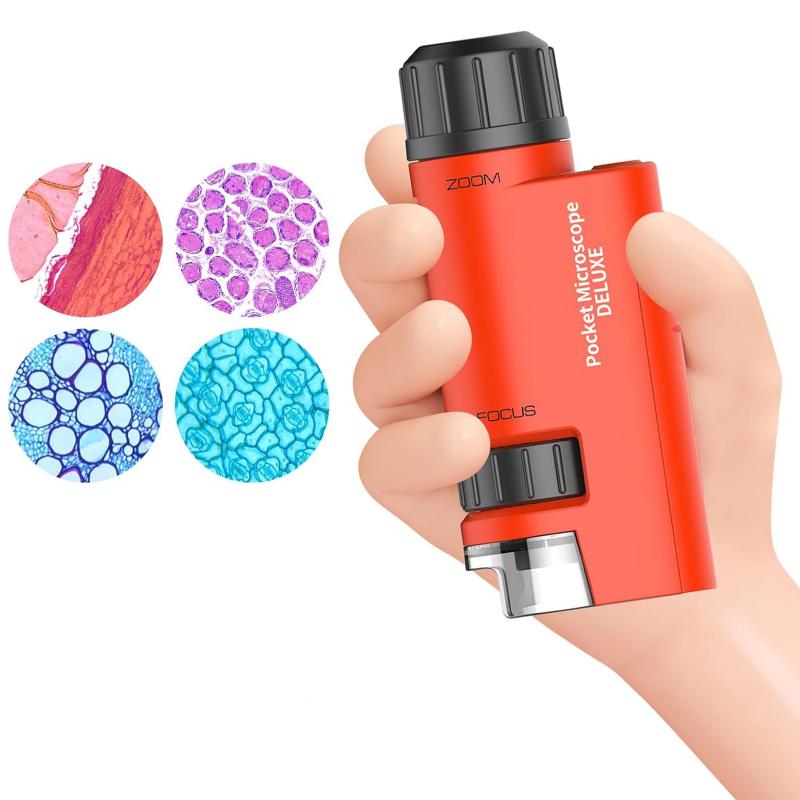
how to adjust eyepiece on a microscope 1

eyepieces. these eyepieces can be adjusted by each microscope operator to ensure that the image is crisp and clear for their eyes. the focusing eyepieces adjust for any differences in vision between an individual person's two eyes.

properly setting up the focusing eyepieces takes a few simple steps and should be performed by each user, since the settings will vary from one person to the next.

steps on how to adjust focusing microscope eyepieces

how to adjust eyepiece on a microscope 2

  1. start by adjusting the interpupillary distance on the microscope so that both the left and right field of view become one when looking through the eyepieces.
  2. set the diopter adjustment on both eyepieces to the "0" position.
  3. start with the lowest magnification objective (4x) and focus the image by using just one eye, whichever you are most comfortable with. use both the coarse and fine focus to get a crisp image.
  4. close the eye you just used and look through the other eyepiece with the other eye. don't touch the focus knobs, but rather adjust the diopter on the eyepiece if the image is out of focus at all.
  5. move up to the highest magnification objective.
  6. repeat the procedure using the highest objective lens. this final adjustment is the one you will want to take a note of and set the microscope to when using it each time.
  7. the image should remain in focus as you move between magnification adjustments on the microscope. the microscope is now parfocalled.

adjust for the distance between your eyes

how to adjust eyepiece on a microscope 3

if your lab or classroom uses shared microscopes, the first thing you should do before getting down to work is adjust your eyepieces.

everyone’s eyes are different – the distance between your eyes will be different from other people's and your left eye often sees a little differently from your right eye.

fortunately, microscope manufacturers are aware of this, and most microscopes let you easily compensate for the differences.

  • the first thing to do is to adjust for how far apart your eyes are (sometimes known as the interpupillary or interocular distance).
  • it’s very easy to do – simply try to look down the eyepiece with both eyes.
  • the goal is to be able to see a single image.
  • if you can see 2 images, you need to move the eyepieces closer or further apart until they merge into a single image.
  • that’s all it takes.
  • if you can remember the distance (you can usually see it on a scale on the central area between the eyepieces), you can be ready to go on any microscope in seconds.
  • it’s worth remembering that eyepiece distances are often adjusted by moving them in a vertical motion (a bit like how a bird flaps its wings), rather than horizontally, so make sure not to accidentally pull your eyepieces apart.

account for any difference between your eyes
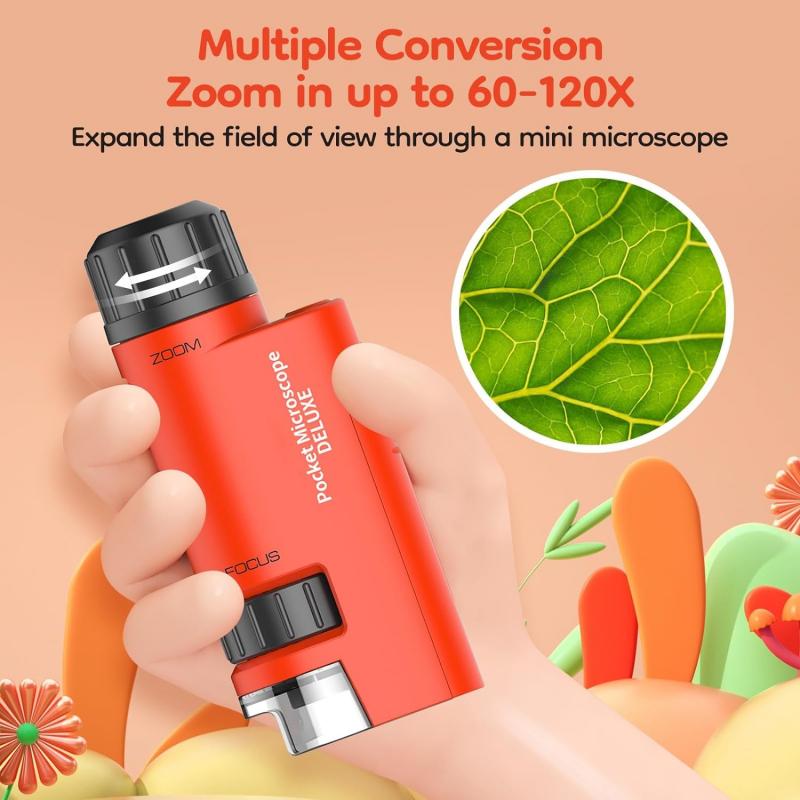
how to adjust eyepiece on a microscope 4

adjusting the microscope to compensate for any difference between your left and right eye is slightly more involved.

it’s very common for each of your eyes to be a little different. if you have glasses, you’re probably aware of this – your prescription compensates for the difference in the ‘strength’ of your vision in each eye.

for most people, the difference is usually very slight and may be unnoticeable in everyday life, but when using a microscope for lengthy periods you can sometimes end up with headaches and dizziness.

  • to compensate for any difference, you need to manually adjust your eyepieces.
  • some microscopes have a single adjustable eyepiece with the other fixed in place, while others let you adjust both.
  • the process is virtually identical either way, so don’t worry.
  • (if you wear your prescription glasses while you work, you shouldn’t need to do any further steps because your vision is already corrected)
  • both of your eyes should now be ready to go, but it’s a good idea to switch up to the 40x lens and make sure that both eyes are still in focus – visual differences can be more pronounced at higher magnifications, and you may have to repeat the procedure.
  • next, note the number settings written around the side of the eyepieces.
  • once they are memorised, you can be ready to go with a simple adjustment the next time you sit down at a microscope.

one circular field of vision

  • usually i start by pushing the eyepieces together as close as they will go, then moving them outwards until i get one circular field of vision.
  • one thing to try is move your face back a bit.
  • your skin should not be touching the eyepieces and i think it's a common mistake that newbies make to try to rest their face on the scope.
  • it does take a bit of practice to get used to a double-eyed microscope when it's new to you.
  • you kind of have to train your brain to put the two eyepiece images together for you.
  • but yes, you should see one circle.
  • one circle, two eyes, glasses off.
  • your view down the scope should be comfortable.
  • it'll take some practice to get your cells tack sharp.

use both hands while staring into the microscope

  • use both hands while staring into the microscope to adjust the binoculars so that you see one image.
  • in most microscopes you will then use the knob focus to bring your right eye into focus.
  • once the right eye is focused by the knob, open your left eye and adjust the left eye piece (independent of the right) to bring it into focus with the right.
  • most scopes have numbers on the binocular focus.
  • get used to dialing that in when you sit.

one ocular piece can be independently focused

in addition to the other comments, sometimes one ocular piece can be independently focused. if one of your eye pieces is out of focus, it can be very hard to get a clear image, and you'll get a headache.

  1. lets say the right eyepiece that can be adjusted.
  2. close your right eye, and use the manual focus knobs to bring the field into focus for your left eye.
  3. close your left eye, open your right, and turn the eyepiece either direction till it is in focus.
  4. you should then be perfectly focused in both eye pieces.

pupillary distance

  • it helps to know what your pupillary distance is, so you can always move the eyepieces to that starting point.
  • if you currently wear glasses, you should be able to get that measurement from your optometrist.
  • but even if you don't, i bet you could go and get it measured pretty easily.

eyepieces

eyepieces are also known as ‘ocular lenses’ or ‘oculars’. eyepieces simply magnify your specimen by an additional factor in addition to the magnification of the chosen objective. a typical eyepiece magnifies your slide/specimen by 10x. if you can, then always choose a binocular eyepiece set-up. as well as the ease of viewing your slides, there is also a lot less strain on your eyes.

a typical eyepiece is a relatively simple component of the microscope – basically a tube with lenses! if you (carefully) examine the eyepieces on your microscope, you’ll see two lenses top and bottom. in reality, these may be groups of lenses which are assembled to provide a corrected and complementary view of the image from the specimen and objectives.

the two visible lenses (or groups of lenses) are the ‘eye lens’ which is (unsurprisingly!) the lens closest to your eye and the lens which is inside the microscope body (and closest to your slide or specimen) is known as the ‘field lens’.

  • the eye lens end of the objective will usually have a rubber eyecup.
  • this serves a couple of purposes – when your eyes are (gently) placed against the eyecup, most of the ambient light will be blocked.
  • if you wear glasses, then the rubber will stop you bumping your glasses against the metal body of the eyepiece.
  • if you don’t wear glasses, then it’s all about comfort!
  • some people just don’t like the eyecups, so you can always roll them down (or on some objectives, remove them completely).
Leave your comment
Cancel reply
Note: HTML is not translated!
Related products
Microscope Eyepiece Camera 2.8" Screen WiFi Connection 1080P Photos Videos for Telescopes Kentfaith
12
$99.99 $79.99
40X-5000X Trinocular Microscope with WiFi Electronic Eyepiece & Mechanical Stage, WF10X + WF25X Eyepieces, Abbe Condenser, Kentfaith
$462.49 $399.99
Trinocular Stereo Microscope with 4K Digital Eyepiece, 3.5x-45x Magnification, 144pcs LEDs, 0.5x CTV Adapter,  Kentfaith
Trinocular Stereo Microscope with 4K Digital Eyepiece, 3.5x-45x Magnification, 144pcs LEDs, 0.5x CTV Adapter, Kentfaith
$799.99 $639.99
WiFi Electronic Eyepiece for Microscopes, 50 Meters WiFi Range, 2MP Microscope Imager, Capture 4K Photos Videos, Kentfaith
$112.49 $89.99
Compound Trinocular Microscope 40X-5000X Magnification for Lab, Biology, Education, Electronic Eyepiece and Mechanical Stage, WF10x and WF25x Eyepieces, Abbe Condenser
TOP Best
Compound Trinocular Microscope 40X-5000X Magnification for Lab, Biology, Education, Electronic Eyepiece and Mechanical Stage, WF10x and WF25x Eyepieces, Abbe Condenser
257
$383.99 $339.99
Minolta A / Sony A Lenses to Pentax Q Lens Mount Adapter K&F Concept M22161 Lens Adapter
$45.99 $23.99
Minolta A / Sony A Lenses to Pentax Q Lens Mount Adapter with Tripod Mount K&F Concept M22162 Lens Adapter
$55.99 $28.99
50X-2000X Digital Microscope, 500W Pixel, HD Visual WiFi Digital Microscope, Portable Microscope
67
$151.19 $129.99
67mm Clip-on CPL Phone Camera Lens Filter Kit Applicable to All Mobile Phone Models
40
$18.99
Compound Microscope for Kids with 4.3in Screen, 80X to 800X, WiFi Connection, Dual Light Sources, 1080P Videos, 32GB Card Included, Kentfaith
12
$237.49 $189.99
Products You May Like
DJI Air 3 ND8 + ND16 + ND32 + ND64 Filters 4pcs Set, Neutral Density Filter Kit, 28 Layer Multi-Coated HD Optical Glass Filter
58
$49.99
82mm CPL Circular Polarizer Magnetic Lens Filter HD Waterproof Scratch-Resistant Anti-Reflection Nano-Xcel Series
52
$77.99 $69.99
Camping Fan with LED Light, Three Wind Speeds, 8000mAh Rechargeable Battery Powered, with Detachable LED Light and Hook
15
$124.99
AI Image Translator Device Pen, 148 Languages Scan Offline Photo Voice Translation Portable, Kentfaith
28
$124.99 $99.99
ID115 Smart Bracelet Sports Fitness Tracker - Black
$14.99
12X50 Monocular Telescope with Cleaning Cloth, FMC Lens & BAK4 Prism Telescopes for Adults, Sky Captain HD Monocular for Bird Watching Hunting Hiking Camping Travelling
37
$66.99 $34.99
49-58mm Brass Filter Adapter Ring, Step-Up Ring Compatible with All 49mm Camera Lens & 58mm Filters
32
$23.99 $17.99
49mm True Color Ultra-Low Reflectivity CPL Filter Polarizer Lens Filter Circular Polarizing for Camera Lenses with 28 Multi-Coated Nano-Xcel Series
NEW Arrival
49mm True Color Ultra-Low Reflectivity CPL Filter Polarizer Lens Filter Circular Polarizing for Camera Lenses with 28 Multi-Coated Nano-Xcel Series
36
$68.99 $54.99
Free Gift Over $100, - 32GB Micro SD Card U3/V30/A1 with Adapter, Memory Card for Cameras, Borescopes,  Microscopes, Night Vision Goggles, Kentfaith
Free Gift Over $100, - 32GB Micro SD Card U3/V30/A1 with Adapter, Memory Card for Cameras, Borescopes, Microscopes, Night Vision Goggles, Kentfaith
$19.99
K/AR-EOS R Manual Focus Compatible with Konica Auto-Reflex (AR) SLR Lens to Canon EOS R Mount Camera Body Lens Mount Adapter
49
$66.99 $36.99
Related articles
How To Zoom In On A Microscope?
How To Focus An Image On A Microscope?
How To Adjust Binoculars?
How To Adjust Tripod?
How To Increase Contrast On Microscope?
What Are The Magnifications On A Microscope?
How To Center A Microscope Stage?
How To Mount Microscope Lens On Camera?
How To Adjust Nikon Binoculars?
What Is A Handheld Gaming Device?
Blog You May Like
How To Find Hidden Cameras And Recorders?
How To Make Soft Light Photography?
Binoculars Which Are Best?
How To Clean Monoculars?
How Does Time Lapse Camera Work?
Where To Position Lights For Photography?
Can You Use A Monocular For Astronomy?
What Is Black Flash Trail Camera?
Can You Turn The Microphone Off On Iphone?
How To Remove Cross Threaded Lens Filter?
Related categories
On-Dash Camera A Mount Lens Adapter Sony A Mount Lens Adapters minolta a mount lenses C mount lens adapter m4/3 adapter digital microscope Soft Box black pro mist square filter
Popular products
microscope with led light trinocular stereo zoom microscope with digital camera stereo microscope with digital camera stereo zoom microscope with digital camera monocular and binocular microscope 40X microscope Solar Eclipse Telescope leica m sony e mount adapter sony minolta adapter sony a mount to minolta adapter
Related searches
Eyepiece Lens On A Microscope Objective Lenses On A Compound Microscope Microscope Eyepiece And Objective Lens Digital Camera For Microscope Eyepiece Camera For Trinocular Microscope Eyepiece Camera Adapter For Microscope Eyepiece Usb Camera For Microscope Eyepiece Microscope On Phone Quick Adjust Tripod Camera On A Rope
Related Scenes
Best Microscope Eyepiece Camera Best Carry On Camera Bag Best Sony A Mount Camera Best Batteries For A Trail Camera Best Sony A Camera For Video Best Camera To Video Sports Best Camera To Capture Wildlife Best Tripod To Travel With Best Video Camera To Record Sports Best Digital Microscope Camera
Blog Category
  • Activities
  • Guide
    • Filter Guide
    • Lens Adapter
    • Product Review
  • News & Reviews
    • Camera Reviews
    • Sample Gallery
    • News
  • Tutorials
    • Solar eclipse photography
    • Photography Basics
    • Landscape Photography
  • Inspiration
    • Travel
    • Travel Stories
Search Article
Latest from the Blog
Can You Plug A Microphone Into Your Phone?
Where To Find A Telescope?
Can You Track A Drone?
How To Play With Light In Photography?
When The Ring Light Is Blue?
How To Get Security Camera Footage?
How To Turn Dslr Into Video Camera?
Can A Smartwatch Measure Blood Pressure?
What Are Camera Lens Filters Used For?
How To Live Stream Security Camera?
  • Easy Payment Multilple Payment Options

  • Free Shipping Global WareHouse Shipment

  • No Risk 30-Day No Reason Return

  • Limited Deals Buy More, Save More

  • Tax Free No any surcharges or tax fee

Information
  • About us
  • Contact Us
  • Site Map
  • Blog
  • Video
  • Gallery
  • VIP Membership Rewards
Service
  • Privacy Policy
  • Terms & Conditions
  • Shipping & Delivery
  • Payment Info
  • Warranty, Return & Refund
  • Intellectual Property Rights
  • Ambassador
  • Affiliates
  • Wholesale
Support
  • My account
  • Order History
  • FAQs
  • Extend Warranty
  • Logistics Tracking
Follow us
NewsLetter

Get the latest product, K&F Concept respects your privacy.
Powered By KENTFAITH © 2026