When Do You Charge Your Smart Watch?
Knowing when to charge your smartwatch depends on your daily routine, the features you use, and how you want to balance battery life with continuous wear. Whether you have an Apple Watch, a Galaxy Watch, or another smart bracelet watch, knowing how to charge your device properly is crucial to ensure it's always ready to use.
Best Times to Charge Your Smartwatch
The most common charging windows users adopt are during activities when the watch is naturally off the wrist. Based on real user habits, these are the most frequently mentioned charging moments:
- While showering or doing a morning or bedtime routine (typically 30–40 minutes)
- While getting ready for work in the morning
- While watching TV in the evening before bed
- While sitting at a desk working or playing a game
- During a bedtime routine — putting the watch on the charger while browsing, then putting it back on for sleep tracking
Some users charge every day, others every two days. One Galaxy Watch 7 user noted their watch lasts about a day and a half and charges for an hour while working during the day. Another charges every two days while showering and getting ready for work, lasting the full two days in between.
Charging and Sleep Tracking
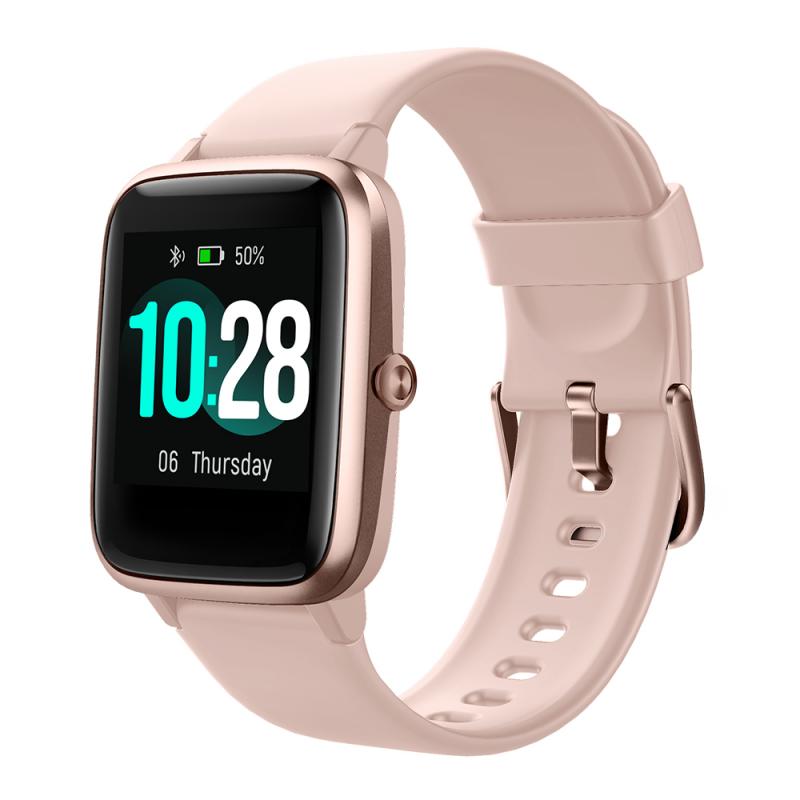
A common concern for new smartwatch owners is how to charge the watch without sacrificing sleep tracking. The key is to adopt the correct daily charging habit. According to Apple, one can expect about 18 hours of Apple Watch battery life with typical use, and it takes approximately 90 minutes to charge from 0% to 80%.
This means that under typical use, as long as you charge your watch for about 60 to 90 minutes every day, you should be able to keep your Apple Watch battery topped off for around-the-clock wearability while using it during the day and at night to track your sleep. Based on user feedback, the recommended approach is to devote 60 to 90 minutes every evening before bed to charge your watch. For example, if you typically go to bed at 10:00pm, start charging at 8:30pm or 9:00pm, then put your watch back on your wrist for sleep.
Alternatively, some users prefer to charge the watch for about 30–45 minutes in the morning when getting ready or showering and for another 30–45 minutes in the evening prior to bedtime. One Galaxy Watch user described their routine as: putting the watch on the charger when getting into bed, browsing until sleep medication kicks in, then putting the now-charged watch back on to start sleep tracking.
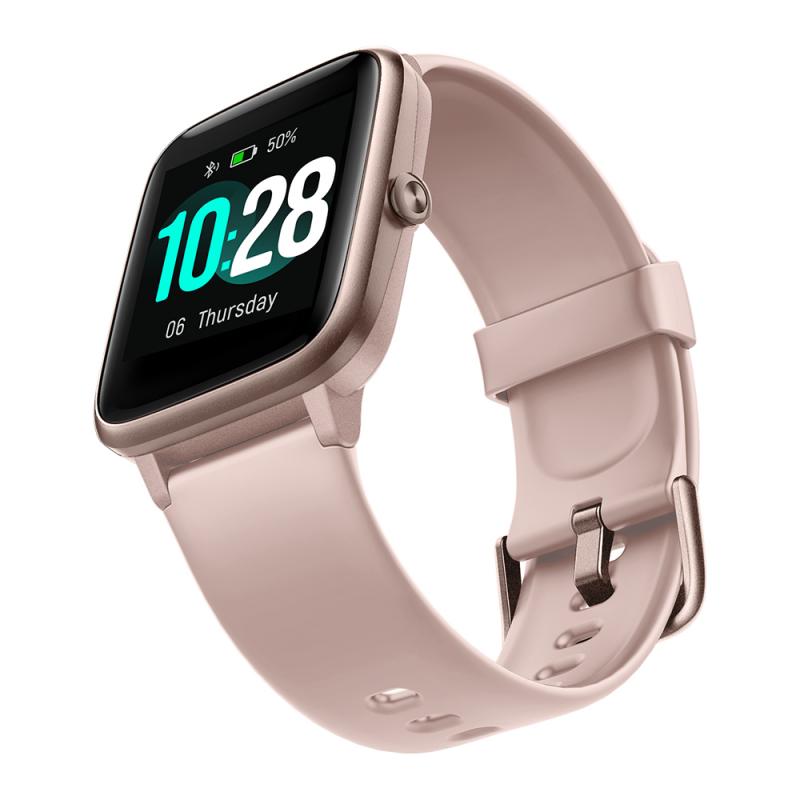
How Long Does It Take to Charge a Smartwatch
- Average charge time
- On average, it takes one to two hours to fully charge a smartwatch. However, charging times may vary depending on the model and battery capacity.
- Apple Watch (0% to 80%)
- Approximately 90 minutes according to Apple.
- Fast-charging models
- Some smartwatches may come with fast-charging capabilities, allowing you to charge them more quickly. Refer to your specific device's user manual or manufacturer's guidelines for accurate charging time information.
- Galaxy Watch 44mm
- With AOD and sensors on, lasts over 2 days. A daily shower charge is enough to wear continuously for the rest of the day and while sleeping.
It is also worth noting that a new watch may initially show shorter battery life. After a week of use, the watch will know your settings and usage patterns and will give you better battery life. One user noted their Galaxy Watch went from 22 hours to 2 days after the watch adapted to their usage.
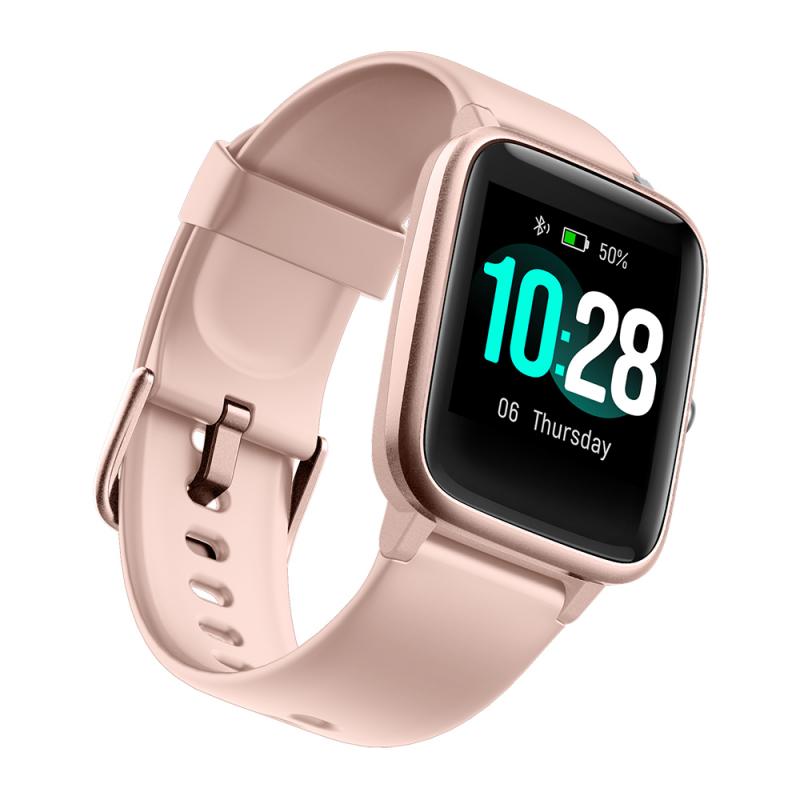
Charging Methods Available for Smartwatches
There are several ways to charge your smartwatch depending on your situation:
- Magnetic connector charging cable: The majority of smartwatches available today come with a magnetic connector charging cable, which simplifies the connection and prevents accidental disconnection. The cable features a USB end and a magnetic connector end. Align the pins on the charging cable with the charging contacts on your device — the magnetic feature will help guide the connector into place and ensure a secure connection.
- Wireless / inductive charging: Most smartwatches currently available on the market have an inductive charging function. Inductive charging generates slightly less power, which has a positive effect on the battery cells. There are many inductive chargers available, including inductive car chargers, which are very useful for drivers or people who spend long hours behind the wheel.
- Power bank: Charging via a power bank is a popular solution, particularly useful when traveling or in conditions where there is no permanent access to mains power, such as going to the mountains or on a survival-style vacation. Most often, all you need to do is place your smartwatch on the power bank and wait a while.
- Computer USB port: Charging can be done via a computer equipped with USB connectors, which are now standard in laptops.
- Docking station: It is best to place this type of station on a desk or dresser and charge your smartwatch to full capacity, for example while working.
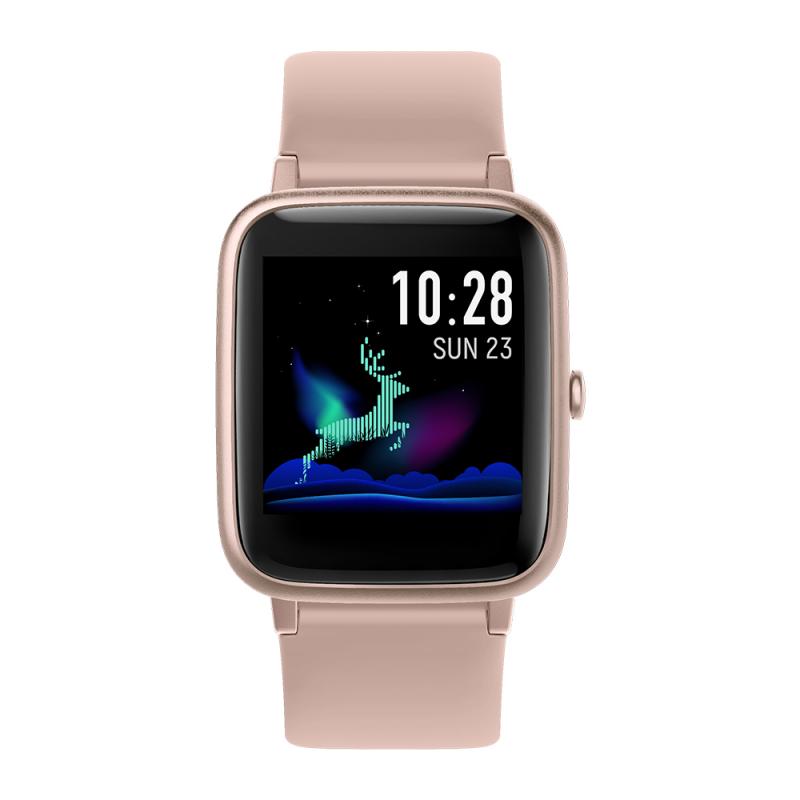
Charger Safety and Best Practices
To charge your smartwatch properly, it is best to use the original charger. Third-party devices may have a higher charging power and conduct electricity at a different voltage, which may ultimately damage the smartwatch. A non-original charger may not only reduce battery life over time, but also make charging take much longer and be less effective.
If the original charger is not available, it is advisable to purchase an original replacement or choose a recommended alternative. Avoid using fast chargers, as they may deliver excessive voltage and potentially damage your smartwatch. It is crucial to use a UL-certified charger with an output not exceeding 5 volts and 1 amp for safe and efficient charging.
When charging, avoid heat sources such as a hot radiator or a windowsill exposed to sunlight, and keep away from very low temperatures. The optimal temperature for charging devices is room temperature, around 20 degrees Celsius. Most devices automatically cut off the power supply when the battery is 100% charged.
Battery Health: Charge Level Recommendations
For lithium-ion batteries, the following guidance applies:
- Lithium-ion does not need to be fully charged; a partial charge is better. It is better not to fully charge because a high voltage stresses the battery.
- Batteries will have the longest life if charged between 20% and 80%.
- Avoid completely discharging the battery, which leads to the device turning off. It is definitely better for the battery to keep your smartwatch turned on at all times.
- For SOCs above 80%, an increasing cathode degradation has been observed, leading to coupled side reactions and a marked increase of charge transfer resistance.
- In general, lithium-ion batteries last about 500 discharge cycles.
- It is now recommended to charge devices regardless of the battery level — "top-up charging" is acceptable and no longer discouraged as it was in the past.
- Occasionally allow a complete discharge and full recharge to re-calibrate the percentage charge meter.
Troubleshooting Charging Issues
If your smartwatch is not charging or experiencing difficulties, follow these troubleshooting steps:
- Ensure that the charging pins on the back of your smartwatch are making direct contact with the charging ports.
- If the charging screen doesn't appear, try disconnecting and reconnecting the charger.
- For those who have owned their smartwatches for an extended period, a dirty or debris-filled charging area may hinder the charging process. Use a soft, dry cloth to gently clean the back of your smartwatch, removing any visible dirt or buildup.
- If necessary, a soft bristle brush can help scrub away harder-to-remove debris.
- Check the contacts on the back of your smartwatch to ensure they are not bent or damaged.
- If your smartwatch doesn't show any charging screen animation, it may have a depleted battery. In this case, leave it on the charger for a few minutes while ensuring the pins are correctly aligned. Afterwards, your smartwatch should power on.
Cleaning and Maintenance for the Charging Area
Regular maintenance plays a crucial role in ensuring the longevity and functionality of your smartwatch. Use a soft, dry cloth to gently wipe the back of your smartwatch, removing any visible dirt, debris, or buildup. For stubborn dirt or debris, a soft bristle brush can be used to scrub the charging area more effectively. Avoid using abrasive materials or harsh chemicals that may damage the surface of your device. By incorporating these simple cleaning practices into your routine, you can maintain optimal charging performance and extend the lifespan of your smartwatch.
Some users also clean the sensor regularly as part of their wearing routine — for example, using a cotton swab with rubbing alcohol on the sensor, followed by a gentle rinse with very slow running water and a small amount of soap.