What Is Time Lapse On Dash Cam?
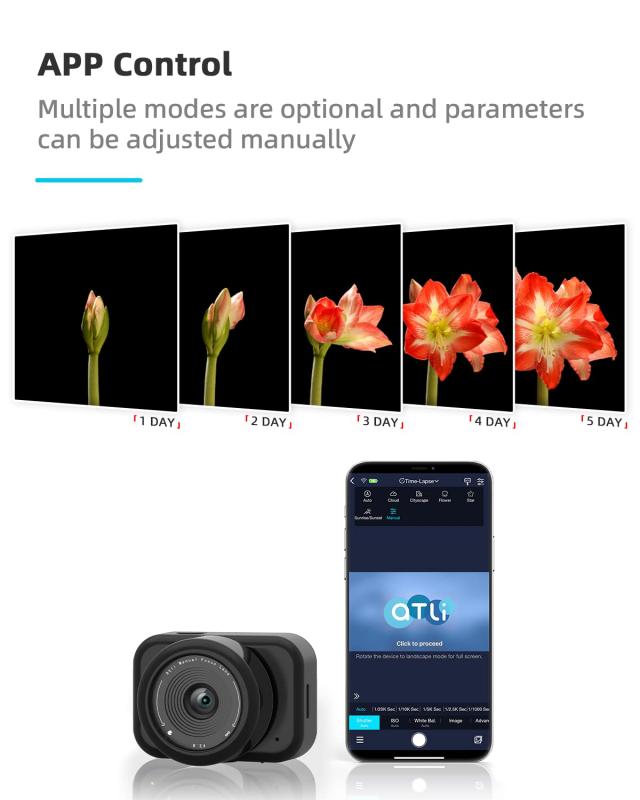
Time lapse mode is a feature found on many modern dash cameras that allows for extended recording, particularly useful during parking. The term 'time-lapse' refers to a mode of video recording enabling a camera to capture a single image per second. Upon playback, at a standard 30fps rate, everything appears to be rolling faster than the average speed, which is called time-lapse video.
How Time Lapse Recording Works
Time lapse is essentially a sequence of pictures captured then compiled into a video. Instead of images being captured at 30-60 fps, as is the case with most videos, they are captured at 1-10 fps depending on camera settings. During playback everything is sped up.
In digital videography, time-lapse is a creative filming technique that manipulates the frequency at which film frames are captured (frame rate). In this technique, the captured frame rate is much lower than the frequency used to view the sequence. Frame rate is the number of pictures/frames that appear in the video every single second. In a time-lapse video, the frame rate or the playback speed is decreased — hence, when the video is played at a regular speed (30 frames per second), time seems to be moving faster, which is called lapsing.
Time lapse mode records video footage by capturing frames at set intervals rather than continuously at full video frame rates. Many dash cameras offer flexible frame rate options for time lapse mode, such as 1, 2, 3, 5, or 10 frames per second. This approach significantly stretches the capacity of your SD card, allowing you to record much longer periods while your car is parked.
Time Lapse Parking Mode and SD Card Efficiency
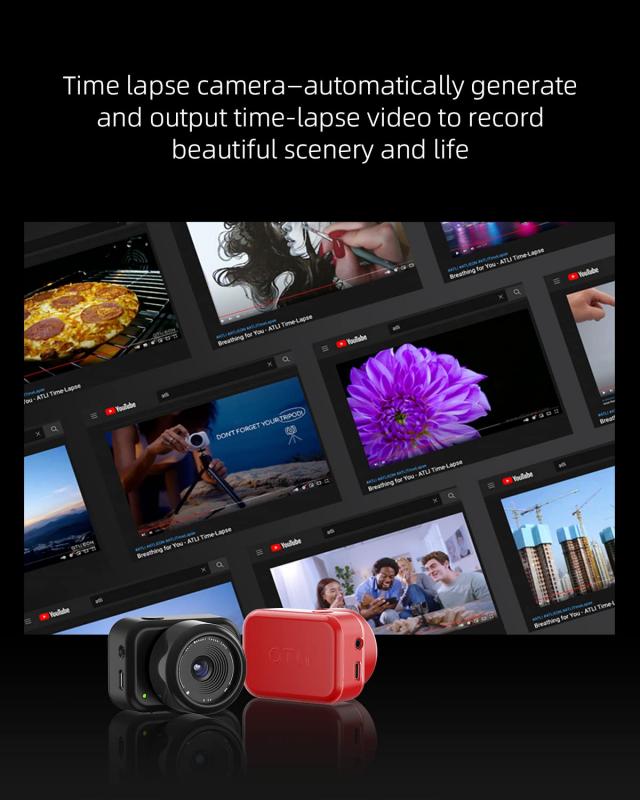
Time lapse parking mode records video footage by capturing frames at set intervals rather than continuously at full video frame rates. For example, if your dash camera records at 1 frame per second, it only uses about two minutes' worth of SD card space for every hour of recording time. This means you can capture roughly 30 times more footage than if recording at 30 frames per second, which is the standard for normal driving mode. In practice, this allows you to monitor your vehicle for extended periods without worrying about running out of storage.
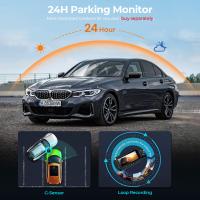
The time-lapse mode is integrated with the parking mode to record time-lapsed videos while your car is parked. Time lapse uses far less power than full recording modes, allowing the vehicle's battery to maintain it for longer — like days versus hours. Of course it will depend on how many times it is being triggered while monitoring, and the dash cam setup being used.
Benefits of Using Time Lapse Mode
- Efficient SD card usage: time lapse uses far less space on your SD card compared to full-frame video, allowing for much longer recording durations while parked.
- Flexible frame rate settings: some dash cams allow you to choose between multiple frame rates (1, 2, 3, 5, or 10 fps), so you can tailor the recording to your needs and storage capacity.
- When your micro SD card is of less capacity.
- When you park your vehicle in a busy location with tons of traffic, like a mall parking lot.
- When you have less time and want to go through a quick overview of everything that occurred around your parked car.
Limitations and Considerations of Time Lapse Mode
Despite its benefits, time lapse parking mode does have some limitations you should be aware of. The footage is recorded at high speed and with no sound, which in some cases can make it difficult to determine exactly what occurred in an incident. In most (all?) cases a dashcam timelapse video contains no sound. If it is supported by the dashcam, low bitrate video is sometimes a better option when parked since it also records sound.
The time lapse mode records video at a reduced frame rate, meaning it is not possible to slow down the footage for closer inspection. Users should always check their camera settings to be confident that whenever a recording is needed it will be in the format they want. Time lapse recording does have its merits in some situations, notably to increase the duration of video that can be stored on a memory card.
Smart Impact Detection During Time Lapse
- Automatic switch to normal recording
- Premium dashcams like the Rove R2-4K offer an intelligent time-lapse video mode that is smart enough to automatically halt the time-lapse recording and start up standard recording when needed. For example, suppose anybody crashes your vehicle while time-lapse parking mode is turned on. In that case, the camera will automatically switch to normal recording mode for 1 minute — to capture every crucial detail. The Rove R2-4K dashcam even alerts you with a voice alert once you turn on your car for the next time.
- Impact-triggered high frame rate
- Certain dash cameras automatically switch to 30 frames per second and activate audio recording when an impact is detected during time lapse mode. This ensures you capture critical evidence in high detail when it matters most. This combination of long-term recording with the ability to capture detailed footage upon impact is a huge advantage for anyone concerned about hit-and-runs, vandalism, or parking lot accidents.
- G-event recording
- A "G event" will record an actual video when it detects sudden changes in motion or an impact. The length of the video may differ (20-30 sec) depending on the dash cam, and might depict the events before, during, or after the event(s).
Time Lapse Mode Settings and Default Behavior
The time-lapse mode in the Rove R2-4K dash is off by default. Once it is set to on, that becomes the new default. Even after the camera restarts, the new default stays set. The integrated time-lapse feature with parking mode in the Rove R2-4K lets you record long-duration videos and roll them faster than the average playback speed. This time-lapse feature practically helps you save your time while watching extensive footage — such as two hours long parking footage. The R2-4K is intelligent enough to control the time-lapse setting on its own whenever required without your manual effort.
Many dash cameras offer flexible frame rate options for time lapse mode. According to your driving duration, you can select the appropriate interval. Crossing mountain areas may be most suited to use 2 seconds/frame, so as to leave room for slow and dramatic scenes.
Dash Cameras with Time Lapse Parking Mode
- Vueroid D21 4K and D20 Q2 — These cameras stand out for their intelligent time lapse mode. If an impact occurs while parked, these cameras automatically switch to 30 frames per second and record audio, providing critical information such as license plates and incident sounds.
- Viofo A229 Pro Plus and A329S — These models offer flexible frame rates for time lapse parking mode, letting you choose between 1, 2, 3, 5, or 10 frames per second. This flexibility helps you balance between recording duration and video detail, depending on your storage and monitoring needs.
- Rove R2-4K — Features an integrated time-lapse mode with parking mode, capable of recording long-duration videos. The camera automatically switches to normal recording mode upon detecting an impact, capturing every crucial detail for 1 minute.
Setting Up Time Lapse on a Dash Camera
- Insert a high-speed SD card — use a high-endurance UHS-I or UHS-III card, preferably 64GB or higher capacity. This ensures smooth writing of large files and reduces the possibility of corruption.
- Enter time lapse mode — find the "video mode" or "recording mode" settings and look for the following options. Select according to your driving duration.
- Lock exposure and focus (if possible) — if your model allows, fix the exposure to avoid flickering caused by lighting changes (such as tunnels or sunsets).
- Install the dash camera correctly — center the camera on the windshield, right behind the rearview mirror. Ensure no cables or window stickers obstruct the line of sight.