Can Headphones Work As A Microphone?
Headphones can work as a microphone, and this is a trick that has been used by musicians, DJs, and recording enthusiasts for a long time. Microphones and speakers are similar in a lot of ways — microphones convert sound into electrical signals while speakers do the opposite, converting these electrical signals into sound. Despite this inverse relationship with each other, they're practically comprised of the same components and operate under the same sonic principles. This means headphones can be repurposed as a microphone input in a variety of recording situations.
Why Headphones Can Function as Microphones
When you speak into a microphone, the diaphragm vibrates, sending electrical signals down wires inside the microphone and into your mixer preamps. These electrical signals travel through wires that go to your amplifier and speakers, which have an electrical coil and magnet attached to the speaker cones. As the cones vibrate, those signals get converted back into sound.
Speakers can work as mics by reversing the flow of electrical signals, with sound waves going inside the speaker making the magnet attached to it vibrate, which then sends an electrical signal down its wires. When a mic's diaphragm vibrates, the magnetic coil attached to the diaphragm sends those vibrations as electric impulses.
Dynamic headphones, like the Beyerdynamic DT990 Pro, can double as microphones due to their large membrane, perfect for capturing deep low-end frequencies. This DIY trick is great for guitarists wanting fuller, heavier tones without spending extra on gear.
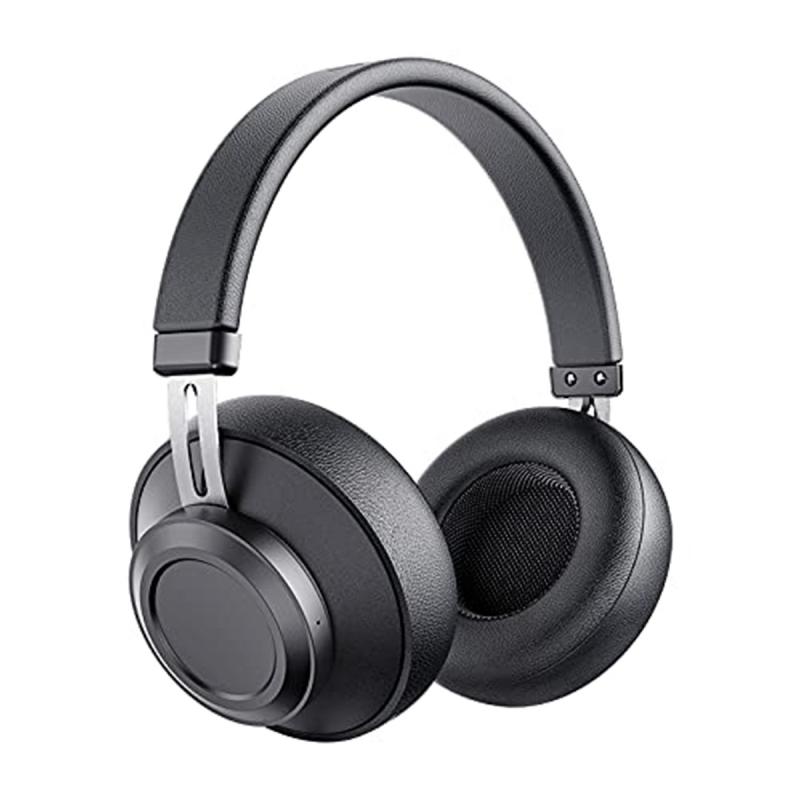
How to Connect Headphones as a Microphone
- Connect to a mixer mic input
- All you need to do is connect your headphones to your mixer's mic input. It's that simple. It's an old DJ trick that works pretty well, particularly when you don't have any other options for mics.
- Connect to an audio interface
- If you have a 3.5mm headphone, you can use a 3.5 to 6.3 jack adapter and plug into your audio interface's input. You can use ASIO4All and use the headphone jack as an input as well.
- Rewiring with an XLR connector
- By rewiring your headphones with an XLR connector, you can use them just like a dynamic microphone. The DT990 Pro, with its 80-ohm impedance, blends well in guitar recordings. Even old or broken headphones can work with a little modification.
- Plug directly into a mic input
- If you're old school, you can plug your headphones into a mic input and jack up the gain and use your headphones as a mic.
Sound Quality Expectations
The sound quality isn't as good as a regular microphone because headphones aren't built for this purpose, but in a tight squeeze this trick can be a lifesaver. It will sound lofi. It can sound cool in some cases. It will never come close to the quality of even a low-end proper mic. If you learn how to process it, it can sound pretty cool.
- If you're cool with a thin vocal, this is fine, but you'll be mixing hanging frequencies out of it for hours.
- Yes, it will work, and it will sound lofi.
- Your computer or phone may also have a built-in mic as an alternative.
- All the vocals off the album Come In by Weatherday were recorded by gaming headphones.
- Pretty sure the vocals for the first Burzum record were recorded through a headphone mic formerly used as a helicopter pilot's headset.
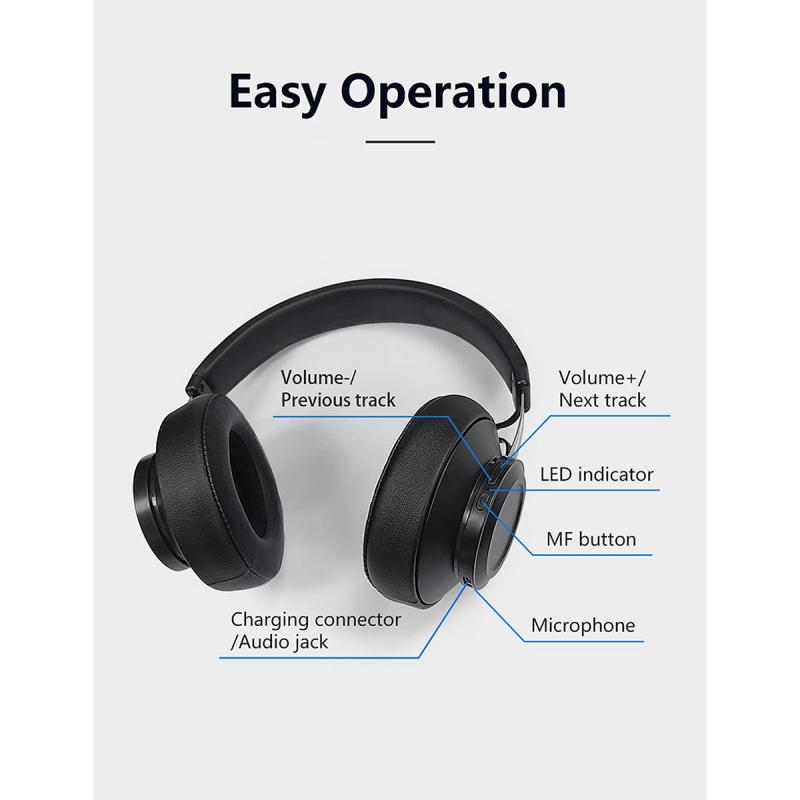
Using Headphone Mics for Guitar Recording
Looking to capture fat, heavy guitar tones? You don't need expensive microphones — you can use headphones to record. Dynamic headphones, like the Beyerdynamic DT990 Pro, can double as microphones due to their large membrane, perfect for capturing deep low-end frequencies. This DIY trick is great for guitarists wanting fuller, heavier tones without spending extra on gear.
Pairing headphone mics with traditional mics like the Beyerdynamic M260 creates a rich sound. The headphones add warmth, while the mic provides clarity. You can use an IR loader like Libra to blend the signals smoothly. In a similar vein, medium to large sized speakers can act in reverse as part of a kick drum micing setup.
DIY Lavalier Mic from iPhone Earbuds
On the topic of microphones, you can make a DIY lavalier mic using an old pair of iPhone earbuds for recording. Here are the steps:
- Get a headset split adapter that divides your iPhone earbud signal — one jack for your headphones and the other one for your mic. You're going to need a headset splitter that divides the input into two signals: one for the microphone, and one for the earbuds. This is essential if you're to be using this on a standard mic input like the one found on your mixer or audio interface.
- Get your pair of earbuds and locate the wire where the controls and mic are. Once found, cut the wire after it leading to the earbud. This will be your mic.
- Cut the other earbud off at the point where the two wires join together.
- Connect the jack to the mic input of the adapter, and connect the adapter's jack into your mixer or audio interface. You've now got a tiny microphone that could function as a lavalier mic. You can use this at a gig or even shoot videos with it and, thanks to its small size, it's easy to hide.
If you're on a Mac or similarly equipped input (4 position tip ring ring sleeve jack), you don't need the adapter. On your iPhone, the headphone input does the splitting for you already, which is why you don't see a separate plug where you need to jack in your mic. This is also the case with MacBooks and iMacs.
Tips for Getting a Usable Signal
- As long as you have a way of getting the signal from the headset mic to a selectable input in your DAW, you should be set.
- As long as you get a decent signal with minimum clipping, you're good.
- You can also use your phone's mic with the voice recording app as an alternative.
- If you have any Bluetooth headset that you can take phone calls on, that has a mic in it too. Even the standard headphones that come with phones these days have a mic in them.
- Connecting a common headset mic to an audio interface is not trivial — you'd need an adapter to change the connector and power the mic.
- I-ear headphones (Apple brand that came with an iPod) have also had reported luck when used this way.
You never know — you might create something that sounds really cool and end up using it, if not as a main vocal, as background texture, noise, or other elements. Using headphones as mics is a creative, budget-friendly way to beef up your guitar recordings or lay down demo vocals when a proper microphone isn't available.