Can You Have Security Cameras Without Wifi?
Security cameras can function without Wi-Fi. There are a few different approaches depending on your needs, each with its own trade-offs regarding cost, remote access, and installation complexity.
Types of Security Cameras That Work Without Wi-Fi
- 4G LTE Security Cameras
- These cameras use a cellular network instead of Wi-Fi, making them ideal for farms, remote properties, and areas without internet access. They typically use a SIM card and connect through 4G LTE networks such as Verizon. They support live view, push notifications, and high-quality video through a mobile app. The main trade-off is cost — since these cameras require a data plan, monthly expenses can add up. Expect to pay $10 to $30 monthly per camera for cellular connectivity. Four cameras could cost $160 monthly just for data.
- Local Storage Security Cameras
- These cameras record footage directly to a microSD card, DVR, or NVR without requiring cloud access. They can record video without requiring an internet connection, but cannot stream live video or send alerts. Unlike cloud-dependent systems, cameras that support local storage keep recordings private, accessible, and under your control without paying recurring subscription fees.
- Wired Security Camera Systems (PoE)
- Wired cameras use coaxial or ethernet cables for reliable video feeds without the need for Wi-Fi. Many of these systems use Power over Ethernet (PoE) for both power and data transfer, making them efficient and stable. With DVR or NVR setups, footage saves continuously to a hard drive or another dedicated video recorder. To minimize the amount of wires running through your house, consider installing PoE cameras — the same cable is used for power and to send video to a DVR.
- Battery-Powered and Solar-Powered Cameras
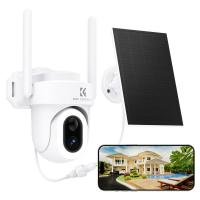
- Some battery-powered cameras operate offline using microSD cards or built-in hard drives for local storage. Others incorporate solar panels to recharge naturally, making them fully solar-powered and suitable for off-grid living. Solar-powered cameras provide continuous protection with renewable energy. Pairing solar charging with security cameras that work without Wi-Fi reduces maintenance and keeps remote monitoring running year-round. These devices are flexible and wire-free, but come with trade-offs: limited battery life, smaller storage capacity, and slower recovery after outages can affect performance.
Connecting to Your Phone Without Wi-Fi
To view a security camera on your phone without Wi-Fi, there are two main options:
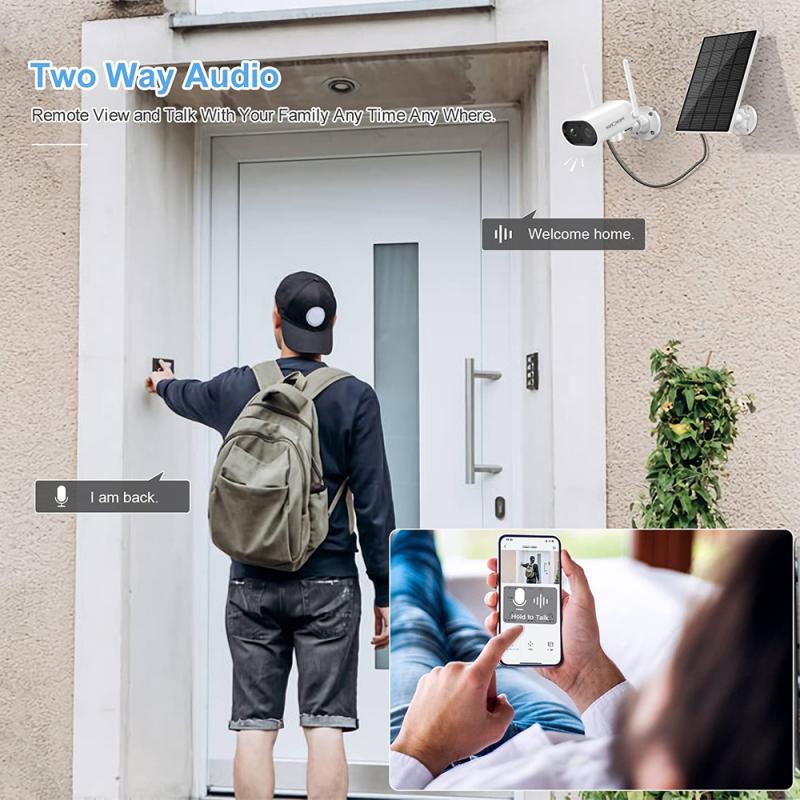
- Use a 4G LTE security camera: the camera connects to a cellular network and sends live video or alerts through a mobile app.
- Use local network access: some cameras connect to a phone through a direct local connection or hotspot without requiring home Wi-Fi. Some cameras can emit a Wi-Fi signal which your phone connects to, to see live images or download from SD card — though this means you can only see the images when you are within range of the camera.
Wi-Fi vs. Non-Wi-Fi Cameras Compared
| Feature | Wi-Fi Cameras | Non-Wi-Fi Cameras |
|---|---|---|
| Remote Access | Full access via mobile app and cloud | Limited; local access only |
| Cost | May include subscription fees for cloud storage | Lower upfront cost, but hardware/storage adds up |
| Reliability | Dependent on router and internet connection | Stable performance, fewer connectivity issues |
| Smart Home Features | Integrates with smart home devices | May be limited or unavailable |

Benefits of Security Cameras Without Wi-Fi
- Stronger privacy: a non-Wi-Fi security camera stores footage offline, avoiding common hacking risks.
- Greater reliability: security cameras work without interruption in outage-prone or low-connectivity areas.
- Lower costs: some systems have no monthly fees or subscription requirements, making them cost-effective in the long run.
- Flexible setups: these cameras function well for farms, cabins, temporary sites, or other remote properties where an internet connection isn't practical.
What to Consider Before Choosing a Non-Wi-Fi Camera
While security cameras without a Wi-Fi connection can be effective, they have some downsides. The biggest drawback is limited remote access. Without a router and internet, features like mobile app controls, notifications, and real-time monitoring won't be available.
- Storage capacity: non-Wi-Fi cameras rely on hard drives or microSD cards for recording, which can eventually fill up.
- Power supply: a consistent power source — whether ethernet with PoE, batteries, or solar — is essential to keep the camera running.
- Overall costs: while standalone options may cut monthly fees, replacing storage cards, maintaining batteries, or scaling a system can add up.
- DVR-based systems require dedicated storage space. A typical 16-channel NVR is about the size of a desktop PC and needs proper ventilation to prevent overheating.
- Professional-grade CCTV systems start around $1,000 for a basic 4-camera setup, compared to $200 to $400 for comparable Wi-Fi systems.
Best Use Cases by Location
The best security cameras without Wi-Fi depend on your location and monitoring needs:
- For remote areas: choose a 4G LTE camera that works with cellular networks.
- For 24/7 recording: choose a PoE camera system with an NVR.
- For flexible outdoor monitoring: choose battery-powered or solar-powered cameras with local storage.
- For farms, construction sites, or cabins: outdoor security cameras with 4G connectivity provide the most convenient way to monitor your property remotely.
Some cameras are cellular enabled, some routers are cellular enabled, and some routers can be connected to a laptop, tablet, or phone that is cellular. Many Wi-Fi cameras don't work well without internet because they need to check in with their company servers and may require cloud services — so it's important to check the specific model's specs to confirm it supports fully local operation. Reolink cameras, for example, can work as local-only with no internet access, and even with internet access they are externally accessible and give push notifications without a subscription.