kfconcept

KENTFAITH
K&F Concept    Blog >

Enjoy Your Selected Digital Life

Recently Viewed
  • Recently Viewed
  • Recently Viewed list is empty.

Compare (0) 0
  • Compare
  • You have not chosen any products to compare.

  • Compare
Currency: USD
  • Currency
Shop by Scene Shop by Rank

Log Into Your Account

Account

Order History

Wish List

Login

Forgotten Password?

or connect with

Register Account

Already have an Account?Log In

  • Shopping Cart
  • Your shopping cart is empty!

  • Register/Login to purchase, earn points
  • Favorite
  • Your wish list is empty.

  • Register/Login to like, earn points
  • Activities
  • Guide
    • Filter Guide
    • Lens Adapter
    • Product Review
  • News & Reviews
    • Camera Reviews
    • Sample Gallery
    • News
  • Tutorials
    • Solar eclipse photography
    • Photography Basics
    • Landscape Photography
  • Inspiration
    • Travel
    • Travel Stories
  • Home
  • Blog
  • How To Record Your Voice Without A Microphone?

How To Record Your Voice Without A Microphone?

Kentfaith 2026-08-05 01:24:51 0 Comments

Recording your voice without a professional microphone is entirely possible with the right techniques and tools. Whether you're creating podcasts, voiceovers, or recording vocals over beats, achieving decent sound quality can be done using everyday devices like your smartphone or laptop.

Choosing the Best Recording Device You Already Own

The first step is to choose the best device for recording audio among the ones you have. If you have a smartphone, a tablet, a laptop, and a camera, compare their audio capabilities and see which one has the best built-in microphone, the lowest noise level, and the highest sound resolution. You can also use a free app or software to test the audio quality of each device and adjust the settings accordingly.

  • Phone mic is the best bet for recording vocals — smartphones these days have more capability than many people expect.
  • The iPhone microphone can capture rich, detailed sound directly from the source and often supports stereo recording, enhancing the depth and realism of captured audio.
  • You can use a webcam mic if that is all you have — quality won't be as high as many other mics, but you can set your recording preferences in the DAW.
  • Use several devices where possible — a smartphone, an old dictaphone, and a laptop microphone are three accessible options. Having several recording devices running will give you the option of editing audio tracks at a later date.
  • Wired earphones with a microphone plugged into your phone are another option — they won't be great, but they won't cost much.
how to record your voice without a microphone 1

Reducing Background Noise Before You Record

The second step is to reduce the background noise as much as possible before you start recording. This means finding a quiet location, closing the windows and doors, turning off any fans or appliances, and asking anyone else in the room to be silent.

  • Use acoustic materials such as blankets, curtains, carpets, or foam panels to absorb the sound and prevent echo or reverb.
  • Any vocalist or voiceover artist who doesn't have a studio has a kind-of-a-studio in their home: their wardrobe. Put the recording device in front of the hanging clothes and speak in the direction of the clothes. They will work as acoustic treatments, reducing noise, reverb and echo. You'll also end up with sound that has more depth and is richer to the ear.
  • Try recording just the vocals on the phone — cover the mic with a sock or maybe a thin latex material — and have a padded room for no reverb.
  • Record in a room with soft furnishings like carpets, curtains, and cushions to absorb sound.
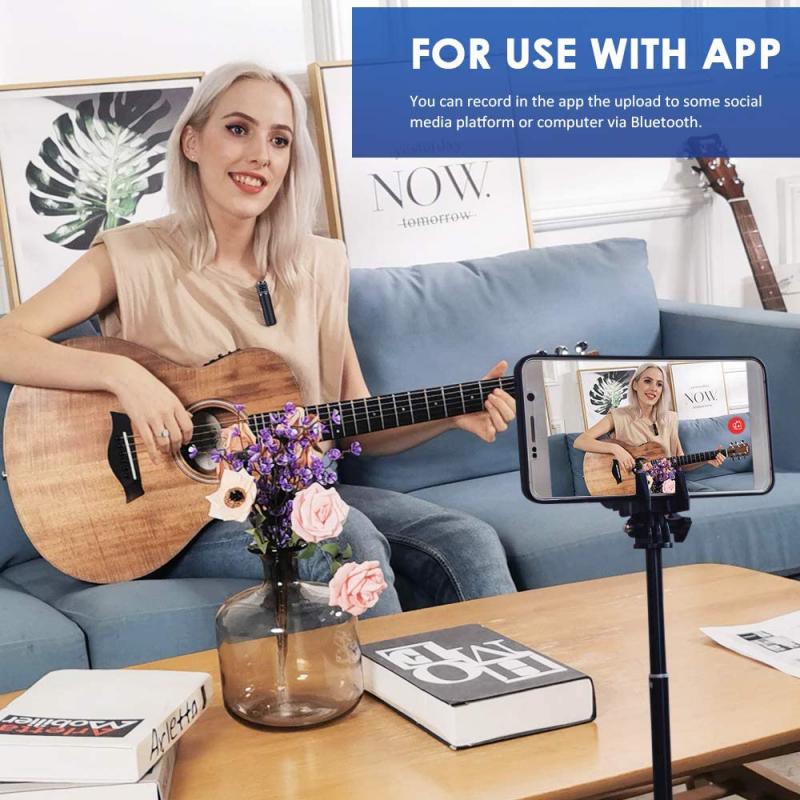
  • If you can't eliminate all the noise, you can use a noise reduction tool or filter in your editing software to remove it later. Popular audio noise cancellation software includes Audacity, Adobe Audition, Sony Vegas and Pro Tools.
how to record your voice without a microphone 2

Positioning and Device Placement

The third step is to position yourself correctly in relation to the device you're using. Ideally, you want to be as close as possible to the microphone, without being too loud or distorted.

Distance from microphone
Keep a consistent distance of 6–12 inches from your device's microphone and speak directly into it. Varying distances from the microphone can result in inconsistent audio levels.
Stabilizing the device
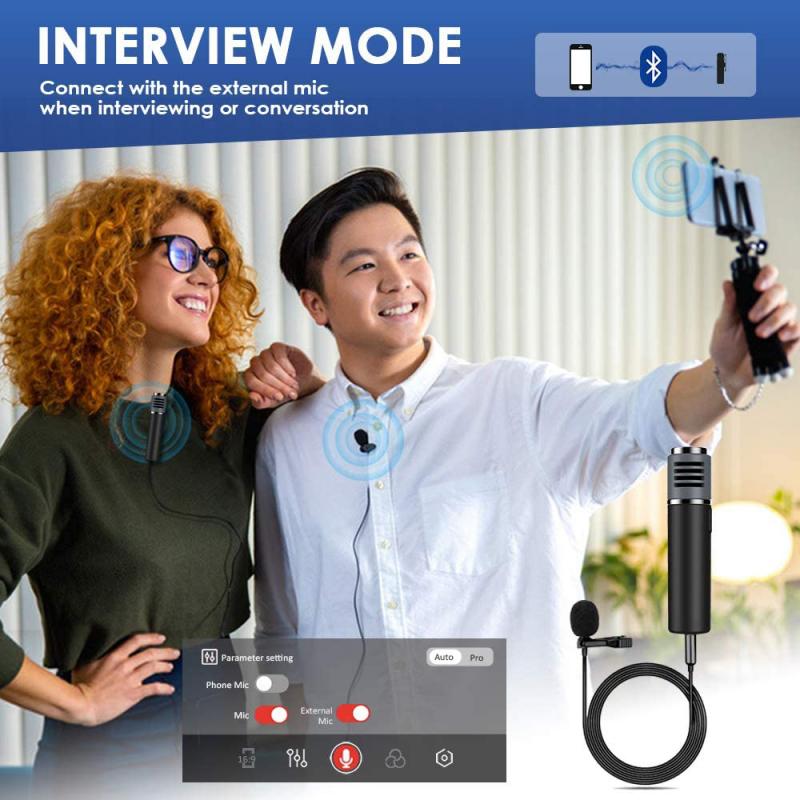
Use a tripod, a stand, or a mount to stabilize the device and keep it at a consistent distance from your mouth. Avoid any movement or interference that could affect the audio quality, such as touching the device, covering the microphone, or bumping into something.
Close recording for phone vocals
Use your phone's microphone to record all your voice dialogue close to your mouth with no background noise. Then you can simply add that audio recording track to your timeline and line it up with the speech.
Sync with a tap
Put in headphones and tap loud when you hit record so it's picked up on the phone mix as well. When you record you can just cut the clip at that tap point so it'll be in sync. You can also count like 1, 2, 3, 4 — do a count off with the metronome so you can line it up later.
how to record your voice without a microphone 3

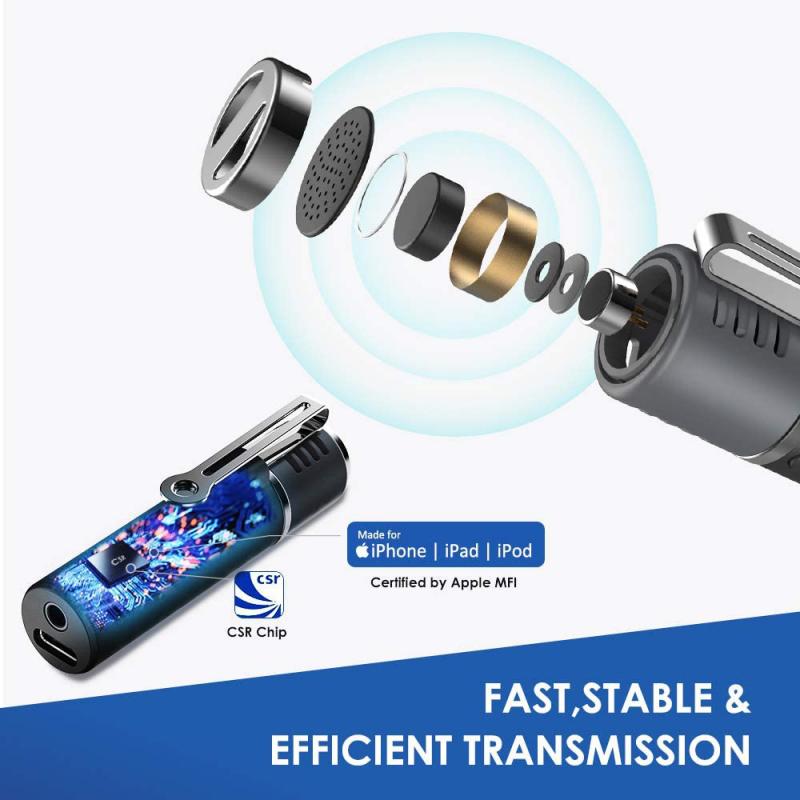
Using Headphones or Earbuds as a Makeshift Microphone

The fourth step is to use a headphone or earbud as a makeshift microphone. This is a simple and effective way to improve your audio quality, especially if you don't have a good built-in microphone on your device.

  1. Choose a pair of headphones with an inline or built-in mic.
  2. Plug the headphones into the microphone jack of your recording device.
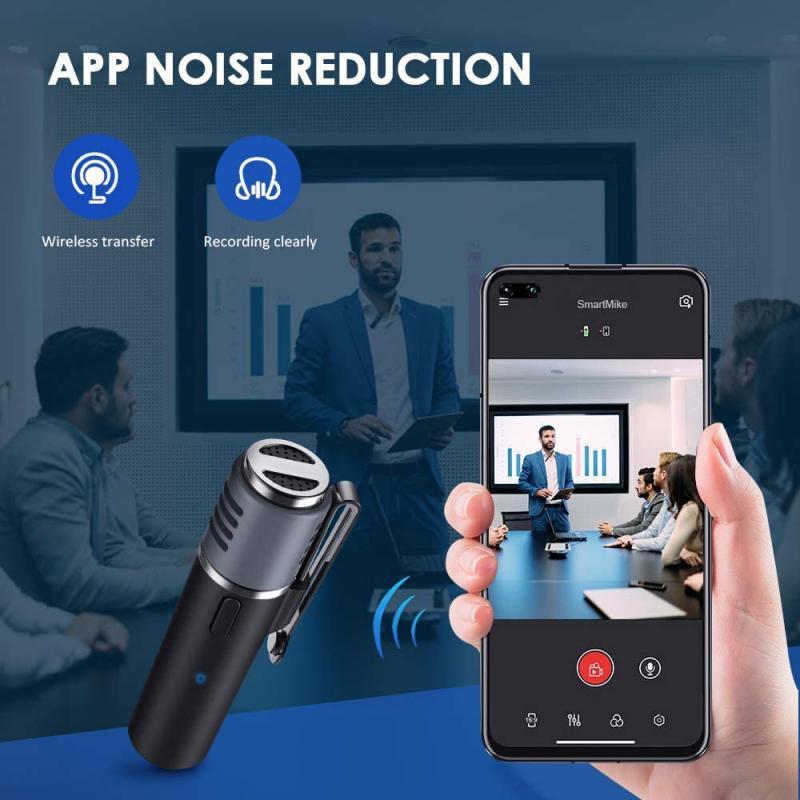
  3. Clip it to your shirt or collar, near your mouth, or position the inline microphone close to your mouth to capture clearer audio.
  4. You can also use a splitter or an adapter to connect two headphones or earbuds — one for listening and one for speaking.
  5. Adjust the input settings on your recording device and test different distances and angles for the headphone's microphone to optimise audio quality.

The audio quality might vary based on the headphone's specifications and the recording environment. Get the cheapest wired earphones from the market and keep it near to your neck, have a silent room, and use a voice recorder — record separately and then synchronize.
how to record your voice without a microphone 4

Recording a Test Audio First

The fifth step is to record a test audio before you start recording your vocals. This will help you check the audio quality, the volume level, the clarity, and the noise level of your recording. Listen to the test audio with headphones or speakers and make any adjustments or corrections if needed. Never hesitate to test the sound in various enclosed spaces and listen to whether the sound is diffused correctly. Try not to clip the audio — there are some good phone audio apps that will assist you with this.

Editing and Enhancing Your Audio in Post-Production

The final step is to edit and enhance your audio after you finish recording. You can use free or paid software to trim, cut, splice, or merge your audio clips, as well as apply effects or filters.

  • Drop the WAV file into your DAW and clip gain manually to level out the vocal.
  • Edit your vocal by removing any unnecessary breaths and silencing dead spaces.
  • Engage the high pass filter.
  • EQ the vocal — if the audio is recorded on your smartphone, it's likely not going to be radio quality, so add some EQ and make sure the track is mono not stereo. This way the voice cuts right through the middle.
  • Add some compression to bring the vocal out.
  • Use a noise reduction tool in your editing software to further clean up audio by targeting and eliminating specific unwanted sounds without compromising the overall quality of the recording.
  • There is also Adobe AI that filters much of the noise and makes your voice sound better — it can work well for cleaning up recordings made without professional equipment.

It's also worth noting that you need headphones so you can hear your voice without speakers — speakers will bleed the voice back into the microphone, potentially causing a feedback loop. Many apps can work fine for recording: Mac computers come with GarageBand for free; Cakewalk for Windows is currently free and a well-regarded option; Audacity is a free, open source, multi-track audio editor and recorder for Windows, macOS, and GNU/Linux. When you are able to upgrade, redo the vocals properly with a dedicated microphone and audio interface.
Leave your comment
Cancel reply
Note: HTML is not translated!
Related products
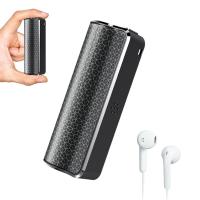
128G Mini Digital Voice Recorder with Color Screen Bluetooth Call Record 3072kbps Kentfaith
HOT Seller
128G Mini Digital Voice Recorder with Color Screen Bluetooth Call Record 3072kbps Kentfaith
15
$119.99 $83.99
Digital Voice Recorder with 64Gb Storage, 1536 kbps, Voice Activated & Line-in Record, 85H Battery Life, Stores 800 Hours of Recording, Kentfaith
18
$99.99 $79.99
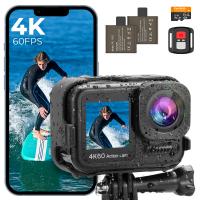
4K60FPS 48MP 66FT Waterproof Action Camera without a Case, Dual Screens, 64GB Card, EIS, WiFi Remote Control, Kentfaith
NEW Arrival
4K60FPS 48MP 66FT Waterproof Action Camera without a Case, Dual Screens, 64GB Card, EIS, WiFi Remote Control, Kentfaith
14
$191.24 $152.99
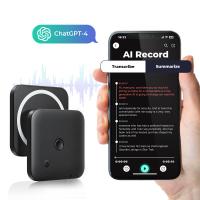
AI Voice Recorder Voice-to-Text & Transcription for Meetings, Calls, Interviews, 64G Kentfaith Mini & Magnetic
HOT Seller
AI Voice Recorder Voice-to-Text & Transcription for Meetings, Calls, Interviews, 64G Kentfaith Mini & Magnetic
26
$119.99 $69.99
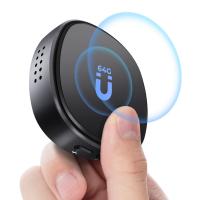
Mini Voice Recorder Magnetic & Voice-activated, 800H Recording with Noise Cancelling, Kentfaith Voice Recorder for Meetings, Lectures, Studying, Interviews 64G
TOP Best
Mini Voice Recorder Magnetic & Voice-activated, 800H Recording with Noise Cancelling, Kentfaith Voice Recorder for Meetings, Lectures, Studying, Interviews 64G
635
$69.99 $59.99
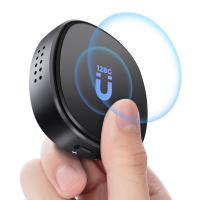
Mini Voice Recorder Magnetic & Voice-activated, 1600H Recording with Noise Cancelling, Kentfaith Voice Recorder for Meetings, Lectures, Studying, Interviews 128G
635
$82.49 $69.99
Mini Voice Recorder Voice-activated & Magnetic 64G 800 Hours Capacity Noise Cancelling
635
$69.99 $59.99
Mini Voice Recorder Voice-activated & Magnetic 128G 1600 Hours Capacity Noise Cancelling
635
$82.49 $69.99
Digital Voice Recorder with Ultra-long 1000H Continuous Recording, Voice-Activated & Magnetic 128G
11
$134.99 $89.99
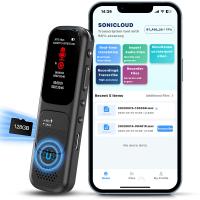
128GB Digital Voice Recorder Voice Activated, AI Transcribe Summarize Translation Noise Reduction,  Kentfaith
128GB Digital Voice Recorder Voice Activated, AI Transcribe Summarize Translation Noise Reduction, Kentfaith
32
$99.99 $79.99
Products You May Like
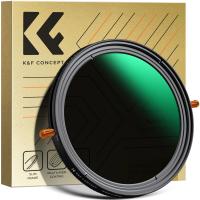
52mm ND & CPL 2 in 1 Lens Filter, ND2-ND32 (1-5 Stop) Variable Neutral Density and Polarizer for Camera Lens Nano-Dazzle Series
65
$65.99 $54.49
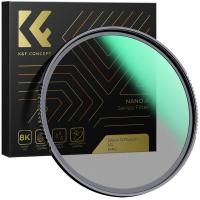
72mm  Black Mist Filter 1/4 Special Effects Filter Ultra-Clear Multi-layer Coated With Waterproof Scratch-Resistant and Anti-Reflection Nano-Xcel Series
72mm Black Mist Filter 1/4 Special Effects Filter Ultra-Clear Multi-layer Coated With Waterproof Scratch-Resistant and Anti-Reflection Nano-Xcel Series
82
$88.49 $58.99
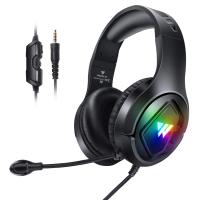
wintory M1 Gaming Headset with Mic for PS4 PS5 Xbox One PC, RGB Stereo Gaming Headset with Noise Cancelling Mic, In-Ear Headphones 3.5mm for Switch Computer Laptop Black
$34.99
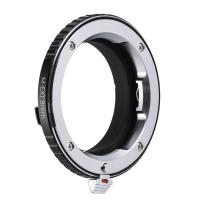
Leica M Lenses to Leica M Mount M-EXT 8mm Adapter K&F Concept M36301 Lens Adapter
$56.99 $29.99
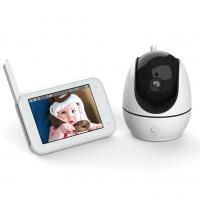
720P 4.5" HD Display ABM200S Video Baby Monitor with Night Vision and 12Hrs Batteries
936
$96.99
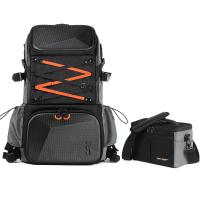
32L Pro Large Camera Backpack for 17" Laptop DSLR SLR Cameras, Anti-Theft Waterproof with Rain Cover, Tripod Holder for Photographers - Backpack 32L Star Wander03 (Black)
205
$185.99 $129.99
K&F Concept Multifunctional Lens Cleaning Pen, Replaceable Pen Tip
1
$24.99 $12.99
49mm Magnetic Variable ND8-ND128(3-7 Stop) Lens Filters + Magnetic Filter Basic Ring Kit with 28 Multi-Layer Nano-Xcel Series (Compatible with 52mm magnetic cap)
11
$82.99 $65.99
82mm Solar Filter 20-Stops,ND1000000 Solid Neutral Density Filter Solar Filter For Eclipse With 18 Multi-Layer Coatings Nano-Klear Series
36
$31.99 $24.99
67mm ND2-32 & CPL 2 in 1 Filter, 1-5 Stop Neutral Density and Circular Polarizing Filter 2 in 1 for Camera Lens No X Spot Weather Sealed Nano-Xcel
128
$95.99 $84.99
Related articles
How To Record Voice On Computer Without Microphone?
How To Record Clear Audio Without A Microphone?
How To Record Your Microphone?
What Do You Need To Record Your Voice?
Books That You Can Record Your Voice?
Can You Record Your Voice While Screen Recording?
How To Use Your Phone As A Microphone?
How Does A Microphone Record Sound?
How To Record Videos Without Sound?
Does The Ring Camera Still Record Without Wifi ?
Blog You May Like
Which Camera Is Best For Shooting Videos?
How Much Does A Camera Memory Card Cost?
Can I Mount Canon Lens On Nikon?
How To Hide Security Cameras In Home?
Where To Get Wireless Earbuds?
Can You Drive With Headphones?
9 Inch Fish Finder What Size Battery?
Kentfaith x Citadel Season 2
How Does A Bluetooth Earphone Work?
Can You Record With A Selfie Stick?
Related categories
A Mount Lens Adapter Sony A Mount Lens Adapters minolta a mount lenses streaming video camera C mount lens adapter m4/3 adapter
Popular products
Mini Digital Voice Recorder​ video camera with stabilization phone voice call recording usb microphone for recording music usb microphone for computer prepaid sim unlimited data sony camera with video mini sound recorder device mini magnetic voice recorder mini magnetic voice recorder
Related searches
Cheap Camera To Record Videos A Solar Filter For Your Lens Using A Lens Without Adapter Best Camera To Record Time Lapse Voice Recording Microphone For Laptop Good Microphone For Recording Voice Shotgun Microphone For Voice Over Condenser Microphone For Voice Over Voice Recorder Device With Microphone Voice Recording Microphone For Pc
Related Scenes
Best Video Camera To Record Sports Best Outdoor Camera Without Wifi Best Surveillance Camera Without Wifi Best Sony A Mount Camera Best Trail Camera Without Cellular Best Batteries For A Trail Camera Best Sony A Camera For Video Best Compact Camera Microphone Best Vlogging Camera Microphone Best Camera To Video Sports
Blog Category
  • Activities
  • Guide
    • Filter Guide
    • Lens Adapter
    • Product Review
  • News & Reviews
    • Camera Reviews
    • Sample Gallery
    • News
  • Tutorials
    • Solar eclipse photography
    • Photography Basics
    • Landscape Photography
  • Inspiration
    • Travel
    • Travel Stories
Search Article
Latest from the Blog
Which Security Camera System Is The Best?
What Do You Plug A Microphone Into?
How To Rate Binoculars Magnification?
Can Trail Cameras Record Video?
How To Take Off Camera Lens?
How To Choose A Surveillance Camera System?
How To Ship Lithium Batteries?
How To Get Night Vision Goggles?
Smartwatch That Can Make And Receive Calls?
How Does A Wireless Headphones Work?
  • Easy Payment Multilple Payment Options

  • Free Shipping Global WareHouse Shipment

  • No Risk 30-Day No Reason Return

  • Limited Deals Buy More, Save More

  • Tax Free No any surcharges or tax fee

Information
  • About us
  • Contact Us
  • Site Map
  • Blog
  • Video
  • Gallery
  • VIP Membership Rewards
Service
  • Privacy Policy
  • Terms & Conditions
  • Shipping & Delivery
  • Payment Info
  • Warranty, Return & Refund
  • Intellectual Property Rights
  • Ambassador
  • Affiliates
  • Wholesale
Support
  • My account
  • Order History
  • FAQs
  • Extend Warranty
  • Logistics Tracking
Follow us
NewsLetter

Get the latest product, K&F Concept respects your privacy.

Powered By KENTFAITH © 2026