kfconcept

KENTFAITH
K&F Concept    Blog >

Enjoy Your Selected Digital Life

Recently Viewed
  • Recently Viewed
  • 55mm Variable ND Filter ND32-512 (5-9 Stops) Neutral Density Lens Filter with 28 Multi-Layer Coatings Hydrophobic/Scratch Resistant Nano-Xcel
    55mm Variable ND Filter ND32-512 (5-9 Stops) Neutral Density Lens Filter with 28 Multi-Layer Coatings Hydrophobic/Scratch Resistant Nano-Xcel
    $56.99 $44.99
Compare (0) 0
  • Compare
  • You have not chosen any products to compare.

  • Compare
Currency: USD
  • Currency
Shop by Scene Shop by Rank

Log Into Your Account

Account

Order History

Wish List

Login

Forgotten Password?

Or connect with

Register Account

Already have an Account?Log In

  • Shopping Cart
  • Your shopping cart is empty!

  • Register/Login to purchase, earn points
  • Favorite
  • Your wish list is empty.

  • Register/Login to like, earn points
  • Activities
  • Guide
    • Filter Guide
    • Lens Adapter
    • Product Review
  • News & Reviews
    • Camera Reviews
    • Sample Gallery
    • News
  • Tutorials
    • Solar eclipse photography
    • Photography Basics
    • Landscape Photography
  • Inspiration
    • Travel
    • Travel Stories
  • Home
  • Blog
  • Can You Record Your Voice While Screen Recording?

Can You Record Your Voice While Screen Recording?

Kentfaith 2024-11-20 00:58:54 0 Comments

In today's digital era, the way we consume and create content has undergone a significant transformation. From streaming videos to hosting webinars, the demand for how-to guides and tutorials has skyrocketed. One recurring query in this burgeoning landscape is, "Can you record your voice while screen recording?" For many, especially educators, content creators, and professionals, the ability to capture video and audio simultaneously is crucial. This article aims to provide detailed, actionable advice on how to effectively record your voice while screen recording.

Why Record Your Voice While Screen Recording?
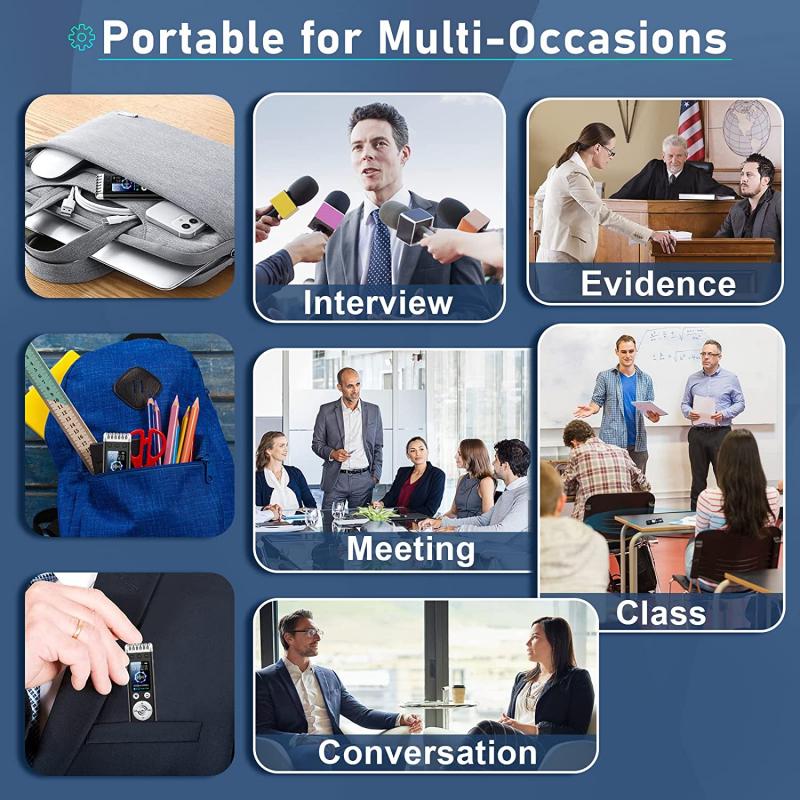
can you record your voice while screen recording 1

Before diving into the 'how-to,' it's essential to understand the 'why.' The combination of on-screen activity and voice narration can significantly enhance the viewer's understanding and engagement. Here are some primary reasons why you might want to do this:

1. Academic Purposes: Teachers and educators can explain complex concepts more effectively.

2. Tutorials: Tech enthusiasts and DIY hobbyists can provide step-by-step instructions.

3. Business Demonstrations: Sales and marketing teams can offer detailed product walkthroughs.

4. Gaming: Gamers can share their strategies or reactions in real-time.

Selecting the Right Software
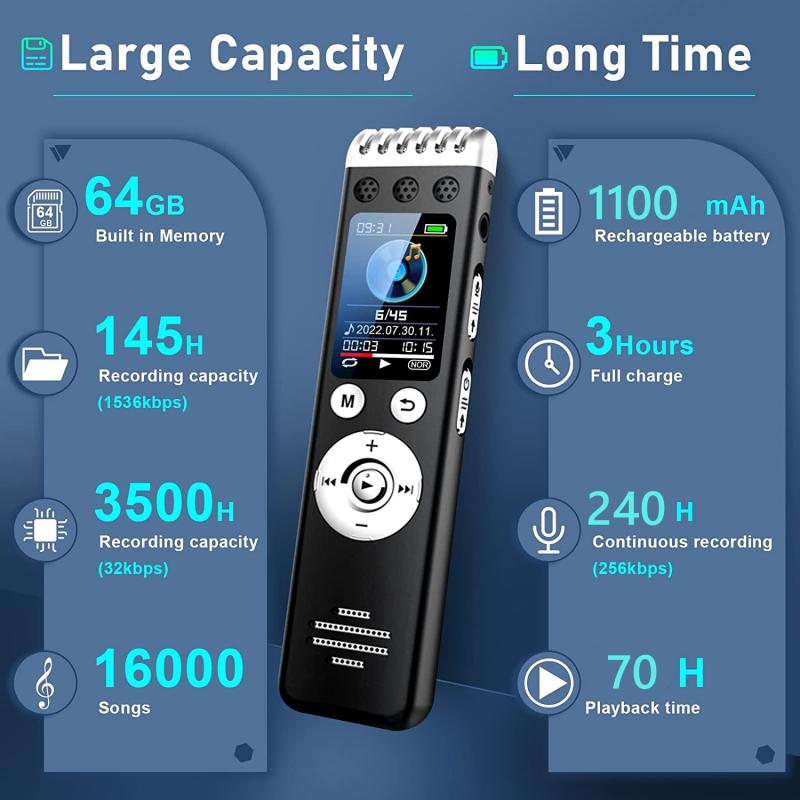
can you record your voice while screen recording 2

When it comes to recording your voice while screen recording, selecting the right software is vital. Here are some popular options:

1. OBS Studio:

- Pros: Highly customizable, free, open-source.

- Cons: Steeper learning curve.

2. Camtasia:

- Pros: User-friendly interface, built-in editing tools.

- Cons: Licensing fee.

3. ScreenFlow (Mac only):

- Pros: High-quality video output, robust editing features.

- Cons: Costly.

4. Loom:

- Pros: Easy to use, cloud storage.

- Cons: Limited free version.

Hardware Considerations
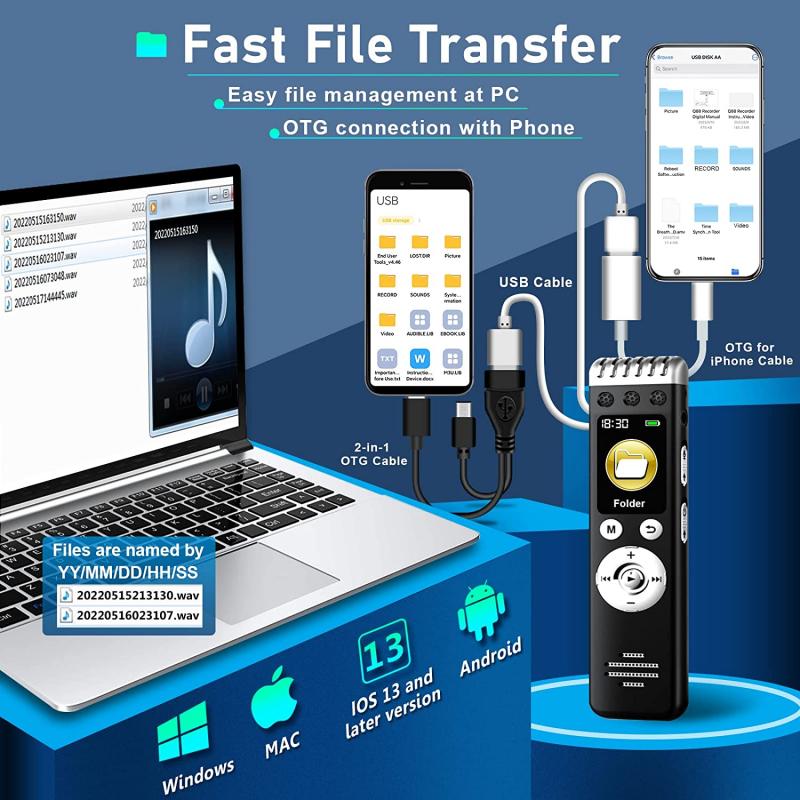
can you record your voice while screen recording 3

While software handles the bulk of the task, don’t overlook the hardware. A good microphone will make a world of difference in the quality of your voice recording:

1. USB Microphones: These are plug-and-play and generally offer excellent sound quality.

2. Headsets: Ideal for mobility and can deliver decent sound quality.

3. Built-in Microphones: Convenient, but usually inferior in quality.

Step-by-Step Guide to Record Your Voice While Screen Recording
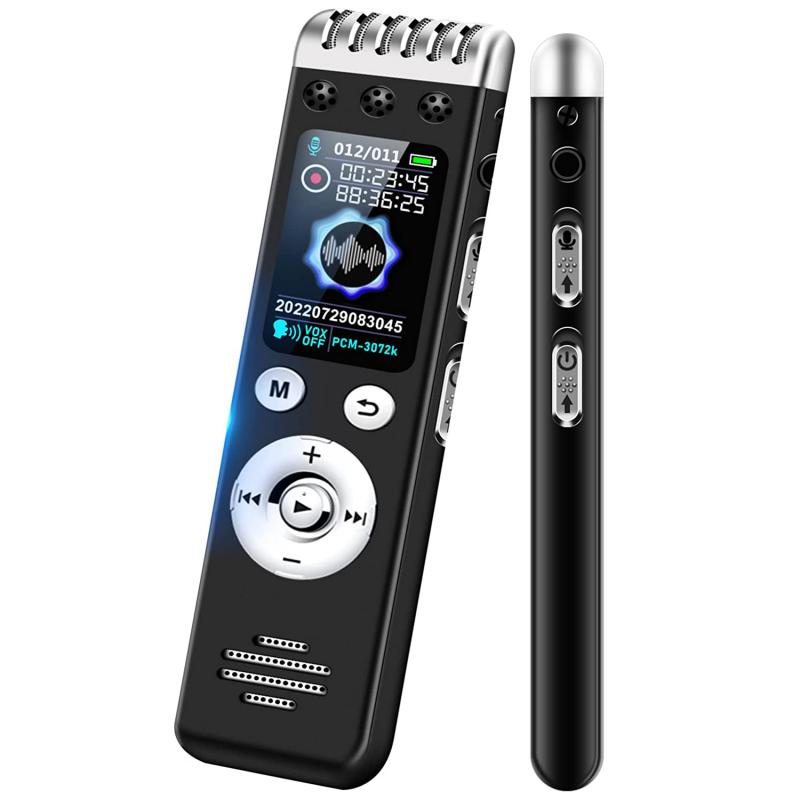
can you record your voice while screen recording 4

Using OBS Studio

1. Download and Install:

Download and install OBS Studio from the official website.

2. Setting Up:

Open OBS Studio and click on the ‘+’ button in the ‘Sources’ panel to add a new source. Select ‘Display Capture’ to capture your screen.

3. Audio Input:

Click on the ‘+’ button in the ‘Sources’ panel again, but this time select ‘Audio Input Capture.’ Choose your microphone from the list of devices.

4. Configuration:

Make sure your microphone is not muted in the ‘Audio Mixer’ panel. Adjust the volume levels as needed.

5. Start Recording:

Click ‘Start Recording’ in the lower right corner. To stop, click ‘Stop Recording.’

Using Camtasia

1. Download and Install:

Download and install Camtasia.

2. New Recording Session:

Open Camtasia and click on ‘New Recording.’

3. Screen and Audio:

Check the boxes for both ‘Screen’ and ‘Audio.’ Make sure to select your microphone from the audio dropdown menu.

4. Custom Settings:

Adjust screen capture area and audio levels.

5. Start Recording:

Click ‘Start Recording.’ To finish, click the Camtasia icon in the system tray and select ‘Stop Recording.’

Using ScreenFlow (Mac)

1. Download and Install:

Download and install ScreenFlow.

2. New Recording:

Open ScreenFlow and select ‘New Recording.’

3. Choose Sources:

Select options for ‘Record Desktop from’ and ‘Record Audio from.’ Choose your microphone from the list.

4. Adjust Settings:

Configure your screen capture area and audio settings.

5. Start Recording:

Click the red record button. To stop, click the ScreenFlow icon in the menu bar and select ‘Stop Recording.’

Tips for Better Voice Recording

1. Quiet Environment:

Make sure you're in a quiet room to avoid background noise.

2. Microphone Placement:

Position the microphone about 6-8 inches from your mouth.

3. Voice Warm-Up:

Spend a few minutes warming up your voice to ensure clarity and reduce strain.

4. Script Preparation:

Prepare a script or bullet points to keep your narration organized and coherent.

5. Post-Processing:

Use noise reduction and equalization features in your chosen software to enhance the audio quality.

Troubleshooting Common Issues

Audio Sync Problems

- Solution: Use software that allows for post-production editing, where you can manually adjust the timing of your audio and video tracks.

Low-Quality Audio

- Solution: Upgrade your microphone or use a noise reduction filter in post-production.

Screen Recording Lag

- Solution: Close unwanted applications to free up system resources. Consider lowering the resolution of your recording.

File Size Management

- Solution: Use a more efficient video format like MP4 for lower file sizes without sacrificing quality.

Recording both your screen and voice at the same time can greatly enhance the effectiveness of your content. Whether you’re a teacher, a business professional, or a content creator, mastering this skill will provide high value to your audience. By choosing the right software and hardware, and by following best practices for clear and engaging narration, you can create professional-quality tutorials and presentations that resonate with your audience. So go ahead, start recording and elevate your digital content to new heights!

Leave your comment
Cancel reply
Note: HTML is not translated!
Related products
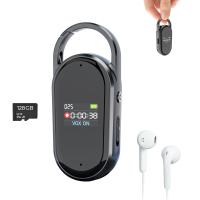
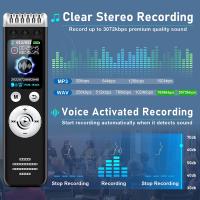
128G Mini Digital Voice Recorder with Color Screen Bluetooth Call Record 3072kbps Kentfaith
15
$119.99 $83.99
Mini Sound Recorder 128GB 1600H Recording Capacity with 1.4" Screen, Voice Activated Mode Kentfaith
12
$99.99 $79.99
Digital Voice Recorder with Ultra-long 1000H Continuous Recording, Voice-Activated & Magnetic 128G
11
$134.99 $89.99
128G Small Digital Voice Recorder with Ultra-long 1000H Continuous Recording, Voice-Activated & Magnetic, Kentfaith
17
$118.74 $94.99
Mini Voice Recorder Magnetic & Voice-activated, 800H Recording with Noise Cancelling, Kentfaith Voice Recorder for Meetings, Lectures, Studying, Interviews 64G
621
$68.99 $49.99
Mini Voice Recorder Magnetic & Voice-activated, 1600H Recording with Noise Cancelling, Kentfaith Voice Recorder for Meetings, Lectures, Studying, Interviews 128G
621
$82.49 $53.99
AI Voice Recorder, Transcribe Summarize Translation, App Control, 40H Recording Time, 64GB Memory, Kentfaith
21
$137.49 $109.99
128G Small Digital Voice Recorder with Ultra-long 1536H Recording, Voice-Activated & DSP Noise Reduction, Conference/Lecture/Classroom Learning, Keychain Portable Gifts, Kentfaith
18
$106.24 $84.99
Offline Voice Translator Device with 144 Languages 5" Touch Screen ChatGPT Integrated
62
$149.99 $99.99
Gift Certificate: $200 Value - Can Use with Any Discounts
$200.00 $190.00
Products You May Like
HC-801A 16MP 1080P Trail Camera 0.5s Trigger Speed Hunting 3 PIR HD Deer Camera Infrared Night Vision Game Camera
6
$57.99
Contax Yashica Lenses to Pentax Q Lens Mount Adapter with Tripod Mount K&F Concept M14162 Lens Adapter
$56.99 $29.99
Lightweight Carbon Fiber Camera Tripod Professional Travel Tripod 66"/168cm 22lbs Load Capacity for DSLR Cameras Ship to EU&AU Only (TC2534)
63
$239.99 $123.99
Underwater Metal Detector with Phone Control 9.5" Coil 12" Deep Detection Advanced Ground Balance
17
$584.99 $409.99
12x50 Monoculars Anti-Fog High-Power Single-Lens Telescope with Phone Holder & Tripod BAK4 Prism for Wild Animals Hunting, Camping, Trip
259
$79.99 $37.99
sun glasses
sun glasses
$0.00
Q8 1.69 Inch Bluetooth Talking Smart Watch for Android and iOS Phones, IP67 Waterproof Fitness Tracker Watch, Ultralight Smart Sports Watch with Heart Rate ECG Blood Pressure Blood Oxygen Monitoring Black
$69.99
K&F Concept  100% Cotton  T-Shirt - Black
K&F Concept 100% Cotton T-Shirt - Black
$15.99
58mm Matte Box Adapter Ring
$13.99
55mm Black Mist 1/4 Filter Waterproof Mist Cinematic Effect Filter with 24 Multi-Layer Coatings for Video/Vlog/Portrait Photography (Nano-Dazzle)
37
$43.99 $34.99
Related articles
Books That You Can Record Your Voice?
How To Have Your Voice In Screen Recording?
How To Get Your Voice On Screen Recording?
How To Change Your Voice On Screen Recording?
What Do You Need To Record Your Voice?
Can You Record Voice With Airpods?
Can You Record Facebook Messenger Voice Calls?
How To Get Voice In Screen Recording?
How To Record Audio During Screen Recording?
What Is A Nikon Z Mount?
Blog You May Like
How To Find A Camera In Your Home?
Do Solar Panels Work When Power Is Out?
Camera That Can Attach To Your Backpack?
What Is A Handheld Gaming Device?
Camera Which Will Connect By Wifi To Pc?
How To View Cameras On Wifi Network?
How To Clean Fungus Inside Camera Lens ?
Can You Turn Off Ring Blue Light?
How To Install Baby Monitor On Wall?
How To Draw A Camera Flash?
Related categories
trail camera with screen Tamron Adaptall 2 Lens Adapters Soft GND Filter Reverse GND Filter graduated neutral density GND filter ring flash nikon light pollution filter for astrophotography m4/3 adapter
Popular products
Mini Digital Voice Recorder​ digital voice recorder with usb digital voice recording smart digital voice recorder small voice activated audio recorder mini sound recorder device mini magnetic voice recorder small hidden audio recorder Bluetooth mesh intercom Offline Translator Device
Related searches
Screen Voice Recorder Voice Recording Microphone Usb Microphone For Voice Recording Record Wifi Camera Cameras That Record Audio Tripod For Your Phone Best Microphones To Record Vocals Camera Lens For Your Iphone Voice Recorder Cameras That Can Adapt Canon Fd Lens
Popular searches
Fujifilm Nikon Adapter Black Pro Mist Pocket 3 Zeiss Medium Format Lenses Adapted Sony A7sii Wifi 6 Security Camera Compound Light Microscope Objective Lenses Sony To Rf Adapter Petzval Lens Nikon Mount 52mm To 55mm Step Up Ring In The Ear Earphones Good Cinema Lens For Nx Mount
Blog Category
  • Activities
  • Guide
    • Filter Guide
    • Lens Adapter
    • Product Review
  • News & Reviews
    • Camera Reviews
    • Sample Gallery
    • News
  • Tutorials
    • Solar eclipse photography
    • Photography Basics
    • Landscape Photography
  • Inspiration
    • Travel
    • Travel Stories
Search Article
Latest from the Blog
What Power Binoculars For Long Distance Viewing?
ND Filter: The Complete Guide to Neutral Density Filters for Photography and Video
What Tripod To Buy?
How To Remove Memory Card From Nikon Camera?
Which Binoculars To Buy?
How Much Storage For Security Camera?
Which Bluetooth Earphones?
How Much Does It Cost For Security Cameras?
Is the Sony A7M5 worth buying?
How To Buy A Security Camera System?
  • Easy Payment Multilple Payment Options

  • Free Shipping Global WareHouse Shipment

  • No Risk 30-Day No Reason Return

  • Limited Deals Buy More, Save More

  • Tax Free No any surcharges or tax fee

Information
  • About us
  • Contact Us
  • Site Map
  • Blog
  • Video
  • Gallery
  • VIP Membership Rewards
Service
  • Privacy Policy
  • Terms & Conditions
  • Shipping & Delivery
  • Payment Info
  • Warranty, Return & Refund
  • Intellectual Property Rights
  • Ambassador
  • Affiliates
  • Wholesale
Support
  • My account
  • Order History
  • FAQs
  • Extend Warranty
  • Logistics Tracking
Follow us
NewsLetter

Get the latest product, K&F Concept respects your privacy.

Powered By KENTFAITH © 2025