kfconcept

KENTFAITH
K&F Concept    Blog >

Enjoy Your Selected Digital Life

Recently Viewed
  • Recently Viewed
  • 72mm Variable ND Filter ND2-ND32 (1-5 Stops) Lens Filter Waterproof Scratch Resistant with 24 Layers of Nano-coating Nano-Dazzle Series
    72mm Variable ND Filter ND2-ND32 (1-5 Stops) Lens Filter Waterproof Scratch Resistant with 24 Layers of Nano-coating Nano-Dazzle Series
    $62.99 $49.99
    49mm ND2-ND2000 Filter (1-11 Stops) with 3 Vacuum Cleaning Cloths Nano-Klear Series
    49mm ND2-ND2000 Filter (1-11 Stops) with 3 Vacuum Cleaning Cloths Nano-Klear Series
    $36.99 $28.99
    Motorcycle Bluetooth Headset with 2K Camera 6 Riders Intercom 2000m Range Kentfaith
    Motorcycle Bluetooth Headset with 2K Camera 6 Riders Intercom 2000m Range Kentfaith
    $232.49 $162.99
    46mm Variable ND Filter ND2-ND32 (1-5 Stops) Lens Filter Waterproof Scratch Resistant with 18 Layers of Nano-coating Nano-Klear Series
    46mm Variable ND Filter ND2-ND32 (1-5 Stops) Lens Filter Waterproof Scratch Resistant with 18 Layers of Nano-coating Nano-Klear Series
    $37.99 $29.99
    72mm Empty Magnetic Base Ring (Works ONLY with K&F Concept Magnetic Filters / Quick Swap System)
    72mm Empty Magnetic Base Ring (Works ONLY with K&F Concept Magnetic Filters / Quick Swap System)
    $17.99
    72mm MCUV Lens Protection Filter with Filter Cap Ultra-Slim 24-Layer Coatings Waterproof for Camera Lens Nano-Dazzle Series
    72mm MCUV Lens Protection Filter with Filter Cap Ultra-Slim 24-Layer Coatings Waterproof for Camera Lens Nano-Dazzle Series
    $23.99
    DJI NEO Done Circular Polarizers CPL Filter Drone CPL Filter with 28 Multi-Coated/HD Optical Glass / Lightweight
    DJI NEO Done Circular Polarizers CPL Filter Drone CPL Filter with 28 Multi-Coated/HD Optical Glass / Lightweight
    $16.99
    trail camera with live view
    trail camera with live view
    $135.99 $74.99
    4K 32MP Trail Camera, 100° Wide Motion Sensor 0.2s Trigger, Low-Light LEDs, IP67 Waterproof, 2.31" Display Game Camera Set with 64G SD Card+Tree Mount
    4K 32MP Trail Camera, 100° Wide Motion Sensor 0.2s Trigger, Low-Light LEDs, IP67 Waterproof, 2.31" Display Game Camera Set with 64G SD Card+Tree Mount
    $111.99
    K&F Concept KF-150 I-TTL Macro Ring Light Flashs LCD Display and Wireless Slave Function Speedlite with 6pcs Adapter Rings Compatible with Nikon DSLR Cameras
    K&F Concept KF-150 I-TTL Macro Ring Light Flashs LCD Display and Wireless Slave Function Speedlite with 6pcs Adapter Rings Compatible with Nikon DSLR Cameras
    $119.99 $115.99
Compare (0) 0
  • Compare
  • You have not chosen any products to compare.

  • Compare
Currency: USD
  • Currency
Shop by Scene Shop by Rank

Log Into Your Account

Account

Order History

Wish List

Login

Forgotten Password?

Or connect with

Register Account

Already have an Account?Log In

  • Shopping Cart
  • Your shopping cart is empty!

  • Register/Login to purchase, earn points
  • Favorite
  • Your wish list is empty.

  • Register/Login to like, earn points
  • Activities
  • Guide
    • Filter Guide
    • Lens Adapter
    • Product Review
  • News & Reviews
    • Camera Reviews
    • Sample Gallery
    • News
  • Tutorials
    • Solar eclipse photography
    • Photography Basics
    • Landscape Photography
  • Inspiration
    • Travel
    • Travel Stories
  • Home
  • Blog
  • How To Change Your Voice On Screen Recording?

How To Change Your Voice On Screen Recording?

Kentfaith 2025-01-14 02:17:30 0 Comments

How to Change Your Voice on Screen Recordings: A Comprehensive Guide

Screen recording has become a popular way to share content, provide tutorials, or create engaging presentations. While recording your screen, you may also want to include your voice for context, instruction, or personal touch. But what if you want to change your voice on the recording, either for creative purposes, to hide your identity, or to add a bit of humor? Luckily, there are various tools and techniques available that can help you achieve just that.

In this article, we will explore the different methods for changing your voice on a screen recording, ranging from using software with built-in voice effects to editing tools that allow you to manipulate audio after the fact. By the end of this guide, you'll know exactly how to alter your voice in screen recordings for a variety of purposes, whether it’s for professional presentations, entertaining videos, or any other creative project.

1. Why Change Your Voice in Screen Recordings?
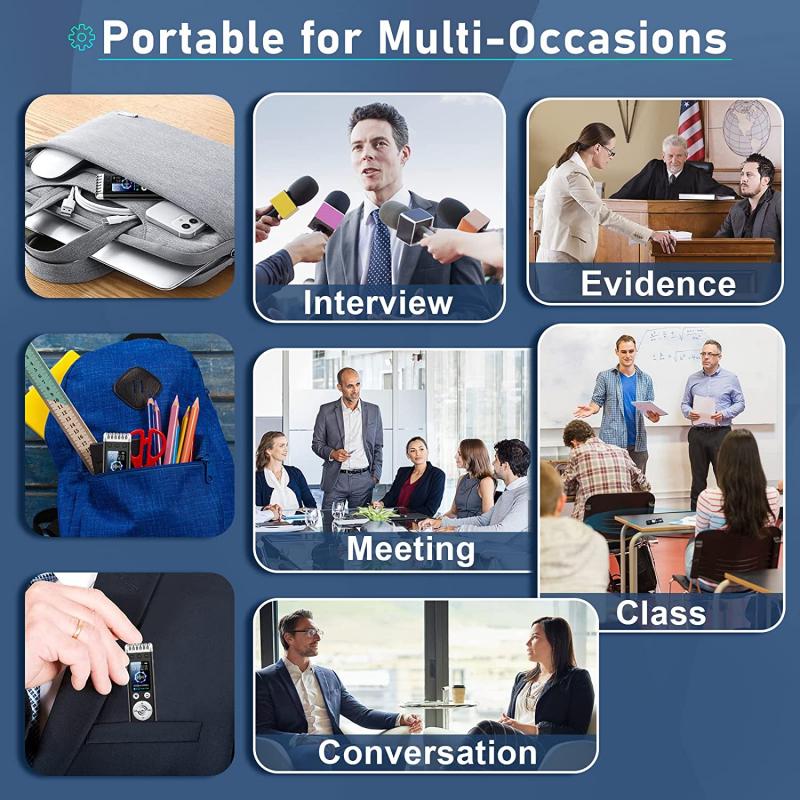
how to change your voice on screen recording 1

Before diving into the technical aspects of how to change your voice, it’s important to understand *why* you might want to do so. Changing your voice can serve a variety of purposes, such as:

- Anonymity: You might want to hide your identity in a video, whether for privacy reasons or for a project where your voice could be easily recognized.

- Creative Effect: Adding unique or entertaining voice effects can make your content more engaging. For instance, making your voice sound robotic or like a cartoon character can add humor or personality to a tutorial.

- Clarity and Accessibility: You may need to adjust your voice to make it clearer, more professional, or easier for your audience to understand. Some might prefer a higher or lower tone for better listening.

- Voiceover Work: If you’re doing voiceover work and need to change your tone, pitch, or accent, modifying your recorded voice is an essential tool.

With these motivations in mind, let’s explore the tools and techniques that will allow you to change your voice in a screen recording.

---

2. Using Screen Recording Software with Built-in Voice Modifiers
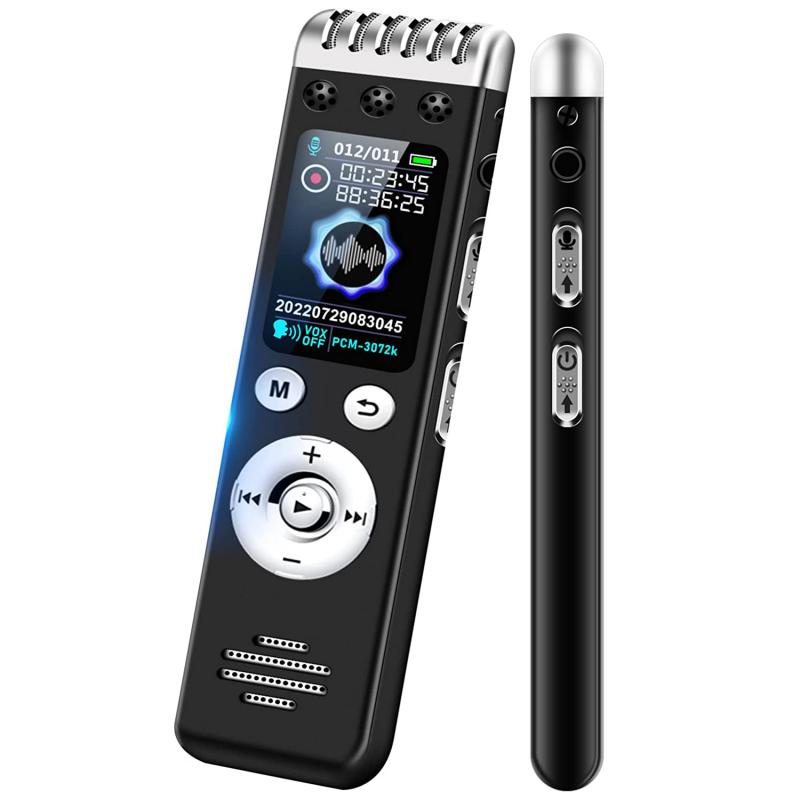
how to change your voice on screen recording 2

Several screen recording tools come with built-in features that allow you to change your voice as you record. This is one of the easiest and most convenient methods, as you don't need to do any post-production work to modify your voice.

a) OBS Studio (Open Broadcaster Software)
how to change your voice on screen recording 3

OBS Studio is a powerful and free screen recording software used by professionals worldwide. While OBS is primarily known for its streaming capabilities, it also allows for screen recording, and there are plugins available that can modify your voice in real-time.

- How to Use OBS Studio for Voice Modification:

1. Download and install OBS Studio.

2. Add your screen recording source.

3. Add a microphone audio source by clicking the “+” button under the Audio Mixer.

4. Use the “Filters” option for your microphone input.

5. Add an audio filter like a pitch shifter, equalizer, or noise gate to adjust your voice as you record.

You can adjust the pitch, speed, and other effects in real-time. OBS offers full customization, but it may require some trial and error to get the desired effect.

b) Camtasia
how to change your voice on screen recording 4

Camtasia is another excellent screen recording and video editing tool, widely used for creating tutorials, training videos, and presentations. While Camtasia doesn't have built-in real-time voice-changing features, it offers a variety of post-production audio editing tools that let you modify your voice with ease.

- How to Use Camtasia to Change Your Voice:

1. Record your screen with Camtasia.

2. After the recording is finished, select the audio track in the timeline.

3. Use the "Audio Effects" menu to adjust pitch, speed, or apply sound effects.

4. You can also use equalization and noise reduction to clean up your audio or add different vocal tones.

Camtasia is intuitive and user-friendly, making it a great option for beginners who want to change their voice without delving too deeply into technical aspects.

c) ScreenFlow (Mac Only)

ScreenFlow is another premium screen recording software available for macOS. Like Camtasia, ScreenFlow is known for its ease of use and advanced video editing capabilities. It allows you to modify audio post-recording with professional-grade tools.

- How to Use ScreenFlow for Voice Modification:

1. Record your screen and audio as usual.

2. Select the audio track in the timeline.

3. Open the "Audio" section and apply filters like pitch change, speed adjustment, or even robotic voice effects.

4. ScreenFlow also allows multi-track editing, so you can layer different voice effects for added creativity.

ScreenFlow is particularly effective for those who want to quickly make changes to their voice without needing to rely on third-party software.

---

3. Post-Production Tools for Changing Your Voice

If you’ve already recorded your screen and audio but want to change your voice afterward, there are several audio editing tools that you can use to manipulate your voice with precision.

a) Audacity (Free and Open Source)

Audacity is a widely-used, free, and open-source audio editing tool. It’s highly versatile and can be used to apply various effects to change your voice. Whether you want to make your voice sound higher, lower, robotic, or distorted, Audacity offers a full range of options.

- How to Use Audacity to Change Your Voice:

1. Import your screen recording audio into Audacity.

2. Highlight the section of the audio you want to modify.

3. Use the "Effect" menu to apply pitch shift, speed change, equalizer settings, or apply effects like reverb, echo, or distortion.

4. You can also use the “Change Pitch” or “Change Speed” tools to adjust your voice to a completely new sound.

Audacity is powerful, but it has a steeper learning curve than some of the more user-friendly tools. However, with a bit of practice, you can achieve professional-grade audio modifications.

b) Adobe Audition (Professional, Paid)

Adobe Audition is a professional audio editing tool that allows for deep manipulation of audio tracks. While it’s a paid software, it provides a level of control and precision that free tools like Audacity can’t match.

- How to Use Adobe Audition to Modify Your Voice:

1. Import your screen recording audio into Audition.

2. Use the "Effects Rack" to apply a variety of audio effects, such as pitch correction, voice modulation, or dynamic processing.

3. Use the “Time and Pitch” tools to manually adjust the pitch, formant, and speed to create a unique voice effect.

4. You can also apply advanced features like noise reduction, vocal isolation, and sound design to further refine your audio.

Adobe Audition is ideal for professional content creators who need top-tier tools for voice manipulation.

c) Voice Changer Software

There are various voice changer software programs available specifically designed to alter your voice in real-time or during post-production. These can be particularly fun for creating comedic effects or adding unique tones to your voice.

Popular voice changer software includes:

- Voicemod (real-time voice changing, great for streamers and casual use)

- Clownfish Voice Changer (lightweight and easy to use)

- MorphVOX (known for its high-quality voice effects)

These programs are ideal if you're looking for quick, easy-to-apply voice transformations, such as changing your voice to sound like a robot, a monster, or even a celebrity.

---

4. Considerations When Changing Your Voice

While changing your voice can be a fun or necessary addition to your screen recordings, there are several factors you should keep in mind to ensure the final product sounds natural and engaging.

a) Maintain Audio Quality

One of the risks of modifying your voice too drastically is losing audio quality. Excessive pitch shifting or using too many effects can cause distortion, making it hard for your audience to understand what you're saying. Always check your modified audio to ensure it’s clear and intelligible.

b) Match the Effect to the Content

If you're recording a tutorial or educational content, be mindful of the tone and voice effects you apply. While humor and creativity are great, an overly distorted voice can detract from the professionalism of the content. On the other hand, creative effects might be perfect for entertainment or gaming videos.

c) Experiment and Test

When first experimenting with voice-changing techniques, it’s important to test different options and listen to how the changes affect the final output. What sounds good in isolation may not always work well in context with the video, so try out several options to find the right balance.

---

5. Conclusion

Changing your voice in screen recordings opens up a world of creative possibilities, whether you want to alter your tone for clarity, anonymity, or entertainment. Whether you're using built-in features in screen recording software like OBS, Camtasia, or ScreenFlow, or editing your audio post-recording with tools like Audacity or Adobe Audition, the right approach will depend on your needs and technical comfort level.

For quick and simple changes, software like Voicemod or Audacity can be incredibly effective, while more professional tools like Adobe Audition offer advanced features for high-quality results. Always remember to balance creativity with clarity to ensure your voice modifications enhance your content without hindering its accessibility or quality.

With the right tools and techniques, you'll be able to transform your voice in screen recordings, whether you’re creating engaging tutorials, entertaining commentary, or professional presentations. So go ahead—experiment with your voice, and let your creativity flow freely in your

Leave your comment

Cancel reply
Note: HTML is not translated!
Related products
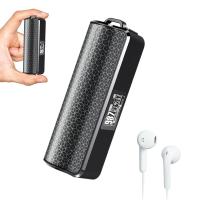
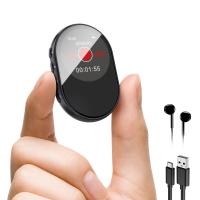
Mini Sound Recorder 128GB 1600H Recording Capacity with 1.4" Screen, Voice Activated Mode Kentfaith
12
$99.99 $79.99
Digital Voice Recorder with Ultra-long 1000H Continuous Recording, Voice-Activated & Magnetic 128G
11
$134.99 $89.99
128G Small Digital Voice Recorder with Ultra-long 1000H Continuous Recording, Voice-Activated & Magnetic, Kentfaith
17
$118.74 $94.99
Mini Voice Recorder Magnetic & Voice-activated, 800H Recording with Noise Cancelling, Kentfaith Voice Recorder for Meetings, Lectures, Studying, Interviews 64G
621
$68.99 $49.99
Mini Voice Recorder Magnetic & Voice-activated, 1600H Recording with Noise Cancelling, Kentfaith Voice Recorder for Meetings, Lectures, Studying, Interviews 128G
621
$82.49 $53.99
AI Voice Recorder, Transcribe Summarize Translation, App Control, 40H Recording Time, 64GB Memory, Kentfaith
21
$137.49 $109.99
128G Small Digital Voice Recorder with Ultra-long 1536H Recording, Voice-Activated & DSP Noise Reduction, Conference/Lecture/Classroom Learning, Keychain Portable Gifts, Kentfaith
18
$106.24 $84.99
AI Voice Recorder Voice-to-Text & Transcription for Meetings, Calls, Interviews, 64G Kentfaith Mini & Magnetic
26
$119.99 $69.99
Offline Voice Translator Device with 144 Languages 5" Touch Screen ChatGPT Integrated
62
$149.99 $99.99
128G Mini Digital Voice Recorder with Color Screen Bluetooth Call Record 3072kbps Kentfaith
15
$119.99 $83.99
Products You May Like
37mm MCUV+CPL+ND1000+Adapter Ring Magnetic 4 in 1 Lens Filter Kit Waterproof Scratch-Resistant Anti-Reflection with Filter Pouch
41
$99.99 $79.99
DJI Drone Mini3 Pro ND32 Filter HD Light Reduction 5-stops with Single-sided Anti-reflection Green Film Waterproof and Scratch-resistant
121
$28.99 $17.99
77mm Lens Filter Black Mist 1/8 & Variable ND2-32 2 in 1 Filter Cinematic Effect Neutral Density Filter with 18 Multi-Layer Coatings - Nano-Klear Series
24
$71.99 $44.62
Long Range Wifi Trail Camera
10
$162.99 $106.99
top rated trail cameras
10
$135.99 $106.99
62mm ND2-ND400 (9 Stops) Variable ND Filter Neutral Density Filter for Camera Lens Ultra-Slim, Multi Coated Nano-Klear
62
$33.99 $26.59
trail camera with live view
10
$135.99 $74.99
WIFI solar security camera outdoor camera 2K Ultra HD picture Audible alarm IP66 waterproof two-way voice Built-in Battery 9000mAh
794
$87.99 $59.99
ND32&PL Filter Compatible with DJI Mini 4 Pro, Fixed 5 Stops Light Reduction and Polarizing 2-in-1 Filter, Multi-Function HD Optical Glass Filter
$17.99
TWS Bluetooth Earbuds Wireless Earphones In-Ear Headset Green for Mobile
$25.99
Related articles
How To Get Your Voice On Screen Recording?
How To Have Your Voice In Screen Recording?
Can You Record Your Voice While Screen Recording?
How To Get Voice In Screen Recording?
How To Sound Good When Recording Your Voice?
How To Do Voice Recording On Macbook Air?
How Do I Get Sound On Screen Recording?
How To Get Sound In Screen Recording?
How To Make Sound In Screen Recording?
What's A Good Lighting Budget Video?
Blog You May Like
How To Pick Smart Key Locks?
Can I Use Sony Headphones On Xbox One?
How To Make Homemade Camera Backpack?
What Does The Lamp Do On A Microscope?
Can You Use Any Webcam On Ps5 ?
How To Find My Lost Dslr Camera?
How To Delete Photos From Action Camera?
What Digital Cameras Look Like Film?
Can Wire Free Security Camera Used Without Wifi?
How To Switch Sd Cards Between Phones?
Related categories
On-Dash Camera trail camera with screen C mount lens adapter m4/3 adapter camera lens filters Photography Fill Light light pollution filter for astrophotography infrared night vision monocular​
Popular products
digital voice recording infrared hd video camera smart digital voice recorder mini sound recorder device mini magnetic voice recorder phone voice call recording USB Microphone Kit best usb microphone kit Mini Digital Voice Recorder​ wireless video camera ipad
Related searches
Screen Voice Recorder Voice Recording Microphone Change Mount On Sigma Lens Always On Voice Recorder Usb Microphone For Voice Recording Microphone For Recording On Iphone Digital Camera With Screen On Front Change Lens Mount From Minolta To Nikon Change Rokinon E Mount Lens To Ef Change Rokinon Lens Mount
Popular searches
Kr Mount To Nikon Accessories For Microphone Portable Light Reflector Anamorphic Lens With Nikon Mount Waterproof Night Vision Wildlife Camera Nikon To Sony Adapter Aperture Control Noise Cancelling Microphone Headset For Computer Nikon Df Wireless Mobile Adapter Black Light Reflector Lens Adapter To Make Focal Length Longer
Blog Category
  • Activities
  • Guide
    • Filter Guide
    • Lens Adapter
    • Product Review
  • News & Reviews
    • Camera Reviews
    • Sample Gallery
    • News
  • Tutorials
    • Solar eclipse photography
    • Photography Basics
    • Landscape Photography
  • Inspiration
    • Travel
    • Travel Stories
Search Article
Latest from the Blog
How To Make Your Eyes Flash On Camera?
Which Binoculars To Buy?
How Many Stops Is An Nd 8 Filter?
Can You Zoom In With Binoculars?
What Does Tripod?
What Is The Difference Between Binoculars And Telescope?
How Do Night Vision Goggles Work?
How To Find Camera Roll On Iphone 5s?
How To Place Cameras Around Your House?
How To Wear Monocular?
  • Easy Payment Multilple Payment Options

  • Free Shipping Global WareHouse Shipment

  • No Risk 30-Day No Reason Return

  • Limited Deals Buy More, Save More

  • Tax Free No any surcharges or tax fee

Information
  • About us
  • Contact Us
  • Site Map
  • Blog
  • Video
  • Gallery
  • VIP Membership Rewards
Service
  • Privacy Policy
  • Terms & Conditions
  • Shipping & Delivery
  • Payment Info
  • Warranty, Return & Refund
  • Intellectual Property Rights
  • Ambassador
  • Affiliates
  • Wholesale
Support
  • My account
  • Order History
  • FAQs
  • Extend Warranty
  • Logistics Tracking
Follow us
NewsLetter

Get the latest product, K&F Concept respects your privacy.
Powered By KENTFAITH © 2025