kfconcept

KENTFAITH
K&F Concept    Blog >

Enjoy Your Selected Digital Life

Recently Viewed
  • Recently Viewed
  • 43mm Circular Polarizing Filter Ultra-Thin Trapezoidal Frame  Blue-Coated Film with a Piece of Vacuum Cleaning Cloth CPL Filter Nano-Klear Series
    43mm Circular Polarizing Filter Ultra-Thin Trapezoidal Frame Blue-Coated Film with a Piece of Vacuum Cleaning Cloth CPL Filter Nano-Klear Series
    $19.99 $15.99
    62mm Variable ND Filter ND3-1000(1.5-10 Stops) Ultra-thin HD with Double-sided 28-layer Nano-coating Nano-Xcel Series
    62mm Variable ND Filter ND3-1000(1.5-10 Stops) Ultra-thin HD with Double-sided 28-layer Nano-coating Nano-Xcel Series
    $93.99 $74.99
    Sasquatch Trail Camera
    Sasquatch Trail Camera
    $162.99 $106.99
    K&F Concept Ring Flash Light KF-150C E-TTL Macro Flash Ring with 52 55 58 62 67 77mm Adapter for Canon DSLR Camera EOS 1300D 750D 200D 5D Mark 2 IV 80D 650D 600D 70D Macro Flash Ring,Ring Flash Canon
    K&F Concept Ring Flash Light KF-150C E-TTL Macro Flash Ring with 52 55 58 62 67 77mm Adapter for Canon DSLR Camera EOS 1300D 750D 200D 5D Mark 2 IV 80D 650D 600D 70D Macro Flash Ring,Ring Flash Canon
    $119.99 $115.99
Compare (0) 0
  • Compare
  • You have not chosen any products to compare.

  • Compare
Currency: USD
  • Currency
Shop by Scene Shop by Rank

Log Into Your Account

Account

Order History

Wish List

Login

Forgotten Password?

Or connect with

Register Account

Already have an Account?Log In

  • Shopping Cart
  • Your shopping cart is empty!

  • Register/Login to purchase, earn points
  • Favorite
  • Your wish list is empty.

  • Register/Login to like, earn points
  • Activities
  • Guide
    • Filter Guide
    • Lens Adapter
    • Product Review
  • News & Reviews
    • Camera Reviews
    • Sample Gallery
    • News
  • Tutorials
    • Solar eclipse photography
    • Photography Basics
    • Landscape Photography
  • Inspiration
    • Travel
    • Travel Stories
  • Home
  • Blog
  • How To Do Voice Recording On Macbook Air?

How To Do Voice Recording On Macbook Air?

Kentfaith 2024-10-07 01:25:37 0 Comments

Voice recording on a MacBook Air is a straightforward process, yet users' needs and preferences can vary depending on their objectives, whether for podcasting, creating voice memos, or recording lectures and interviews. This article will serve as a comprehensive guide to address common scenarios and ensure you can efficiently record high-quality audio on your MacBook Air.

Setting Up: Understanding Built-In and External Options
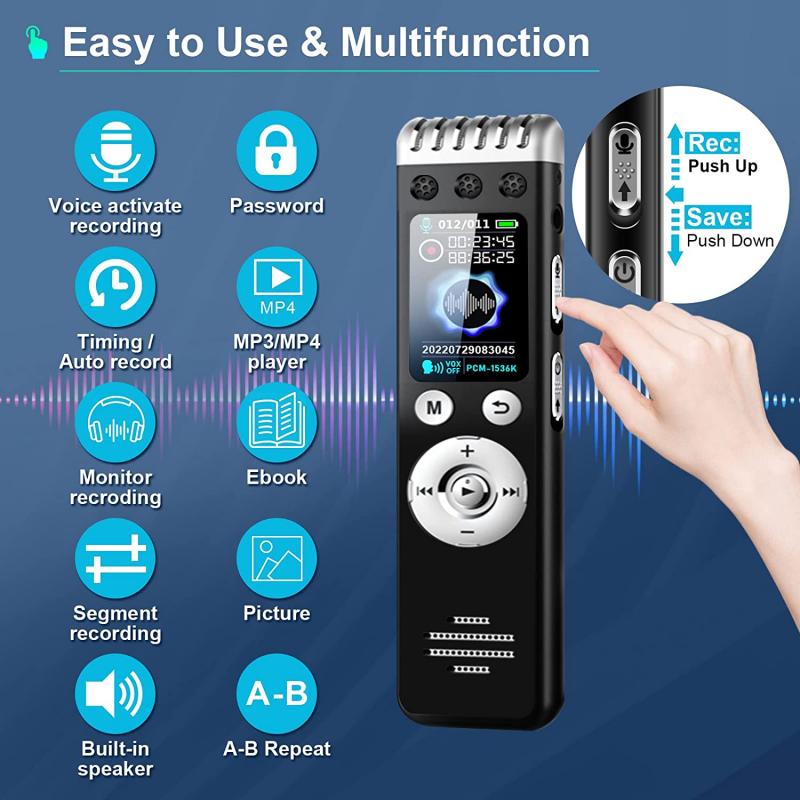
how to do voice recording on macbook air 1

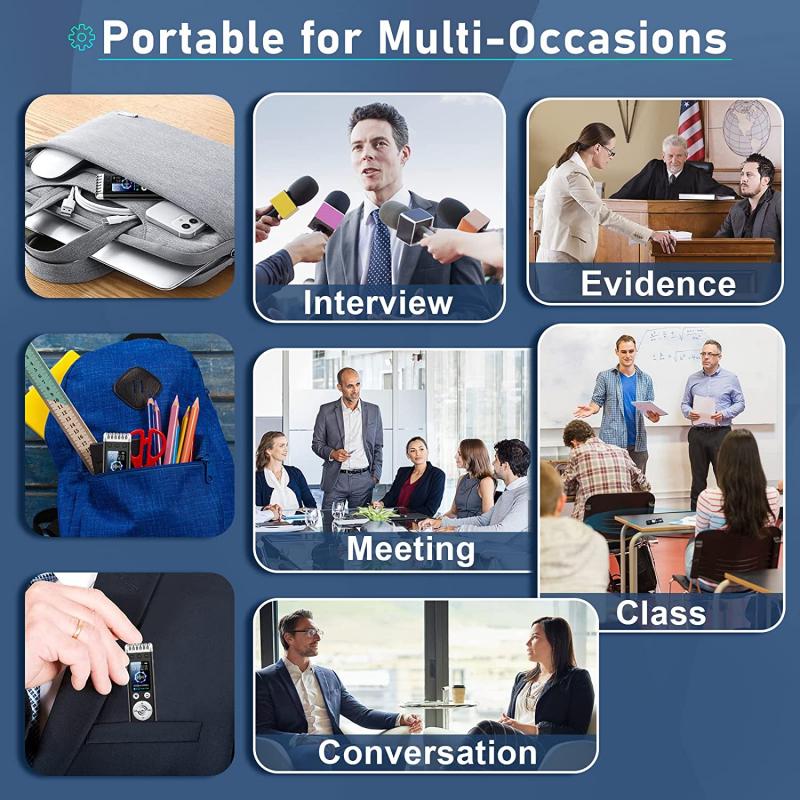
MacBook Air comes with a built-in microphone that is sufficiently good for casual recordings. However, for professional quality or clearer sound, an external microphone is a highly recommended investment. Here’s a brief comparison:

Built-In Microphone:
how to do voice recording on macbook air 2

- Pros: Convenient, no additional cost.

- Cons: Limited audio quality, picks up a lot of background noise.

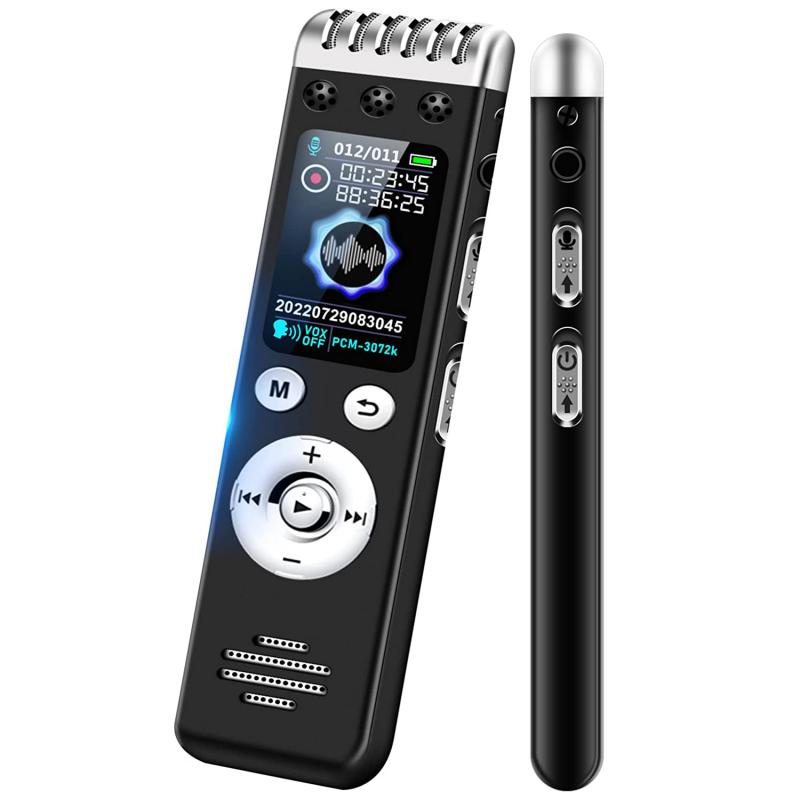
External Microphone:
how to do voice recording on macbook air 3

- Pros: Superior audio quality, often equipped with noise cancellation.

- Cons: Additional cost, requires setup.

Recommendation: If you aim for basic voice notes or casual conversations, the built-in mic should work adequately. For professional recordings, consider external options such as USB microphones like the Blue Yeti or Audio-Technica AT2020.

Using Voice Memos App for Simple Recordings
how to do voice recording on macbook air 4

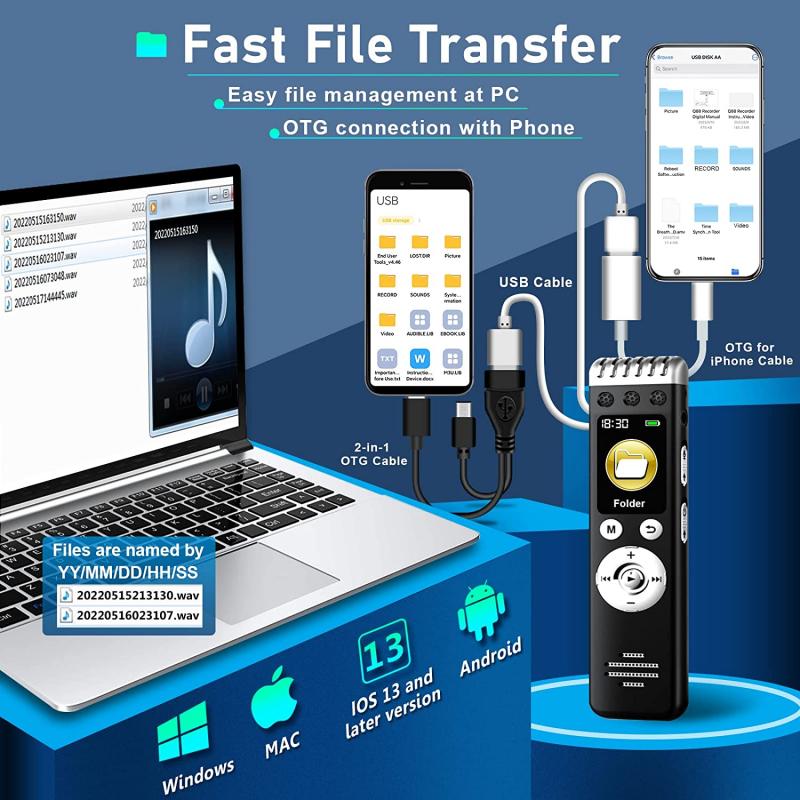
The Voice Memos app, pre-installed on macOS, is the easiest method to start recording audio without needing third-party software. Here’s how to use it:

1. Open Voice Memos App:

- You can find this by searching "Voice Memos" in Spotlight or locating it in the Applications folder.

2. Start Recording:

- Click on the red "Record" button to begin your recording.

3. Pause and Resume:

- You can pause the recording by clicking the "Pause" icon. Click "Resume" to continue recording.

4. Save and Edit:

- After finishing, press "Done" to save the audio file. You can rename the recording and use simple editing features like trimming.

Voice Memos store recordings in Apple's AAC format, which is efficient for sharing and storage.

Advanced Recording with GarageBand

For users looking to produce high-quality audio and incorporate multiple audio tracks, GarageBand is a powerful tool. While it may seem complex initially, it becomes manageable with practice. Follow these steps to get started:

1. Install GarageBand:

- Ensure GarageBand is installed via the Mac App Store.

2. Create a New Project:

- Open GarageBand, select "New Project," and choose the "Voice" template.

3. Set Up Microphones:

- Select your input device. For an external microphone, go to Preferences -> Audio/MIDI and choose your device.

4. Record:

- Click the red 'Record' button to start recording your voice. GarageBand offers multiple tracks, so you can layer different audio elements.

5. Edit:

- Utilize GarageBand’s suite of editing tools to cut, splice, add effects, and mix your recording until it's polished.

Recording with QuickTime Player

QuickTime Player offers another easy method to record voice, useful for screen recordings and voiceovers.

1. Open QuickTime Player:

- Search for QuickTime Player using Spotlight.

2. Select 'New Audio Recording':

- Under the "File" menu, choose "New Audio Recording."

3. Configure Settings:

- Click the drop-down arrow next to the record button to select your microphone and adjust quality settings.

4. Record:

- Hit the red record button to start. Press stop when finished and save the file.

Handling Background Noise

A critical factor in achieving quality recordings is managing background noise. Here are practical tips:

1. Choose a Quiet Location:

- Record in a small, quiet room with minimal ambient sound.

2. Use Pop Filters:

- If you have an external mic, pop filters help reduce plosive sounds.

3. Employ Noise Reduction Tools:

- Software like Audacity or GarageBand offers noise reduction features. Record a few seconds of ambient noise at the start, then use these tools to filter it out.

Additional Tips for High-Quality Recordings

1. Keep Distance Consistent:

- Maintain a consistent distance from the mic to ensure uniform volume.

2. Speak Clearly:

- Articulate your words clearly and consider a moderate speech pace.

3. Monitor Levels:

- Watch the input levels while recording to avoid clipping. Aim for green levels, occasionally yellow, but never red.

4. Practice:

- Record test clips to determine the best settings for your voice and environment.

Recording voice on a MacBook Air can range from simple voice memos to complex audio production. This guide provided comprehensive steps, from using built-in tools like Voice Memos and QuickTime Player to advanced options like GarageBand, and emphasized setting up both built-in and external microphones for different quality needs.

Ensuring a noise-free environment, consistent microphone setup, and using appropriate software for your needs can drastically improve the quality of your recordings. Whether for professional use or personal projects, these methods and tips will set you on the path to achieving clear, high-quality audio recordings on your MacBook Air.

By following these guidelines, you can harness the full potential of your MacBook Air for voice recording, addressing varied user needs from casual memos to professional-grade productions. Happy recording!
Leave your comment
Cancel reply
Note: HTML is not translated!
Related products
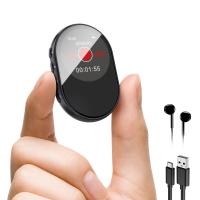
Digital Voice Recorder with Ultra-long 1000H Continuous Recording, Voice-Activated & Magnetic 128G
11
$134.99 $89.99
128G Small Digital Voice Recorder with Ultra-long 1000H Continuous Recording, Voice-Activated & Magnetic, Kentfaith
17
$118.74 $94.99
Mini Voice Recorder Magnetic & Voice-activated, 800H Recording with Noise Cancelling, Kentfaith Voice Recorder for Meetings, Lectures, Studying, Interviews 64G
621
$68.99 $49.99
Mini Voice Recorder Magnetic & Voice-activated, 1600H Recording with Noise Cancelling, Kentfaith Voice Recorder for Meetings, Lectures, Studying, Interviews 128G
621
$82.49 $53.99
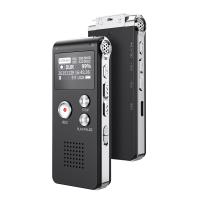
Mini Sound Recorder 128GB 1600H Recording Capacity with 1.4" Screen, Voice Activated Mode Kentfaith
12
$99.99 $79.99
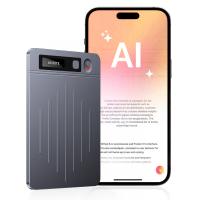
AI Voice Recorder, Transcribe Summarize Translation, App Control, 40H Recording Time, 64GB Memory, Kentfaith
21
$137.49 $109.99
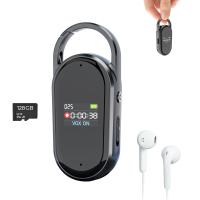
128G Small Digital Voice Recorder with Ultra-long 1536H Recording, Voice-Activated & DSP Noise Reduction, Conference/Lecture/Classroom Learning, Keychain Portable Gifts, Kentfaith
18
$106.24 $84.99
AI Voice Recorder Voice-to-Text & Transcription for Meetings, Calls, Interviews, 64G Kentfaith Mini & Magnetic
26
$119.99 $69.99
K&F Concept Laptop Mobile Screen 20-in-1 Cleaning Kit, Computer Keyboard Brush Cleaning Spray, Suitable for iPhone AirPods MacBook iPad
$26.99 $16.99
Mavic Air 2S Propeller Guard, Quick Release Removable Propeller Protector for DJI Air 2S / Mavic Air 2 Accessories
$22.99
Products You May Like
Olympus OM Mount Lens to Nikon 1 J5 Mirrorless Camera K&F Concept Lens Mount Adapter
69
$58.99 $30.99
Camera Screen Protector*3 Compatible with Fujifilm X-T5, 0.3mm 9H Hardness Tempered Glass with Hot Shoe Level*3 + Vacuum Cleaning Coth*1
$15.99 $7.99
Mini Flexible Tripod for Cellphone, Camera, Video
$15.77
Children’s Entry-Level Metal Detector, High Sensitivity, With LCD Display and Sound Indication, Suitable for Beginners
144
$64.49 $50.99
K&F Concept Camera Backpacks for Photographers Travel Bag for Tripod Camera Lence Accessory with Laptop Compartment And Rain Cover Waterproof Multi-Functional Camera Bags for Dslr Cameras - Backpack 18L Nature Wander 04 (Grey)
158
$96.99 $59.99
Magnetic Mount For DJI Osmo Pocket 3, Desktop Support Base Bracket Stand Expansion Adapter, Pocket 3 Multi-Function Magnet Suction Expand Frame Accessories
63
$17.99
DJI Osmo Action 4 & Osmo Action 5 Pro Action Camera Filter Set CPL + ND8 + ND16 + ND32 Screw On Polarizing Neutral Density Filter HD Optical Glass / Multi-Coated / Metal Frame
37
$35.99
Camera Sling Bag Crossbody Bag Waterproof Camera Shoulder Backpack DSLR/SLR/Mirrorless Camera Case Photography Bags Compatible with Canon/Nikon/Sony/Fuji/Gopro/DJI - Sling Bag 10L (Shipped only to the USA)
114
$64.99 $39.99
62mm ND8 Magnetic Lens Filter HD Waterproof Scratch-Resistant Anti-Reflection Nano-Xcel Series
8
$54.99 $37.39
8K HDMI Cable 6.6ft, HDMI 2.1 48Gbps High Speed Nylon Braided HDMI Cord with eARC HDR10
5
$16.99
Related articles
How To Insert Sd Card Into Macbook Air?
How To Do A Voice Recording Text?
How Do I Convert Voice Recording To Mp3?
How Do You Make A Voice Recording?
How To Get Your Voice On Screen Recording?
How To Change Your Voice On Screen Recording?
How To Record Audio On A Macbook?
How To Put Voice Recording Over Video?
How To Get Voice In Screen Recording?
How To Turn Up Headphone Volume On Iphone?
Blog You May Like
How To Find Camera App On Android?
What Is The Recommended Trail Camera Trigger Speed?
When Do You Use Nd Filter Photography?
What Smart Watch Monitors Blood Pressure?
Can You Record Your Voice While Screen Recording?
What Is A Good Inexpensive Digital Camera?
How Do You Move Things To Sd Card?
How To Turn Off Red Flash Camera?
How To Have Good Lighting For A Video?
How To Make Security Camera From Old Phone?
Related categories
On-Dash Camera C mount lens adapter sony mount lenses Wildlife Camera Accessories center pinch lens cap​ Screw-In Filter digital camera for beginner
Popular products
digital voice recording smart digital voice recorder small voice activated audio recorder mini sound recorder device mini magnetic voice recorder small hidden audio recorder digital voice recorder with usb phone voice call recording infrared hd video camera microphone for pc gaming
Related searches
Voice Recording Microphone Microphone On Ipad Air Always On Voice Recorder Usb Microphone For Voice Recording Microphone For Recording On Iphone Air Duster Air Drone Camera Camera Air Blower Voice Recorder Sony S Air Adapter
Popular searches
Pentax Tilt Shift Adapter 3d Print Oculus Lens Adapter Tripod Without Quick Release Leica Screw Mount To M Mount Adapter Lens For Action Camera Leica Digital Adapter 3 Ricoh Lens To Sony E-mount Adaptor Fotodiox Tough E-mount Lt Lens Mount Wide Super16 C Mount Lens Sony Lens To Micro 4 3 Adapter
Blog Category
  • Activities
  • Guide
    • Filter Guide
    • Lens Adapter
    • Product Review
  • News & Reviews
    • Camera Reviews
    • Sample Gallery
    • News
  • Tutorials
    • Solar eclipse photography
    • Photography Basics
    • Landscape Photography
  • Inspiration
    • Travel
    • Travel Stories
Search Article
Latest from the Blog
What To Look For In A Dash Cam?
What is A Variable ND Filter? The Complete Guide to Mastering Exposure Control
How Do Trail Cameras Work? The Ultimate Guide to Trail Cameras
How To Stream Live From Surveillance Camera?
UV Filter: Everything You Need to Know About UV Protection Lens Filters
Can I Charge Camera Battery With Power Bank?
Where Can I Find Hidden Cameras?
What Does Tripod?
Camera That Can Wifi Photos To Phone?
How Much Storage For Security Camera?
  • Easy Payment Multilple Payment Options

  • Free Shipping Global WareHouse Shipment

  • No Risk 30-Day No Reason Return

  • Limited Deals Buy More, Save More

  • Tax Free No any surcharges or tax fee

Information
  • About us
  • Contact Us
  • Site Map
  • Blog
  • Video
  • Gallery
  • VIP Membership Rewards
Service
  • Privacy Policy
  • Terms & Conditions
  • Shipping & Delivery
  • Payment Info
  • Warranty, Return & Refund
  • Intellectual Property Rights
  • Ambassador
  • Affiliates
  • Wholesale
Support
  • My account
  • Order History
  • FAQs
  • Extend Warranty
  • Logistics Tracking
Follow us
NewsLetter

Get the latest product, K&F Concept respects your privacy.

Powered By KENTFAITH © 2025