How To Make Calls On Smartwatch?
2026-07-28 01:00:34
0 Comments
Make and answer calls from your wrist
- depending on your galaxy watch model, you can make and answer calls right from your wrist! you just need to make sure the watch is connected to your phone through bluetooth or through a mobile network.
- with an lte watch model, you can even handle calls remotely.
- the screens and steps shown may vary by wireless service provider and your phone.
- the galaxy fit and fit2 can only reject calls.
- if you have multiple galaxy watches connected to your phone, you can only call from the watch that is currently connected.
- use the galaxy wearable app on your phone to connect your watch.
- if your hands are full, you can make and answer phone calls using your smart watch, as long as it has a built-in mic and speaker, and then continue the conversation on your smart watch that fits your lifestyle.
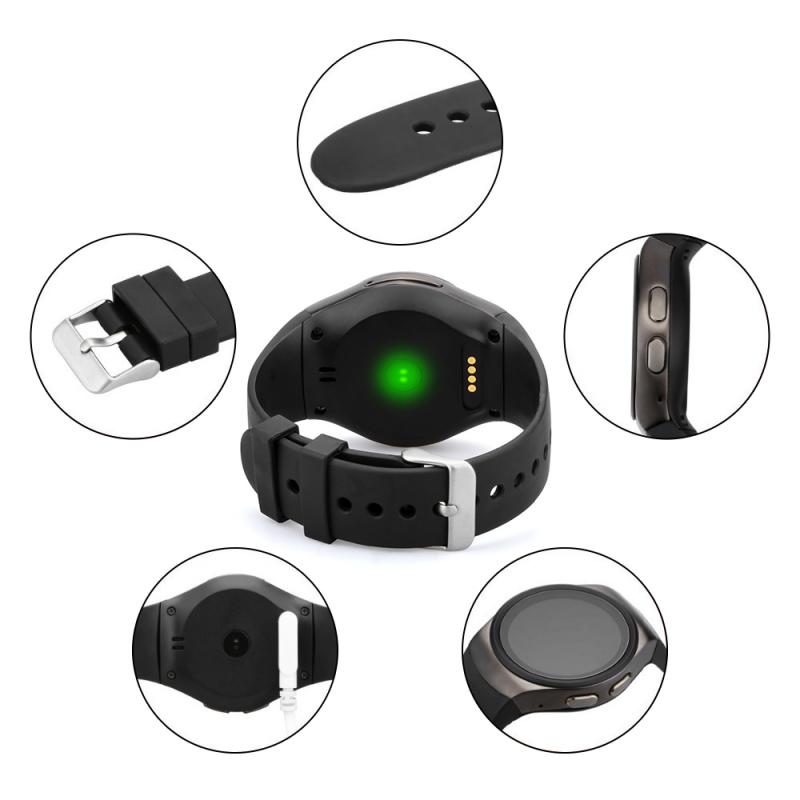
Make a call from your watch
- on your watch, navigate to and open the phone app.
- tap the keypad icon to dial a number, or tap the contacts icon to select a specific contact.
- when you're ready, tap the green phone icon to make a call.
- the paired phone will make the call, and your watch will behave as a speakerphone, unless you are also using a headset.
- on an lte watch, you can tap the phone or watch icon above the green phone icon to use the paired phone or watch.
- to transfer the call to your phone from a galaxy watch model with wear os, tap more options (the three dots), and then tap switch to phone.
- on other watches, tap the center icon on the watch.
- then, use your phone the way you normally would during phone calls.
- if you have an lte model, you can make calls directly from the watch without being connected to your phone.
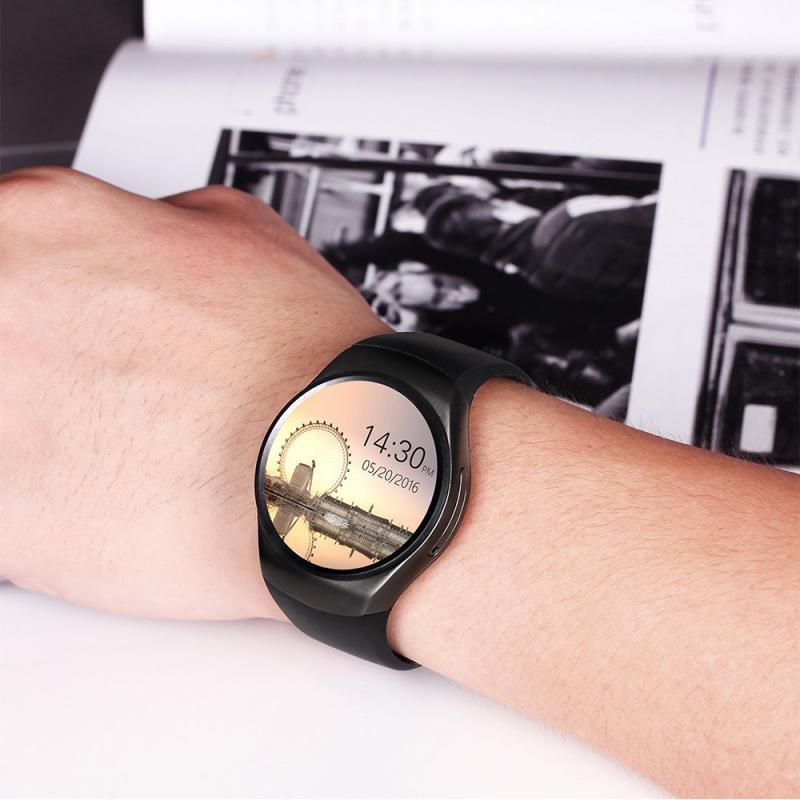
Answer incoming calls with your watch
- when a call comes in, and you're away from your phone, you can answer the call by swiping the green phone icon to the right.
- to ignore a call, just swipe the red phone icon to the left and the call will be declined.
- if another call comes in while you're already talking, no problem!
- if you choose to answer, just swipe the green phone icon, and then tap hold current call or end current call.
- if the first call is on hold, and you'd like to switch back, just tap more options (the three dots) and then tap swap.
Enable watch calls on the connected phone
- if you are unable to answer or make calls using your watch, you may need to enable the watch’s calling option.
- on the connected phone, navigate to and open settings, then tap connections, and then tap bluetooth.
- tap the settings icon next to your paired watch, and then tap the switch next to calls to enable calls.
Call & text on other devices
- call & text on other devices currently does not work with verizon and at&t phones, or with an lte galaxy smart watch that has active mobile service.
- call forwarding will not be available.
- you may not receive incoming calls when connected remotely.
- with the galaxy watch active2, galaxy watch3, and smart watch models with wear os, you can make calls remotely over wi-fi in the event the bluetooth connection between your phone and the watch disconnects.
- turn on the correct settings in the galaxy wearable app while your phone is connected to the watch through bluetooth.
- then, navigate to and open settings on your phone and search for and select call & text on other devices.
- if you've never used the feature previously, you may need to review the terms and grant permissions.
- make sure the switches are enabled for call on other devices and text on other devices.
- the connection will automatically occur, and the watch will appear in the list of registered devices.
LTE models and mobile networks
- samsung's range of smart watches includes both bluetooth and lte-compatible models, offering users a versatile wearable tech experience.
- the lte models stand out by allowing users to receive calls and messages without needing to be tethered to a smartphone.
- however, activating the lte service requi
- if you have an lte watch, you can enjoy all the benefits of a mobile network, such as making calls.
- and just like on a phone, you can manage your mobile network settings so that they suit your needs.
- have you ever forgotten your phone at home, but needed to make a call?
- next time, use number sharing to make that call with a samsung smart watch.
- with this feature, your phone and smart watch can share the same phone number.
- you'll be able to make and take calls, get app notifications, and
Standalone calling
- standalone calling
- standalone calling means your watch can place and receive voice calls directly over a mobile network.
- this requires a cellular radio, an esim or sim profile, and a supported carrier plan.
- when set up, you can leave your phone at home and still call from your wrist.
- bluetooth calling
- many watches also support bluetooth calling, which only routes audio through the watch while your phone does the real dialing.
- that is not standalone calling because the phone must be connected and in range.
- wi-fi calling without a phone is limited and often not supported on non-cellular models.
Call from smartwatch without phone
- to call without your phone nearby, your watch needs cellular hardware and an active plan.
- the plan usually shares your primary number through esim provisioning.
- once active, you can dial from the watch app or your contacts, just like a phone.
You will need
- lte-capable smartwatch
- sim-supported carrier
- active smartwatch plan
- good 4g coverage
- volte enabled
Set up on samsung galaxy watch
- open the galaxy wearable app, select mobile plans or watch mobile services, and activate esim with your carrier.
- complete identity and qr code steps if required, then test a call in lte mode.
- on compatible carriers, number share links your phone number automatically.
Coverage, battery, and limits
- signal strength drives call quality, drop rates, and battery drain.
- in areas with 4g bands your watch supports, expect stable volte and fewer drops.
- weak indoor coverage and frequent handoffs can double power use and shorten talk time.
- battery life in mixed use on modern lte watches typically ranges 18 to 36 hours with moderate calling.
- long voice calls are power heavy compared to notifications or gps-only tracking.
- using a bluetooth headset can improve comfort and sometimes battery efficiency.
Costs and carriers
- carriers typically charge an add-on fee of about 5 to 10 per month for a smartwatch plan.
- some promotions waive fees for 3 to 12 months.
- international roaming may cost extra or be unsupported on watch plans, so check before traveling.
- esim compatibility varies by region and carrier model.
- always verify your exact watch variant and carrier list before purchase.
- if you switch phones, your watch line usually remains active without re-provisioning.
Audio quality and call features
- modern watches use volte wideband audio for clearer speech where available.
- dual microphones, beamforming, and noise reduction help in wind or traffic.
- a quiet environment still improves intelligibility more than any algorithm.
- you can pair bluetooth earbuds for better privacy and comfort.
- side buttons or crowns let you mute, switch audio, or end calls quickly.
- voicemail access and caller id behave like on your phone number when number sharing is active.
Troubleshooting standalone calls
- if calls fail, check signal, plan status, and volte settings.
- reboot the watch and sign in to your account services again.
- confirm your carrier supports the specific watch model and region.
Quick fixes
- toggle airplane mode
- reset network settings
- reinstall carrier profile
- update watch firmware
- test with wi-fi off
Leave your comment
Note: HTML is not translated!