How To Setup A Tripod?
Most tripod problems start before the camera is even mounted. A tripod looks simple: three legs, a head, a plate, maybe a crank or twist locks. But the difference between a steady setup and a frustrating one usually comes down to small habits — which leg you extend first, how you place it on uneven ground, how tightly you lock things, and whether the center column is doing too much work. A good tripod setup should feel boring once it’s done. Nothing wobbles, nothing slowly sinks, and you’re not fighting the camera while trying to frame the shot.
Start with the ground, not the camera
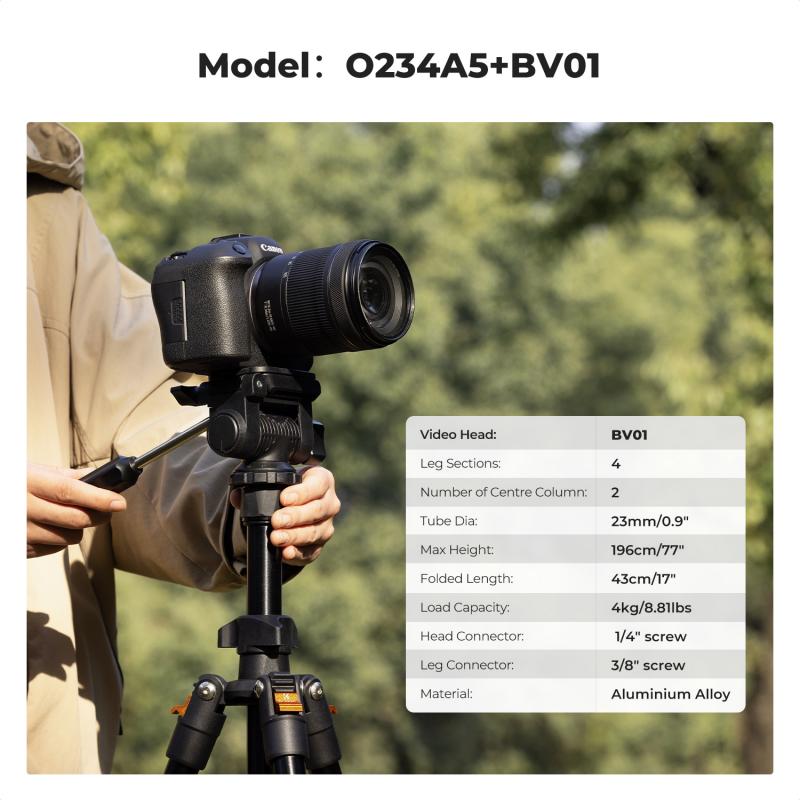
Before opening the tripod, look at where you’re standing. On flat indoor floors, setup is easy. Outdoors, it’s rarely perfect. Grass, gravel, sand, wet soil, slopes, stairs, rocks, and boardwalks all change how stable the tripod feels. Try to place the tripod where: - the feet won’t slide - the ground won’t compress under weight - you can stand comfortably behind the camera - people won’t bump into a leg - the tripod isn’t sitting partly on soft ground and partly on hard ground If you’re shooting on a slope, point one leg downhill and two legs uphill when possible. That gives the tripod a wider, more secure stance in the direction gravity wants to pull it. If you put two legs downhill, the whole setup can feel like it wants to tip forward. On soft ground, press the feet down gently before mounting your camera. If the tripod sinks unevenly after you frame your shot, you’ll have to start over.
Extend the thicker leg sections first
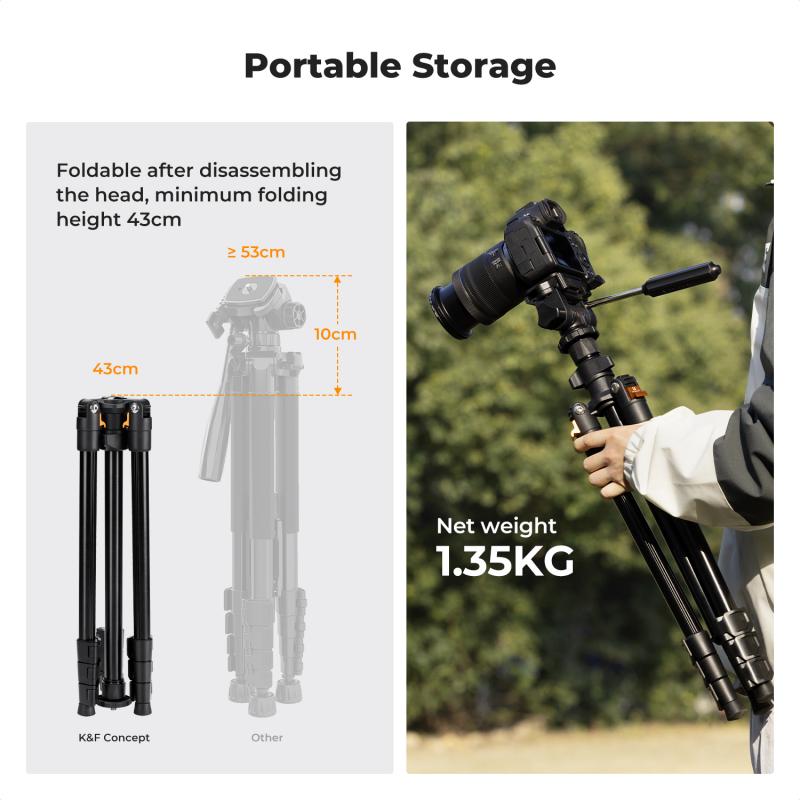
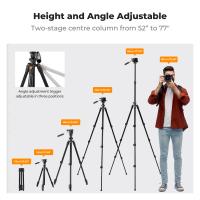
Most tripods have telescoping legs with thicker sections near the top and thinner sections near the feet. The thicker sections are stiffer, so use them first. A common beginner mistake is fully extending every section because it looks neater or gets the camera to eye level faster. The problem is that the thinnest bottom sections flex the most, especially with a heavy camera, long lens, spotting scope, phone rig, or video head. For the most stable setup: 1. Open the tripod legs to their normal angle. 2. Extend the top leg sections first. 3. Use the lower, thinner sections only if you need more height. 4. Keep all leg locks fully tightened. If you don’t need full height, don’t use it. A tripod at chest height is usually steadier than one stretched to its maximum. For photography, it’s often better to bend slightly or use the camera’s rear screen than to raise the tripod to its tallest, least stable position. For video, comfort matters more because you may be operating the camera continuously, but stability still comes first.
Set the leg angle properly
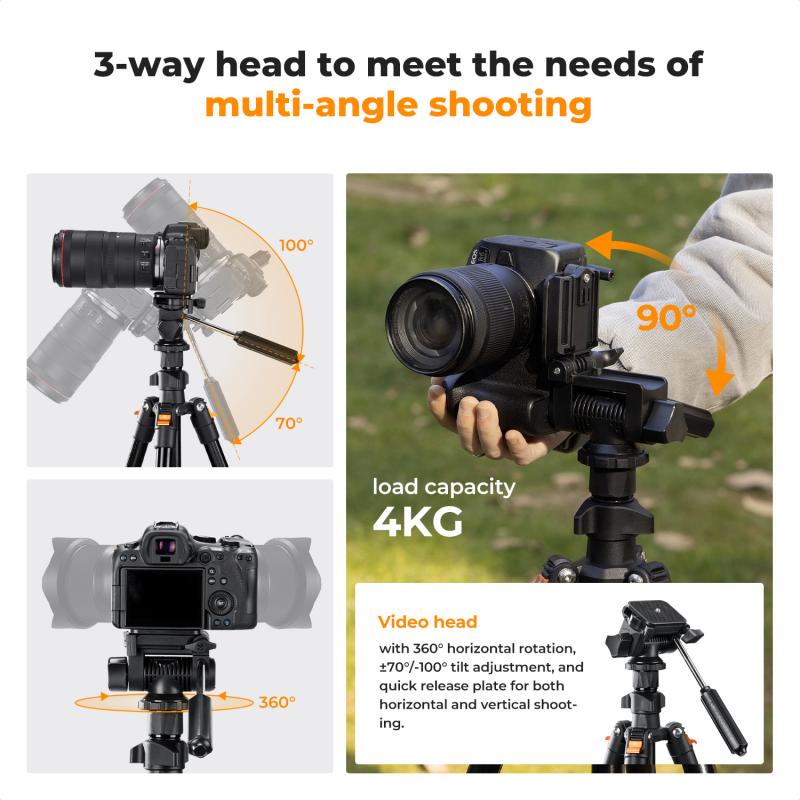
Most tripods have leg angle stops or tabs near the top. These let you spread the legs wider for low-angle shots or uneven terrain. For normal shooting, use the standard leg angle. It gives the tripod a good balance of height and stability. Use a wider leg angle when: - shooting close to the ground - working in wind - using a heavy lens - placing the tripod on an uneven surface - shooting macro subjects where tiny vibrations matter Don’t spread one leg wide and leave the others narrow unless the terrain demands it. The tripod can become awkwardly balanced, especially if the camera is pointed toward the narrow side. If your tripod has independent leg angles, they’re useful on stairs, rocks, and hillsides. One leg can be shorter or wider while the others stay normal. Take a few extra seconds to make the tripod feel settled before attaching expensive gear.
Level the tripod enough for the job
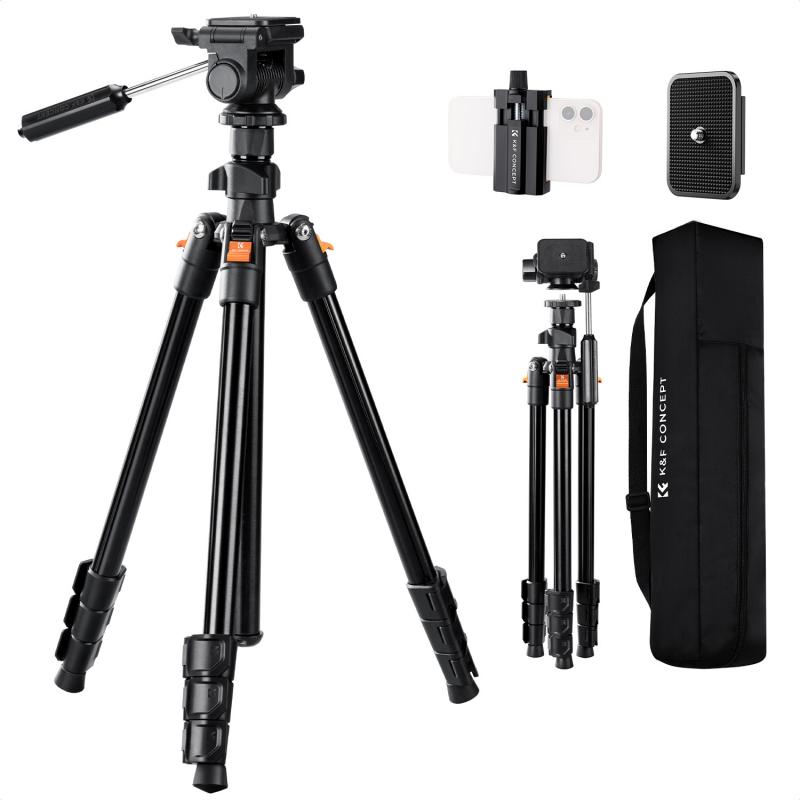
A tripod does not always need to be perfectly level. The camera framing matters more than the legs. For still photography, you can usually level the camera using the tripod head, even if the legs are slightly uneven. For panoramas and video pans, leveling becomes much more important. If the tripod base isn’t level, a pan may drift upward or downward as you move. Many tripods have a small bubble level near the top. Use it as a rough guide, not a sacred instrument. Cheap bubble levels are sometimes inaccurate, and even good ones are hard to read in dim light. For landscapes, architecture, real estate, product photography, or video, check the camera’s built-in electronic level if it has one. It’s usually more useful than the bubble on the tripod. If you’re using a ball head, level the tripod legs first when possible, then fine-tune with the head. If you level only by tilting the ball head, you may run out of adjustment or end up with the camera hanging awkwardly to one side.
The center column is convenient, but it’s also the least stable part of most tripods. Once you raise it, your tripod becomes more like a monopod sitting on top of three legs. Even a sturdy tripod will vibrate more with the column extended, especially in wind or with a long lens. Use the center column for small height adjustments, not as your main source of height. If you need the camera higher, extend the legs first. Raise the center column only after the legs are already at a sensible height. For long exposures, macro work, telephoto shots, or windy conditions, keep the center column down if possible. You’ll get sharper results and less frustration. Some tripods have a hook underneath the center column where you can hang a bag for extra weight. This can help, but only if the bag hangs still. A camera bag swinging in the wind can make vibration worse. If you use the hook outdoors, let the bag rest lightly on the ground or secure it so it doesn’t sway.
Most modern tripods use a quick-release plate. This plate screws into the bottom of your camera, lens collar, phone holder, or spotting scope. Before mounting anything, make sure the plate is tight. Not “finger tight enough,” but properly snug. A loose plate causes tiny shifts that feel like head movement, even when the tripod itself is solid. If the plate has a coin slot or hex screw, use a coin, key, or Allen wrench to tighten it. For cameras with heavier lenses, check the plate every so often during the shoot. Movement, temperature changes, and repeated repositioning can loosen things. When attaching the camera to the head: - confirm the plate is seated correctly - listen or feel for the locking mechanism - tighten the clamp - keep one hand on the camera until you know it’s secure Never trust a quick-release clamp blindly. Many drops happen during setup, not while shooting. If you’re using a long telephoto lens with a tripod collar, mount the lens to the tripod rather than the camera body. That balances the weight better and reduces stress on the camera mount.
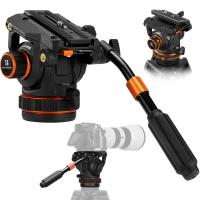
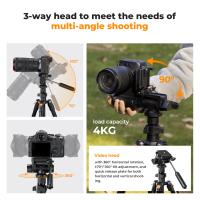
Once the camera is on the tripod, loosen the head slightly and see how the weight behaves. If the camera immediately flops forward or backward, the setup is unbalanced. Tightening the head harder may hold it, but you’ll fight it every time you adjust framing. With a ball head, slide the quick-release plate forward or backward if your system allows it. With an Arca-style plate or rail, this is easy. With small basic plates, you may have less adjustment, but you can still pay attention to how the weight sits. For video heads, balance is even more noticeable. A front-heavy camera makes tilts jerky and unpleasant. If your video head has a sliding plate, use it. Move the camera until it feels neutral, then lock it down. Phones need balance too. A phone clamp placed off-center can cause the head to sag slightly after framing. It may not seem like much, but it’s annoying during timelapses or overhead shots.
Tripod heads usually have separate controls for different movements. Ball heads often have a main lock, a friction knob, and a pan lock. Video heads may have pan and tilt locks, plus drag controls. A simple habit works well: 1. Set the tripod legs. 2. Mount the camera. 3. Roughly frame the shot. 4. Level or fine-tune composition. 5. Lock the head. 6. Check the framing again. After tightening, the frame may shift slightly. This is normal on cheaper heads and even some midrange ones. If you’re shooting something precise, like product photos or architecture, leave a little extra room in the frame and make final adjustments carefully. Don’t overtighten knobs with force. You can damage threads, crush plastic parts, or make the head harder to use later. Tight is enough when the camera no longer moves.
Once everything is locked, lightly touch the camera and let go. Watch if it vibrates. If it wobbles for more than a second or two, something needs attention. Common causes are: - thin leg sections fully extended - center column raised too high - loose quick-release plate - unstable ground - wind hitting the camera strap - head not fully locked - camera or lens too heavy for the tripod Camera straps are easy to overlook. In wind, a loose strap can flap and shake the camera. Wrap it around the tripod or remove it if your camera system allows. For still photos, use a timer, remote shutter, or phone app to avoid shaking the camera when pressing the shutter. With long exposures, even a small touch can soften the image. For video, avoid grabbing the tripod legs while recording unless you’re deliberately moving the rig. Touching one leg often transfers vibration straight into the shot.
A lightweight travel tripod is fine for a mirrorless camera, phone, or small DSLR. It may struggle with a large lens, fluid head, or heavy spotting scope. If the tripod feels nervous every time you touch it, it’s probably being pushed beyond its comfort zone. For phones, the weak point is often the phone holder, not the tripod. Use a clamp that grips firmly and doesn’t twist. If you shoot vertical video, check that the phone doesn’t slowly rotate downward. For binoculars or spotting scopes, stability is more demanding than people expect. High magnification exaggerates every vibration. Keep the tripod lower, widen the legs, and avoid raising the center column. For overhead shots, be cautious. Extending an arm or tilting the center column sideways changes the balance dramatically. Add counterweight if the tripod supports it, keep one leg under the direction of the camera, and don’t walk away from the setup unless you’re sure it’s stable.
When you’re finished, remove the camera before collapsing the tripod. It sounds obvious, but people often try to move the whole setup quickly and bang the camera into a doorway, railing, or car door. Collapse the thinnest leg sections first if you’re packing in a hurry, then the thicker sections. Wipe off mud, sand, or saltwater before sliding the legs closed. Sand inside twist locks can make them gritty and unreliable over time. If the tripod got wet, open it back up at home and let it dry. Tripods are rugged, but trapped moisture can cause corrosion, sticky locks, and unpleasant smells in padded bags. A tripod should save you effort, not add more. Set it up deliberately, keep the center column low, use the strongest leg sections you can, and make sure the camera is properly mounted before letting go. Once those habits become automatic, the tripod fades into the background — which is exactly what you want.