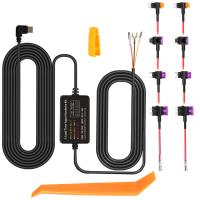
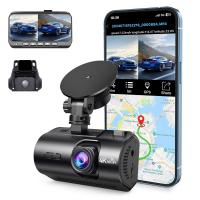
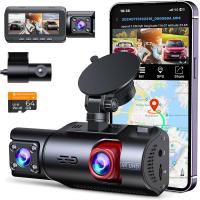
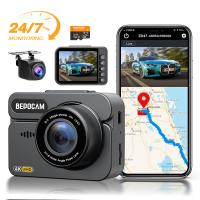
Dash Cam That Can Connect To Phone?
How to Choose the Perfect Dash Cam That Connects to Your Phone: Features, Benefits, and Recommendations
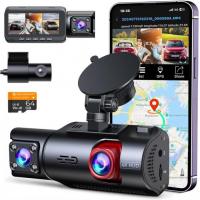
Dash cams have become a vital accessory for drivers who want to ensure safety on the road, prevent fraudulent claims, or record scenic travels. With advances in technology, modern dash cams now come equipped with mobile connectivity, allowing users to manage recordings, adjust settings, and receive real-time footage via their smartphones. If you're searching for a dash cam that connects to your phone, understanding its features and benefits can help you choose the right model for your needs.
This article offers a comprehensive guide to help you make an informed decision, explains why mobile connectivity matters, and explores features to look for when shopping for such devices.
Why Choose a Dash Cam That Connects to Your Phone?
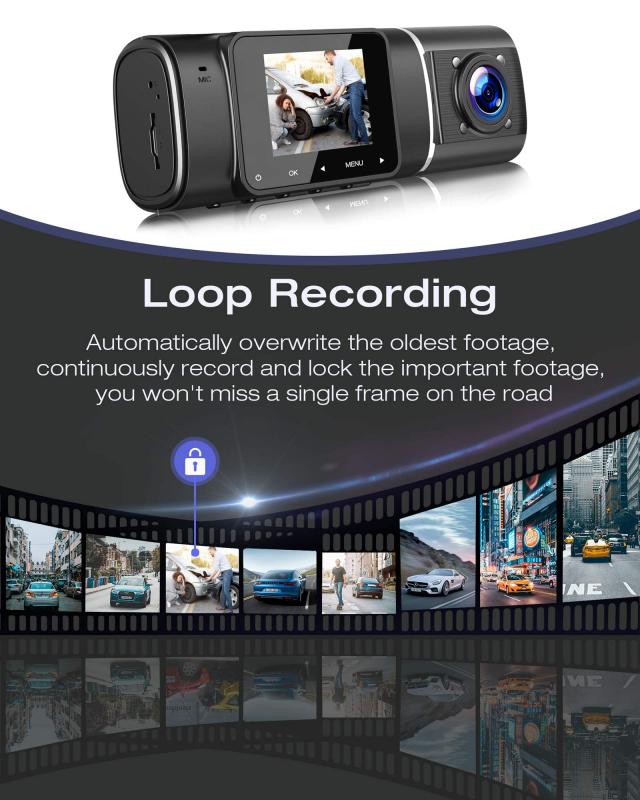
Dash cams with smartphone compatibility offer significant advantages over traditional, standalone models. Some of the benefits include:
1. Ease of Access to Footage
Connecting your dash cam to a phone allows you to instantly access and manage recorded videos without needing to remove the memory card. Whether you're sharing accident evidence or reviewing scenic road trips, you can save time by streaming footage directly from the app.
2. Real-Time Notifications
Many high-tech models send instant alerts via the connected app for events like vehicle impacts, motion detection when parked, or nearby incidents. This feature significantly enhances the security aspect, particularly for people concerned about theft or hit-and-run situations.
3. Remote Control and Settings Management
Smartphone connectivity enables users to control dash cam functions, such as starting/stopping recordings, enabling voice recording, adjusting resolution, or turning on emergency recording mode without physically interacting with the device.
4. Cloud Storage Options
Many dash cams that connect to phones provide the option to upload videos to secure cloud storage, minimizing the risk of losing recordings. This feature is particularly beneficial if the camera or memory card is damaged during an accident.
5. Simplified Maintenance and Updates
New firmware updates can be installed directly from a phone app, improving the dash cam’s performance and functionality without needing complicated processes.
Choosing a smartphone-compatible model means you'll enjoy seamless integration with your device, making the dash cam a user-friendly and versatile tool.
Key Features to Look For in a Phone-Connected Dash Cam
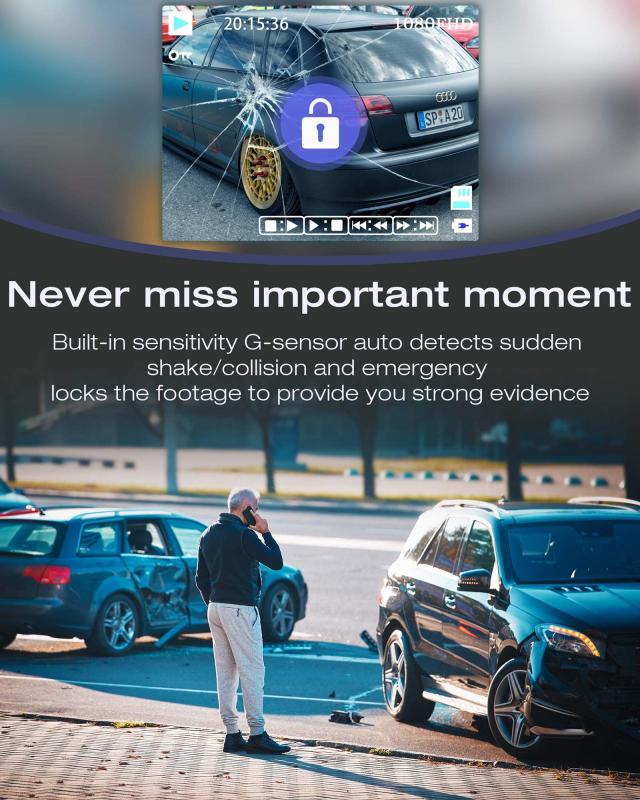
When searching for the ideal dash cam that connects to your phone, keep an eye on essential features that ensure functionality and quality. Consider these features:
1. Wi-Fi Connectivity
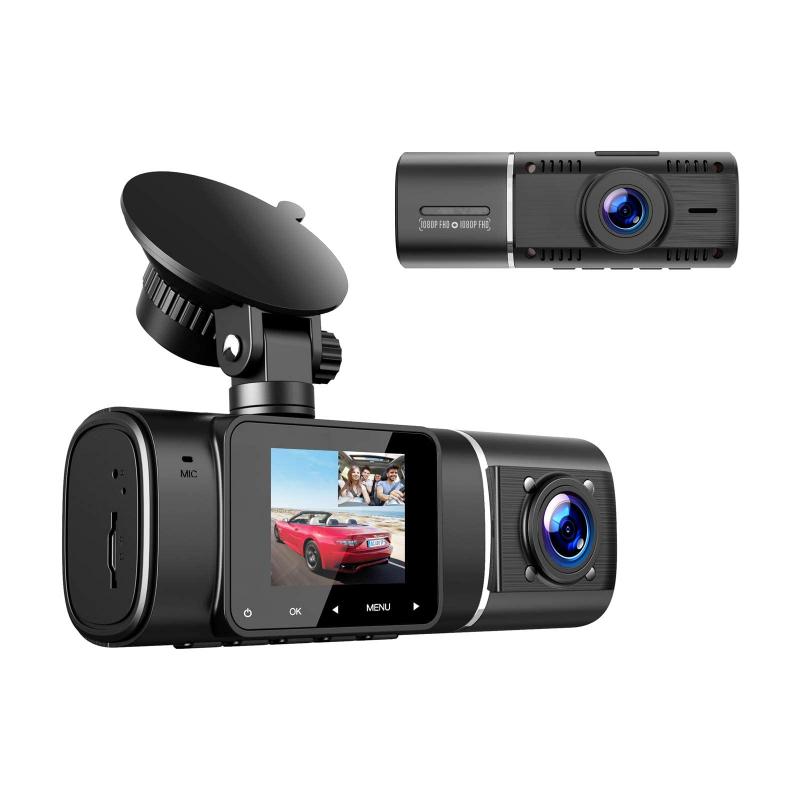
Wi-Fi-enabled dash cams allow for direct and fast communication with your smartphone. Look for models with dual-band Wi-Fi (2.4GHz and 5GHz) for improved speed and less interference when transferring files.
2. Mobile App Support
A reliable mobile app is critical for managing your dash cam remotely. Ensure the device is compatible with major app platforms (iOS and Android). Check user reviews for app stability, intuitive design, and additional customization options.
3. High-Resolution Video
Since footage is often used for insurance purposes or as evidence, capturing clear and detailed images is non-negotiable. Go for dash cams with at least 1080p HD recording capability or higher (e.g., 4K resolution) for sharp visuals.
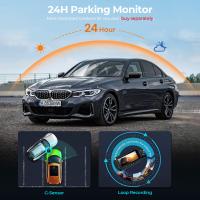
4. Parking Mode and Motion Detection
For security while your car is parked, a dash cam with parking monitoring features is essential. Look for ones that provide real-time alerts through your phone app when motion or impacts are detected.
5. Wide Field of View
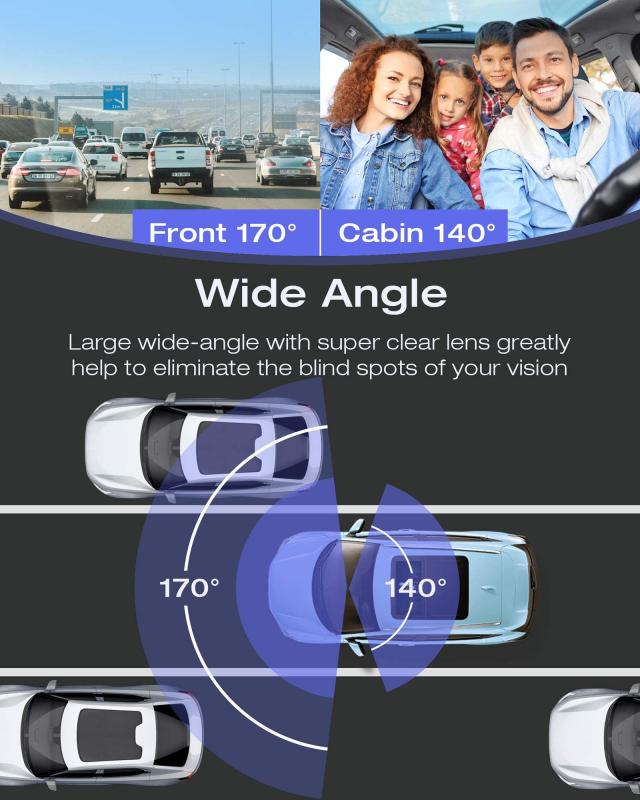
A wider lens gives better coverage of the surroundings, helping with full documentation in the event of accidents. Opt for devices offering a field of view of at least 140 degrees for comprehensive recording.
6. GPS Tracking
GPS-enabled dash cams record your route, location, and speed, which can be beneficial during insurance claims or legal disputes. Dash cams that sync GPS data with your smartphone provide easy access to this information.
7. Cloud Storage Options
To avoid losing crucial footage, look for dash cams that offer cloud storage support. If your camera connects to your phone, it can often auto-upload key footage to a cloud service, ensuring redundancy.
8. Dual Cameras for Front-and-Rear Recording
For complete coverage, choose a model with front and rear cameras that can send live feeds to your phone. This setup ensures that both forward and backward events are thoroughly documented.
9. Battery or Capacitor Type
Dash cams typically come equipped with either a battery or capacitor to maintain power. Capacitor-based models are widely preferred for enhanced reliability in extreme temperatures, especially if your vehicle is parked outdoors.
10. Affordable Price Point
While premium dash cams are packed with features, many affordable models provide excellent functionality without breaking the bank. Define your budget before choosing the right device.
How to Set Up a Dash Cam with Smartphone Connectivity
Once you've purchased your dash cam, follow these steps to quickly pair the device with your phone:
1. Install the Dash Cam
- Mount the dash cam on your windshield as instructed in the user manual. Ensure it's positioned to cover the best field of view without obstructing your driving vision.
2. Download the Companion App
- Search for the dash cam's companion app on your phone (available through the App Store or Google Play Store) and install it.
3. Connect via Wi-Fi or Bluetooth
- Turn on the dash cam’s Wi-Fi or Bluetooth and connect your phone to the dash cam’s network. Enter any password provided by the manufacturer.
4. Adjust Settings
- Use the app to configure dash cam settings, such as resolution, sensitivity, recording mode, and notifications.
5. Enable Cloud Storage (If Available)
- Link the app to cloud storage providers (e.g., Google Drive, Dropbox) to back up videos automatically.
6. Test the Connection
- Check that video feeds and settings can be accessed from your phone in real-time. Verify that alerts are enabled for parking mode and motion detection.
Top Recommendations for Dash Cams That Connect to Phones
Here are a few popular dash cams with smartphone compatibility:
1. Garmin Dash Cam Mini 2
Features: 1080p HD recording, voice control, live view via app
Pros: Compact design, wide lens field, cloud storage options
Cons: Single-camera setup, no display screen
Best For: Minimalistic users seeking high-quality video and app control.
2. Vantrue N4
Features: 4K front camera, dual cameras, support for external GPS
Pros: High-resolution video, durable, wide field of view
Cons: App interface may be slightly outdated
Best For: Those needing both front and rear camera coverage.
3. BlackVue DR900X
Features: 4K UHD recording, Wi-Fi connectivity, cloud storage
Pros: Premium video quality, advanced parking mode
Cons: Expensive
Best For: Luxury car owners seeking state-of-the-art dash cams.
4. Nexar Beam GPS Dash Cam
Features: 1080p, easy Wi-Fi pairing, GPS recording
Pros: Simple app interface, automatic uploads to cloud storage
Cons: Limited battery life
Best For: Users wanting beginner-friendly functionality.
Common Issues and Troubleshooting
While dash cams with smartphone connectivity are convenient, you might encounter the following challenges:
1. Connectivity Problems
- Ensure you're within Wi-Fi range and that both devices are properly paired. Restart the phone and the dash cam if necessary.
2. Storage Issues
- If videos aren’t syncing to the cloud, check your account for sufficient space. For memory card problems, ensure compatibility with the recommended SD card specification.
3. App Bugs
- Update the dash cam and companion app to the latest versions. Contact customer support if problems persist.
4. Power Failures
- Avoid battery-powered models in extreme climates, as temperature fluctuations might cause malfunction. Use capacitor models for more reliability.
Conclusion