How To Mount Nikon Lens On Canon?
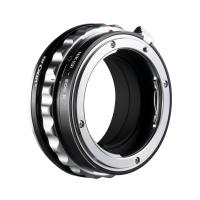
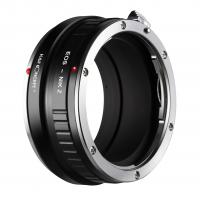
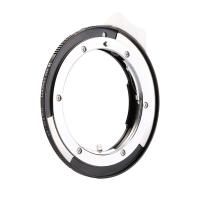
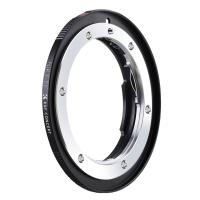
Nikon F-Mount Lenses on Canon EF/EF-S Mount Cameras
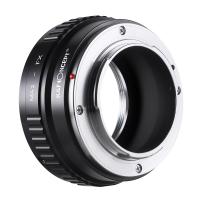
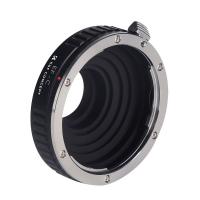
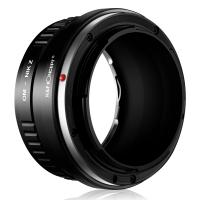
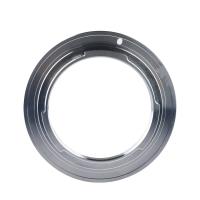
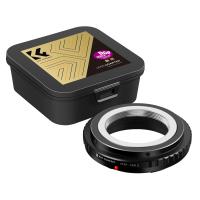
the nikon f (g-type) to canon ef/ef-s mount adapter enables seamless, secure compatibility between your nikon f (g-type) lenses and canon ef/ef-s mount cameras, without compromising optical performance or manual control.
- manual cross-system compatibility
- precision-fit machined threads
- durable, warp-resistant aluminium
- anti-reflective matte interior
- no optical interference
- lifetime warranty
- lens compatibility
- nikon f (g-type) mount lenses
- camera compatibility
- canon ef/ef-s mount cameras
- adapter type
- manual
- material
- 6061 aluminium
- finish
- anti-reflective anodised, matte black interior
- infinity focus
- supported
- warranty
- lifetime warranty
i have a nikon f mount to canon ef mount adapter to use my old 50mm f/1.2 nikkor on my cannon cameras. there are no electronics in this adapter, and i'm not sure any could as there is no room. the nikon f mount flange distance is only 2.5mm more than canon ef. so any modern nikon lenses would not have af, image stabilization, or aperture control. the older nikon lenses still had aperture rings allowing for manual control.
you can adapt fully manual nikon lenses to canon, so if that's what you have and what you want to use, go for it. no autofocus, no electronic aperture control, no image stabilization.
it is possible to mount nikkon lens to canon eos cameras. adapters are available online and in most camera stores.
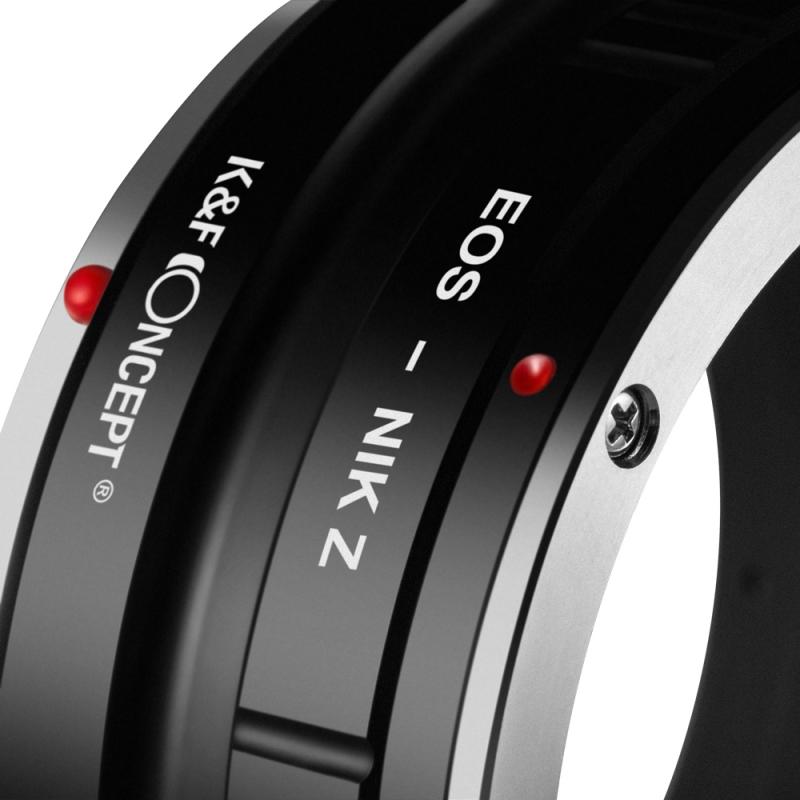
Manual Camera and Lens Settings
- set camera to manual
- set mode to manual (m) or aperture priority (a). set lens to manual focus (mf) if there's an af/mf switch.
- attach lens to adapter
- align the red dots on your lens and adapter, and rotate counter-clockwise until locked.
- mount adapter to camera
- attach the adapter to your camera as you would a lens, rotating it clockwise until it clicks into place.
- set aperture
- turn the adapter's external lever clockwise and counter-clockwise to close and open the lens aperture.
for older nikon(nikkor) lenses with aperture ring, you absolutely have no problem using them on your 200d. set the camera to av and the camera will be able to meter properly. focus to infinity is possible in most case even when you use a $10 adapter.
but remember, the use of nikon lens with adaper will not allow auto focus. nikon lenses focus by wire is not useable for obvious reason. no aperture ring on your nikon lens ? you may have to choose an adapter with built in aperture control.
of course, automatic aperture diaphragm, auto-focusing will not operate while using this adapter. it is basically for manual focus lenses.
manual focus. no aperture setting info, much less control of aperture. not robust enough for heavier, professional grade lenses.
emf chip may be installed to record aperture setting.
manual lenses do not provide exif data. you have to program the adapter to provide the information.
nasim: you seem to be quite negative about using an adapter from nikon to canon. to do so makes a lot of sense if you know how to shoot in the manual mode or aperture priority. many have had very good results if they dont mind the manual operation and focus.
the biggest problem is focussing in low light. the aperture has to to be wide open to focus sharp and then stopped down to what you require.
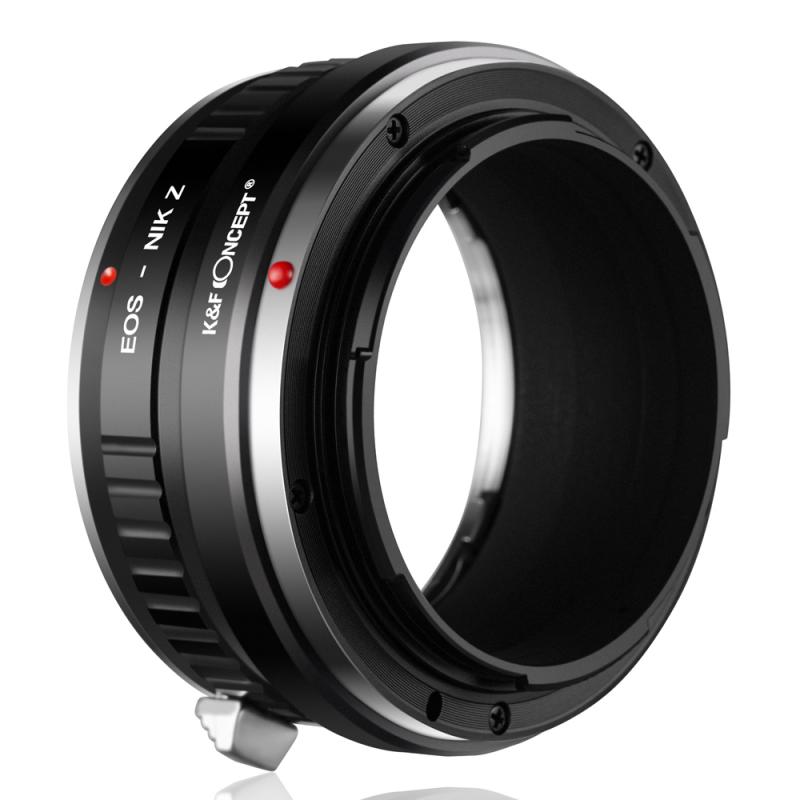
Flange Focal Distance
flange focal distance, and it's specific to each mount system. the nikon f distance is 46.5mm. the canon eos distance is 44mm; the canon fd/fl distance is 42mm. so, it's easy to build a mechanical ring that makes up the 2.5mm between canon eos and nikon so you can mount a nikon f lens on a canon eos dslr body and use it (albeit without electronic communication; more on this below).
- autofocus will not work.
- vibration reduction (vr) and automatic aperture control will not work.
- metering will work, but it might be a little off in some cases.
- it is best to use lenses with aperture rings.
- you might need to trim or remove the weather sealing rubber gasket on your “g” lens for the adapter to function smoothly.
the electronic mount communication between the camera and the lens is proprietary and adapter rings don't translate between the two, so you give up all the features that require camera/lens communication (e.g., camera body control of the lens aperture [i.e., you can only shoot in m or a], wide-open metering, lens exif information, autofocus).
wal, that’s because the adapter is not electronic. in order for most of those features to work, you need communication from the lens to the camera. canon and nikon have completely different interface standards, so you would literally need a smart device in between to translate what happens between hardware. not practical and not going to work due to flange distance concerns.
i have used a lot of vintage lenses on my canon ff and apsc cameras with no problem. however, when you decide to use them on your ff bodies, check and make sure that the rear end will not hit the mirros. there are websites with info about this.
i played a lot with vintage lenses and it was fun. they may create some images with artistic effects. buy in most cases, they are not vey sharp and have less contrast when compare to original canon lenses.
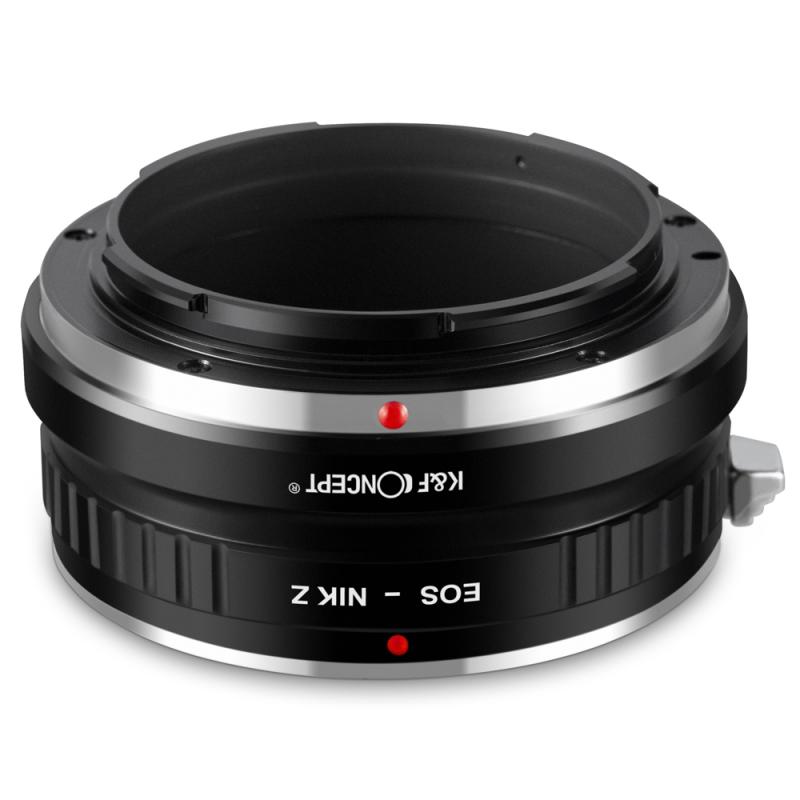
Nikon Lens to Canon RF-Mount Body
the nikon lens to canon rf-mount body lens mount adapter from novoflex allows a nikon lens to be mounted to a canon rf-mount mirrorless camera. although the lens will fit physically, automatic diaphragm (ae metering), or any other functions are not retained using this adapter. in this case you will need to meter in "stop-down mode" since the lens does not have the ability to have its aperture controlled by the camera body.
- the novoflex eosr/nik allows you to mount nikon f-mount lenses to canon eos-m cameras. (e-type lenses not supported)
- exposure metering can be aperture priority or manually.
- no information is transferred between the lens and camera, so focus is manual.
- precise compensation of the flange difference of the two mounts allows lenses to be manually focused up to infinity
- nikon g-type lenses can have the lens aperture stopped down with the built-in manual aperture ring
- weighs 0.2 lb.
- german engineered and manufactured
there are several f => rf mount adapters but you will lose af and depending on the adapter, lose aperture control. there is one made by novaflex at $260+/- that will control aperture on f mount lenses. there may be more with manual av capabilities, but that's as far as i looked. still, you will end up with a lens you have to manually control.
you will have to properly set up your camera - turn on the ability for the camera to operate with no lens, expect no communication with the lens for autofocus, etc. your lens seems to allow aperture to be adjusted manually and physical focus ring, which is what i would expect to your sop for this scenario. maybe you will get metering, but maybe not since the lens likely won't communicate with the camera.
you might wind up trying several adapters. i hope you're not expecting this to work well. that is unlikely, but hopefully you'll enjoy the experiment and find it satisfactory. it is definitely not mainstream.
Manual Nikon Lenses and Shooting Conditions
i have been using nikon ais lens on 5d mkii for quite a while. i mainly use a 50mm 1.4.
in my opinion the manual 50mm 1.4 is much sharper then the canon equivalent.
as mentioned you get nothing from a standard adapter and only a sprinkle of extras with the more expensive adapters. so the user should be competent enough not to rely on anything auto.
- the biggest problem is focussing in low light.
- the aperture has to to be wide open to focus sharp and then stopped down to what you require.
- the set up works best if your in a studio or using flash outside.
- in the right environment and under certain conditions the image sharpness is outstanding.
- works best for portraiture, landscape, architecture or other other static work.
either you shoot both systems, or you have some old nikon lenses, or the price is a factor.
a used nikon 50mm f/1.2 ai-s costs around 500. it is a lens that is still made today, beautiful construction, very smooth focusing (perfect for video on a canon for example).
a used canon 50mm f/1.2l will cost you over $1000. and canon 50l has a reputation for being an iffy lens.
so for $500 i get to use a f/1.2 lens on a canon. not bad at all. in fact my nikon f/1.2 ai-s was purchased by a guy with canon 5dm2 who immediately put it on with an adapter.
it is easy with a nong lens, but there are plenty adapters for g lenses as well
all in all, some older models of nikon lenses are useable on canon bodies and if you have inherited them from your grandpa or acquired a few of them form garage sale, go ahead and have fun with them. they won't kill your camera. as a general rule here, i would stress that canon lenses are the way to go. but, of course, not the only way.