How Long To Charge Bluetooth Headphones?
Most Bluetooth headphones take about 1 to 3 hours to fully charge, but the exact time depends on the style of headphones, battery size, charger, and whether you’re charging the earbuds, the case, or both.
If you just need a quick answer:
- True wireless earbuds: usually 1 to 2 hours
- Earbud charging case: usually 1.5 to 3 hours
- Over-ear Bluetooth headphones: usually 2 to 3 hours
- Neckband-style headphones: usually 1.5 to 2.5 hours
- Quick charge models: often give 1 to 5 hours of use from 10 to 15 minutes of charging
The most reliable answer is still the one in your headphone manual or app, but in day-to-day use, those ranges are what most people see.
Why charging time varies so much
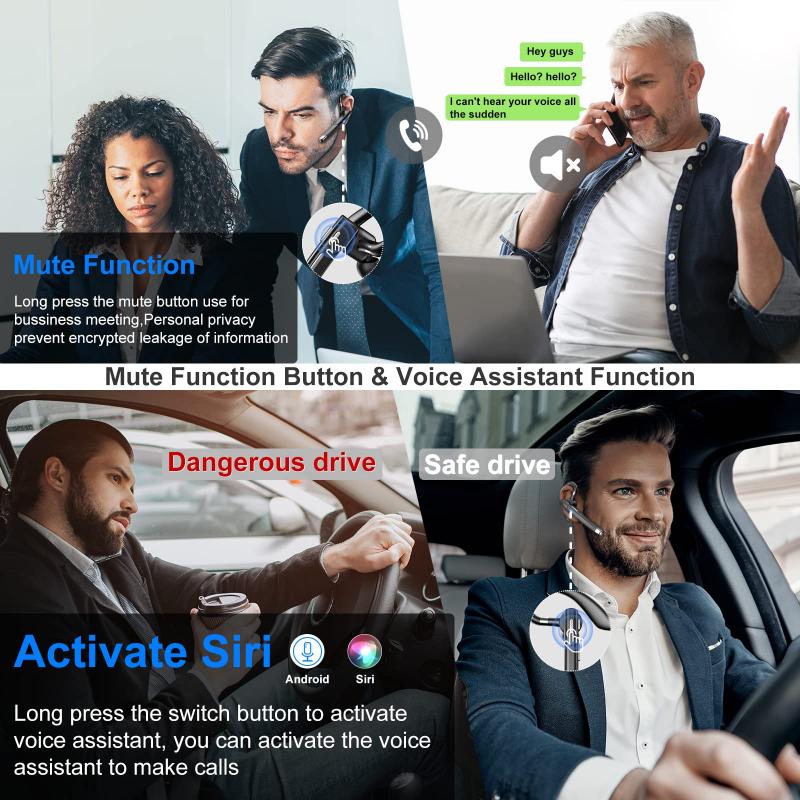
Bluetooth headphones don’t all have the same battery setup. A tiny pair of earbuds has much smaller batteries than a big over-ear pair with noise cancelling. On the other hand, earbuds usually come with a charging case, so you’re often dealing with two charging times: the earbuds themselves and the case.
For example, many true wireless earbuds fully charge inside the case in around an hour. But if the case is also empty, charging everything from dead can take closer to two or three hours. That’s where people sometimes get confused. They plug in the case for 20 minutes, see that the earbuds work again, and assume the case is fully charged too. Usually, it isn’t.
Over-ear headphones are different. There’s no charging case, but the battery is much larger. A full charge often takes two hours or more, especially if they have active noise cancellation, multipoint Bluetooth, spatial audio, or other power-hungry features.
How long to charge Bluetooth earbuds
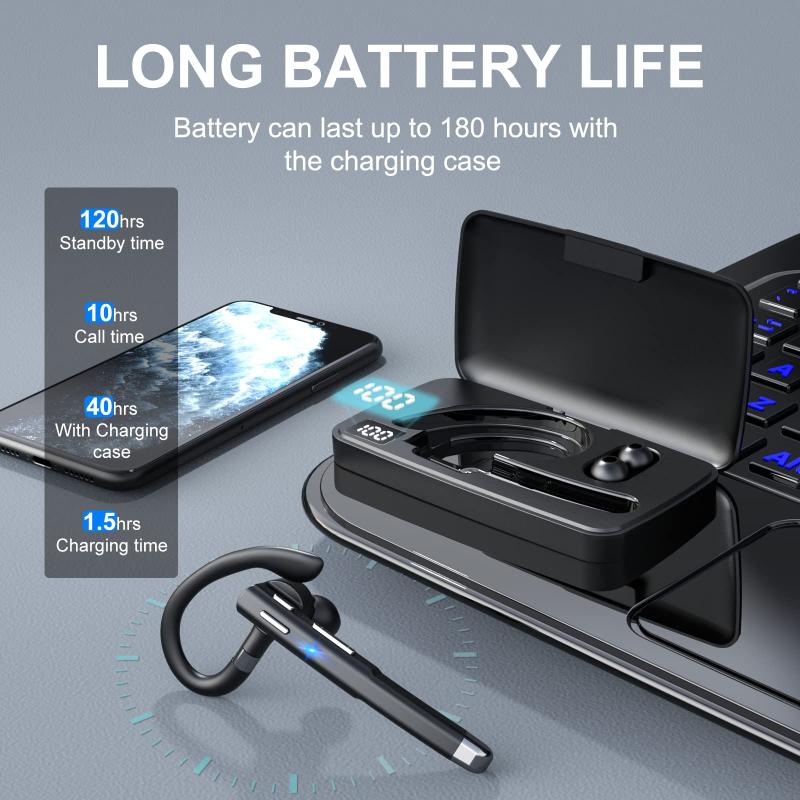
For regular true wireless earbuds, expect around 1 to 2 hours for the earbuds to charge from empty to full inside their case.
If the earbuds are only partly drained, they may top up much faster. In real use, earbuds rarely go from completely dead to full every time. You might use them for a commute, put them back in the case, and they’ll be ready again before you think about it.
The case usually takes longer. A fully drained charging case often needs around 2 hours, sometimes a little more. If the earbuds are inside while the case is charging, the case may charge the earbuds first or charge both at the same time, depending on the design. That can slightly increase the total time.
A common sign that everything is fully charged is a steady light on the case, a green indicator, or a 100% reading in the companion app. The problem is that different brands use different light patterns. One brand’s blinking white light might mean charging, while another’s might mean pairing mode. If the lights are unclear, the app is usually easier to trust.
How long to charge over-ear Bluetooth headphones
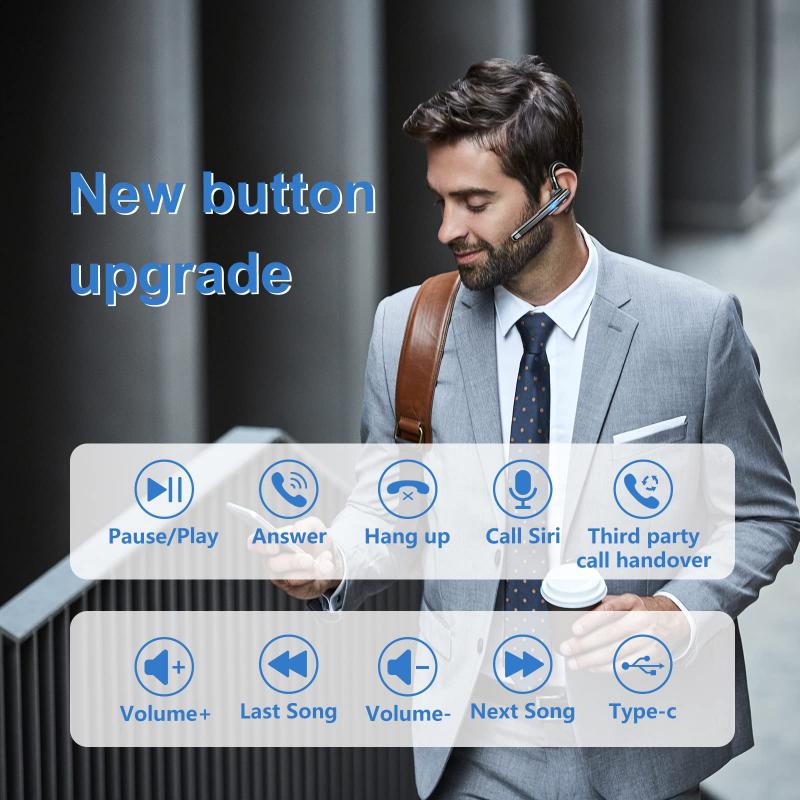
Most over-ear Bluetooth headphones take 2 to 3 hours to fully charge.
Some premium models charge faster, especially over USB-C. Others are slower, particularly older headphones using micro-USB. A big battery gives you long listening time, but it also means more time plugged in.
In practice, you often don’t need a full charge. If your headphones support quick charging, a short top-up can be enough for a work call, gym session, or train ride. Many headphones give around 2 to 5 hours of playback after 10 to 15 minutes on the charger. This is one of those features that sounds like marketing until you actually need it. If you forgot to charge your headphones overnight, quick charge can save the morning.
Noise cancelling affects battery life more than charging time. Using ANC won’t usually make the headphones charge slower, but it will drain them faster afterward. If your headphones are rated for 30 hours, that number may drop with ANC, high volume, or low-latency gaming modes enabled.
Can you overcharge Bluetooth headphones?
With modern Bluetooth headphones, overcharging is usually not something to worry about. Most have built-in charging circuits that stop or reduce charging once the battery is full.
Leaving them plugged in overnight once in a while is fine. Most people do it. The headphones won’t keep force-feeding power into the battery the way old myths suggest.
Still, for long-term battery health, it’s better not to leave them plugged in constantly for days at a time. Lithium-ion batteries age faster when they sit at 100% charge for long periods, especially in heat. If you use your headphones daily, don’t overthink it. If you’re storing them for weeks, leave them around half-charged rather than completely full or completely dead.
Heat is the bigger enemy. Charging headphones on a sunny windowsill, near a radiator, or inside a hot car is worse for the battery than leaving them plugged in for an extra hour.
Should you charge Bluetooth headphones before first use?
Most Bluetooth headphones arrive with some charge already in them. You can usually use them straight away, but giving them a full charge before the first proper use is still a good idea.
It helps you confirm the charging cable, port, case, and indicators are working correctly. It also gives you a realistic starting point for battery life. If the box claims eight hours of playback and you start from an unknown battery level, it’s hard to judge whether the battery is performing normally.
You do not need to charge modern Bluetooth headphones for 8 or 12 hours before first use. That advice comes from older battery technology. For current lithium-ion batteries, just charge them until full.
How to tell when Bluetooth headphones are fully charged
Most headphones show charging status in one or more of these ways:
- A small LED light changes color
- A blinking light becomes solid
- The light turns off when charging is complete
- The companion app shows battery percentage
- Your phone shows battery level in Bluetooth settings
- The charging case has separate indicators for case and earbuds
The annoying part is that battery indicators are often approximate. Your phone might show 90%, then jump to 100%. Some earbuds report battery in chunks, like 10% increments, not exact numbers. That’s normal.
For true wireless earbuds, make sure the earbuds are seated properly in the case. If one earbud is not aligned with the charging pins, it may not charge even though the case itself is plugged in. This is one of the most common causes of “one earbud is dead” problems. A bit of lint, sweat residue, or skin oil on the contacts can also stop charging. Wiping the metal contacts gently with a dry cloth often fixes it.
What charger should you use?
Use the cable that came with the headphones if you still have it. If not, a normal USB charger from a reputable brand is usually fine.
Most Bluetooth headphones do not need a powerful laptop or phone fast charger. They only draw the amount of power they’re designed to accept. Plugging small earbuds into a 65W USB-C charger usually won’t force 65 watts into them, assuming the charger follows proper USB standards.
Avoid very cheap, no-name chargers and damaged cables. They can cause slow charging, overheating, or unreliable charging. If your headphones are charging unusually slowly, try a different cable first. Cables fail more often than people expect, especially USB-C cables that get bent in bags or used with multiple devices.
Also check the charging port. Pocket lint can pack into USB-C ports and prevent a proper connection. If the plug feels loose or doesn’t click in fully, debris may be the reason. Don’t scrape aggressively with metal tools; it’s easy to damage the port.
Is it bad to use headphones while charging?
Some over-ear Bluetooth headphones can be used while charging, but many earbuds cannot. True wireless earbuds normally need to sit in the case to charge, so using them during charging isn’t possible.
If your over-ear headphones allow playback while plugged in, it’s generally safe. They may charge more slowly because they’re using power at the same time. They may also get slightly warm. If they become noticeably hot, stop using them and unplug them.
For gaming or video calls, using headphones while charging can be convenient, but it depends on the model. Some headphones switch off Bluetooth when connected to a charging cable. Others keep working normally. If you need this feature, it’s worth checking before buying.
Why your Bluetooth headphones are charging slowly
Slow charging usually comes down to one of a few boring but fixable things.
The cable may be weak or damaged. The charger may not provide enough output. The charging contacts may be dirty. The case may be charging the earbuds first before its own battery level rises. Or the battery may be very low and charging slowly at the beginning to protect itself.
Cold temperatures can also affect charging. If the headphones were left in a cold car, let them warm up to room temperature before charging. On the other side, if they feel hot after being in a bag or near sunlight, let them cool down first.
Older headphones may simply have a worn battery. After a couple of years of regular use, battery life often drops. Charging may become less predictable too. That doesn’t always mean the headphones are broken; it’s just how small rechargeable batteries age.
How long should you charge them for daily use?
For daily use, you don’t need to obsess over perfect charging habits. Charge them when convenient, avoid extreme heat, and don’t let them sit dead for weeks.
For earbuds, the easiest routine is to put them back in the case whenever you’re not using them, then charge the case every few days. For over-ear headphones, plugging them in for an hour or two after a low-battery warning is usually enough.
If you want the battery to last as long as possible over the years, avoid constantly draining it to 0%. Small top-ups are fine. Lithium-ion batteries prefer partial charges over deep discharges.
The practical answer
If you’re charging Bluetooth headphones and wondering when they’ll be ready, give earbuds around 1 to 2 hours, over-ear headphones around 2 to 3 hours, and a charging case around 2 hours.
A quick 10- or 15-minute charge may be enough if your model supports fast charging, but for a true full charge, let them stay plugged in until the indicator or app says they’re done.
If they still won’t charge after a few hours, try another cable, clean the contacts or port, check the charger, and make sure the earbuds are seated correctly in the case. Most charging problems are simple connection issues, not dead batteries.