Can You Connect Bluetooth Headphones To The Switch?
How to Connect Bluetooth Headphones to the Nintendo Switch: A Step-by-Step Guide
The Nintendo Switch is one of the most versatile and beloved gaming consoles on the market. With its hybrid design that seamlessly transitions between handheld and docked play, it’s built to accommodate gaming practically anywhere. However, for the longest time, one glaring issue stood out: the inability to easily connect Bluetooth headphones directly to the console. Fans had to resort to third-party adapters or workarounds, which were often cumbersome and inconvenient.
Thankfully, a system update released in 2021 changed everything. The Switch now natively supports Bluetooth audio. This development means you can connect your wireless headphones or earbuds without using any external hardware. If you've been wondering how to pair Bluetooth headphones with your Nintendo Switch, this guide will cover all the details—from what you need to get started to troubleshooting common issues.
Why Connect Bluetooth Headphones to the Switch?
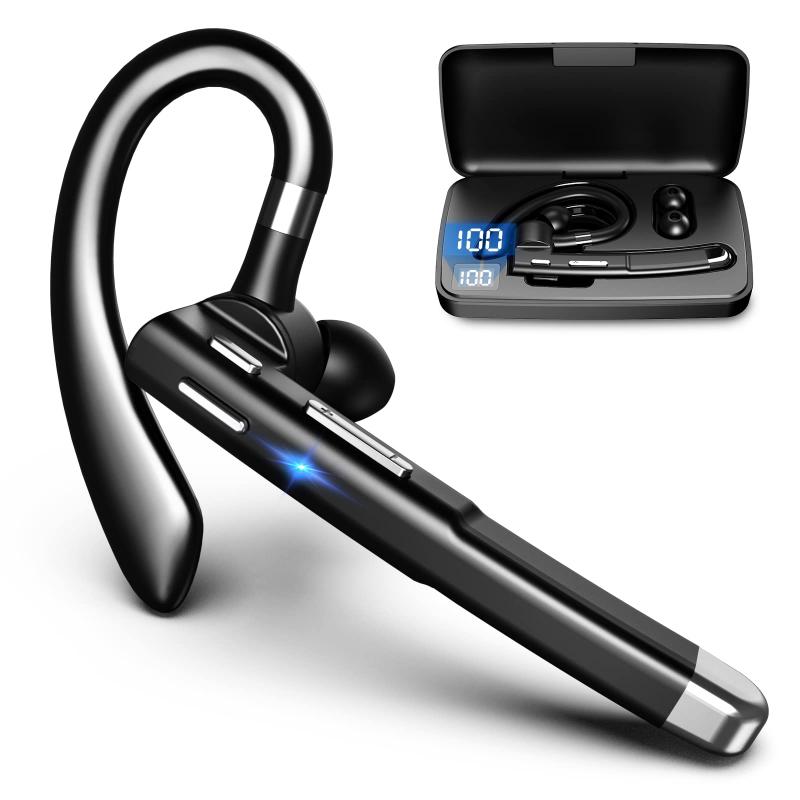
Before diving into the instructions, let’s address why this connection is useful. First and foremost, Bluetooth headphones offer a cable-free, convenient audio experience. Whether you’re on a crowded bus during your commute or playing at home, wireless headphones keep your gaming experience tidy and mobile without being tethered to the console. They’re also practical for late-night gaming, where loud external audio might disturb those around you.
With the modern prevalence of high-quality Bluetooth headphones, it only makes sense to pair them with the Switch for an immersive, untangled experience.
Things You Should Know Before Getting Started
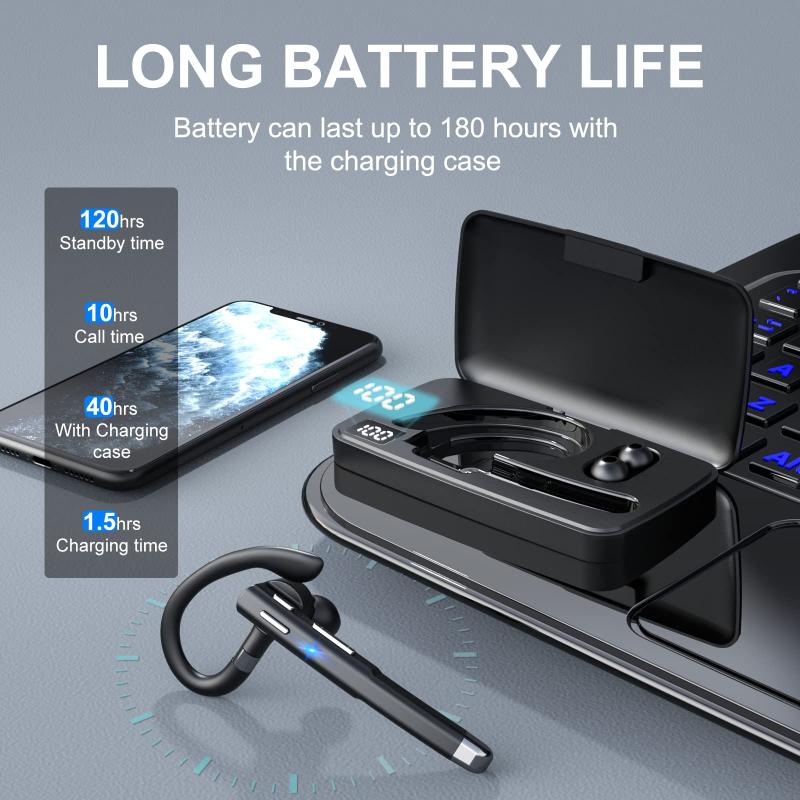
While it’s great that Bluetooth audio support is now built into the Switch, there are some limitations to keep in mind:
1. Audio Latency: Depending on your headphones, there may be noticeable latency (audio delay), which can be a concern in fast-paced games requiring precision and timing.
2. No Bluetooth Microphone Support: Even though you can connect Bluetooth headphones to the Switch, the console doesn’t currently support Bluetooth microphones. This means you'll need to find alternative solutions if you’re trying to chat with teammates during online play.
3. Limitations with Controller Connectivity: While Bluetooth headphones are connected, the number of wireless controllers that can pair with the Switch is reduced. You can only use up to two wireless controllers in this setup.
4. Compatibility with Third-Party Accessories: If you initially relied on a Bluetooth adapter, you might want to disable or remove it entirely—since the new native feature could conflict with those external devices.
5. Impact on Battery Life: Bluetooth connections can slightly reduce the battery life of your Switch during portable play, though this is usually a marginal difference.
How to Connect Bluetooth Headphones to the Switch
Here’s a step-by-step breakdown of how to pair your Bluetooth headphones with your Nintendo Switch:
Step 1: Update Your System Software
Before attempting to connect any Bluetooth audio device, make sure your Nintendo Switch is updated with the most recent system software. Here’s how:
- Go to the System Settings menu on the home screen.
- Scroll down to System and select System Update.
- Let the console search for the latest version, and follow any on-screen instructions if an update is available.
This feature is only available for Switch consoles running software version 13.0.0 or later.
Step 2: Enable Bluetooth Audio Pairing
Once your system is updated, follow these steps to activate Bluetooth pairing:
1. In the System Settings menu, scroll down and select Bluetooth Audio.
2. Choose the Pair Device option. Your Nintendo Switch will begin searching for available Bluetooth devices.
3. Put your Bluetooth headphones into pairing mode. (Refer to the specific instructions for your headphones. Typically, this involves holding down a button until a blinking light indicates pairing mode.)
Step 3: Connect to Your Headphones
Once your headphones appear in the list on the Switch, select them to establish the connection. You should see a confirmation message when the pairing is successful, and audio will now route through your headphones.
Testing Bluetooth Audio Quality
Once your Bluetooth headphones are successfully connected, play a quick session in your favorite game to test the audio quality. Here’s what to check for:
Audio Sync: Ensure that in-game sound effects, music, and voice acting are in sync.
Volume Levels: Adjust the volume to avoid audio that is too low or too loud.
Background Noise or Static: Listen for clarity and ensure there’s no interference.
If you’re noticing any issues with latency, switching to headphones that support aptX Low Latency or similar codecs can improve performance. Note, however, that the Switch's Bluetooth audio implementation does not natively support aptX codecs, so your mileage may vary.
Troubleshooting Common Issues
If you’re having trouble connecting your Bluetooth headphones or experiencing problems, try the following:
1. Reboot Your Switch: Sometimes a simple restart can fix persistent connectivity issues.
2. Reset the Bluetooth Connection: Go back to the Bluetooth Audio menu, disconnect the current device, and try re-pairing it.
3. Reduce Interference: Other devices in the area, such as Wi-Fi routers, may cause interference. Move your setup away from these sources or reduce the number of active wireless devices.
4. Test Another Bluetooth Device: If issues persist, try connecting an alternative pair of Bluetooth headphones to determine if the problem lies with the headset or the Switch.
5. Update Firmware on Your Headphones: If your headphones have a firmware update available, make sure they’re running the latest version.
Are Bluetooth Adapters Still Worth It?
Before the Bluetooth audio update, external Bluetooth adapters were a must-have for gamers wanting to use wireless audio. While they’re less necessary now, you might still find a USB-C or USB Bluetooth adapter useful in certain scenarios. These adapters often support low-latency codecs that the Switch doesn’t natively accommodate, giving you a more seamless audio experience.
For example, some third-party dongles allow simultaneous use of both game audio and chat features through supported Bluetooth headphones with built-in microphones. If you play games like *Fortnite* or *Splatoon 3*, these adapters may enhance your experience.
The Impact of This Feature on the Gaming Landscape
Nintendo enabling native Bluetooth audio support for the Switch was a highly requested feature among gamers. While the implementation comes with some quirks and limitations, it’s a big step forward in terms of user convenience. No longer having to lug around extra adapters or compromise on audio quality makes the Switch even more appealing—especially for players who prioritize portability and simplicity.
Final Thoughts
Connecting Bluetooth headphones to the Nintendo Switch is a straightforward process, and the ability to do so without third-party workarounds is a welcome update. While it does come with a few drawbacks, such as controller connectivity restrictions and potential audio lag, the convenience of using wireless headphones far outweighs these minor trade-offs for most gamers.
Whether you’re planning on an extended *Breath of the Wild* session or a quick match in *Mario Kart 8 Deluxe*, Bluetooth headphones ensure that you can immerse yourself fully in the experience without disturbing others. As Bluetooth technology continues to evolve, we can only hope that Nintendo will expand audio codec compatibility and offer additional features in the future. Until then, happy gaming!