kfconcept

KENTFAITH
K&F Concept    Blog >

Enjoy Your Selected Digital Life

Recently Viewed
  • Recently Viewed
  • Recently Viewed list is empty.

Compare (0) 0
  • Compare
  • You have not chosen any products to compare.

  • Compare
Currency: USD
  • Currency
Shop by Scene Shop by Rank

Log Into Your Account

Account

Order History

Wish List

Login

Forgotten Password?

Or connect with

Register Account

Already have an Account?Log In

  • Shopping Cart
  • Your shopping cart is empty!

  • Register/Login to purchase, earn points
  • Favorite
  • Your wish list is empty.

  • Register/Login to like, earn points
  • Activities
  • Guide
    • Filter Guide
    • Lens Adapter
    • Product Review
  • News & Reviews
    • Camera Reviews
    • Sample Gallery
    • News
  • Tutorials
    • Solar eclipse photography
    • Photography Basics
    • Landscape Photography
  • Inspiration
    • Travel
    • Travel Stories
  • Home
  • Blog
  • How To Make Dash Cam Always On?

How To Make Dash Cam Always On?

Kentfaith 2024-09-27 02:38:20 0 Comments

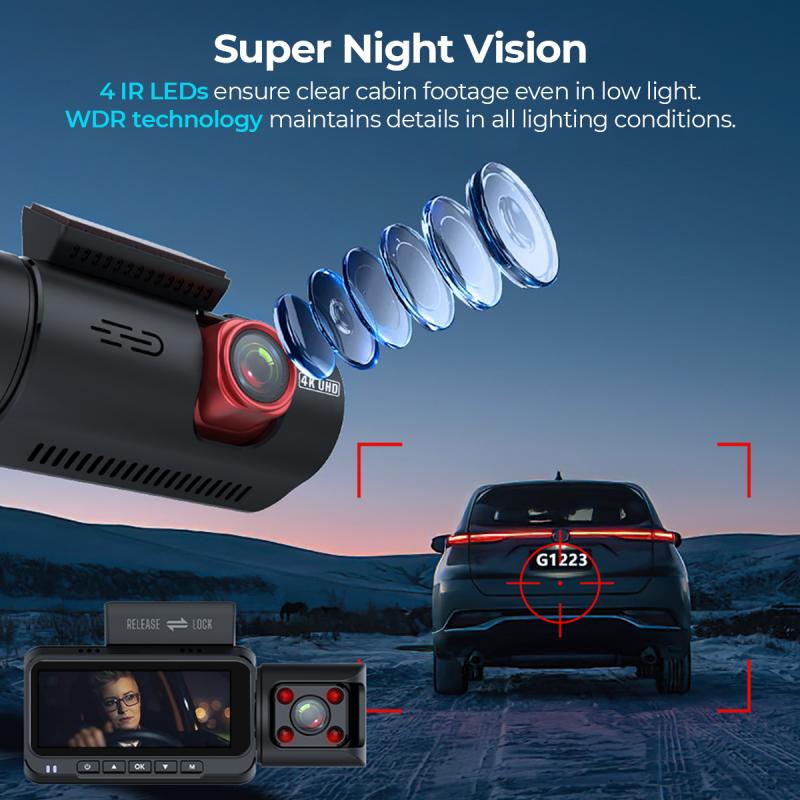
Dash cams, short for dashboard cameras, have become increasingly popular among drivers for their ability to provide crucial evidence in case of accidents, record scenic drives, and even capture unexpected events on the road. To truly benefit from a dash cam, ensuring that it remains always on can be essential. This article delves into the practical steps required to keep your dash cam on continuously, covering everything from power supply options to installation tips.

Why Keep a Dash Cam Always On?
how to make dash cam always on 1

Before we delve into the technical aspects, it's important to understand why someone might want their dash cam to always be on:

1. Accident Evidence: Continuous recording means that any incident, whether the vehicle is running or parked, will be captured.

2. Theft Prevention: A dash cam can act as a deterrent to potential thieves if they know they are being recorded.

3. Parking Surveillance: It can provide evidence of hit-and-runs or vandalism while your car is parked.

4. Peace of Mind: Simply knowing that everything around your vehicle is being recorded can be reassuring.

Essential Requirements
how to make dash cam always on 2

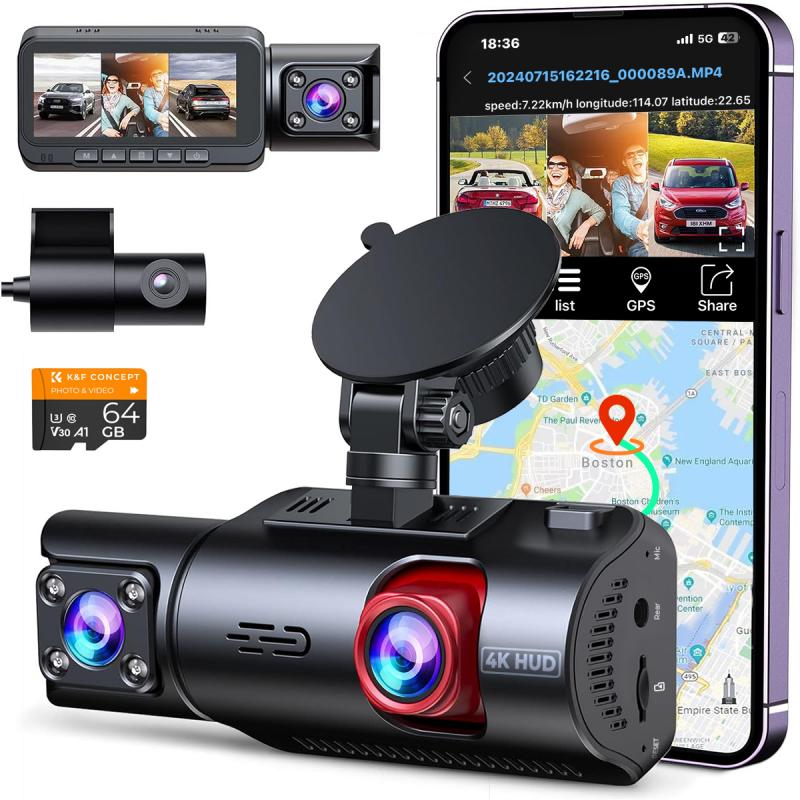
Before we get into the steps, there are a few essentials you will need:

- A dash cam with a parking mode or continuous recording feature.

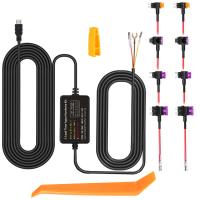
- A hardwiring kit compatible with your dash cam.

- A reliable power source to ensure the dash cam remains operable even when the car's ignition is off.

Choosing the Right Dash Cam
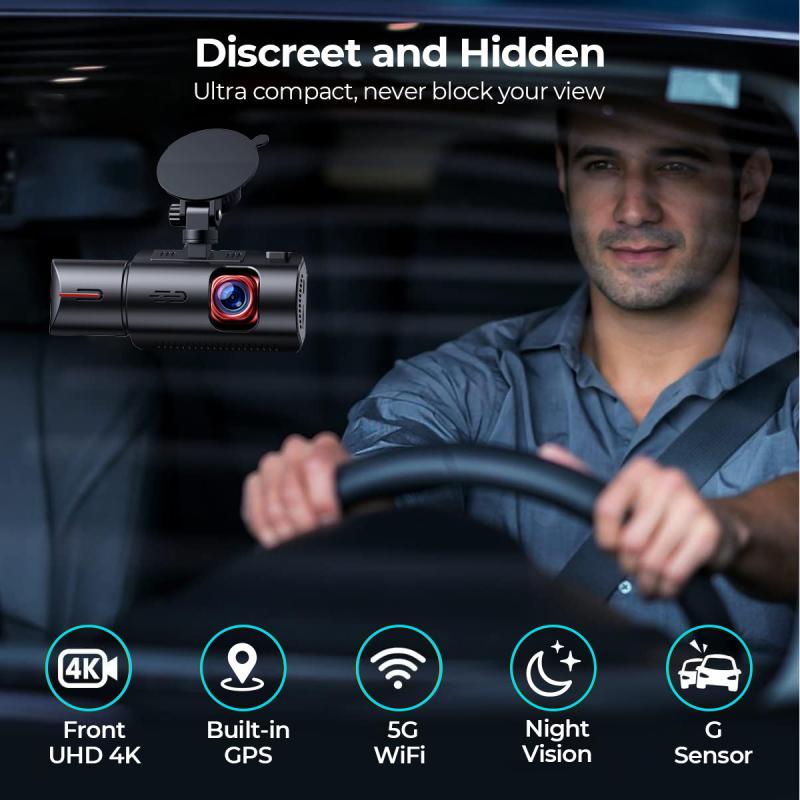
how to make dash cam always on 3

Not all dash cams are designed to be always on. When purchasing a dash cam for this purpose, consider the following features:

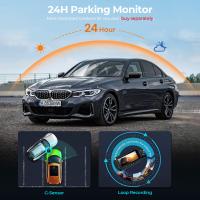
- Parking Mode: This feature allows the camera to record continuously or activate via motion detection when the vehicle is turned off.

- Low Power Consumption: Select a dash cam that consumes less power to avoid draining your car battery.

- Built-in Battery or Capacitor: Some dash cams come with their built-in battery or capacitor that allows them to continue recording for a short period after the ignition is off.

Hardwiring Your Dash Cam
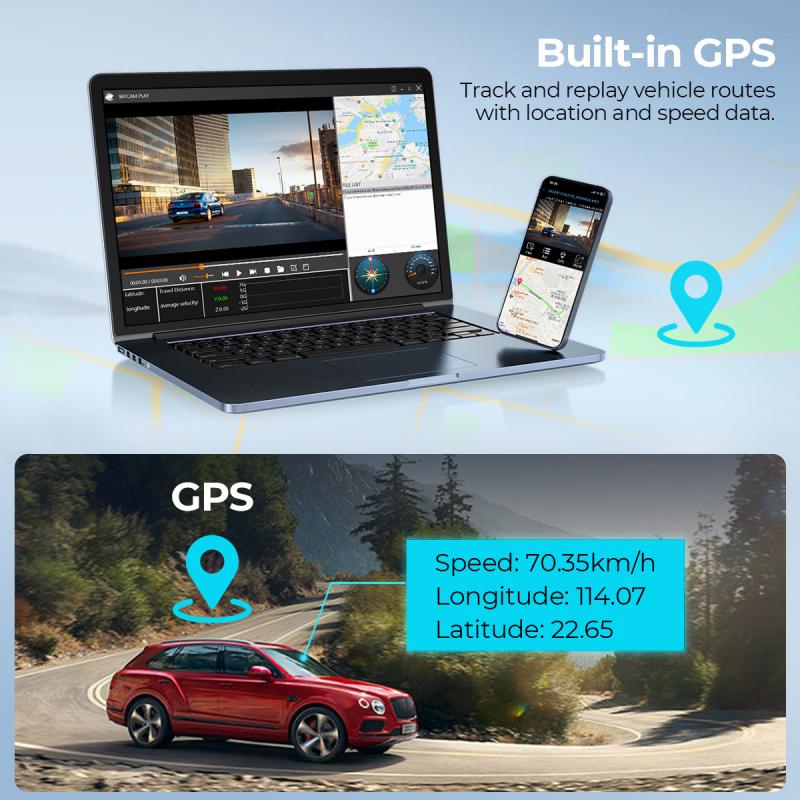
how to make dash cam always on 4

One of the most effective ways to keep your dash cam always on is to hardwire it to your car’s fuse box. Here’s a step-by-step guide on how to hardwire your dash cam:

1. Gather Required Tools and Supplies

You’ll need a hardwiring kit, which usually includes a fuse tap, fuse holder, ground wire, and the necessary cables. Additionally, you will need basic tools like a screwdriver, pliers, and a multimeter.

2. Identify the Fuse Box and Find a Constant Power Source

Locate your car's fuse box, which is typically under the dashboard or in the engine compartment. Use the car’s manual to find a fuse that provides constant power, meaning it remains on even when the vehicle is off. Common choices are fuses for the radio or interior lights.

3. Connect the Hardwiring Kit

- Ground Wire: Find a metal bolt or screw connected to the car’s frame and attach the ground wire from your hardwiring kit.

- Fuse Tap: Replace the identified constant power fuse with the fuse tap included in the hardwiring kit. Plug the original fuse into the fuse tap.

- Connect to Dash Cam: Plug the power cable into the dash cam, making sure it is securely connected.

4. Test the Setup

Before finalizing the installation, turn off your car and ensure the dash cam continues to receive power. Use a multimeter to double-check the voltage if necessary.

5. Tidy Up the Wiring

Once confirmed that everything works, secure the wiring using zip ties or adhesive clips. This will prevent loose wires from becoming a driving hazard.

Using an External Battery Pack

For those who are hesitant about hardwiring their dash cam, an external battery pack can be a viable alternative. These battery packs can supply power to the dash cam for extended periods, even when the car is off.

Advantages of an External Battery Pack

- Ease of Installation: Installing an external battery pack is generally simpler than hardwiring.

- No Risk to Car Battery: Since it’s separate from the car’s battery, there’s no risk of draining the car battery.

- Portability: External battery packs can easily be moved between vehicles if necessary.

Drawbacks

- Cost: High-capacity external battery packs can be expensive.

- Limited Power Supply: They need to be recharged, which can be inconvenient for extended periods of use.

Considerations for Continuous Recording

Battery Drain Concerns

One of the primary concerns with keeping a dash cam always on is the potential to drain the car’s battery. To mitigate this, select a dash cam with low power consumption and consider using a device that automatically shuts off the dash cam when the car battery reaches a certain voltage.

Overheating

Continuous use of your dash cam can lead to overheating, which can damage the camera or reduce its lifespan. Make sure the dash cam has adequate ventilation and consider models with built-in overheating protection.

Legal Considerations

It’s important to be aware of the legal implications of continuous recording. In some jurisdictions, there are privacy laws regarding the recording of audio and video. Ensure you comply with local regulations to avoid legal issues.

Setting up a dash cam to be always on can provide numerous benefits, from enhanced security to peace of mind. By following the steps outlined above, you can ensure continuous recording through hardwiring, using an external battery pack, or selecting the right dash cam with the necessary features. Although it may require a bit of effort and investment, the advantages far outweigh the downsides, offering you a reliable means to capture any incidents that may occur, regardless of whether your vehicle is running or parked. Take the time to choose the appropriate equipment and installation method to ensure you get the most out of your dash cam.
Leave your comment
Cancel reply
Note: HTML is not translated!
Related products
CarPlay for Motorcycle Android Auto Dash Cam Front and Rear GPS Navigation
12
$299.99 $209.99
Dash Cam Hardwire Kit, Mini-USB Hard Wire Kit 11.5ft, 12-24V to 5V Car Dash Camera Charger Power Cord, Gift 5 Fuse Tap Cable with Battery Drain Protection for 24h Parking Monitor
$29.99 $20.99
Dash Cam Hardwire Kit, Micro-USB Hard Wire Kit 11.5ft, 12-24V to 5V Car Dash Camera Charger Power Cord, Gift 5 Fuse Tap Cable with Battery Drain Protection for 24h Parking Monitor
$29.99 $20.99
Dash Cam Hardwire Kit, Type-C Hard Wire Kit 11.5ft, 12-24V to 5V Car Dash Camera Charger Power Cord, Gift 5 Fuse Tap Cable with Battery Drain Protection for 24h Parking Monitor
NEW Arrival
Dash Cam Hardwire Kit, Type-C Hard Wire Kit 11.5ft, 12-24V to 5V Car Dash Camera Charger Power Cord, Gift 5 Fuse Tap Cable with Battery Drain Protection for 24h Parking Monitor
$29.99 $20.99
Motorcycle Dash Cam with 2K Resolution 140° Wide Angle WiFi Control USB Power Kentfaith
10
$84.99 $67.99
4K Dash Cam Front and Rear with GPS WiFi Night Vision 24H Parking Mode Kentfaith
13
$124.99 $99.99
3-Channel Dash Cam Front and Rear Inside 4K 5G WiFi GPS Night Vision G-Sensor Kentfaith
10
$187.49 $169.99
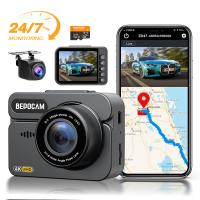
4K Dash Cam Front and Rear with GPS, 5G WiFi, Starlight Night Vision, G-Sensor, 24H Parking Mode Kentfaith
15
$149.99 $119.99
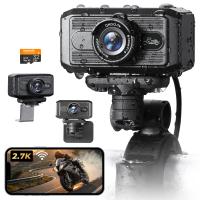
2.7K Motorcycle Dash Cam with 140° Wide Angle, Built-in WiFi, USB Power, Emergency Lock, 3 Types of Mounts, Kentfaith
13
$93.74 $74.99
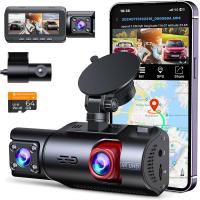
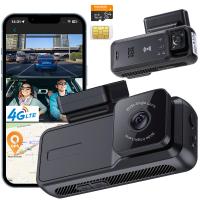
4G LTE Dash Cam Front Inside, Remote Live View, Instant Alert via App, 24/7 Parking Mode, GPS, 1080P IR Night Vision Kentfaith
11
$224.99 $179.99
Products You May Like
49mm Circular Polarizer Filter with Lens Cap Optical Glass Ultra Slim 18 Multi-Layer Coatings Polarizing Filter for Camera Lens Nano-Klear Series
44
$24.99 $12.99
58mm Shimmer Diffusion 1 Filter Effect Filter Optical Glass 18 Multi-Coated Glimmer Glass Effect Filter for Camera Lens Nano-Klear Series
24
$27.99 $21.99
49mm Black mist filter 1/8 28 layers of anti-reflection green film waterproof and scratch-resistant with metal lens cover Nano-X series
32
$61.99 $39.99
52mm Matte Box Adapter Ring
$19.99 $13.99
Golf Rangefinder, 900 Yards Hunting Rangefinder with Scan Mode, Rangefinder with Slope, Flag Pole Locking, Vibration, Scan Mode, Track Prey
$116.99
82mm CPL Filter True Color Circular Polarizers Filter with 28 Multi-Layer Coatings for Camera Lens Nano-Xcel Series
46
$74.99 $59.99
4K WiFi Trail Camera 48MP Game Camera with 0.2s Trigger 120° Detection Starlight Night Vision IP66 Waterproof for Wildlife Monitoring
109
$139.99 $111.99
G Mount F/AI/G Lens to E-Mount/NEX Camera Body Mount Adapter with Matting Varnish Design
147
$64.99 $35.99
52mm Magnetic Lens Filter Kit GND8+ND8+ND64+ND1000+Magnetic Adapter Ring 5 in 1 Quick Swap System Nano-Xcel Series
84
$124.99 $101.99
48pcs children's animal, insect, plant and flower specimens, microscope slides for children's microscopes
$18.99
Related articles
What Is Parking Mode On A Dash Cam?
How To Hard Wire A Dash Cam?
Dash Cam Can Connect To Phone?
How Much Storage For Dash Cam?
How Does Car Dash Cam Work?
How Long Does Dash Cam Record?
How To Use Mobile As Car Dash Cam?
Dash Cam That Can Connect To Phone?
How Much Is A Dash Cam Camera?
Selfie Stick Can Hand Carry?
Blog You May Like
How To Insert Micro Sd Card Switch?
How To Make A Usb Web Camera Wireless?
Telescope How Does It Work?
How To Make Security Camera From Old Phone?
How To Adjust Tripod?
Does Ring Camera Work Without Battery?
Can You Point Phone Camera At Solar Eclipse?
How To Format Sd Card In Windows?
Can You Have Cameras In Your House?
How To Insert Memory Card In Macbook Pro?
Related categories
On-Dash Camera C mount lens adapter m4/3 adapter camera lens adapter Action Camera Mount CPL polarizer filter Ultra-low Reflection UV Filters battery for camera Nikon
Popular products
dashcam 3 channel infrared dash camera dual car dash camera dash cam with loop recording wireless camera for vehicle car camera hardwire kit hard wire kit dash cam car dash cam kit 4k dash cam front rear 1080p dual camera dash cam
Related searches
Dash Cam Recorder Best Wireless Dash Cam Gps Tracking Dash Cam Best Parking Dash Cam Dash Cam With Bluetooth Wireless Rear Dash Cam Best Dual Dash Cam Dash Cam Motion Detection Dash Cam With App Motion Sensor Dash Cam
Related Scenes
Best Car Camera Dash Cam Best Camera For Dash Cam Best Carry On Camera Bag Best Camera To Video Sports Best Camera To Capture Wildlife Best Video Camera To Record Sports The Best Dash Camera Best Dash Camera For Car The Best Car Dash Camera Best In Car Dash Camera
Blog Category
  • Activities
  • Guide
    • Filter Guide
    • Lens Adapter
    • Product Review
  • News & Reviews
    • Camera Reviews
    • Sample Gallery
    • News
  • Tutorials
    • Solar eclipse photography
    • Photography Basics
    • Landscape Photography
  • Inspiration
    • Travel
    • Travel Stories
Search Article
Latest from the Blog
Is the Sony A7M5 worth buying?
How To Adjust Binoculars With Glasses?
Can A Tripod Fit Any Camera?
How To Save A Video From Security Camera?
Binoculars That Can See In The Dark?
How To Reduce Noise In Bluetooth Headphones?
Kentfaith x Citadel Season 2
What Hi Fi In Ear Headphones?
What Is The Best Camera For Action Sports?
How To Allow Camera And Microphone?
  • Easy Payment Multilple Payment Options

  • Free Shipping Global WareHouse Shipment

  • No Risk 30-Day No Reason Return

  • Limited Deals Buy More, Save More

  • Tax Free No any surcharges or tax fee

Information
  • About us
  • Contact Us
  • Site Map
  • Blog
  • Video
  • Gallery
  • VIP Membership Rewards
Service
  • Privacy Policy
  • Terms & Conditions
  • Shipping & Delivery
  • Payment Info
  • Warranty, Return & Refund
  • Intellectual Property Rights
  • Ambassador
  • Affiliates
  • Wholesale
Support
  • My account
  • Order History
  • FAQs
  • Extend Warranty
  • Logistics Tracking
Follow us
NewsLetter

Get the latest product, K&F Concept respects your privacy.

Powered By KENTFAITH © 2026