kfconcept

KENTFAITH
K&F Concept    Blog >

Enjoy Your Selected Digital Life

Recently Viewed
  • Recently Viewed
  • 55mm Solar Filter 16.6-Stops,ND100000 Solid Neutral Density Filter For Eclipse With 18 Multi-Layer Coatings Nano-Klear Series (Only ship to US)
    55mm Solar Filter 16.6-Stops,ND100000 Solid Neutral Density Filter For Eclipse With 18 Multi-Layer Coatings Nano-Klear Series (Only ship to US)
    $24.99 $19.99
    32 Riders Intercom Motorcycle Helmet Bluetooth Headset Mesh 3.0 Audio Multitasking
    32 Riders Intercom Motorcycle Helmet Bluetooth Headset Mesh 3.0 Audio Multitasking
    $209.99 $146.99
    62mm Filter Kit MCUV + CPL Circular Polarizer Filter & MCUV Protection Filter HD Ultra-thin with 18 Multi Layer Coatings Nano-Klear Series
    62mm Filter Kit MCUV + CPL Circular Polarizer Filter & MCUV Protection Filter HD Ultra-thin with 18 Multi Layer Coatings Nano-Klear Series
    $36.99 $28.99
    K&F Concept Metal Mini Phone Camera Tripod, 1/4" Screw Table Stand, 2-Level Height Adjustment - Load up to 44lbs, MS06
    K&F Concept Metal Mini Phone Camera Tripod, 1/4" Screw Table Stand, 2-Level Height Adjustment - Load up to 44lbs, MS06
    $19.99
    46mm CPL Filter 28 Layer Super Slim Circular Polarizing Filter Multi-coated Polarized MRC Filter Nano-Xcel Series
    46mm CPL Filter 28 Layer Super Slim Circular Polarizing Filter Multi-coated Polarized MRC Filter Nano-Xcel Series
    $34.99 $30.99
    67mm Black Mist 1/8 Filter + Lens Cap, Mist Cinematic Effect Filter with 18 Multi-Layer Coatings for Video, Vlog, Portrait Photography Nano-Klear Series
    67mm Black Mist 1/8 Filter + Lens Cap, Mist Cinematic Effect Filter with 18 Multi-Layer Coatings for Video, Vlog, Portrait Photography Nano-Klear Series
    $45.99 $30.37
    100x100mm Square Black Mist 1/2 Effect Filter 28 Multi-Layer Coatings Dream Cinematic Effect Filter
    100x100mm Square Black Mist 1/2 Effect Filter 28 Multi-Layer Coatings Dream Cinematic Effect Filter
    $98.99
    DJI Osmo Pocket 3 Magnetic Variable ND2-ND32 & Black Mist 1/4 2 in 1 Filter, Multi-Coated / HD Optical Glass / Gimbal Compatible
    DJI Osmo Pocket 3 Magnetic Variable ND2-ND32 & Black Mist 1/4 2 in 1 Filter, Multi-Coated / HD Optical Glass / Gimbal Compatible
    $24.99
    72mm Magnetic CPL Filter Circular Polarizer Lens Filter Optical Glass Ultra Slim with 18 Multi-Layer Coatings Nano-Klear Series
    72mm Magnetic CPL Filter Circular Polarizer Lens Filter Optical Glass Ultra Slim with 18 Multi-Layer Coatings Nano-Klear Series
    $32.99 $25.99
    Digital Camera for Microscopes 5 Megapixel Color CMOS for Windows Mac OS Android Phones Kentfaith
    Digital Camera for Microscopes 5 Megapixel Color CMOS for Windows Mac OS Android Phones Kentfaith
    $99.99 $79.99
Compare (0) 0
  • Compare
  • You have not chosen any products to compare.

  • Compare
Currency: USD
  • Currency
Shop by Scene Shop by Rank

Log Into Your Account

Account

Order History

Wish List

Login

Forgotten Password?

Or connect with

Register Account

Already have an Account?Log In

  • Shopping Cart
  • Your shopping cart is empty!

  • Register/Login to purchase, earn points
  • Favorite
  • Your wish list is empty.

  • Register/Login to like, earn points
  • Activities
  • Guide
    • Filter Guide
    • Lens Adapter
    • Product Review
  • News & Reviews
    • Camera Reviews
    • Sample Gallery
    • News
  • Tutorials
    • Solar eclipse photography
    • Photography Basics
    • Landscape Photography
  • Inspiration
    • Travel
    • Travel Stories
  • Home
  • Blog
  • How To Insert Micro Sd Card Switch?

How To Insert Micro Sd Card Switch?

Kentfaith 2024-10-30 10:04:23 0 Comments

The process of inserting a microSD card into a Nintendo Switch is a common question among console users. Gaming enthusiasts often seek ways to expand their storage capacity to accommodate a growing library of games. To address this need, we will provide a detailed guide that not only explains the procedures but also ensures that the process is carried out safely and correctly. By following these steps, you can avoid potential issues and fully enjoy the extended storage capacity.

---

Comprehensive Guide to Inserting a MicroSD Card into a Nintendo Switch

how to insert micro sd card switch 1

Nintendo Switch is celebrated for its versatility and portability, making it a favorite among gamers. However, one of the significant limitations is its internal storage capacity, which can quickly fill up with game downloads, screenshots, and other digital content. Fortunately, the Switch allows users to expand storage via microSD cards. This guide provides a step-by-step process to correctly insert a microSD card into your Nintendo Switch.

Step-by-Step Guide
how to insert micro sd card switch 2

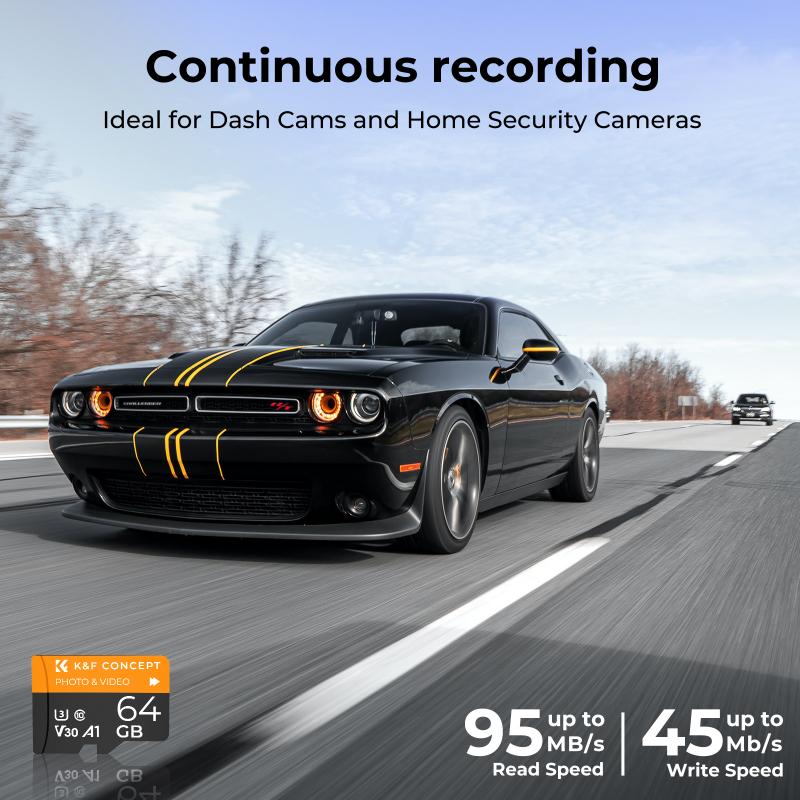
Step 1: Selecting the Right MicroSD Card
how to insert micro sd card switch 3

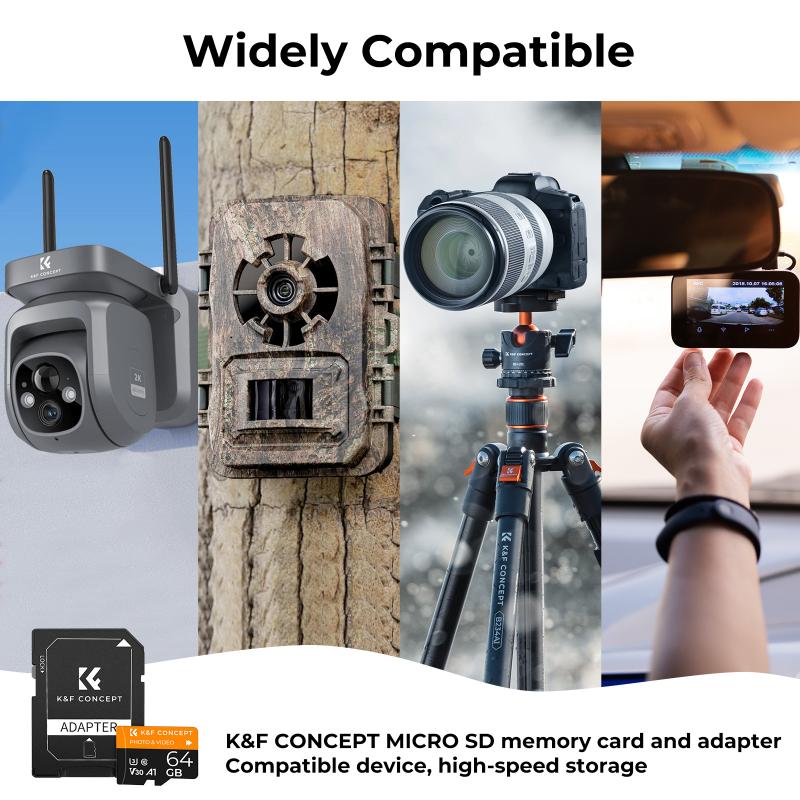
First and foremost, ensure you have a compatible microSD card. The Nintendo Switch supports microSD, microSDHC, and microSDXC cards.

- MicroSD: Up to 2GB capacity.

- MicroSDHC: 4GB to 32GB capacity.

- MicroSDXC: 64GB and above, with the current maximum supported capacity being 2TB.

For optimal performance, it's recommended to use a microSDXC card with a high read speed. Look for cards labeled with UHS-I speed class (U3).

Step 2: Power Down the Switch

how to insert micro sd card switch 4

The importance of this step cannot be overstated. Always power down the Nintendo Switch before inserting or removing a microSD card to avoid data corruption or hardware damage.

To power down:

1. Hold the power button located on the top left edge of the console.

2. Navigate to the Power Options menu.

3. Select “Turn Off” to completely shut down the device.

Step 3: Locate the MicroSD Card Slot

Once the Switch is powered off, locate the microSD card slot:

1. Turn the console over to the back.

2. You will find a small rectangular flap located underneath the kickstand.

Open the kickstand gently to reveal the slot where the microSD card will be inserted.

Step 4: Insert the MicroSD Card

Insert the microSD card gently into the slot with the label side facing down (toward the back of the console). Push it in until you hear or feel a slight click, which signals the card is securely in place.

Avoid forcing the card into the slot, as this can damage the card or the console's internal components.

Step 5: Close the Kickstand and Power On the Console

After ensuring the microSD card is correctly seated, close the kickstand. Proceed to power on the Nintendo Switch by pressing the power button.

When the console powers up, it should automatically recognize the inserted microSD card. If it’s a brand new card, the system may prompt you to format it. Follow the on-screen instructions to complete the formatting process.

Troubleshooting Common Issues

Despite following the steps meticulously, users occasionally encounter issues. Here's how to troubleshoot some common problems:

Problem: The Switch Doesn’t Recognize the MicroSD Card

If your Switch doesn’t recognize the microSD card:

- Verify the card compatibility: Ensure the microSD card meets the Switch specifications.

- Reinsert the card: Power down the console, remove the card, and reinsert it carefully.

- Format the card: Sometimes formatting the card on a computer to FAT32 or exFAT file system can resolve the issue.

Problem: Error Messages

If you receive error messages:

- Check for system updates: Make sure your Nintendo Switch firmware is up to date.

- Test the card on another device: Insert the microSD card into another device, like a computer, to see if it functions correctly. This helps isolate if the issue is with the card or the Switch.

Problem: Data Corruption

In cases of data corruption:

- Always back up data regularly to avoid losing information.

- Use trusted brands that have a lower risk of corruption and offer warranties.

By following these carefully outlined steps, you can seamlessly expand the storage capacity of your Nintendo Switch. The convenience of having additional storage means you can download and play more of your favorite games without worrying about running out of space.

Remember, handling electronic devices with care and following the recommended guidelines ensures longevity and optimal performance. Enjoy your enhanced gaming experience on your Nintendo Switch with your newly added microSD card.

Feel free to reach out with any further queries or feedback about this process. Happy gaming!

Leave your comment
Cancel reply
Note: HTML is not translated!
Related products
SD Card Reader for iPhone/iPad/Android/Mac/Computer/Camera, 4 in 1 Micro SD Card Reader Tracking Camera Viewer, Portable Memory Card Reader SD Card Adapter Compatible with SD and Micro SD Card/TF Card ( black)
$14.99
K&F Concept 28 Slots Micro SD Card Case,Water-Resistant Anti-Shock Anti-Dust TF Card Holder,Micro SD/Micro SDHC/Micro SDXC Card Box Organizer Storage
$18.99 $9.99
K&F Concept 36 Slots SD Micro SD Memory Card Case, Water-Resistant SD Card Holder, Anti-Shock Card Carrying Storage Box for 24 Micro SD SDXC SDHC TF Cards and 12 SD SDXC SDHC Cards
$18.99 $9.99
128GB MicroDrive Micro SD UHS-I Memory Card
2
$31.99
32GB Micro SD Card U3/V30/A1 with Adapter, Memory Card for Cameras, Borescopes,  Microscopes, Night Vision Goggles, Kentfaith
32GB Micro SD Card U3/V30/A1 with Adapter, Memory Card for Cameras, Borescopes, Microscopes, Night Vision Goggles, Kentfaith
$19.99 $15.99
64GB Micro SD Card U3/V30/A1 with Adapter, Memory Card for Cameras, Borescopes,  Microscopes, Night Vision Goggles, Kentfaith
64GB Micro SD Card U3/V30/A1 with Adapter, Memory Card for Cameras, Borescopes, Microscopes, Night Vision Goggles, Kentfaith
$23.75 $23.73
Memory Card Case with 25 Slots, Anti-Shock Carrying Case for 4 SD Cards, 4 CF Cards or 4XQDs, 4 CFexpress Cards, 12 Micro SD (TF) Cards, 2 Nano SIM, 2 Micro SIM and 1 SIM Card
$24.99 $12.99
K&F Concept 24 Slots SD Card Holder Memory Card Case, Water-Resistant Shockproof Memory Card Storage Carrying Case for 12 SD SDXC SDHC Cards, 12 CFexpress Type A Cards
$18.99 $9.99
4K 32MP Hunting Camera, 100° Wide Motion Sensor 0.2s Trigger IP67 Waterproof, 2.31" Display, with 64G SD Card +Card Reader
$114.99
Products You May Like
67mm ND8 Magnetic Lens Filter HD Waterproof Scratch-Resistant Anti-Reflection Nano-Xcel Series
8
$57.99 $45.99
62mm Filter Set (UV, CPL, FLD)
3
$32.99 $17.99
Anti-Spy Detector Scan & Disconnect for 24/7 Protection Find Bugs Hidden Cams
15
$89.99 $59.99
67mm Magnetic Variable ND8-ND128(3-7 Stop) Lens Filters + Magnetic Filter Basic Ring Kit with 28 Multi-Layer Nano-Xcel Series (Compatible with 72mm magnetic cap)
8
$79.99 $99.99
35" / 90cm Softbox Parabolic Hexadecagon Compatible with Bowens Mount with Honeycomb Grid Light Diffusers Carrying Bag for Photography Studio Speedlite Flash and Monolight
3
$108.99
67mm Black Mist 1/4 + ND8-128 Variable ND Filter with Double-sided 28-layer Anti-reflection Green Film and Lever Nano-Xcel Series
13
$116.99 $84.99
DJI Osmo Action 3 Filter Kit 4pcs HD (ND8&PL+ND16&PL+ND32&PL+ND64&PL) with Single-sided Anti-reflection Green Film
22
$83.99 $43.99
52mm Magnetic MCUV Filter,HD Waterproof Scratch-Resistant Anti-Reflection Green Film with Magnetic Metal Cover Nano-Xcel series
75
$46.99 $36.99
Real-Time Translator Earbuds Two-Way 144 Languages 0.5S Response
74
$209.99 $146.99
67mm Black Mist 1/4 & CPL Filter 2 in 1 Black Diffusion Circular Polarizing Effect Filter with 18 Multi-Layer Coatings Nano-Klear Series
25
$37.99 $25.49
Related articles
How To Insert Micro Sd Card Into Pc?
How Insert Sd Card In Laptop?
How To Backup A Micro Sd Card?
How To Insert Sd Card Into Akaso Camera?
How To Insert Sd Card Into Macbook Air?
How To Insert Sd Card Into Security Camera?
What Is Largest Micro Sd Card?
How To Get A Micro Sd Card Out?
How To Transfer Photos From Micro Sd Card?
How Do I Access Sd Card On Laptop?
Blog You May Like
How To Choose Filter Size For Lens?
How To Tell If Camera Has Ir Filter?
How To Measure Blood Pressure Smart Watch?
How To Record Video While Car Driving?
Where Can I Sell My Video Camera?
Which Dslr Camera Is Best For Video Shooting?
What's the Best EF to E-mount Lens Adapter?
How To Do Telescope?
What Is A Good Microscope Magnification?
How To Fix The Straps On A Camera?
Related categories
camera card memory C mount lens adapter m4/3 adapter golf rangefinder
Popular products
portable sd card reader 64gb memory card micro surveillance memory card large memory card driving recorder video camera battery powered wifi cameras micro sd surveillance camera 32gb memory card micro memory card without adapter
Related searches
Micro To Sd Card Adapter Micro Sd Card Adapters Micro Sd Hd Card Micro Sd Camera Card Mobile Micro Sd Card Micro Sd Data Card Micro Extreme Sd Card Sd Card Micro Sdhc Micro Sd Card Storage Case Memory Card Micro Sd 128gb
Popular searches
Sony A7c E Mount Nikon D5100 Solar Filter Tripod For Product Photography Nikon L330 Lens Adapter Dji Air 2s Accessories Reverse Mount Lens Macro Photography Smart Lock Door Handle Lens Mount Conversion Service Big 5 Metal Detectors Lens Adapter For Fuji X100
Blog Category
  • Activities
  • Guide
    • Filter Guide
    • Lens Adapter
    • Product Review
  • News & Reviews
    • Camera Reviews
    • Sample Gallery
    • News
  • Tutorials
    • Solar eclipse photography
    • Photography Basics
    • Landscape Photography
  • Inspiration
    • Travel
    • Travel Stories
Search Article
Latest from the Blog
Where Can I Find Hidden Cameras?
How To Remove Memory Card From Nikon Camera?
What Power Binoculars For Long Distance Viewing?
Which Smart Watches Are Waterproof?
Camera That Can Wifi Photos To Phone?
How To Stream Live From Surveillance Camera?
How Do Trail Cameras Work? The Ultimate Guide to Trail Cameras
What Does A Uv Camera Filter Do?
ND Filter: The Complete Guide to Neutral Density Filters for Photography and Video
What Is The Best Camera To Record Videos?
  • Easy Payment Multilple Payment Options

  • Free Shipping Global WareHouse Shipment

  • No Risk 30-Day No Reason Return

  • Limited Deals Buy More, Save More

  • Tax Free No any surcharges or tax fee

Information
  • About us
  • Contact Us
  • Site Map
  • Blog
  • Video
  • Gallery
  • VIP Membership Rewards
Service
  • Privacy Policy
  • Terms & Conditions
  • Shipping & Delivery
  • Payment Info
  • Warranty, Return & Refund
  • Intellectual Property Rights
  • Ambassador
  • Affiliates
  • Wholesale
Support
  • My account
  • Order History
  • FAQs
  • Extend Warranty
  • Logistics Tracking
Follow us
NewsLetter

Get the latest product, K&F Concept respects your privacy.

Powered By KENTFAITH © 2025