kfconcept

KENTFAITH
K&F Concept    Blog >

Enjoy Your Selected Digital Life

Recently Viewed
  • Recently Viewed
  • Recently Viewed list is empty.

Compare (0) 0
  • Compare
  • You have not chosen any products to compare.

  • Compare
Currency: USD
  • Currency
Shop by Scene Shop by Rank

Log Into Your Account

Account

Order History

Wish List

Login

Forgotten Password?

or connect with

Register Account

Already have an Account?Log In

  • Shopping Cart
  • Your shopping cart is empty!

  • Register/Login to purchase, earn points
  • Favorite
  • Your wish list is empty.

  • Register/Login to like, earn points
  • Activities
  • Guide
    • Filter Guide
    • Lens Adapter
    • Product Review
  • News & Reviews
    • Camera Reviews
    • Sample Gallery
    • News
  • Tutorials
    • Solar eclipse photography
    • Photography Basics
    • Landscape Photography
  • Inspiration
    • Travel
    • Travel Stories
  • Home
  • Blog
  • How To Hard Wire A Dash Cam?

How To Hard Wire A Dash Cam?

Kentfaith 2024-10-04 01:43:50 0 Comments

Hardwiring a dash cam can provide a seamless and reliable power source that ensures your dash cam is always operational, whether your vehicle is running or not. Below, we'll explore the intricacies of hardwiring a dash cam, detailing the necessary tools, the step-by-step process, and common pitfalls to avoid.

Understanding the Benefits of Hardwiring a Dash Cam
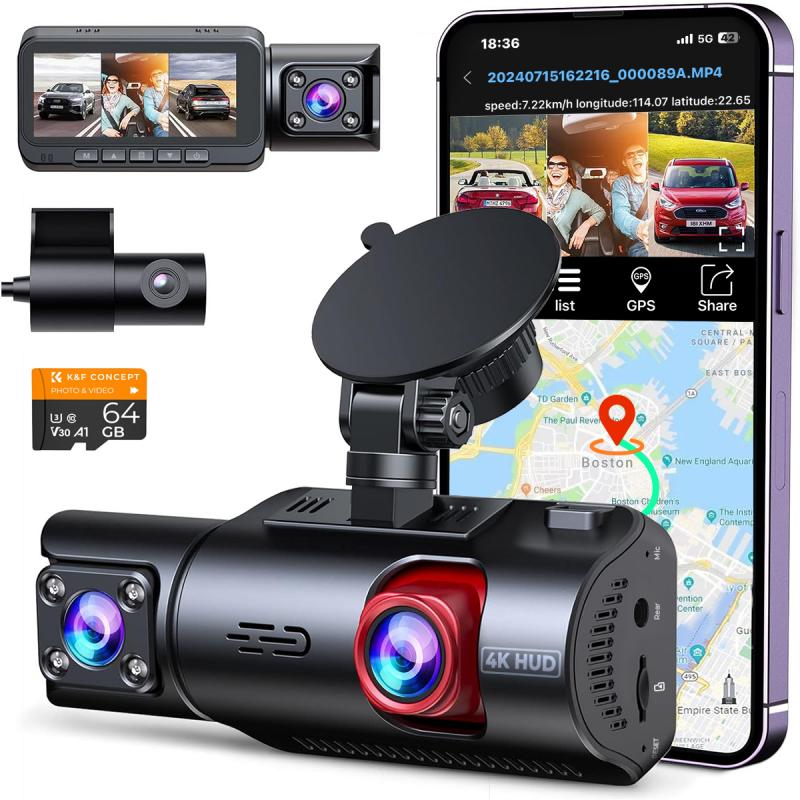
how to hard wire a dash cam 1

Continuous Power Supply: Unlike using a cigarette lighter socket or USB port, hardwiring allows you to keep your dash cam powered even when the ignition is off, essential for features like parking mode.

Cleaner Setup: Hardwiring eliminates dangling cables, creating a more professional and clean look in your vehicle's interior.

Unused Power Outlets: By not relying on your car's auxiliary power sources, you free up these outlets for other accessories.

Tools and Components Required
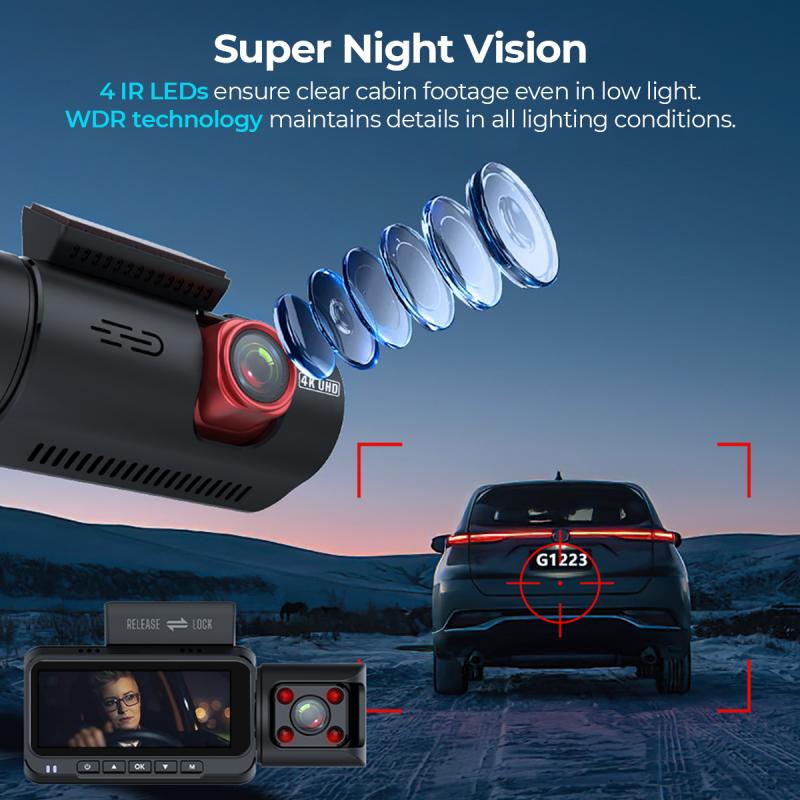
how to hard wire a dash cam 2

To hardwire a dash cam, you'll need the following tools and components:

- Dash Cam with Hardwiring Kit: Ensure your dash cam is compatible with hardwiring and comes with the appropriate kit, usually including a fuse tap, voltage converter, and appropriate cables.

- Fuse Tap: This allows you to tap into your car’s fuse box to draw power for the dash cam.

- Fuse Puller: Handy for safely removing fuses from the fuse box.

- Circuit Tester: Essential for identifying fuses that provide constant or switched power.

- Trim Removal Tool: Helps you safely detach trim pieces without damaging your car's interior.

- Wire Crimper/Stripper: For preparing the wires for connection.

- Electrical Tape or Heat Shrink Tubing: To insulate any exposed wires.

- Cable Ties: For securing the wires and keeping your installation tidy.

Choosing the Right Fuse
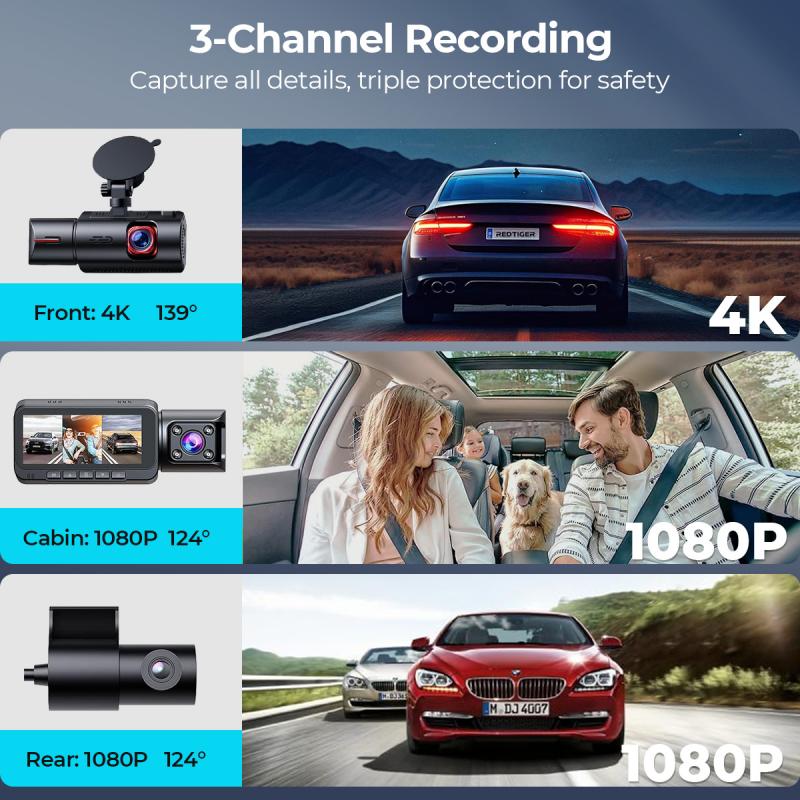
how to hard wire a dash cam 3

Before diving into the installation process, it's crucial to identify which fuse to use in your car. Generally, you will need:

- Constant Power Fuse: Supplies power at all times, even when the car is off. Ideal for dash cams with parking mode.

- Switched Power Fuse: Only supplies power when the ignition is on. This prevents the dash cam from draining your battery when the car is off.

Using your circuit tester, find the fuses that meet these requirements in your vehicle's fuse box.

Step-by-Step Hardwiring Process
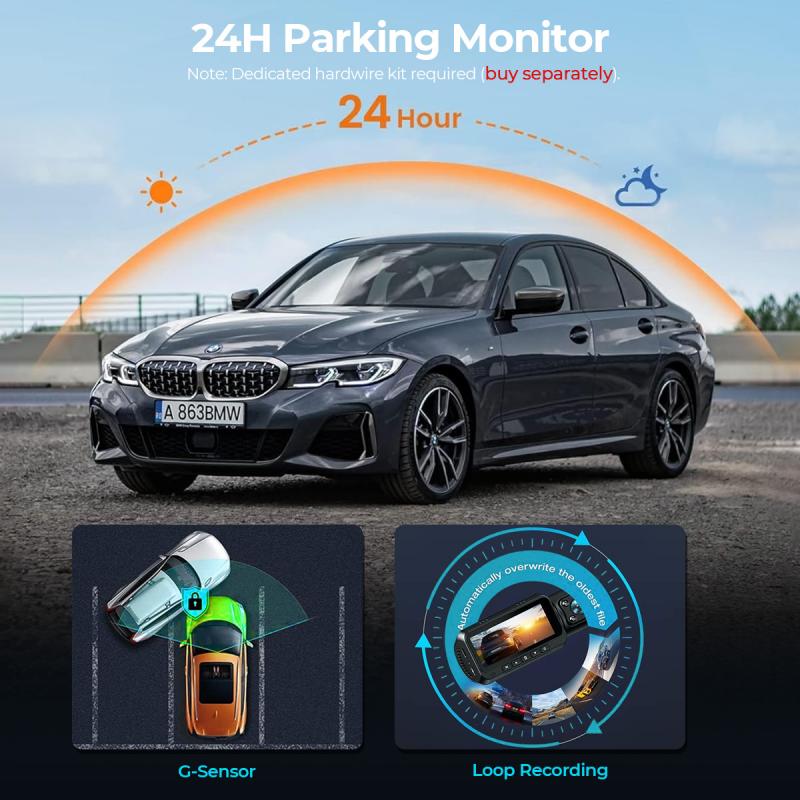
how to hard wire a dash cam 4

1. Locate the Fuse Box:

- Consult your car’s manual to identify the fuse box’s location. Common places are under the dashboard, in the glove compartment, or in the engine bay.

2. Identify the Appropriate Fuses:

- Using a circuit tester, identify fuses that provide switched and constant power.

- Note the fuse amperage that your dash cam’s hardwiring kit requires.

3. Prepare the Dash Cam:

- Mount the dash cam to your desired location, typically behind the rearview mirror for optimal view and minimal obstruction.

4. Run the Power Cable:

- Conceal the power cable along the headliner, down the A-pillar, and towards the fuse box, using a trim removal tool to tuck the cable neatly.

5. Install the Fuse Tap:

- Remove the identified fuse using a fuse puller, then insert it into the slot in the fuse tap. Finally, insert the fuse tap back into the fuse slot.

6. Connect the Dash Cam's Hardwiring Kit:

- Connect the ground wire to a metal bolt or grounding point on the car’s chassis.

- Attach the power wire from the hardwiring kit to the fuse tap.

7. Insulate and Secure:

- Insulate any exposed wires with electrical tape or heat shrink tubing.

- Use cable ties to secure the wire harness, preventing loose wires.

8. Test the Installation:

- Turn on your car’s ignition to ensure the dash cam powers up correctly.

- Test for both constant and switched power functionality, depending on your installation.

Common Pitfalls to Avoid

1. Incorrect Fuse Selection: Always ensure you are using the correct type of fuse (constant or switched) as per your dash cam’s requirements.

2. Inadequate Grounding: Looping the ground wire around a bolt without proper contact may result in a poor connection. Ensure a secure, metal-to-metal connection.

3. Loose Connections: Ensure all connections are firmly secured and insulated to prevent short circuits or power loss.

4. Ignoring Vehicle Specifics: Different cars have unique configurations and grounding points. It is crucial to understand your specific vehicle’s setup.

5. Draining Battery: If parking mode is unnecessary, avoid connecting to a constant power source to prevent battery drain.

Benefits and Impact

Hardwiring a dash cam isn't just about aesthetic appeal or freeing up power outlets; it's fundamentally about enhancing the functionality of your dash camera. Features like parking mode can provide an added layer of security by recording incidents that occur when the vehicle is parked. This can be invaluable for insurance claims or personal safety.

Additionally, a hardwired dash cam can seamlessly integrate into your vehicle's electrical system, reducing the likelihood of power interruptions that could cause loss of crucial footage. This reliability is particularly crucial for professional drivers, fleet operators, or anyone who spends a considerable amount of time on the road.

Hardwiring your dash cam is a sound investment in both functionality and aesthetics. Through careful preparation, the right tools, and an understanding of your vehicle’s electrical system, this task can be accomplished with relative ease. Moreover, the benefits extend beyond a neat installation; they provide continuous surveillance which could prove essential in many situations.

By following the outlined steps and avoiding common pitfalls, you can ensure a smooth, effective, and rewarding installation process. Not only does this give you peace of mind on the road, but it also empowers you with a continuous vigil against unforeseen incidents.
Leave your comment
Cancel reply
Note: HTML is not translated!
Related products
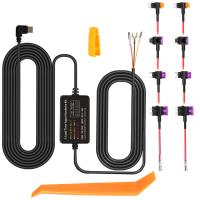
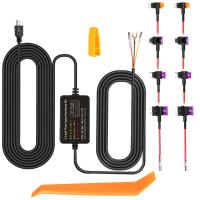
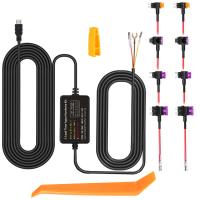
Dash Cam Hardwire Kit, Mini-USB Hard Wire Kit 11.5ft, 12-24V to 5V Car Dash Camera Charger Power Cord, Gift 5 Fuse Tap Cable with Battery Drain Protection for 24h Parking Monitor
$29.99 $20.99
Dash Cam Hardwire Kit, Micro-USB Hard Wire Kit 11.5ft, 12-24V to 5V Car Dash Camera Charger Power Cord, Gift 5 Fuse Tap Cable with Battery Drain Protection for 24h Parking Monitor
$29.99 $20.99
Dash Cam Hardwire Kit, Type-C Hard Wire Kit 11.5ft, 12-24V to 5V Car Dash Camera Charger Power Cord, Gift 5 Fuse Tap Cable with Battery Drain Protection for 24h Parking Monitor
NEW Arrival
Dash Cam Hardwire Kit, Type-C Hard Wire Kit 11.5ft, 12-24V to 5V Car Dash Camera Charger Power Cord, Gift 5 Fuse Tap Cable with Battery Drain Protection for 24h Parking Monitor
$29.99 $20.99
CarPlay for Motorcycle Android Auto Dash Cam Front and Rear GPS Navigation
12
$299.99 $209.99
Motorcycle Dash Cam with 2K Resolution 140° Wide Angle WiFi Control USB Power Kentfaith
10
$84.99 $67.99
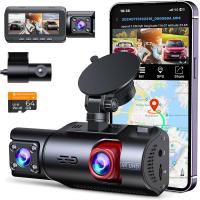
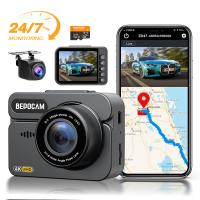
4K Dash Cam Front and Rear with GPS WiFi Night Vision 24H Parking Mode Kentfaith
13
$124.99 $99.99
3-Channel Dash Cam Front and Rear Inside 4K 5G WiFi GPS Night Vision G-Sensor Kentfaith
10
$187.49 $169.99
4K Dash Cam Front and Rear with GPS, 5G WiFi, Starlight Night Vision, G-Sensor, 24H Parking Mode Kentfaith
15
$149.99 $119.99
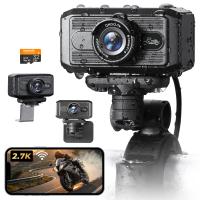
2.7K Motorcycle Dash Cam with 140° Wide Angle, Built-in WiFi, USB Power, Emergency Lock, 3 Types of Mounts, Kentfaith
13
$93.74 $74.99
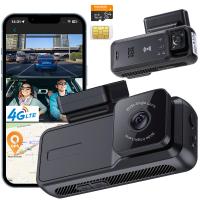
4G LTE Dash Cam Front Inside, Remote Live View, Instant Alert via App, 24/7 Parking Mode, GPS, 1080P IR Night Vision Kentfaith
11
$224.99 $179.99
Products You May Like
32A European standard Type 2 portable EV fast charger, CEE plug, switchable current charging box 16/26/32A charger (5M cable, 220V, 7kw)
$349.99 $279.99
72mm Fader ND2-ND32 (1-5 Stop) Variable ND Lens Filter Neutral Density Filter for Camera Lens NO X Spot Nanotec Ultra-Slim Weather-Sealed
$89.99 $59.99
K&F Concept Camera Sling Bag Small Camera bag Lightweight Crossbody and Inner Liner Bag for Protection and Versatility, Black
64
$59.99 $39.99
72mm ND8 Magnetic Lens Filter HD Waterproof Scratch-Resistant Anti-Reflection Nano-Xcel Series
10
$62.99 $49.99
ND1000 Filter Compatible with DJI Mini 4 Pro, Fixed 10 Stops Light Reduction Multi-Coated HD Optical Glass Gimbal Safe Filter
76
$24.99 $12.49
Portable Mini RGB Pocket Light, CRI95+, color temperature ranging from 2500K to 9900K, featuring 21 lighting effects. Rechargeable, magnetic, suitable for indoor camera shooting to enhance video and photo lighting.


28
$49.99 $29.99
5W Laser Engraver and Cutter with 0.01mm High Precision
12
$449.99 $314.99
82mm MC UV Protection Filter Slim Frame with Multi-Resistant Coating for Camera Lens Nano-Klear
245
$19.99 $17.99
2m/6.6ft Small Inspection Camera with 1080P Image 2600mAh Battery 8 LED Light
16
$119.99 $41.99
Shipping Charge
Shipping Charge
11
$5.00
Related articles
How Much Is A Dash Cam Camera?
How Long Will A Dash Cam Record?
What To Look For In A Dash Cam?
How Long Does A Dash Cam Battery Last?
What Is A Good Quality Dash Cam?
How To Make Dash Cam Always On?
Dash Cam Can Connect To Phone?
How Much Storage For Dash Cam?
How Does Car Dash Cam Work?
Can You Connect Bluetooth Headphones To The Switch?
Blog You May Like
How Good Is Wireless Back Up Camera?
How To Do Voice Recording On Macbook Air?
How To Make A Cheap Photography Light Box?
Endoscope How It Works?
What Is A Wifi Endoscope Camera?
Which Ear Is Best For Earphones?
Selfie Stick Can Hand Carry?
Where To Find A Disposable Camera?
How Do I Get To My Sd Card?
What To Use Binoculars For?
Related categories
On-Dash Camera A Mount Lens Adapter Sony A Mount Lens Adapters minolta a mount lenses C mount lens adapter 58mm lens filter black pro mist square filter
Popular products
car camera hardwire kit hard wire kit dash cam car dash cam kit dashcam 3 channel dual car dash camera dash cam with loop recording wireless camera for vehicle 4k dash cam front rear 1080p dual camera dash cam infrared dash camera
Related searches
Dash Cam Recorder Best Wireless Dash Cam Gps Tracking Dash Cam Best Parking Dash Cam Dash Cam With Bluetooth Wireless Rear Dash Cam Best Dual Dash Cam Dash Cam Motion Detection Dash Cam With App Motion Sensor Dash Cam
Related Scenes
Best Car Camera Dash Cam Best Camera For Dash Cam Best Batteries For A Trail Camera Best Camera To Video Sports Best Camera To Capture Wildlife The Best Dash Camera Best Video Camera To Record Sports Best Dash Camera For Car The Best Car Dash Camera Best In Car Dash Camera
Blog Category
  • Activities
  • Guide
    • Filter Guide
    • Lens Adapter
    • Product Review
  • News & Reviews
    • Camera Reviews
    • Sample Gallery
    • News
  • Tutorials
    • Solar eclipse photography
    • Photography Basics
    • Landscape Photography
  • Inspiration
    • Travel
    • Travel Stories
Search Article
Latest from the Blog
Can Headphones Be Both Wired And Wireless?
Can A Digital Camera Record Video?
What Camera Has The Best Video Quality?
How To Reduce Noise In Bluetooth Headphones?
What Is The Best Camera For Action Sports?
Where To Buy A Microphone?
Prime Day 2026 - K&F Concept 15th Anniversary Celebration
How To Receive Notifications On Smartwatch?
How To Build Security Camera System?
How To Choose A Home Security Camera System?
  • Easy Payment Multilple Payment Options

  • Free Shipping Global WareHouse Shipment

  • No Risk 30-Day No Reason Return

  • Limited Deals Buy More, Save More

  • Tax Free No any surcharges or tax fee

Information
  • About us
  • Contact Us
  • Site Map
  • Blog
  • Video
  • Gallery
  • VIP Membership Rewards
Service
  • Privacy Policy
  • Terms & Conditions
  • Shipping & Delivery
  • Payment Info
  • Warranty, Return & Refund
  • Intellectual Property Rights
  • Ambassador
  • Affiliates
  • Wholesale
Support
  • My account
  • Order History
  • FAQs
  • Extend Warranty
  • Logistics Tracking
Follow us
NewsLetter

Get the latest product, K&F Concept respects your privacy.

Powered By KENTFAITH © 2026