What To Look For In A Dash Cam?
How to Choose the Best Dash Cam for Your Needs: A Comprehensive Guide
As traffic safety becomes increasingly prioritized and insurance claims more prevalent, the demand for dash cams has exploded over recent years. Whether you're trying to document your road trips, protect yourself during accidents, or simply have an additional layer of security, a dash cam can serve as a vital tool. But with countless options on the market, how do you determine which one best suits your needs? This article will delve into essential factors to consider when purchasing a dash cam, helping you navigate the selection process with confidence and clarity.
Why Do You Need a Dash Cam?
Before diving into the essential features to look for, it's important to identify what you hope to achieve by investing in a dash cam. Different users will have varying needs. For instance, a person who commutes daily might prioritize reliability and ease of use, while a business owner running a fleet of vehicles may value features like GPS tracking and cloud storage. By aligning your goals with the available technology, you'll avoid overpaying for features you may never use.
Common motivations for using a dash cam include:
Protection: Documenting incidents for insurance claims.
Accountability: Holding reckless drivers accountable with video evidence.
Security: Monitoring parked vehicles for break-ins or vandalism.
Entertainment: Capturing scenic drives or unexpected events.
Professional Use: Tracking delivery or service fleet operations.
Key Features to Consider When Choosing a Dash Cam
Dash cams might seem straightforward, but they come packed with features that can vary significantly between models. Below are critical attributes to consider when assessing which device is right for you.
1. Camera Resolution
The resolution of a dash cam determines the video quality and clarity. Low-resolution cameras may capture footage, but they can fail to clearly show important details such as license plates or street signs in the event of an incident.
Recommended Resolution: Aim for 1080p Full HD or higher. For sharper recordings, 4K is ideal but often comes at a higher price.
Don't Skimp: Even if you're looking for a more budget-friendly option, avoid cameras with resolutions below 720p.
2. Field of View
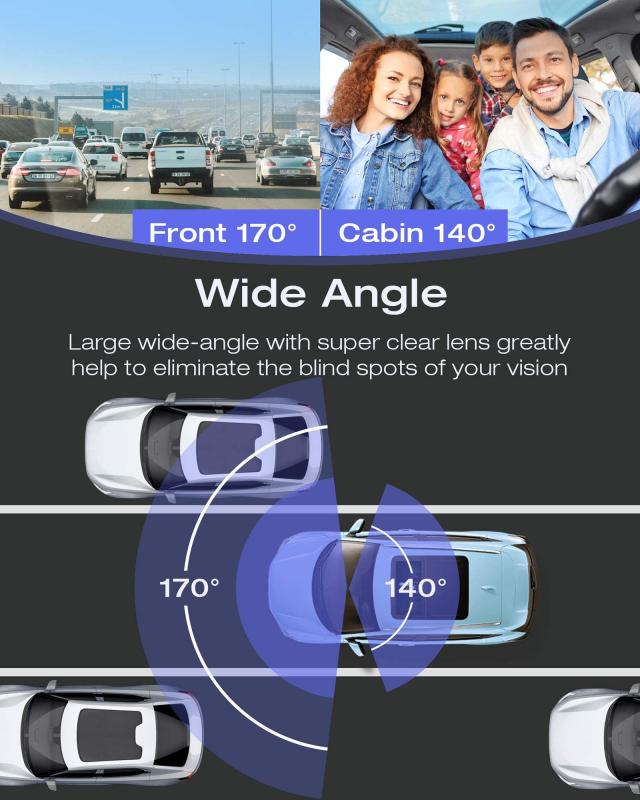
The field of view (FoV) refers to the area the camera captures. A wider field of view allows the dash cam to document more of the road, including activity in multiple lanes or at the edges of the frame. However, excessively wide FoVs (above 170°) can distort footage and make objects appear farther away.
Ideal Range: Look for a field of view between 120° and 160°.
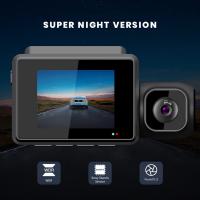
3. Night Vision
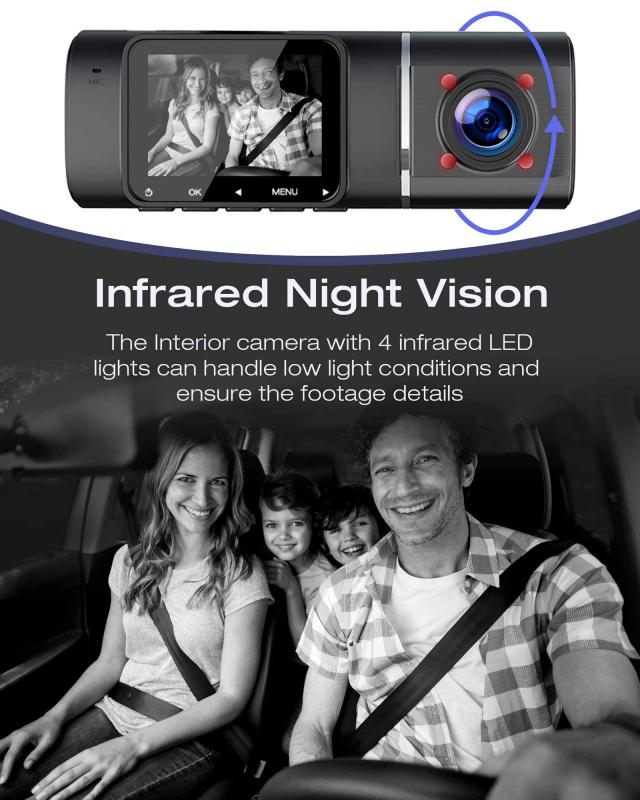
Driving doesn't stop when the sun goes down, and neither should your dash cam's ability to record clear footage. Cameras equipped with infrared sensors, HDR/WDR technology, or low-light image processors perform significantly better under darker conditions.
Tip: Don't assume every dash cam has great night vision. Check for features like Sony STARVIS sensors, which are designed for excellent nighttime handling.
4. Storage Options and Loop Recording
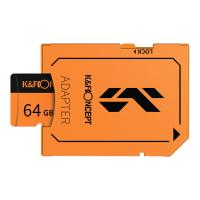
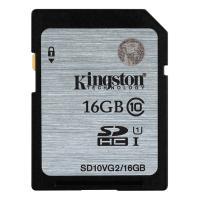
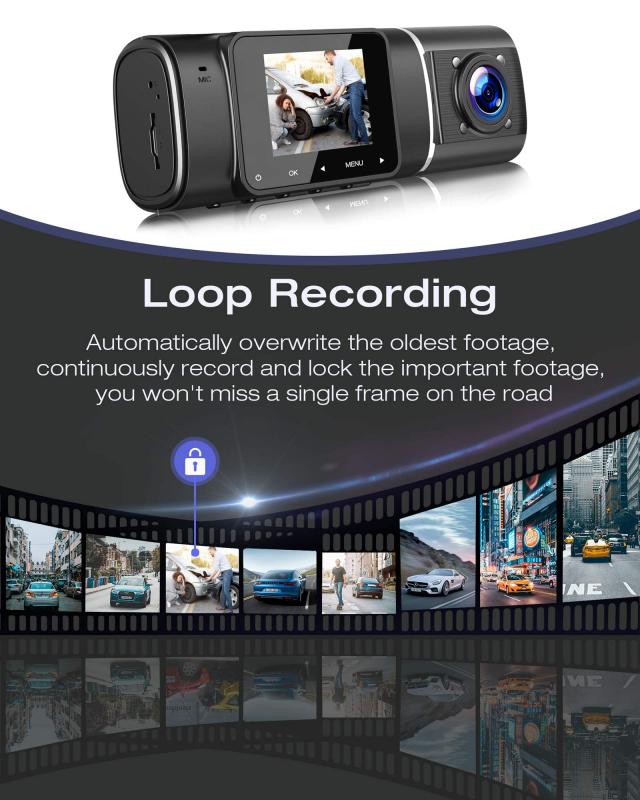
Dash cams store footage on microSD cards or internal storage, but capacity is always finite. To prevent your device from running out of memory while recording, most dash cams use loop recording, which automatically overwrites older footage when storage is full.
Recommended Storage: Look for devices that support at least 64GB to 128GB microSD cards.
Additionally: Choose a dash cam with file-saving features that allow you to lock specific footage from being overwritten.
5. GPS Integration
GPS-enabled dash cams are excellent for tracking travel routes, speeds, and locations. This feature is especially useful for drivers who use their vehicles professionally or those who want comprehensive documentation during incidents.
Ideal Users: Businesses managing delivery fleets or Uber/Lyft drivers might consider GPS integration mandatory.
6. Collision Detection and Emergency Recording
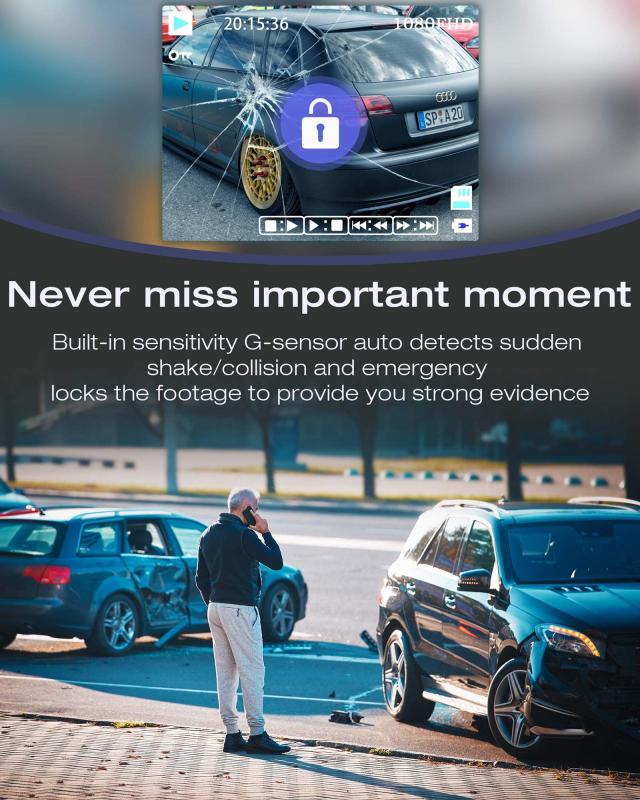
Advanced sensors found in most modern dash cams can detect sudden impacts or unusual movements. When triggered, the camera will immediately save the footage and prevent it from being overwritten.
Must-Have Feature: This functionality is particularly valuable for insurance claims or legal evidence.
7. Wi-Fi and App Compatibility
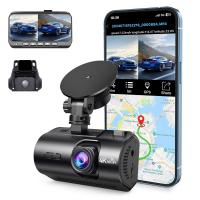
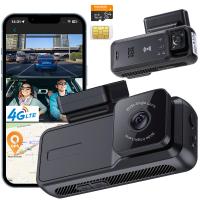
Some dash cams are equipped with Wi-Fi, allowing you to instantly access footage via a smartphone app. This feature can save time when sharing videos with authorities, insurers, or friends.
Tip: If convenience matters, prioritize models with user-friendly apps and seamless video transfers.
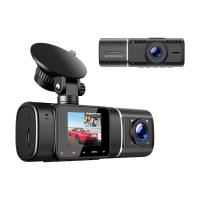
8. Rear and Interior Cameras
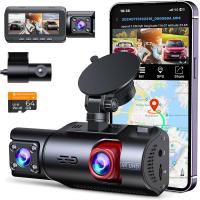
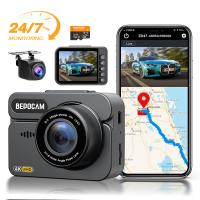
Depending on your needs, a single front-facing camera might not be sufficient. Many dash cams offer dual-camera setups or optional rear cameras, enabling comprehensive coverage for the front, back, and even the interior of your car.
Recommended For: Taxis, rideshare drivers, and commercial fleets benefit from dual setups to monitor passengers or cargo.
9. Power Supply
Dash cams run on either battery power or external power sources like your car’s cigarette lighter or hardwiring into the vehicle. Battery-only devices are portable but have limited recording durations, while external power supplies ensure constant functionality.
Consider: Hardwired or capacitor-based options tend to be more reliable in extreme temperatures.
10. Parking Mode
A parking mode feature allows the camera to record even when your vehicle is turned off. Using motion detection or impact sensors, the dash cam begins capturing footage if suspicious activity occurs near your parked car.
Best for: Drivers concerned about theft, vandalism, or hit-and-run incidents in parking lots.
Things You Should Know About Dash Cams
Legal Regulations
Dash cam use varies by country, especially when it comes to audio recording or the placement of the device on your windshield. Investigate local laws to ensure compliance. For example:
- Many jurisdictions ban obstructing a driver’s view with large or improperly placed devices.
- Other regions require notifying passengers if their audio or video is being recorded.
Price vs. Quality
While buying the cheapest option might be tempting, it can backfire. Lower-priced dash cams often come with suboptimal video quality, poor durability, and a lack of reliability. Investing in quality ensures your footage is valuable when you truly need it.
Budget Range: Entry-level models often range from $50–$100, while high-end models with 4K, GPS, rear cameras, and cloud storage can climb to $300 or more.
Accessories and Compatibility
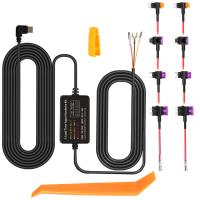
Some dash cams require additional accessories, such as adhesive mounts, a memory card, or hardwiring kits. Verify what's included in the box and confirm compatibility with your vehicle.
Final Words: Finding Your Perfect Dash Cam
The dash cam market is incredibly diverse, catering to users with unique priorities and budgets. To identify the perfect model for your needs:
1. Define what you need most: safety, reliability, video quality, etc.
2. Look for dash cams with high resolution, wide field views, night vision, and collision detection.
3. Consider additional features—like GPS, parking mode, or dual cameras—if relevant.
Remember, a reliable dash cam can save you time, money, and headaches in the long run. By investing wisely, you’ll have peace of mind knowing that you’re protected on the road, no matter the situation.