How To Set Up Mini Wifi Camera?
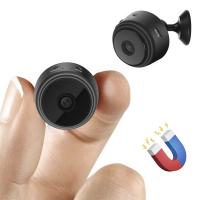
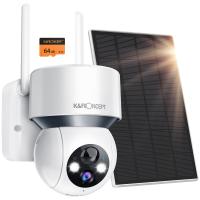
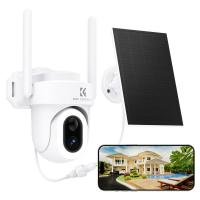
Setting up a mini WiFi camera can seem daunting at first, especially if you’re not particularly tech-savvy. However, with the right guidance, the process is straightforward and can be completed in just a few steps. Mini WiFi cameras are compact, versatile, and ideal for home security, monitoring pets, or even keeping an eye on your office space. In this article, we’ll walk you through the step-by-step process of setting up your mini WiFi camera, troubleshooting common issues, and optimizing its performance for the best results.
Step 1: Unbox and Familiarize Yourself with the Camera
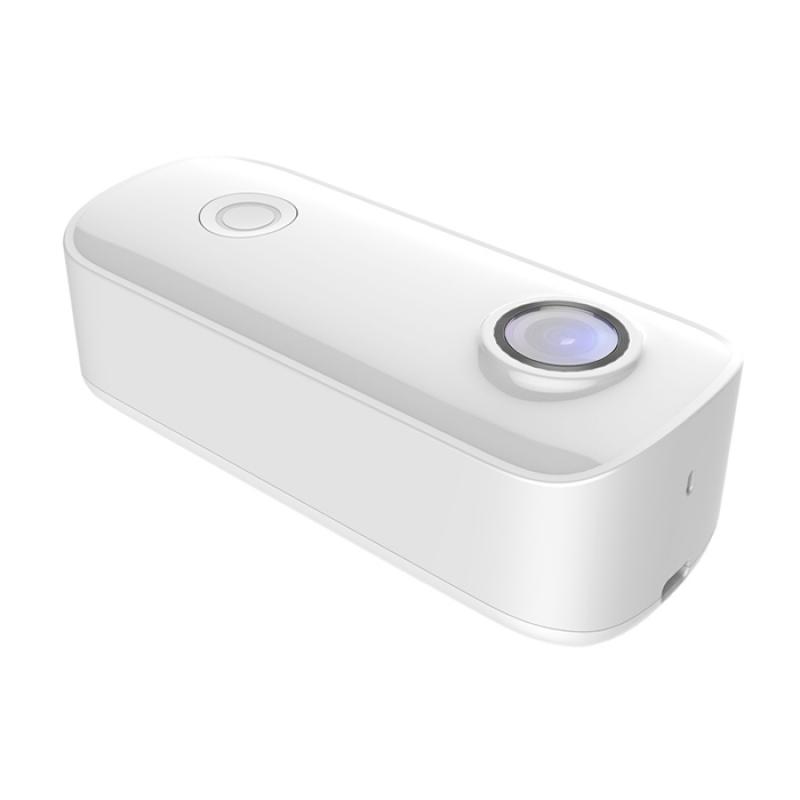
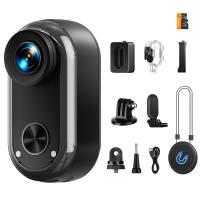
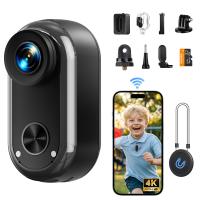
Before diving into the setup process, take a moment to unbox your mini WiFi camera and review its components. Most mini WiFi cameras come with the following:
- The camera itself
- A power adapter or USB cable
- A mounting bracket or adhesive
- A user manual
- A QR code for app setup (if applicable)
Inspect the camera for any physical damage and ensure all components are included. Familiarize yourself with the camera’s buttons, ports, and indicators, such as the power button, reset button, and status light.
Step 2: Download the Camera’s Companion App
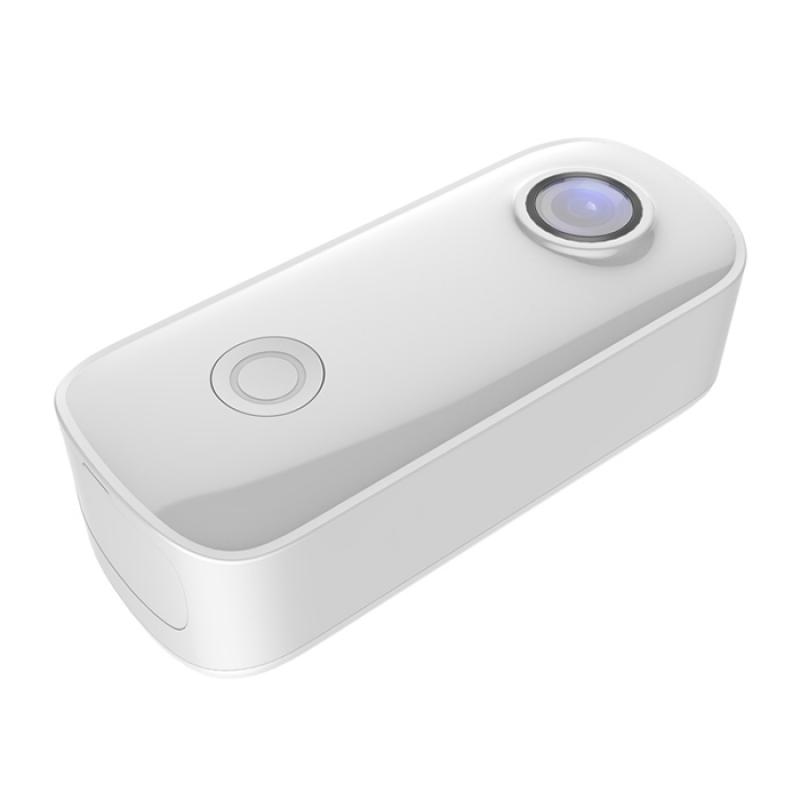
Most mini WiFi cameras require a companion app for setup and operation. The app is typically available for both iOS and Android devices. Check the user manual or the packaging for the name of the app, or scan the QR code provided to download it directly.
Once downloaded, install the app on your smartphone or tablet. Open the app and create an account if prompted. Some apps may also allow you to log in using an existing account, such as Google or Facebook.
Step 3: Power On the Camera
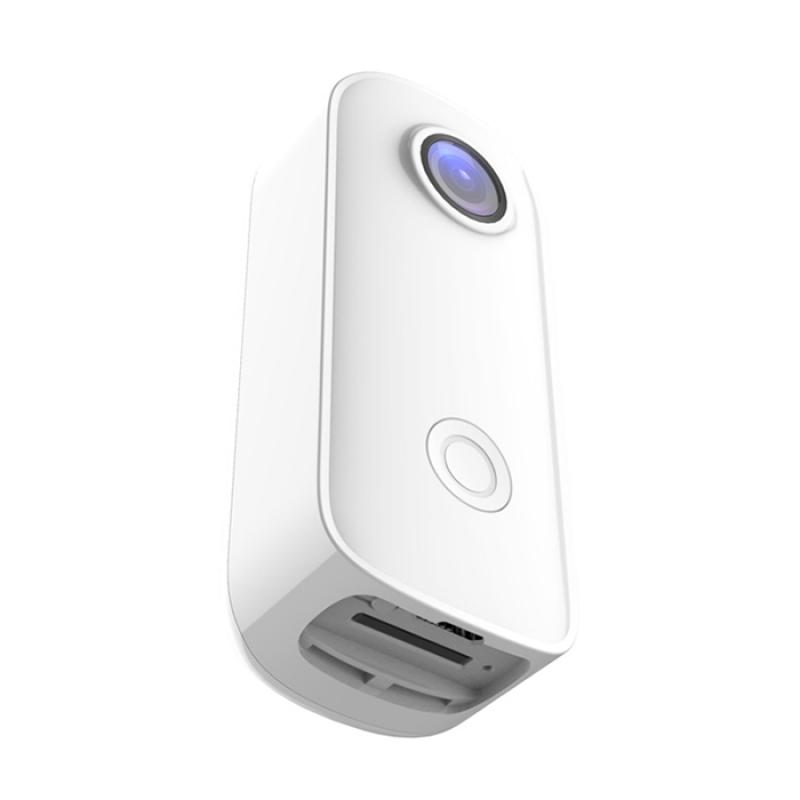
Connect your mini WiFi camera to a power source using the provided adapter or USB cable. Once powered on, the camera’s status light should indicate that it’s ready for setup. This is usually signaled by a blinking light, but refer to the user manual for specific details about your model.
If the camera doesn’t power on or the status light doesn’t behave as expected, try a different power outlet or cable. If the issue persists, consult the troubleshooting section of the user manual.
Step 4: Connect the Camera to WiFi
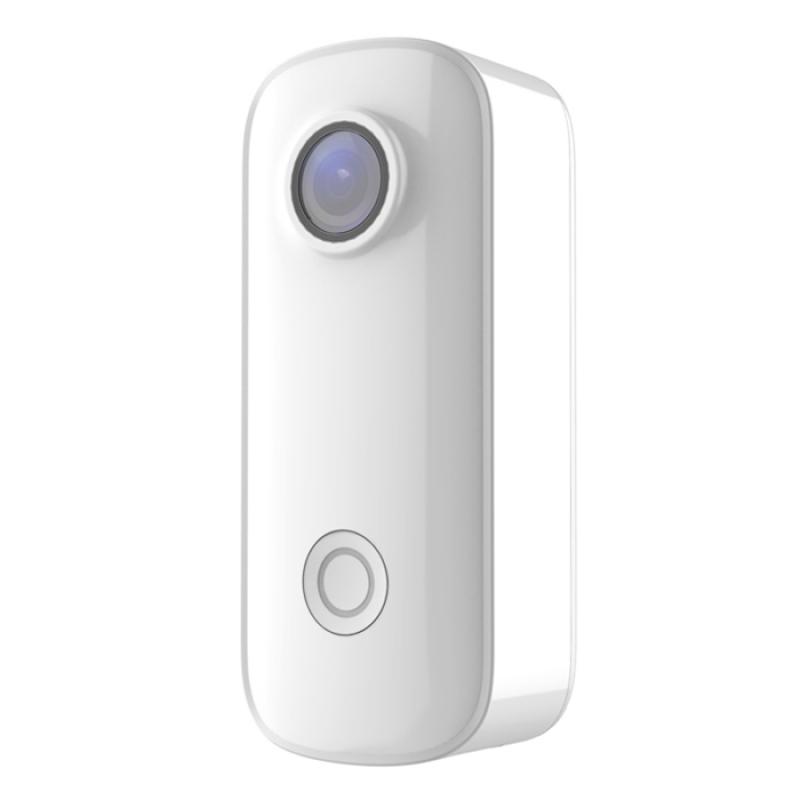
Open the companion app and follow the on-screen instructions to connect the camera to your WiFi network. This process typically involves the following steps:
1. Select the Camera Model: The app may ask you to select your camera model from a list.
2. Scan the QR Code: Some cameras require you to scan a QR code on the device or in the app to pair it with your account.
3. Enter WiFi Credentials: You’ll need to enter your WiFi network name (SSID) and password. Ensure you’re connecting to a 2.4 GHz network, as many mini WiFi cameras do not support 5 GHz networks.
4. Wait for Connection: The camera will attempt to connect to your WiFi network. This may take a few minutes. Once connected, the app will notify you, and the camera’s status light will change to a steady color.
If the camera fails to connect, double-check your WiFi credentials and ensure your smartphone is connected to the same network. You may also need to reset the camera and try again.
Step 5: Adjust Camera Settings
Once the camera is connected to your WiFi network, you can customize its settings through the app. Common settings include:
- Resolution: Adjust the video quality to balance clarity and bandwidth usage.
- Motion Detection: Enable or disable motion detection and set sensitivity levels.
- Notifications: Configure push notifications to alert you of activity.
- Storage Options: Choose between local storage (via an SD card) or cloud storage, if available.
Take some time to explore the app and familiarize yourself with its features. This will help you make the most of your mini WiFi camera.
Step 6: Position and Mount the Camera
Decide where you want to place your mini WiFi camera. Consider the following factors:
- Field of View: Ensure the camera covers the area you want to monitor.
- Power Source: The camera should be within reach of a power outlet unless it’s battery-operated.
- WiFi Signal Strength: Test the WiFi signal strength at the desired location to ensure a stable connection.
Use the provided mounting bracket or adhesive to secure the camera in place. If the camera is freestanding, place it on a stable surface. Adjust the angle and orientation as needed.
Step 7: Test the Camera
After positioning the camera, test its functionality to ensure everything is working as expected. Open the app and view the live feed. Check for the following:
- Clear video quality
- Smooth streaming without lag
- Proper motion detection and notifications
- Accurate time and date settings
If you encounter any issues, refer to the troubleshooting section of the user manual or the app’s help center.
Troubleshooting Common Issues
Even with careful setup, you may encounter some challenges. Here are solutions to common problems:
- Camera Not Connecting to WiFi: Ensure you’re using a 2.4 GHz network and that your WiFi password is correct. Reset the camera and try again.
- Poor Video Quality: Check your internet speed and reduce the resolution in the app if necessary.
- Delayed Notifications: Ensure the app has permission to send notifications and that your phone’s battery optimization settings aren’t restricting the app.
- Camera Offline: Verify that the camera is powered on and within range of your WiFi network. Restart your router if needed.
Tips for Optimizing Your Mini WiFi Camera
To get the most out of your mini WiFi camera, consider the following tips:
1. Regularly Update the Firmware: Check the app for firmware updates to ensure your camera has the latest features and security patches.
2. Secure Your Network: Use a strong WiFi password and enable encryption to protect your camera from unauthorized access.
3. Use Cloud Storage: If available, cloud storage provides a secure way to store footage and access it remotely.
4. Clean the Lens: Dust and smudges can affect video quality. Clean the lens periodically with a microfiber cloth.
5. Monitor Power Supply: If your camera is battery-operated, keep an eye on the battery level and recharge it as needed.
Setting up a mini WiFi camera is a simple process that involves downloading the companion app, connecting the camera to your WiFi network, and customizing its settings. By following the steps outlined in this guide, you can have your camera up and running in no time. Remember to troubleshoot any issues that arise and optimize your camera’s performance for the best results.
Whether you’re using your mini WiFi camera for home security, pet monitoring, or other purposes, it’s a valuable tool that provides peace of mind and convenience. With proper setup and maintenance, your camera will serve you well for years to come.