kfconcept

KENTFAITH
K&F Concept    Blog >

Enjoy Your Selected Digital Life

Recently Viewed
  • Recently Viewed
  • 【$79.9 Flash Deal One order per customer】10'' Selfie Ring Light with Stand Phone Holder for Vlog Camera Video Smartphone YouTube Self-Portrait Makeup Shooting4G LTE Solar Trail Camera, 2.7K Ultra HD Infrared Night Vision  (Only ship to US)
    【$79.9 Flash Deal One order per customer】10'' Selfie Ring Light with Stand Phone Holder for Vlog Camera Video Smartphone YouTube Self-Portrait Makeup Shooting4G LTE Solar Trail Camera, 2.7K Ultra HD Infrared Night Vision (Only ship to US)
    $131.99
    Handheld Digital Microscope with 4" LCD Screen,1500X Magnification with LED Lights, Portable for Kids & Adults
    Handheld Digital Microscope with 4" LCD Screen,1500X Magnification with LED Lights, Portable for Kids & Adults
    $99.99 $79.99
    Kingston 32GB SDHC Memory Card Class 10 UHS-I 45R/10W
    Kingston 32GB SDHC Memory Card Class 10 UHS-I 45R/10W
    $16.99
    77mm MCUV Protection Filter with 28 Multi-Layer Coatings HD/Hydrophobic/Scratch Resistant/Ultra-Slim UV Filter for 77mm Camera Lens Nano-X Series
    77mm MCUV Protection Filter with 28 Multi-Layer Coatings HD/Hydrophobic/Scratch Resistant/Ultra-Slim UV Filter for 77mm Camera Lens Nano-X Series
    $35.99
    DJI Osmo Pocket 3 Magnetic 10X Macro Lens Close Up Filter HD Macro Photography Lens, Magnetic Attach / Multi-Coated / Optical Glass
    DJI Osmo Pocket 3 Magnetic 10X Macro Lens Close Up Filter HD Macro Photography Lens, Magnetic Attach / Multi-Coated / Optical Glass
    $29.99
    Instant Cross-APP Translator Device for Business & Trade, Video Call Translation, Record, & Transcription, Kentfaith AI Translator Devices
    Instant Cross-APP Translator Device for Business & Trade, Video Call Translation, Record, & Transcription, Kentfaith AI Translator Devices
    $124.99 $99.99
    Digital Handheld Microscope with 4.5 inch IPS Screen Detachable Base 1000X Magnification
    Digital Handheld Microscope with 4.5 inch IPS Screen Detachable Base 1000X Magnification
    $134.99 $94.99
    Hand held metal detector, three sensitivity levels, LED indicator light, audio and vibration alarm
    Hand held metal detector, three sensitivity levels, LED indicator light, audio and vibration alarm
    $37.49 $29.99
    77mm MCUV Protection Filter with 28 Multi-Layer Coatings HD/Hydrophobic/Scratch Resistant/Ultra-Slim UV Filter for 77mm Camera Lens Nano-Xcel Series
    77mm MCUV Protection Filter with 28 Multi-Layer Coatings HD/Hydrophobic/Scratch Resistant/Ultra-Slim UV Filter for 77mm Camera Lens Nano-Xcel Series
    $49.99 $34.19
    Remote Access Trail Camera
    Remote Access Trail Camera
    $162.99 $106.99
Compare (0) 0
  • Compare
  • You have not chosen any products to compare.

  • Compare
Currency: USD
  • Currency
Shop by Scene Shop by Rank

Log Into Your Account

Account

Order History

Wish List

Login

Forgotten Password?

Or connect with

Register Account

Already have an Account?Log In

  • Shopping Cart
  • Your shopping cart is empty!

  • Register/Login to purchase, earn points
  • Favorite
  • Your wish list is empty.

  • Register/Login to like, earn points
  • Activities
  • Guide
    • Filter Guide
    • Lens Adapter
    • Product Review
  • News & Reviews
    • Camera Reviews
    • Sample Gallery
    • News
  • Tutorials
    • Solar eclipse photography
    • Photography Basics
    • Landscape Photography
  • Inspiration
    • Travel
    • Travel Stories
  • Home
  • Blog
  • How To Set Up Earbuds?

How To Set Up Earbuds?

Kentfaith 2025-08-14 02:02:33 0 Comments

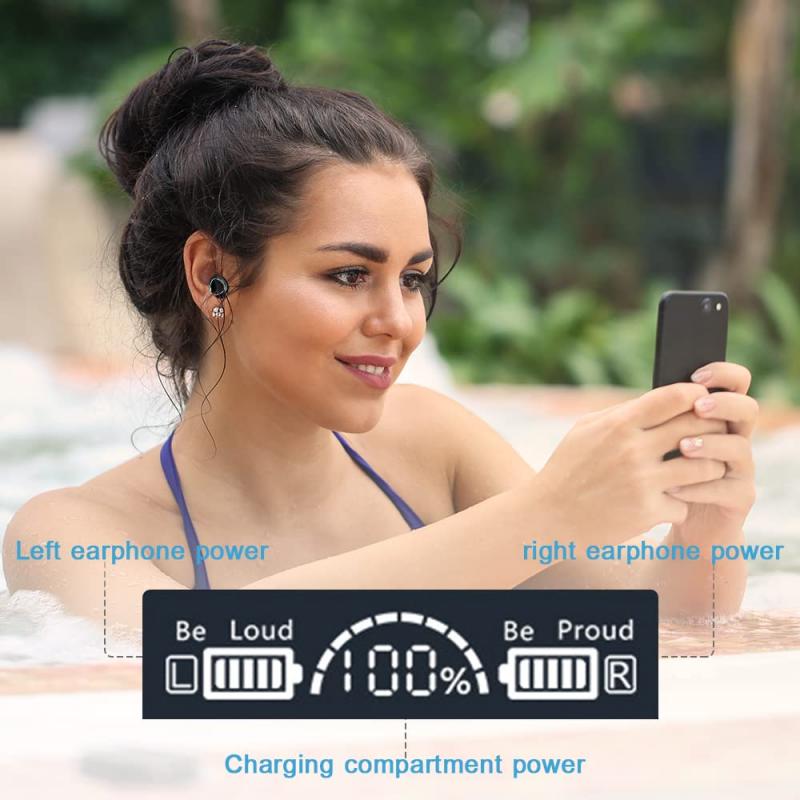
Setting up earbuds, whether they are wired or wireless, can sometimes be a bit confusing, especially with the variety of models and features available today. However, with the right guidance, you can ensure your earbuds are properly configured for optimal performance. In this article, we’ll walk you through the step-by-step process of setting up your earbuds, troubleshoot common issues, and provide tips to enhance your listening experience.

1. Understanding Your Earbuds
how to set up earbuds 1

Before diving into the setup process, it’s important to understand the type of earbuds you have. Earbuds generally fall into two categories:

- Wired Earbuds: These connect to your device via a 3.5mm headphone jack or a USB-C/Lightning port.

- Wireless Earbuds: These connect via Bluetooth and often come with additional features like touch controls, noise cancellation, and voice assistant integration.

Each type has its own setup process, so knowing what you’re working with is the first step.

---

2. Setting Up Wired Earbuds
how to set up earbuds 2

Wired earbuds are generally straightforward to set up, but there are still a few things to keep in mind to ensure they work properly.

Step 1: Check Compatibility
how to set up earbuds 3

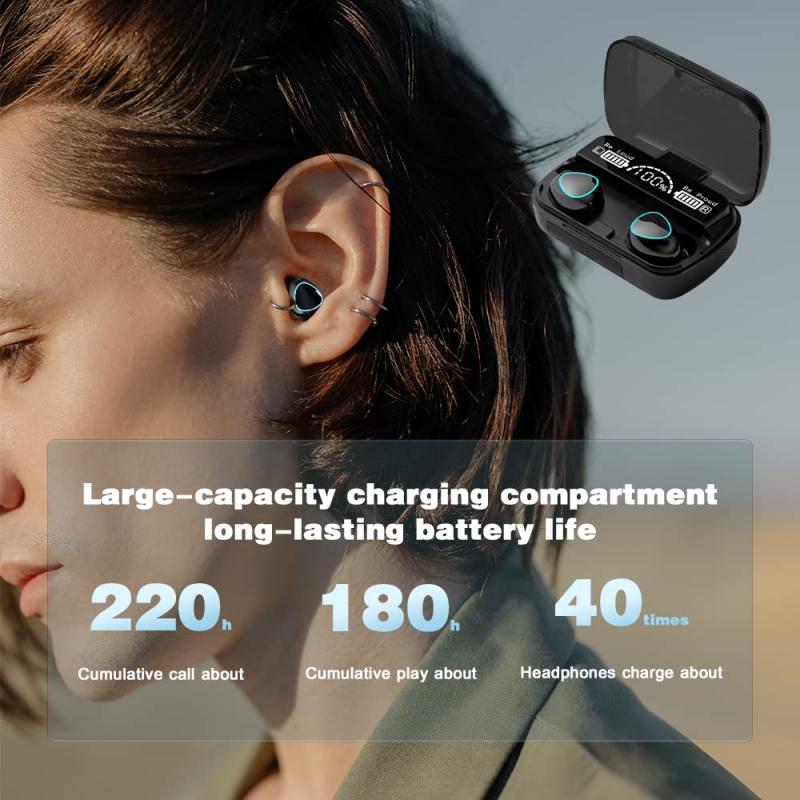
- Ensure your device has the appropriate port for your earbuds. Many modern smartphones have eliminated the 3.5mm headphone jack, so you may need an adapter if your earbuds use this connection.

- If your earbuds use a USB-C or Lightning connector, make sure your device supports audio output through that port.

Step 2: Plug Them In
how to set up earbuds 4

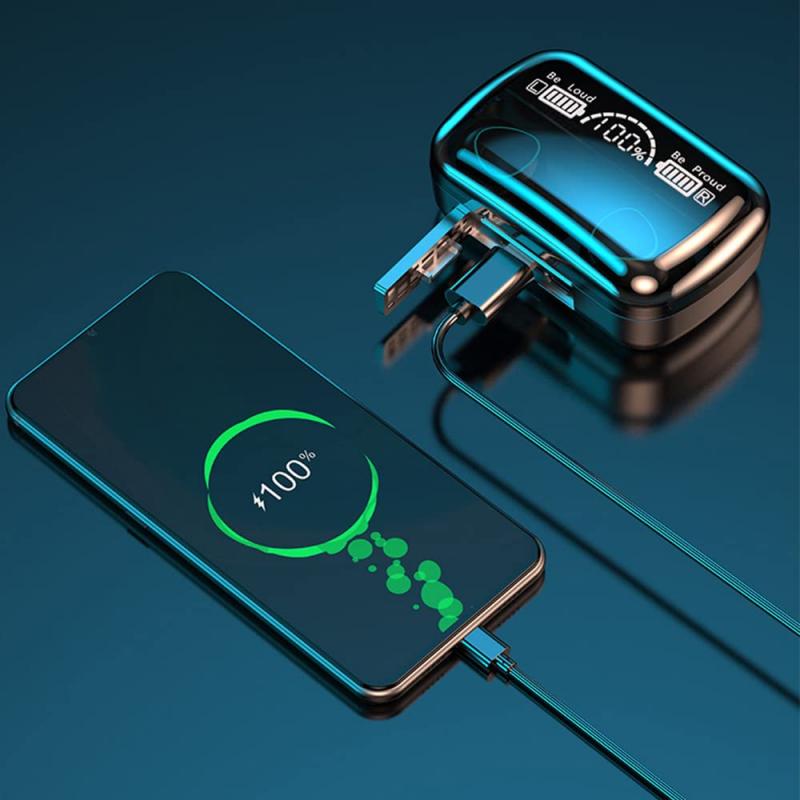
- Insert the connector into the appropriate port on your device. Push it in firmly but gently to ensure a secure connection.

Step 3: Adjust Settings

- Open your device’s audio settings to ensure the earbuds are recognized. On most devices, this happens automatically, but you may need to select them as the default audio output.

- Test the sound by playing music or a video. Adjust the volume to a comfortable level.

Troubleshooting Common Issues

- No Sound: Check if the earbuds are fully inserted into the port. If you’re using an adapter, ensure it’s functioning properly.

- Distorted Audio: Clean the connector and the port to remove any dust or debris.

- One Side Not Working: This could be due to a damaged wire. Test the earbuds on another device to confirm.

---

3. Setting Up Wireless Earbuds

Wireless earbuds require a bit more effort to set up, but the process is still manageable with the right steps.

Step 1: Charge Your Earbuds

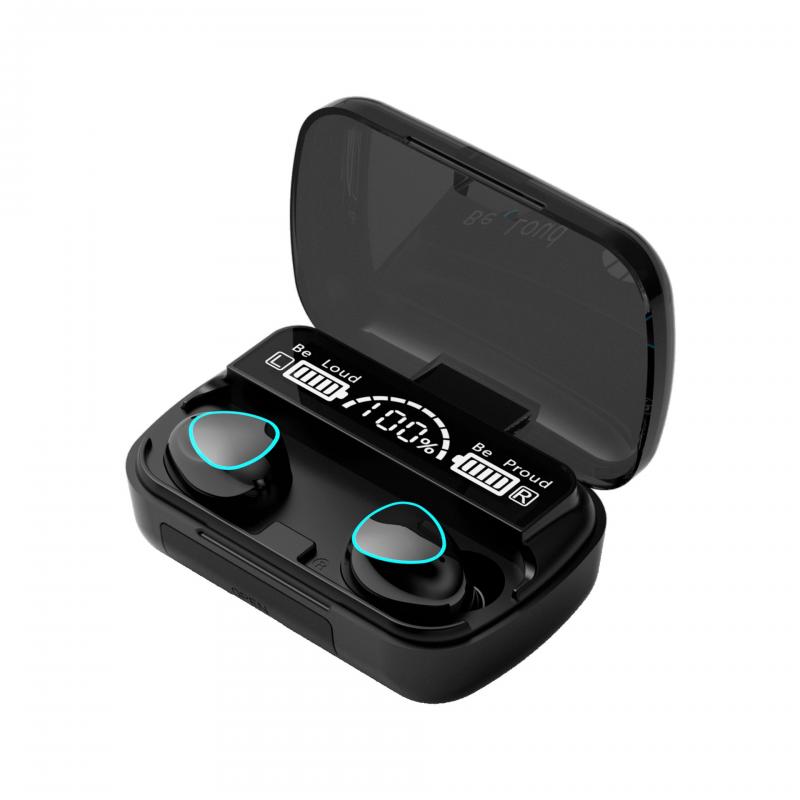
- Before setting up, ensure your earbuds are fully charged. Most wireless earbuds come with a charging case. Place the earbuds in the case and connect it to a power source using the provided cable.

- A full charge ensures uninterrupted setup and testing.

Step 2: Enable Pairing Mode

- Most wireless earbuds have a button or touch-sensitive area to activate pairing mode. Refer to your user manual for specific instructions.

- Typically, you’ll need to press and hold the button until an LED light starts flashing, indicating the earbuds are ready to pair.

Step 3: Connect to Your Device

- Open the Bluetooth settings on your device and ensure Bluetooth is turned on.

- Look for your earbuds in the list of available devices. They may appear under their brand name or model number.

- Select the earbuds to pair them with your device. You may hear a confirmation sound or see a notification indicating a successful connection.

Step 4: Test the Connection

- Play some audio to ensure the earbuds are working correctly. Adjust the volume and test any additional features like touch controls or voice assistants.

Troubleshooting Common Issues

- Earbuds Not Showing in Bluetooth List: Ensure they are in pairing mode and close enough to your device. Restart your device’s Bluetooth if necessary.

- Connection Drops: This could be due to interference or low battery. Keep your device and earbuds within the recommended range and ensure they are charged.

- Audio Lag: This is common with wireless earbuds, especially during video playback. Check if your earbuds support low-latency mode and enable it if available.

---

4. Customizing Your Earbuds for Optimal Use

Once your earbuds are set up, you can customize them to enhance your experience.

Adjusting Sound Settings

- Use your device’s equalizer (EQ) settings to fine-tune the audio output. Many earbuds also come with companion apps that offer advanced sound customization.

- Experiment with different EQ presets like bass boost, treble enhancement, or vocal clarity to suit your preferences.

Configuring Touch Controls

- If your wireless earbuds have touch controls, you can often customize their functions through the companion app. For example, you can assign specific gestures to play/pause music, skip tracks, or activate your voice assistant.

Using Noise Cancellation or Transparency Mode

- Many modern wireless earbuds feature active noise cancellation (ANC) to block out external noise. Enable this feature in noisy environments for a more immersive experience.

- Transparency mode, on the other hand, allows you to hear ambient sounds, which is useful for staying aware of your surroundings.

Updating Firmware

- Check for firmware updates through the companion app or the manufacturer’s website. Updates can improve performance, fix bugs, and add new features.

---

5. Maintaining Your Earbuds

Proper maintenance can extend the lifespan of your earbuds and ensure consistent performance.

Cleaning

- Regularly clean the ear tips and mesh grilles to remove earwax and debris. Use a soft, dry cloth or a specialized cleaning tool.

- Avoid using water or harsh chemicals, as these can damage the earbuds.

Storing

- Store your earbuds in their case when not in use. This protects them from dust and physical damage while also keeping them charged (for wireless models).

Handling

- Avoid pulling on the wires of wired earbuds, as this can cause internal damage.

- For wireless earbuds, handle them gently to prevent dropping or scratching.

---

6. Troubleshooting Persistent Issues

If you encounter persistent issues with your earbuds, consider the following steps:

- Reset Your Earbuds: Most wireless earbuds have a reset function. Refer to the user manual for instructions.

- Test on Another Device: This helps determine if the issue is with the earbuds or your device.

- Contact Support: If all else fails, reach out to the manufacturer’s customer support for assistance.

---

7. Tips for a Better Listening Experience

- Choose the Right Ear Tips: Many earbuds come with multiple ear tip sizes. Experiment to find the size that provides the best fit and sound isolation.

- Use High-Quality Audio Files: Low-quality files can diminish the listening experience. Opt for high-resolution audio formats when possible.

- Invest in Accessories: Consider purchasing accessories like ear hooks for a more secure fit or a carrying case for added protection.

---

Setting up earbuds doesn’t have to be a daunting task. By following the steps outlined in this guide, you can ensure your earbuds are properly configured and ready to deliver the best possible audio experience. Whether you’re using wired or wireless earbuds, taking the time to customize and maintain them will pay off in the long run. With the right setup and care, your earbuds can provide years of reliable performance and enjoyment.
Leave your comment
Cancel reply
Note: HTML is not translated!
Related products
11 in 1 Step Up Ring Set
56
$37.99 $19.99
18 Pieces Filter Ring Adapter Set, Camera Lens Filter Metal Stepping Rings Kit (Includes 9pcs Step Up Ring Set + 9pcs Step Down Ring Set)
2
$43.99 $22.99
Wireless Earbuds Bluetooth Headphones TWS Waterproof with Microphone
66
$31.99
Translation Earbuds Real Time, 3-in-1 AI Language Translator Earbuds, 150 Languages Online/Offline Modes 98% Accuracy, with Audio & Video Calls Translation for Travel Business Learning
74
$209.99 $134.99
TWS Bluetooth Headset With Microphone Sports Ear Hook LED Display Earbuds
211
$29.99
Wireless Translator Earbuds with 2-way 137 Languages, Live Transcription, Kentfaith
16
$77.49 $61.99
Language Translator Earbuds Real-Time 150 Languages Voice Video Call Translation Kentfaith
13
$137.49 $109.99
Real-Time Translation Earbuds 2-Way 150 Languages & Accents Open-Ear Kentfaith
13
$99.99 $79.99
Head-Mounted Night Vision Binoculars with 3D VR Viewing & 6X Zoom, Up To 700M/2296FT Night Vision Range, Kentfaith Night Vision Binoculars
11
$629.99 $439.99
Real-Time Translation Earbuds 2-Way 132 Languages/Accents, Video Call Translator, Transcribe, Summarize Kentfaith
14
$112.49 $89.99
Products You May Like
67mm ND64 Magnetic Neutral Density Lens Filter HD Waterproof Scratch-resistant Anti-reflection Nano-Xcel Series
16
$81.99 $64.95
46mm Lens Filter Kit Neutral Density ND8+ND64+CPL Circular Polarizer for Professional Camera Lens with Multiple Layer Nano Coated
11
$69.99 $41.99
95mm CPL Filter True Color Circular Polarizers Filter with 28 Multi-Layer Coatings for Camera Lens Nano-Xcel Series
46
$93.99 $74.99
Discount Game Trail Cameras
10
$135.99 $74.99
KentFaith 1920P Endoscope Camera with 8 LED Lights, IP67 Waterproof, 3.3ft/1m Semi-Rigid Snake Camera for iPhone & Android
91
$43.19 $24.99
K&F Concept Backpack Rain Cover with Reflective Strip Waterproof Rucksack Rain Cover for Hiking, Camping, Traveling, Biking
$9.99
M10 Wireless Microphone with Charging Case, Type-C, Apple Interface 2 in 1 Wireless Lavalier Microphone, 3 Levels of Noise Reduction, for Youtube, Recording, Video Blogging, Facebook Live Streaming
$30.99
52mm Variable ND Filter ND2-ND32 (1-5 Stops) Lens Filter Waterproof Scratch Resistant with 24 Layers of Nano-coating Nano-Dazzle Series
31
$47.99 $32.29
49mm 6-Point Fine-Line Star Effect Filter, Cine & Dreamlike Special Filter 18-Layer Coated Optical Glass with 3 Vacuum Cleaning Cloths - Nano-Klear Series
4
$29.99 $18.27
58mm Solar Filter 16.6-Stops,ND100000 Solid Neutral Density Filter For Eclipse With 18 Multi-Layer Coatings Nano-Klear Series
45
$24.99 $19.99
Related articles
How To Set Up A Telescope?
How To Set Up Action Camera?
How To Wear Earbuds?
How To Set Up Wireless Surveillance Camera?
How To Set Up Garden Camera Wildlife?
How To Set Up Surveillance Camera Online?
How To Set Up Mini Wifi Camera?
How To Set Up Home Security Camera?
Where To Set Up Ring Light?
What Does A Uv Camera Filter Do?
Blog You May Like
How To Make A Studio Light Box?
How To Make A Trail Camera Mount?
Which Lens Filter To Use?
How To Use Polarized Lens Filter?
Best Magnetic Adapter Rings for Camera Filters
Camera Use Which Lens?
Where To Position Lights For Photography?
What Are Good Fishing Video Cameras?
What Do I Need For Off Camera Flash?
Related categories
step up lens filter adapter rings camera lens adapter C mount lens adapter camera filter kit m4/3 adapter 10 stop ND filter trail camera with screen Brand-specific Filters
Popular products
lens step up adapter k&f concept 58mm lens filter kit step up lens adapter set lens adapter for digital camera Camera Lens Filter Step Down Ring Adapter step down lens adapter rings camera lens star filter camera close up filter canon uv filter for 18 55mm lens cpl filter for camera
Related searches
Easy Set Up Outdoor Security Camera Translation Earbuds Translator Earbuds Earbuds Wireless 55 To 58mm Step Up Ring 43mm To 49mm Step Up Ring Step Up Ring 77 To 82 49mm To 77mm Step Up Ring 77 To 82 Step Up Ring 49mm To 82mm Step Up Ring
Popular searches
Tripod Without Head Pentax Spotmatic Battery Adapter Phone Camera Flash Light Canon Lens Cap 52mm Flaws With Sony E Mount Design M42 To Sony E Mount Adaptor Camera Bag Travel Backpack Vivitar T-mount For Canon Ef 82mm Variable Neutral Density Filter Small Tv Projector
Blog Category
  • Activities
  • Guide
    • Filter Guide
    • Lens Adapter
    • Product Review
  • News & Reviews
    • Camera Reviews
    • Sample Gallery
    • News
  • Tutorials
    • Solar eclipse photography
    • Photography Basics
    • Landscape Photography
  • Inspiration
    • Travel
    • Travel Stories
Search Article
Latest from the Blog
Which Bluetooth Earphones?
How Big A Memory Card For Camera?
UV Filter: Everything You Need to Know About UV Protection Lens Filters
How To Find A Good Digital Camera?
How To Put Sd Card In Camera?
How Many Stops Is An Nd 8 Filter?
Can You Zoom In With Binoculars?
What Is A Good Quality Dash Cam?
Dash Cam That Can Connect To Phone?
What is A Variable ND Filter? The Complete Guide to Mastering Exposure Control
  • Easy Payment Multilple Payment Options

  • Free Shipping Global WareHouse Shipment

  • No Risk 30-Day No Reason Return

  • Limited Deals Buy More, Save More

  • Tax Free No any surcharges or tax fee

Information
  • About us
  • Contact Us
  • Site Map
  • Blog
  • Video
  • Gallery
  • VIP Membership Rewards
Service
  • Privacy Policy
  • Terms & Conditions
  • Shipping & Delivery
  • Payment Info
  • Warranty, Return & Refund
  • Intellectual Property Rights
  • Ambassador
  • Affiliates
  • Wholesale
Support
  • My account
  • Order History
  • FAQs
  • Extend Warranty
  • Logistics Tracking
Follow us
NewsLetter

Get the latest product, K&F Concept respects your privacy.
Powered By KENTFAITH © 2025