kfconcept

KENTFAITH
K&F Concept    Blog >

Enjoy Your Selected Digital Life

Recently Viewed
  • Recently Viewed
  • Recently Viewed list is empty.

Compare (0) 0
  • Compare
  • You have not chosen any products to compare.

  • Compare
Currency: USD
  • Currency
Shop by Scene Shop by Rank

Log Into Your Account

Account

Order History

Wish List

Login

Forgotten Password?

or connect with

Register Account

Already have an Account?Log In

  • Shopping Cart
  • Your shopping cart is empty!

  • Register/Login to purchase, earn points
  • Favorite
  • Your wish list is empty.

  • Register/Login to like, earn points
  • Activities
  • Guide
    • Filter Guide
    • Lens Adapter
    • Product Review
  • News & Reviews
    • Camera Reviews
    • Sample Gallery
    • News
  • Tutorials
    • Solar eclipse photography
    • Photography Basics
    • Landscape Photography
  • Inspiration
    • Travel
    • Travel Stories
  • Home
  • Blog
  • How To Set Up Earbuds?

How To Set Up Earbuds?

Kentfaith 2025-08-14 02:02:33 0 Comments

Setting up earbuds, whether they are wired or wireless, can sometimes be a bit confusing, especially with the variety of models and features available today. However, with the right guidance, you can ensure your earbuds are properly configured for optimal performance. In this article, we’ll walk you through the step-by-step process of setting up your earbuds, troubleshoot common issues, and provide tips to enhance your listening experience.

1. Understanding Your Earbuds
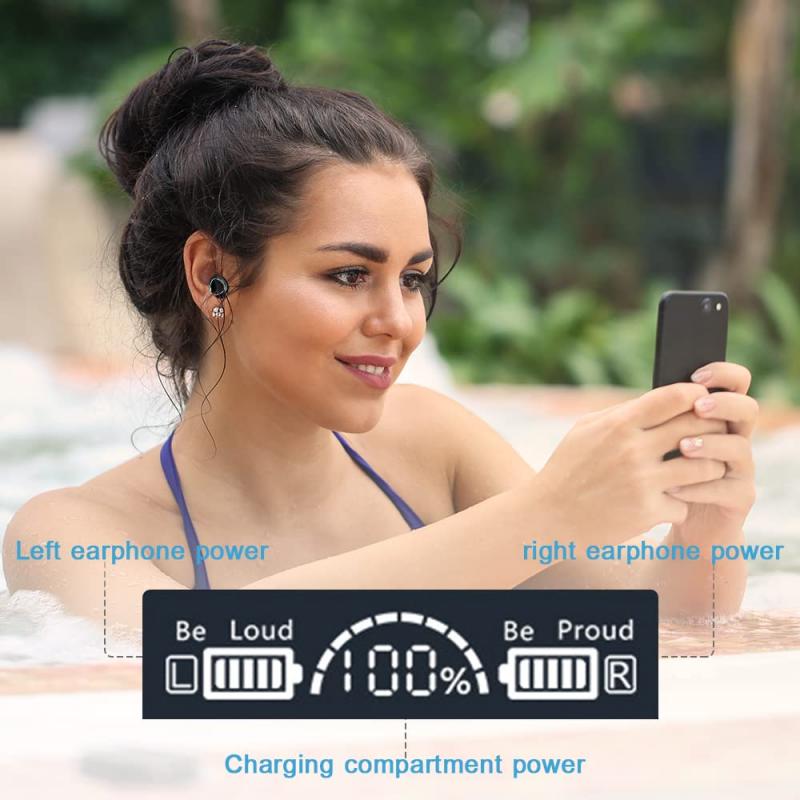
how to set up earbuds 1

Before diving into the setup process, it’s important to understand the type of earbuds you have. Earbuds generally fall into two categories:

- Wired Earbuds: These connect to your device via a 3.5mm headphone jack or a USB-C/Lightning port.

- Wireless Earbuds: These connect via Bluetooth and often come with additional features like touch controls, noise cancellation, and voice assistant integration.

Each type has its own setup process, so knowing what you’re working with is the first step.

---

2. Setting Up Wired Earbuds
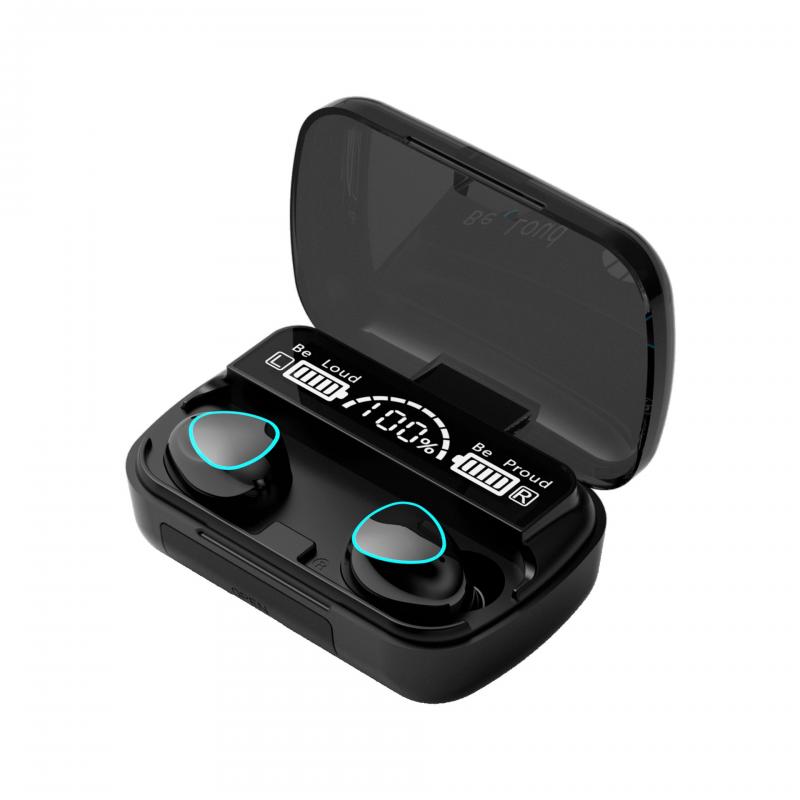
how to set up earbuds 2

Wired earbuds are generally straightforward to set up, but there are still a few things to keep in mind to ensure they work properly.

Step 1: Check Compatibility
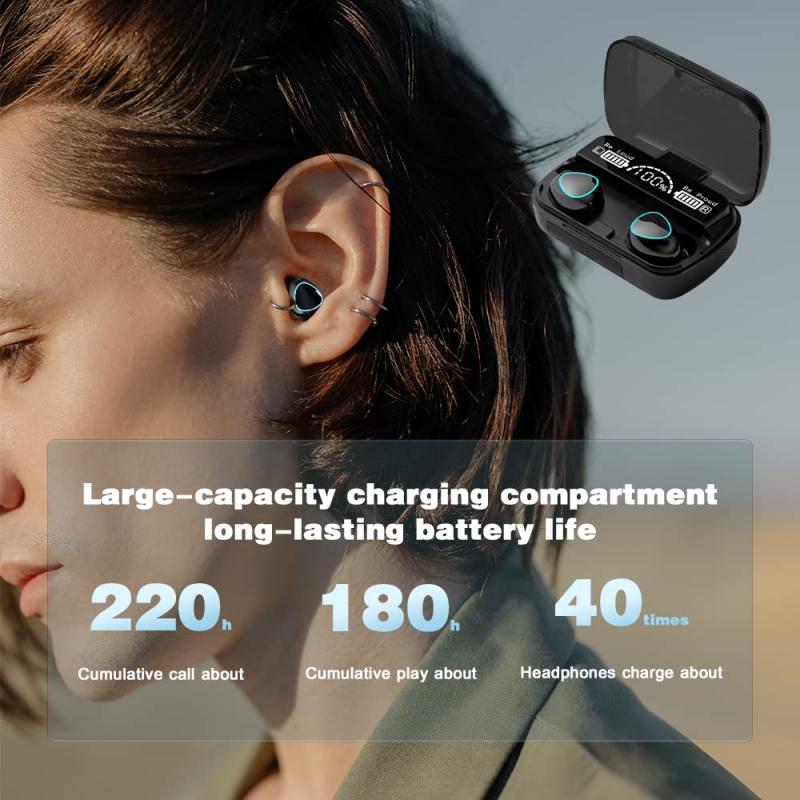
how to set up earbuds 3

- Ensure your device has the appropriate port for your earbuds. Many modern smartphones have eliminated the 3.5mm headphone jack, so you may need an adapter if your earbuds use this connection.

- If your earbuds use a USB-C or Lightning connector, make sure your device supports audio output through that port.

Step 2: Plug Them In
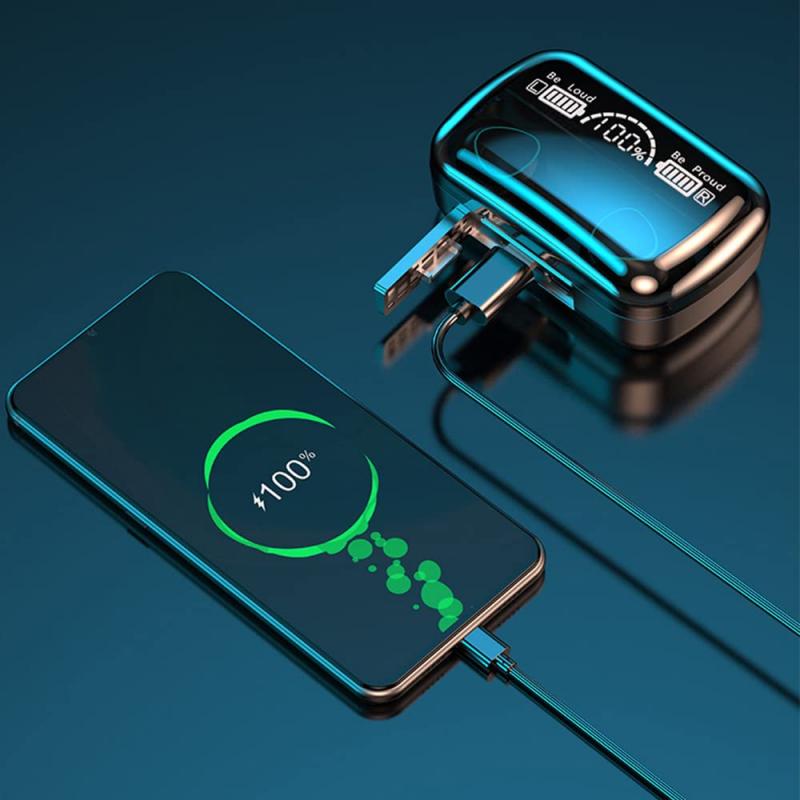
how to set up earbuds 4

- Insert the connector into the appropriate port on your device. Push it in firmly but gently to ensure a secure connection.

Step 3: Adjust Settings

- Open your device’s audio settings to ensure the earbuds are recognized. On most devices, this happens automatically, but you may need to select them as the default audio output.

- Test the sound by playing music or a video. Adjust the volume to a comfortable level.

Troubleshooting Common Issues

- No Sound: Check if the earbuds are fully inserted into the port. If you’re using an adapter, ensure it’s functioning properly.

- Distorted Audio: Clean the connector and the port to remove any dust or debris.

- One Side Not Working: This could be due to a damaged wire. Test the earbuds on another device to confirm.

---

3. Setting Up Wireless Earbuds

Wireless earbuds require a bit more effort to set up, but the process is still manageable with the right steps.

Step 1: Charge Your Earbuds

- Before setting up, ensure your earbuds are fully charged. Most wireless earbuds come with a charging case. Place the earbuds in the case and connect it to a power source using the provided cable.

- A full charge ensures uninterrupted setup and testing.

Step 2: Enable Pairing Mode

- Most wireless earbuds have a button or touch-sensitive area to activate pairing mode. Refer to your user manual for specific instructions.

- Typically, you’ll need to press and hold the button until an LED light starts flashing, indicating the earbuds are ready to pair.

Step 3: Connect to Your Device

- Open the Bluetooth settings on your device and ensure Bluetooth is turned on.

- Look for your earbuds in the list of available devices. They may appear under their brand name or model number.

- Select the earbuds to pair them with your device. You may hear a confirmation sound or see a notification indicating a successful connection.

Step 4: Test the Connection

- Play some audio to ensure the earbuds are working correctly. Adjust the volume and test any additional features like touch controls or voice assistants.

Troubleshooting Common Issues

- Earbuds Not Showing in Bluetooth List: Ensure they are in pairing mode and close enough to your device. Restart your device’s Bluetooth if necessary.

- Connection Drops: This could be due to interference or low battery. Keep your device and earbuds within the recommended range and ensure they are charged.

- Audio Lag: This is common with wireless earbuds, especially during video playback. Check if your earbuds support low-latency mode and enable it if available.

---

4. Customizing Your Earbuds for Optimal Use

Once your earbuds are set up, you can customize them to enhance your experience.

Adjusting Sound Settings

- Use your device’s equalizer (EQ) settings to fine-tune the audio output. Many earbuds also come with companion apps that offer advanced sound customization.

- Experiment with different EQ presets like bass boost, treble enhancement, or vocal clarity to suit your preferences.

Configuring Touch Controls

- If your wireless earbuds have touch controls, you can often customize their functions through the companion app. For example, you can assign specific gestures to play/pause music, skip tracks, or activate your voice assistant.

Using Noise Cancellation or Transparency Mode

- Many modern wireless earbuds feature active noise cancellation (ANC) to block out external noise. Enable this feature in noisy environments for a more immersive experience.

- Transparency mode, on the other hand, allows you to hear ambient sounds, which is useful for staying aware of your surroundings.

Updating Firmware

- Check for firmware updates through the companion app or the manufacturer’s website. Updates can improve performance, fix bugs, and add new features.

---

5. Maintaining Your Earbuds

Proper maintenance can extend the lifespan of your earbuds and ensure consistent performance.

Cleaning

- Regularly clean the ear tips and mesh grilles to remove earwax and debris. Use a soft, dry cloth or a specialized cleaning tool.

- Avoid using water or harsh chemicals, as these can damage the earbuds.

Storing

- Store your earbuds in their case when not in use. This protects them from dust and physical damage while also keeping them charged (for wireless models).

Handling

- Avoid pulling on the wires of wired earbuds, as this can cause internal damage.

- For wireless earbuds, handle them gently to prevent dropping or scratching.

---

6. Troubleshooting Persistent Issues

If you encounter persistent issues with your earbuds, consider the following steps:

- Reset Your Earbuds: Most wireless earbuds have a reset function. Refer to the user manual for instructions.

- Test on Another Device: This helps determine if the issue is with the earbuds or your device.

- Contact Support: If all else fails, reach out to the manufacturer’s customer support for assistance.

---

7. Tips for a Better Listening Experience

- Choose the Right Ear Tips: Many earbuds come with multiple ear tip sizes. Experiment to find the size that provides the best fit and sound isolation.

- Use High-Quality Audio Files: Low-quality files can diminish the listening experience. Opt for high-resolution audio formats when possible.

- Invest in Accessories: Consider purchasing accessories like ear hooks for a more secure fit or a carrying case for added protection.

---

Setting up earbuds doesn’t have to be a daunting task. By following the steps outlined in this guide, you can ensure your earbuds are properly configured and ready to deliver the best possible audio experience. Whether you’re using wired or wireless earbuds, taking the time to customize and maintain them will pay off in the long run. With the right setup and care, your earbuds can provide years of reliable performance and enjoyment.
Leave your comment
Cancel reply
Note: HTML is not translated!
Related products
11 in 1 Step Up Ring Set
57
$37.99 $19.99
18 Pieces Filter Ring Adapter Set, Camera Lens Filter Metal Stepping Rings Kit (Includes 9pcs Step Up Ring Set + 9pcs Step Down Ring Set)
2
$43.99 $22.99
Translation Earbuds Real Time Online & Offline AI Language Translator Earbuds, 150 Languages 98% Accuracy, Audio & Video Calls Translation for Travel Business Learning
TOP Best
Translation Earbuds Real Time Online & Offline AI Language Translator Earbuds, 150 Languages 98% Accuracy, Audio & Video Calls Translation for Travel Business Learning
74
$209.99 $134.99
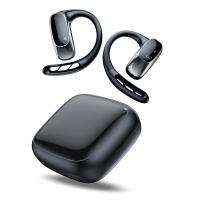
Wireless Earbuds Bluetooth Headphones TWS Waterproof with Microphone
66
$31.99
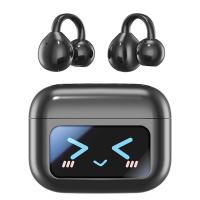
TWS Bluetooth Headset With Microphone Sports Ear Hook LED Display Earbuds
HOT Seller
TWS Bluetooth Headset With Microphone Sports Ear Hook LED Display Earbuds
211
$29.99
Wireless Translator Earbuds with 2-way 137 Languages, Live Transcription, Kentfaith
16
$77.49 $61.99
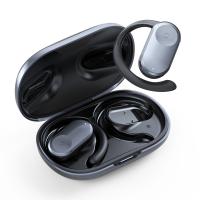
Real-Time Translation Earbuds 2-Way 150 Languages & Accents Open-Ear Kentfaith
13
$99.99 $79.99
Real-Time Translation Earbuds 2-Way 132 Languages/Accents, Video Call Translator, Transcribe, Summarize Kentfaith
14
$112.49 $89.99
Real-Time Translator Earbuds, 132 Languages/Accents, Voice/Video Call Translation, AI Note Taker, LCD Touchscreen Kentfaith
14
$99.99 $79.99
Translator Earbuds Real-Time, 150 Languages, Free Offline Translation, 5 Translation Modes, Open-Ear Style, ENC, Kentfaith
$174.99 $139.99
Products You May Like
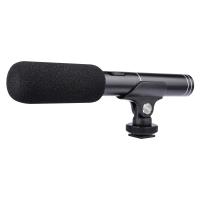
Supercardioid Condenser Microphones With USB 3.5mm Jack for Streaming
26
$26.99
58mm Blue Streak Filter (2mm) Optical Glass Ultra-clear Waterproof Anti-Scratch Anti-Reflection Green Film Nano-X Series
$48.99 $29.99
49mm CPL & ND 2-32 Lens Filter in Brass Filter Ring, 36-layer-Coated Ultra-thin High-Definition Optical Glass, Waterproof and Anti-Scratch Anti-Reflection Nano-Xcel Pro Series
42
$251.99 $167.99
Bike Motorcycle Helmet Camera, HD 1080P Action Camera, Motorcycle Video DV Camera, Waterproof Bike Car Video Recorder, Mini Sports DVR Camera for Outdoor Wilderness
$36.99
Live Feed Deer Trail Cameras
10
$162.99 $106.99
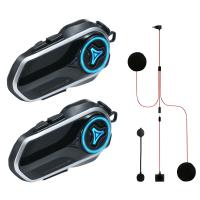
Motorcycle Helmet Headset, 2 Riders Bluetooth Intercom, Unlimited Group APP Intercom, Bluetooth 5.4,  Universal Pairing Audio Multitasking, 2 Pack, Kentfaith
Motorcycle Helmet Headset, 2 Riders Bluetooth Intercom, Unlimited Group APP Intercom, Bluetooth 5.4, Universal Pairing Audio Multitasking, 2 Pack, Kentfaith
$224.99 $179.99
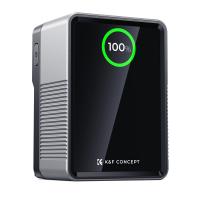
K&F Concept 99Wh V-Mount Battery with PD100W USB-C Fast Charging and Multi-Output Ports, TFT Digital Screen & Emergency Light for Camera, photography light, smartphone, laptop etc.
HOT Seller
K&F Concept 99Wh V-Mount Battery with PD100W USB-C Fast Charging and Multi-Output Ports, TFT Digital Screen & Emergency Light for Camera, photography light, smartphone, laptop etc.
63
$137.99 $119.99
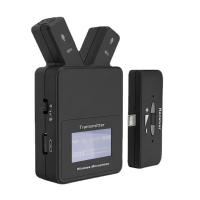
W108 Plug & Play 2.4 GHz Lavalier Wireless Microphone For iPhone & iPad
$61.49
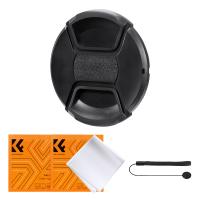
55mm Center Pinch Lens Cap Ordinary Lens Cap with String (No String)*1+Vacuum Cleaning Cloth*2+Digital Camera Anti-lost String*1, 4 in 1 Set
29
$11.99 $7.99
Game Winner Trail Camera
10
$135.99 $74.99
Related articles
How To Set Up A Telescope?
How To Set Up Action Camera?
How To Set Up A Tripod?
How To Set Up Wireless Surveillance Camera?
How To Set Up Garden Camera Wildlife?
How To Set Up Surveillance Camera Online?
How To Set Up Mini Wifi Camera?
How To Set Up Home Security Camera?
How To Set Up Phone Without Tripod?
How To View Security Camera On Phone?
Blog You May Like
Which Camera Is Best For House Security?
Digital Camera What Is It?
How To Record Video And Voice On Pc?
What Are Microscope Slides Used For?
How To Password Protect A Memory Card?
What Do You Plug A Microphone Into?
How To Find If Smart Tv Has Camera Or Microphone ?
How To Solar Power A 9 Volt Camera?
How To Build A Telescope?
Camera What Does A Uv Filter To?
Related categories
step up lens filter adapter rings camera lens adapter C mount lens adapter camera filter kit m4/3 adapter Pentax K adapter Lens Filters for DJI Osmo Pocket 4/3 43mm Lens Filter
Popular products
lens step up adapter lens step up ring step up lens adapter set step up ring 67mm to 77mm Camera Lens Filter Step Down Ring Adapter 55 77 step up ring filter adapter nikon 52mm filter uv close up lens filter 4 point star filter 62mm close up filter
Related searches
Tech Up True Wireless Earbuds 37mm Filter Set Square Filter Set 55mm Filter Set 43mm Filter Set 77mm Filter Set Nd Filter Set 62mm Filter Set Lens Filter Set 55 To 58mm Step Up Ring
Related Scenes
Best Earbuds For Music And Calls Best Camera To Video Sports Best Camera To Capture Wildlife Best Tripod To Travel With Best Video Camera To Record Sports Best Easy To Use Compact Digital Camera The Best Easy To Use Digital Camera Best Sony Camera For Video And Photo Best Digital Camera For Family Photos Best Compact Binoculars For Travel
Blog Category
  • Activities
  • Guide
    • Filter Guide
    • Lens Adapter
    • Product Review
  • News & Reviews
    • Camera Reviews
    • Sample Gallery
    • News
  • Tutorials
    • Solar eclipse photography
    • Photography Basics
    • Landscape Photography
  • Inspiration
    • Travel
    • Travel Stories
Search Article
Latest from the Blog
What Blocks A Metal Detector?
How To Set Up Phone Without Tripod?
What Is The Best Rangefinder For Golf?
What Do Night Vision Goggles Look Like?
How To Make Your Headphones Have More Bass?
Where To Get Microscope Slides?
How To Insert Headphones In Ear?
What To Clean Camera Lens With?
How To Ship Lithium Batteries?
How To Use Earbuds As Mic And Headphones?
  • Easy Payment Multilple Payment Options

  • Free Shipping Global WareHouse Shipment

  • No Risk 30-Day No Reason Return

  • Limited Deals Buy More, Save More

  • Tax Free No any surcharges or tax fee

Information
  • About us
  • Contact Us
  • Site Map
  • Blog
  • Video
  • Gallery
  • VIP Membership Rewards
Service
  • Privacy Policy
  • Terms & Conditions
  • Shipping & Delivery
  • Payment Info
  • Warranty, Return & Refund
  • Intellectual Property Rights
  • Ambassador
  • Affiliates
  • Wholesale
Support
  • My account
  • Order History
  • FAQs
  • Extend Warranty
  • Logistics Tracking
Follow us
NewsLetter

Get the latest product, K&F Concept respects your privacy.

Powered By KENTFAITH © 2026