kfconcept

KENTFAITH
K&F Concept    Blog >

Enjoy Your Selected Digital Life

Recently Viewed
  • Recently Viewed
  • Recently Viewed list is empty.

Compare (0) 0
  • Compare
  • You have not chosen any products to compare.

  • Compare
Currency: USD
  • Currency
Shop by Scene Shop by Rank

Log Into Your Account

Account

Order History

Wish List

Login

Forgotten Password?

Or connect with

Register Account

Already have an Account?Log In

  • Shopping Cart
  • Your shopping cart is empty!

  • Register/Login to purchase, earn points
  • Favorite
  • Your wish list is empty.

  • Register/Login to like, earn points
  • Activities
  • Guide
    • Filter Guide
    • Lens Adapter
    • Product Review
  • News & Reviews
    • Camera Reviews
    • Sample Gallery
    • News
  • Tutorials
    • Solar eclipse photography
    • Photography Basics
    • Landscape Photography
  • Inspiration
    • Travel
    • Travel Stories
  • Home
  • Blog
  • How To Use Security Cameras Without Wifi?

How To Use Security Cameras Without Wifi?

Kentfaith 2024-08-12 01:05:42 0 Comments

In today's digital age, security cameras have become an essential tool for ensuring the safety and security of homes, businesses, and public spaces. While many modern security cameras rely on WiFi for connectivity and remote access, there are numerous scenarios where WiFi may not be available or desirable. Whether you're in a remote location, concerned about network security, or simply prefer a more traditional setup, there are several ways to use security cameras without WiFi. This article will explore various methods and practical solutions for deploying security cameras without relying on a wireless internet connection.

Understanding the Basics
how to use security cameras without wifi 1

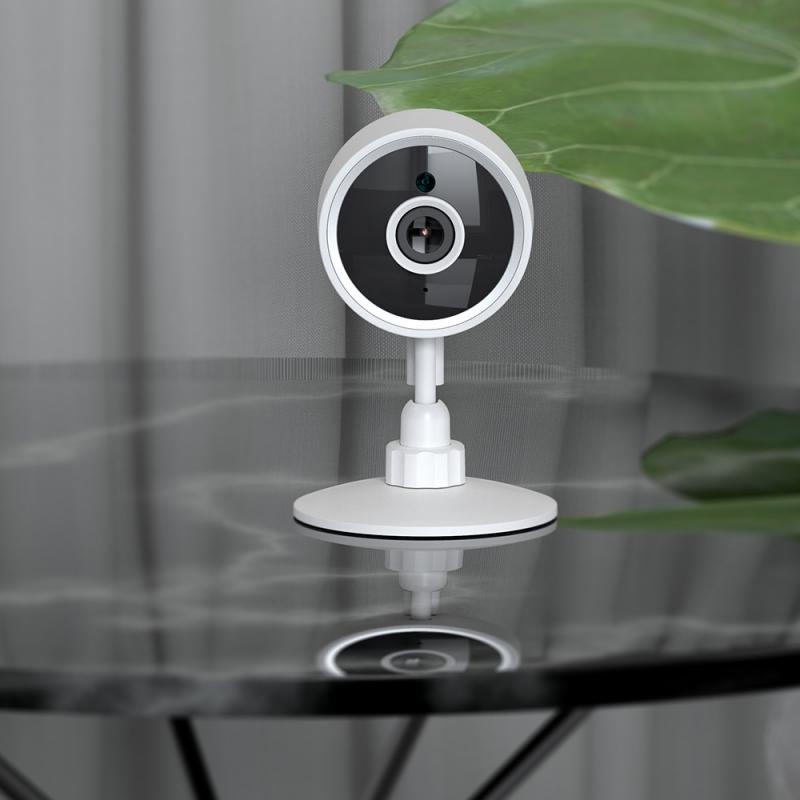
Before diving into the specific methods, it's important to understand the basic components and functionalities of security cameras. Traditional security cameras can be broadly categorized into two types: analog and digital. Analog cameras transmit video signals via coaxial cables to a Digital Video Recorder (DVR), while digital cameras (IP cameras) send video data over Ethernet cables to a Network Video Recorder (NVR). Both types can function without WiFi, but the setup and requirements differ.

Method 1: Wired Security Camera Systems
how to use security cameras without wifi 2

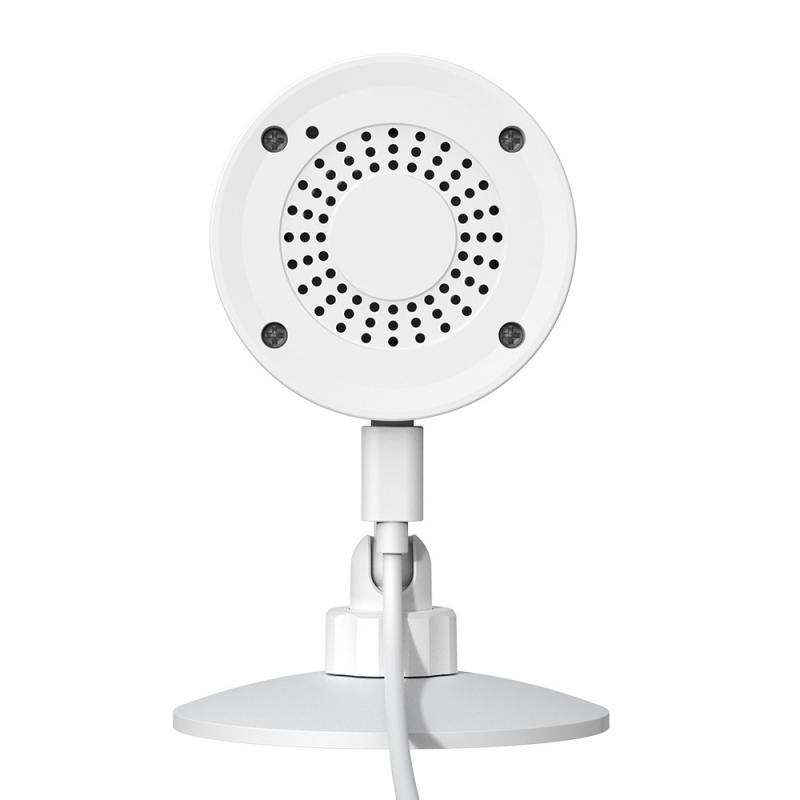
One of the most straightforward ways to use security cameras without WiFi is to opt for a wired security camera system. These systems typically include cameras, cables, and a recording device (DVR or NVR). Here's how to set up a wired security camera system:

1. Choose the Right Cameras: Select cameras that suit your needs, whether they are analog or digital. Ensure they are compatible with your recording device.

2. Install the Cameras: Mount the cameras in desired locations. Make sure they cover all critical areas you want to monitor.

3. Run the Cables: Connect the cameras to the DVR or NVR using coaxial or Ethernet cables. This step may require drilling holes and running cables through walls or ceilings.

4. Connect the DVR/NVR: Place the DVR or NVR in a secure location. Connect it to a monitor or TV for live viewing and playback.

5. Power the System: Ensure all cameras and the recording device are connected to a power source. Some systems may use Power over Ethernet (PoE) to simplify the setup.

6. Configure the System: Follow the manufacturer's instructions to configure the recording settings, such as motion detection, recording schedules, and video quality.

Method 2: Cellular Security Cameras
how to use security cameras without wifi 3

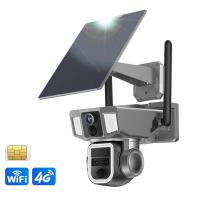
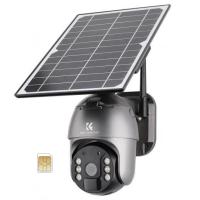
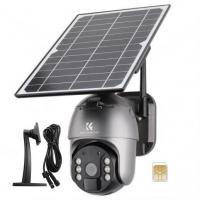
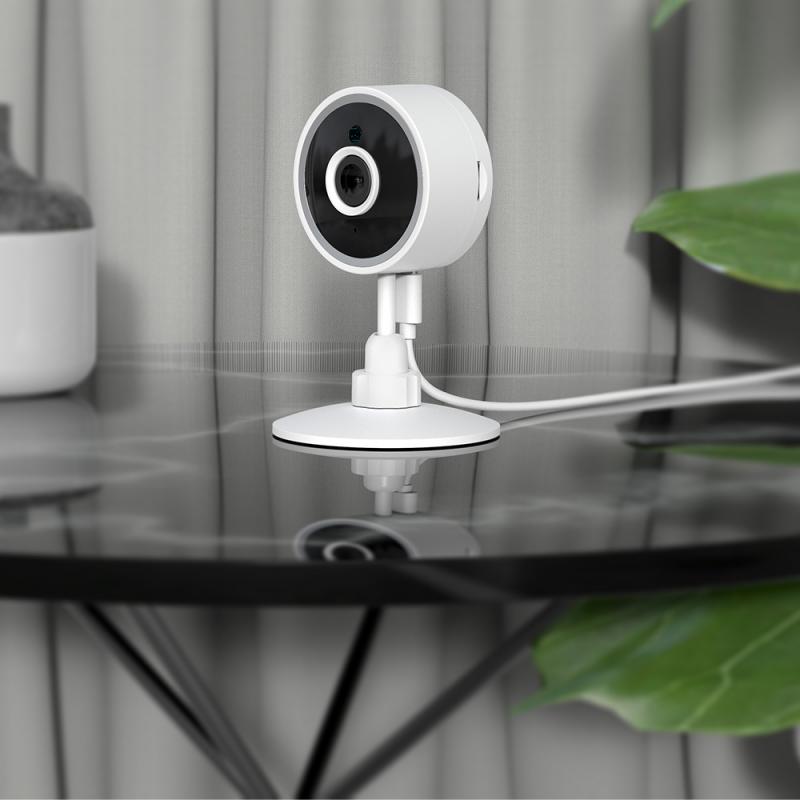
For locations where running cables is impractical or impossible, cellular security cameras offer a viable alternative. These cameras use cellular networks to transmit video data, eliminating the need for WiFi. Here's how to set up a cellular security camera:

1. Select a Cellular Camera: Choose a camera that supports cellular connectivity. Ensure it is compatible with the cellular network in your area.

2. Install a SIM Card: Insert a SIM card with an active data plan into the camera. Some cameras come with pre-installed SIM cards.

3. Mount the Camera: Install the camera in the desired location. Ensure it has a strong cellular signal for optimal performance.

4. Power the Camera: Connect the camera to a power source. Some cellular cameras come with rechargeable batteries or solar panels for added convenience.

5. Configure the Camera: Use the camera's mobile app or web interface to configure settings such as motion detection, recording schedules, and notifications.

Method 3: Local Storage Security Cameras
how to use security cameras without wifi 4

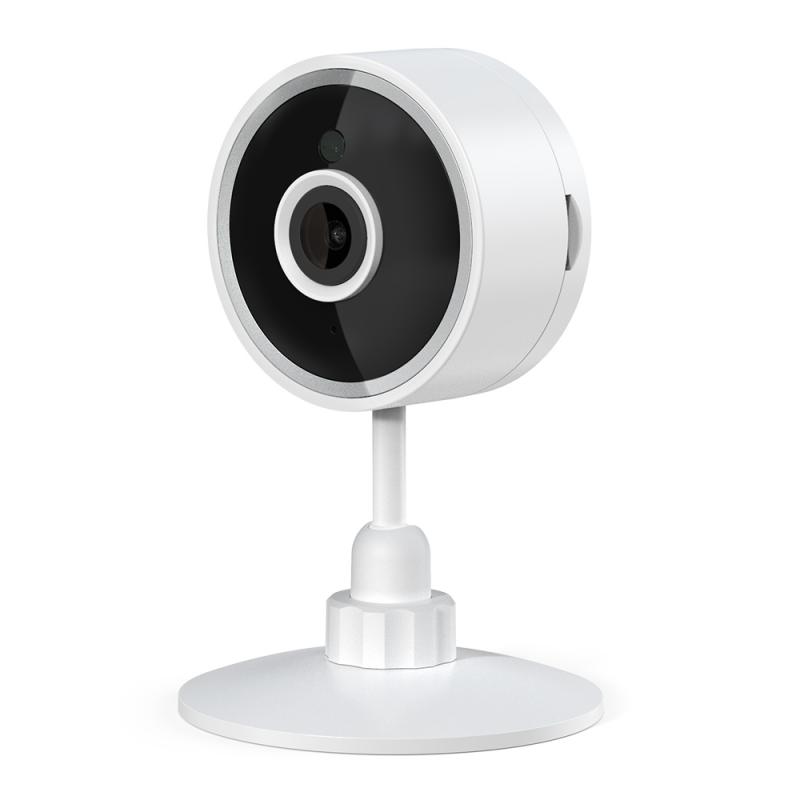
Another option for using security cameras without WiFi is to rely on local storage. Many modern cameras come with built-in SD card slots or USB ports for local recording. Here's how to set up a local storage security camera:

1. Choose a Camera with Local Storage: Select a camera that supports SD cards or USB storage. Ensure it meets your resolution and storage capacity requirements.

2. Install the Storage Device: Insert an SD card or connect a USB drive to the camera. Format the storage device if necessary.

3. Mount the Camera: Install the camera in the desired location. Ensure it covers the areas you want to monitor.

4. Power the Camera: Connect the camera to a power source. Some cameras may offer battery or solar power options.

5. Configure the Camera: Use the camera's interface to set up recording settings, such as motion detection, recording schedules, and video quality.

Method 4: Hybrid Security Systems

Hybrid security systems combine wired and wireless components to offer flexibility and redundancy. These systems can function without WiFi by relying on wired connections for primary operations and using wireless features as a backup. Here's how to set up a hybrid security system:

1. Select a Hybrid System: Choose a security system that supports both wired and wireless components. Ensure it meets your coverage and recording needs.

2. Install the Wired Components: Mount the wired cameras and connect them to the DVR or NVR using cables. Follow the same steps as outlined in the wired security camera system setup.

3. Install the Wireless Components: Mount the wireless cameras in locations where running cables is impractical. Ensure they have a strong signal to the recording device.

4. Power the System: Connect all cameras and the recording device to a power source. Some hybrid systems may use PoE for wired cameras and batteries for wireless cameras.

5. Configure the System: Follow the manufacturer's instructions to configure the recording settings, motion detection, and notifications for both wired and wireless components.

Practical Considerations

When setting up security cameras without WiFi, there are several practical considerations to keep in mind:

1. Power Supply: Ensure all cameras and recording devices have a reliable power source. Consider using uninterruptible power supplies (UPS) to protect against power outages.

2. Storage Capacity: Choose storage devices with sufficient capacity to store video footage for your desired retention period. Regularly back up and manage storage to prevent data loss.

3. Signal Strength: For cellular and wireless cameras, ensure they have a strong signal to avoid connectivity issues. Use signal boosters or repeaters if necessary.

4. Maintenance: Regularly inspect and maintain your security system to ensure optimal performance. Clean camera lenses, check cables, and update firmware as needed.

5. Privacy and Security: Protect your security system from unauthorized access. Use strong passwords, enable encryption, and follow best practices for physical and digital security.

Using security cameras without WiFi is not only possible but also practical in many scenarios. Whether you opt for a wired system, cellular cameras, local storage, or a hybrid setup, there are numerous solutions to meet your security needs. By understanding the different methods and practical considerations, you can deploy a reliable and effective security camera system without relying on a wireless internet connection. This approach ensures continuous monitoring and recording, providing peace of mind and enhanced security for your property.

Leave your comment
Cancel reply
Note: HTML is not translated!
Related products
4K60FPS 48MP 66FT Waterproof Action Camera without a Case, Dual Screens, 64GB Card, EIS, WiFi Remote Control, Kentfaith
NEW Arrival
4K60FPS 48MP 66FT Waterproof Action Camera without a Case, Dual Screens, 64GB Card, EIS, WiFi Remote Control, Kentfaith
14
$191.24 $152.99
WiFi 3 Lens Solar Security Camera Wireless Outdoor, 6MP Full HD Video, 360° View Pan/Tilt Home Security Camera with Color Night Vision, Easy to Install, PIR Alarm, Kentfaith
15
$156.24 $124.99
WiFi 3 Lens Solar Security Camera Wireless Outdoor, 6MP Full HD Video, 360° View Pan/Tilt Home Security Camera with Color Night Vision, Easy to Install, PIR Alarm, 2pcs, Kentfaith
$281.24 $224.99
WiFi 3 Lens Solar Security Camera Wireless Outdoor, 6MP Full HD Video, 360° View Pan/Tilt Home Security Camera with Color Night Vision, Easy to Install, PIR Alarm, 3pcs, Kentfaith
$412.49 $329.99
Dual-Lens Security Camera Solar Outdoor Surveillance 10X Optical Zoom 2.4G WiFi
12
$274.99 $230.99
Cellular Security Camera Support 4G & WiFi, 10X Optical Zoom, Dual Lens, Solar Powered Kentfaith
$324.99 $259.99
WiFi Security Camera with 6MP,  Dual Lens, Solar Powered, 360° Live View, Color Night Vision Kentfaith
WiFi Security Camera with 6MP, Dual Lens, Solar Powered, 360° Live View, Color Night Vision Kentfaith
16
$168.74 $134.99
 US Sim Card Without Contract
US Sim Card Without Contract
$10.90
WIFI outdoor security camera Courtyard Light Camera 1080P Ultra HD picture Audible alarm IP66 waterproof 24*7 Continuous Recording EU Version
$139.99 $99.99
WiFi Security Camera with 4K Clarity, 180° Panoramic View with Dual Lens, Solar Powered, 360° Live View, Color Night Vision Kentfaith
$299.99 $239.99
Products You May Like
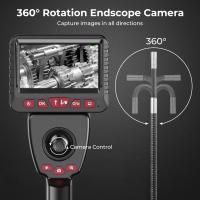
Inspection Camera Articulating Borescope Single Lens 1080P HD 4.3" Screen 360° Adjustable Lens 8.5mm Cable with 32G Memory Card
HOT Seller
Inspection Camera Articulating Borescope Single Lens 1080P HD 4.3" Screen 360° Adjustable Lens 8.5mm Cable with 32G Memory Card
241
$563.99 $199.99
105mm Variable ND2-ND32 (1-5 Stop)  Lens Filter Neutral Density Filter Waterproof Scratch Resistant with 28 Layers of Nano-coating Nano-X Series
105mm Variable ND2-ND32 (1-5 Stop) Lens Filter Neutral Density Filter Waterproof Scratch Resistant with 28 Layers of Nano-coating Nano-X Series
$188.99 $129.99
15.75" / 40cm Mini Octagonal Softbox for PL-60B Bowens Mount COB Video Lights, Includes Honeycomb Grid, Diffuser, and Drawstring Storage Bag.
NEW Arrival
15.75" / 40cm Mini Octagonal Softbox for PL-60B Bowens Mount COB Video Lights, Includes Honeycomb Grid, Diffuser, and Drawstring Storage Bag.
8
$49.99
AB502 LED video light, portable foldable fill light photography light 2800K-6500K 3 colors 5 levels dimming built-in rechargeable battery, with remote control, used for video recording
$38.69
62mm  Black Pro-Mist Filter 1 Special Effects Filter Cinematic Look Black Diffusion Effect Filter for Camera Lens Nano-Xcel Series
62mm Black Pro-Mist Filter 1 Special Effects Filter Cinematic Look Black Diffusion Effect Filter for Camera Lens Nano-Xcel Series
134
$58.99 $46.99
37mm UV Lens Filter HD MCUV Ultraviolet 28 Multi-Coated Filters (Nano-Xcel series Toughened Glass)
78
$37.99 $29.99
72mm Circular Polarizing Filter Ultra-Thin Trapezoidal Frame  Blue-Coated Film with a Piece of Vacuum Cleaning Cloth CPL Filter Nano-Klear Series
72mm Circular Polarizing Filter Ultra-Thin Trapezoidal Frame Blue-Coated Film with a Piece of Vacuum Cleaning Cloth CPL Filter Nano-Klear Series
62
$22.99 $17.99
small trail camera
small trail camera
10
$135.99 $106.99
Compound Microscope with 4K Camera, 40X-2500X Magnification, PC Connection, Plan Optical System, Mechanical Stage, Kentfaith
$824.99 $659.99
Metal Detector for Children and Adults, High Precision, Two Detection Modes, 7.8 Inch Waterproof Detection Disk, Archaeological Detector
32
$106.49 $79.99
Related articles
How Do Wifi Security Cameras Work Without Storage?
How To Use Ip Camera Without Wifi?
How Do Game Cameras Work Without Wifi?
Can Wire Free Security Camera Used Without Wifi?
Can I Get A Security Camera Without Wifi?
How To Record Wifi Security Camera?
How To Record Wireless Security Camera Without Cloud?
How Much Data Do 4g Security Cameras Use?
How To Use Wifi Endoscope?
Can Surveillance Camera Footage?
Blog You May Like
What Mounts Do The Sony Action Cams Use?
When To Use A Cpl Filter?
Can I Use Nd Filter At Night?
Which Uv Filter Should I Buy?
Does The Speed Camera Always Flash?
What Does Tripod?
What Does Tripod?
How Bright Are Speed Camera Flashes?
What Is A Drone Light Show?
How To Delete Files From My Sd Card?
How Do You Get Sound With Screen Record?
Related categories
Outdoor Security Camera Wifi Wifi Trail Cameras battery operated outdoor security camera 4g Lte Security Camera Baby Movement Monitor 4G Cameras C mount lens adapter m4/3 adapter
Popular products
no wifi outdoor security camera capture security cameras outdoor trail security cameras clear vision trail cameras video camera with stabilization trail vision cameras wifi night trail cameras wifi capable trail cameras local storage wireless security camera front porch security camera
Related searches
Security Cameras Without Wifi Remote Cameras Without Wifi Security Cameras Without Subscription Easy To Use Outdoor Security Cameras Outdoor Surveillance Cameras Without Wifi Battery Security Camera Without Wifi Wireless Security Camera Without Wifi Simple Security Camera Without Wifi Wifi Security Camera Without Subscription Security Camera Without Wifi Connection
Popular searches
Wireless Security Camera With Screen Mamiya Ze To Nikon F Mount C Mount Mft Adapter Mamiya Ze Lens Adapter Smart Watch For An Android Phone Smart Watch With Ecg Function Wireless Camera For Home Monitoring Canon Ef M Lenses Peak Design Lens Changing Kit Adapter Flashlight High Lumens Super Bright
Blog Category
  • Activities
  • Guide
    • Filter Guide
    • Lens Adapter
    • Product Review
  • News & Reviews
    • Camera Reviews
    • Sample Gallery
    • News
  • Tutorials
    • Solar eclipse photography
    • Photography Basics
    • Landscape Photography
  • Inspiration
    • Travel
    • Travel Stories
Search Article
Latest from the Blog
How To Make Your Eyes Flash On Camera?
What To Look For In A Dash Cam?
How To Make A Camera Flash After Effects?
Which Camera Is Best For Low Light Photography?
What Is Surveillance Camera Control System?
Best Metal Detector for Kids in 2025
Neutral Density Filter: The Ultimate Guide for Photographers and Videographers
How To Fix The Straps On A Camera?
How Does a WiFi Trail Camera Work?
What Tripod To Buy?
  • Easy Payment Multilple Payment Options

  • Free Shipping Global WareHouse Shipment

  • No Risk 30-Day No Reason Return

  • Limited Deals Buy More, Save More

  • Tax Free No any surcharges or tax fee

Information
  • About us
  • Contact Us
  • Site Map
  • Blog
  • Video
  • Gallery
  • VIP Membership Rewards
Service
  • Privacy Policy
  • Terms & Conditions
  • Shipping & Delivery
  • Payment Info
  • Warranty, Return & Refund
  • Intellectual Property Rights
  • Ambassador
  • Affiliates
  • Wholesale
Support
  • My account
  • Order History
  • FAQs
  • Extend Warranty
  • Logistics Tracking
Follow us
NewsLetter

Get the latest product, K&F Concept respects your privacy.

Powered By KENTFAITH © 2026