Can Security Camera Record Voice?
Audio Recording Capabilities
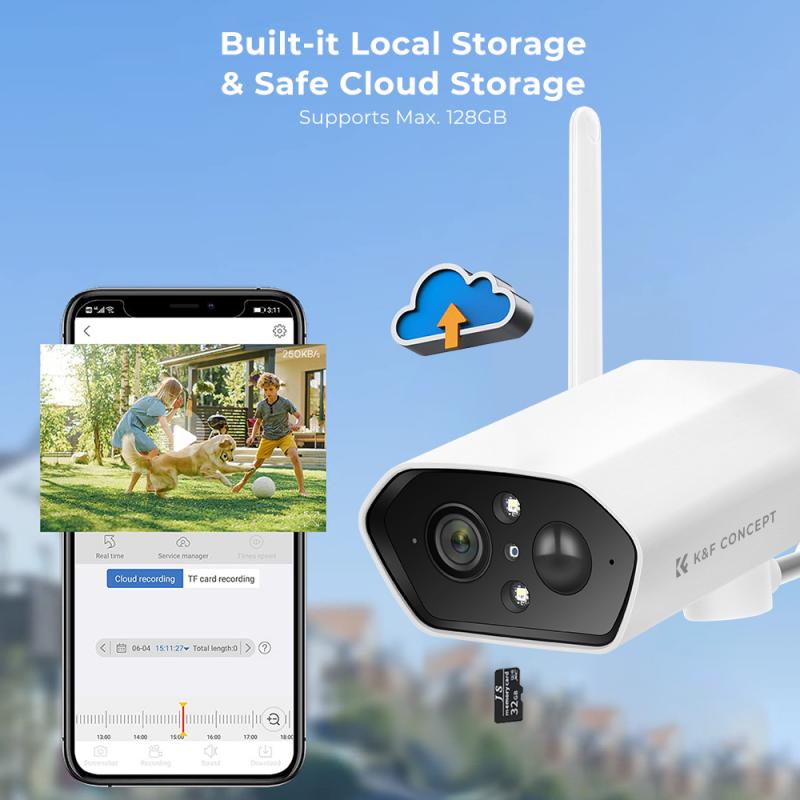
A CCTV camera’s main purpose is to capture video from the lens and store it onto a hard drive or microSD card. However, some cameras also record audio. They have a built-in microphone that’s weatherproof and can record sound continuously.
Cameras five years and older typically do not have microphones built-in. It also depends on the brand and model number of the specific camera.
Since technology is getting cheaper and better, a lot of cameras built today include a microphone.
- Many do have mics, or at least inputs for remote mics.
- Most of them nowadays have sound. However some PoE or SDI systems may not have audio.
- Microphones can also be found on dome security cameras.
- It’s not as common though – the vast majority of dome cameras do not have built-in microphones.
- Commercially cameras generally cover a great deal more space than they do residentially.
- Because of this commercial cameras are more likely to have inputs for microphones rather than built-in microphones.
Audio recording capabilities. Hear and record conversations and sounds in your business, property, or location. Provide concrete evidence in case of disputes, incidents, or crimes.
Built-In Microphones
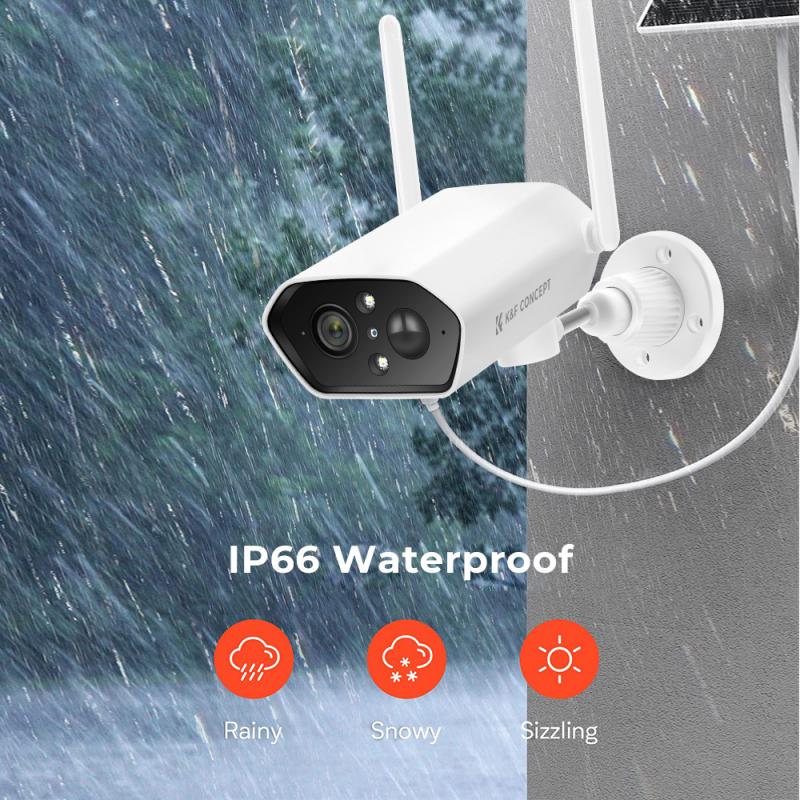
You can tell whether a camera has a microphone by looking at it closely. The microphone looks like a tiny hole – it’s quite small so you may need to take a photo and zoom in to tell.
Similarly, you can also spot cameras that do not have a microphone. If the front of the camera is completely solid without any holes, then it means there is no microphone.
- Dome security cameras
- For those that do, they are more difficult to spot because the hole is very small.
- Microphone position
- The hole may also be found in different positions, such as the side or front of the housing.
- Camera microphone
- With a keen eye, you’ll be able to spot whether a dome camera has a microphone or not.
- Low-noise environments
- The built-in microphones have an impressive range, capturing sounds from a 40ft radius in low-noise environments.
Uniview Tri-Guard Series is like having a floodlight, microphone, and loudspeaker packed into a small turret or mini-bullet camera housing.
4MP IP camera 2.8mm lens (110° wide angle view) 164ft IR/color at night/built-in mic.
8MP IP camera 2.8mm lens (110° wide angle view) 164ft IR/color at night/built-in mic.
5MP IP camera 1.6mm lens (180° wide angle view) 66ft IR/built-in mic.
8MP IP camera 1.6 mm lens (180° wide angle view) 66ft IR/built-in mic.
Audio Quality
Based on our testing, we’ve found that the audio from security cameras is usually low-quality. This is especially true when the camera is installed outdoors. Noise from vehicles, planes, or wind can easily overpower the microphone and prevent reliable audio from being captured.
We recorded a few words with a camera’s microphone to give you an idea of how it sounds.
- Poor mic placement.
- Microphones on cameras are poorly positioned to capture meaningful audio in these situations.
- It’s there but it’s not listenable.
- TV stations hate to air audio unless it studio quality and germane.
- Most of the time it’s not.
- Many cameras do. It eats up more storage, though and is going to be a more expensive camera.
Because you can’t prove that is where the audio is coming from. “Beyond a reasonable doubt”.
If you were listening for someone to say “hey” and you hear it but there’s no one in clear view of the camera that you can say “that is the person who said that” then there is doubt. Case collapses immediately.
Security cameras with audio recording come with state-of-the-art features that provide superior video and audio monitoring for your office, home, business, or other property. Enjoy peace of mind knowing that whatever’s happening, you’ll have clear video and audio of the incident.
Video and Audio Monitoring
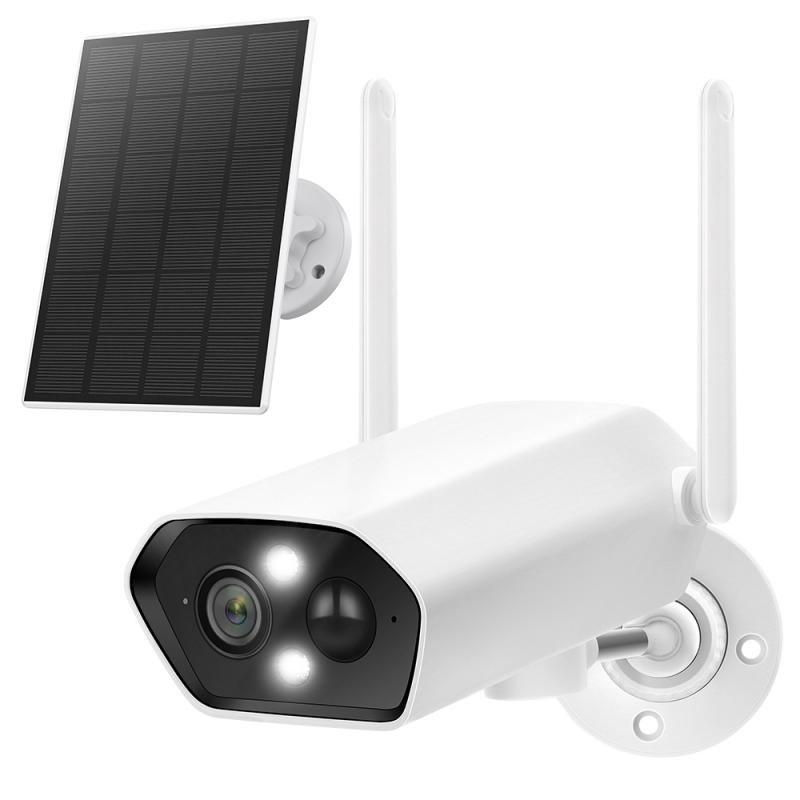
Video recorders and security cameras with audio recording, you get to enjoy exceptional oversight and accessibility to your footage to easily see and hear what’s going on in your business or property. You can also record video and audio 24/7, on a specific schedule, or automatically when motion is detected.
- Alerts about unexpected guests, front-porch deliveries, solicitors, and intruders.
- Easy virtual check-ins with family members and your pets.
- Remote property surveillance when you’re away.
- Quick employee communication, announcements, and virtual discussions.
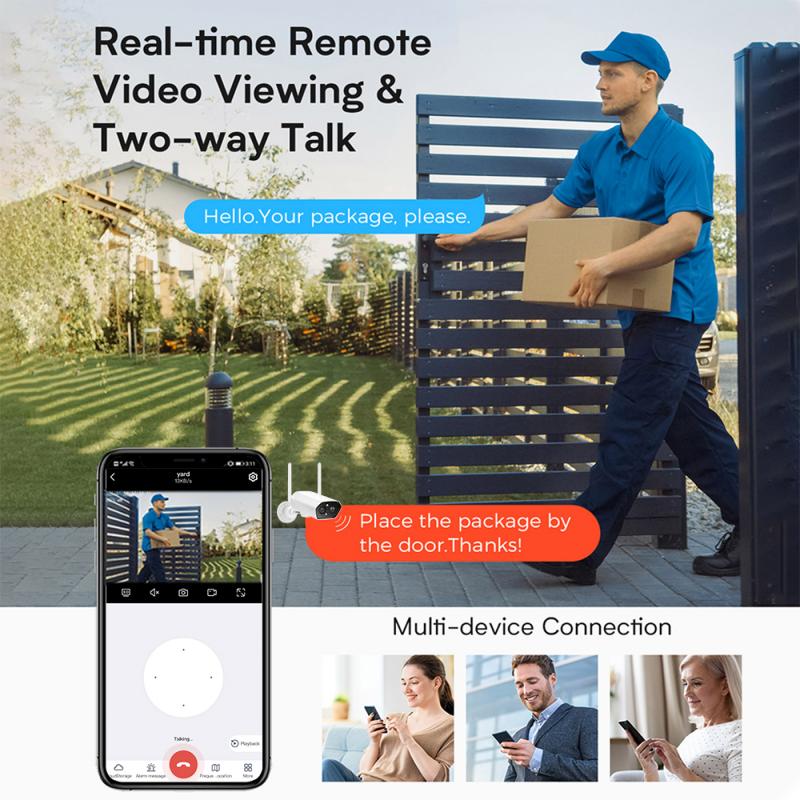
- Safe monitoring of contactless front or back-porch package pickups and dropoffs.
8MP IP camera 2.8mm lens (110° wide angle view) 100ft IR/spotlight/siren/2-way audio.
8MP IP camera 2.8mm lens (110° wide angle view) 100ft IR / white light / 2-way audio.
3MP + 2MP dual lens doorbell camera with 2 way audio 116° wide angle view infrared / white light.
5MP IP camera 1.8mm lens (360° fisheye view) 50ft IR/ two way audio.
Our two-way audio security cameras are your ultimate security investment and the link you need to protect your property.
Private Communications
Home security camera laws in Canada are governed by PIPEDA and the Criminal Code. You may install surveillance cameras on your own property for security purposes, but you cannot record neighbours’ private spaces or capture audio without explicit consent from all parties.
When you install security cameras on private property, you must balance your safety with the privacy laws that protect your neighbours. While homeowners have the right to protect their own property, they must respect others’ reasonable expectations of privacy in their own homes.
- Voyeurism: it is a criminal offence to record someone in a place where they have a reasonable expectation of privacy, such as a bathroom or a neighbour’s bedroom.
- Private spaces: you cannot point your cameras toward a neighbour’s windows, backyards, or swimming pools in a way that captures their private activities.
- Audio recording: using a security camera to record private conversations without consent can lead to criminal charges.
- Property boundaries: always ensure your security camera is pointed toward your own property.
- No audio: disable audio recording features to remain in compliance with the Criminal Code.
- Respect privacy: avoid capturing footage of a neighbour’s windows or private backyard spaces.
Is it legal to record audio on security cameras in Canada? Generally, the answer is no.
Canadian privacy laws and the Criminal Code prohibit the recording of private communications without the consent of at least one participant. Because a security camera often captures audio from people who are unaware they are being recorded, it’s best to disable the audio feature entirely to avoid legal trouble.
Residential and Workplace Rules
A common question we receive is about the legality of placing a security camera inside the house. While you have the right to monitor your own property, you must still respect the privacy of those who enter.
- Private areas
- It is generally illegal to place cameras in bathrooms or guest bedrooms where an individual has a high expectation of privacy.
- Notice to guests
- While not always a strict legal requirement in private homes, it’s a professional and ethical practice to inform visitors, babysitters, or contractors that security cameras are in place.
- Workplace rules
- If you have employees working in your home (like a nanny), different rules apply.
- Business signs
- In Canada, businesses must post signs under PIPEDA.
There are laws in some states about recording sound without both parties consenting. That’s why customer service calls usually tell you the call is recorded, so you can opt out.
In general recording a conversation you are not part of is considered wiretapping, this is illegal under federal law. In addition, pretty much all states have some version of this law that makes it illegal to record a conversation you aren’t part of and some states make it illegal to record a conversation without the consent of everyone involved.
In the 11 years I have been installing cameras, I have only enabled audio in law enforcement situations such as police interview rooms. In those rooms, there is a switch on the wall to enable the recording as well as a light to indicate that audio is being recorded.