kfconcept

KENTFAITH
K&F Concept    Blog >

Enjoy Your Selected Digital Life

Recently Viewed
  • Recently Viewed
  • Recently Viewed list is empty.

Compare (0) 0
  • Compare
  • You have not chosen any products to compare.

  • Compare
Currency: USD
  • Currency
Shop by Scene Shop by Rank

Log Into Your Account

Account

Order History

Wish List

Login

Forgotten Password?

or connect with

Register Account

Already have an Account?Log In

  • Shopping Cart
  • Your shopping cart is empty!

  • Register/Login to purchase, earn points
  • Favorite
  • Your wish list is empty.

  • Register/Login to like, earn points
  • Activities
  • Guide
    • Filter Guide
    • Lens Adapter
    • Product Review
  • News & Reviews
    • Camera Reviews
    • Sample Gallery
    • News
  • Tutorials
    • Solar eclipse photography
    • Photography Basics
    • Landscape Photography
  • Inspiration
    • Travel
    • Travel Stories
  • Home
  • Blog
  • How To Make Dash Cam Always On?

How To Make Dash Cam Always On?

Kentfaith 2024-09-27 02:38:20 0 Comments

Dash cams, short for dashboard cameras, have become increasingly popular among drivers for their ability to provide crucial evidence in case of accidents, record scenic drives, and even capture unexpected events on the road. To truly benefit from a dash cam, ensuring that it remains always on can be essential. This article delves into the practical steps required to keep your dash cam on continuously, covering everything from power supply options to installation tips.

Why Keep a Dash Cam Always On?
how to make dash cam always on 1

Before we delve into the technical aspects, it's important to understand why someone might want their dash cam to always be on:

1. Accident Evidence: Continuous recording means that any incident, whether the vehicle is running or parked, will be captured.

2. Theft Prevention: A dash cam can act as a deterrent to potential thieves if they know they are being recorded.

3. Parking Surveillance: It can provide evidence of hit-and-runs or vandalism while your car is parked.

4. Peace of Mind: Simply knowing that everything around your vehicle is being recorded can be reassuring.

Essential Requirements
how to make dash cam always on 2

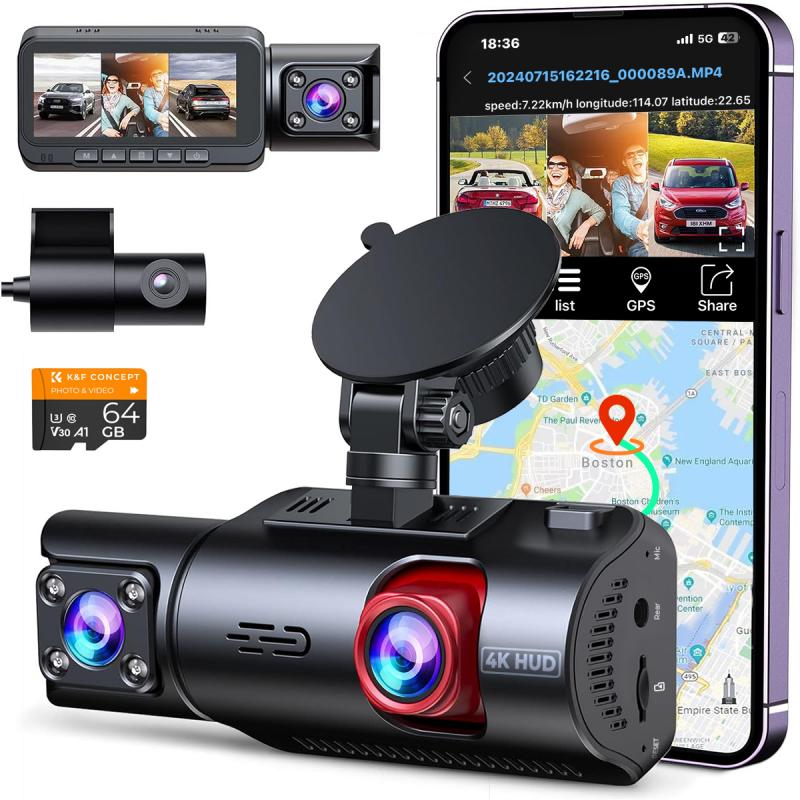
Before we get into the steps, there are a few essentials you will need:

- A dash cam with a parking mode or continuous recording feature.

- A hardwiring kit compatible with your dash cam.

- A reliable power source to ensure the dash cam remains operable even when the car's ignition is off.

Choosing the Right Dash Cam
how to make dash cam always on 3

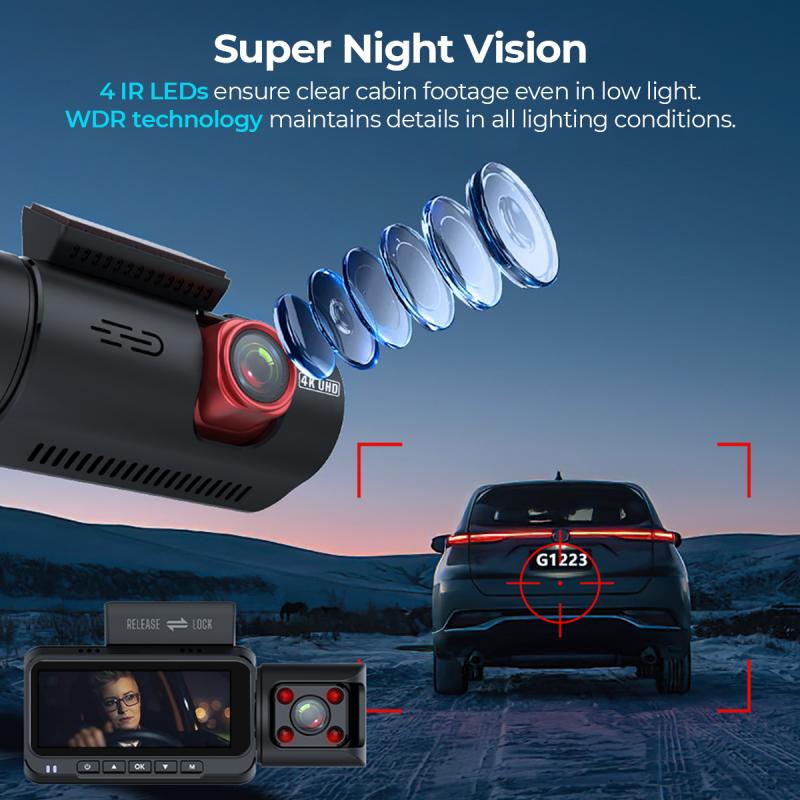
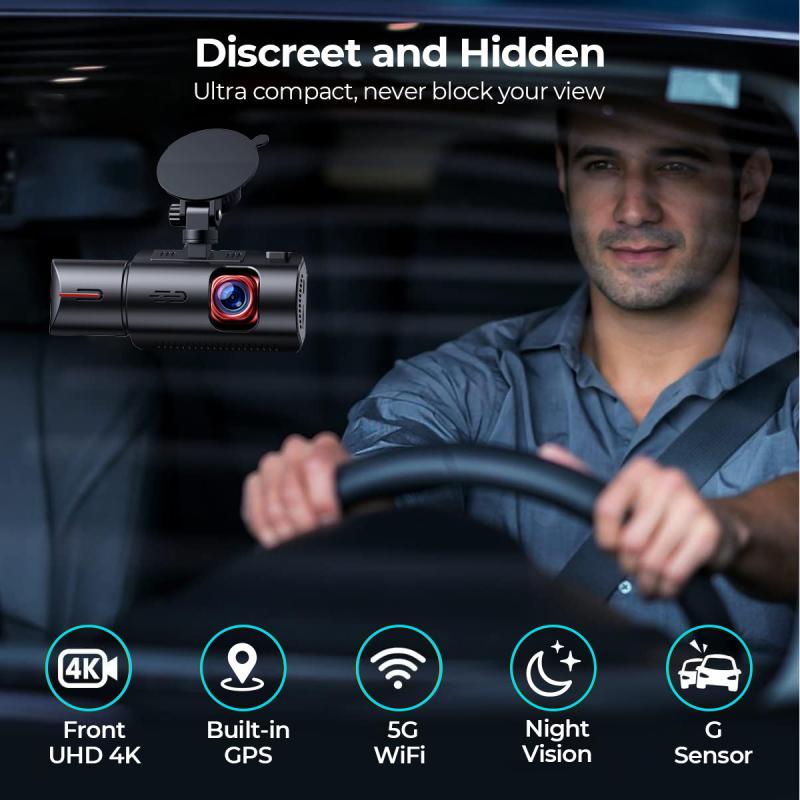
Not all dash cams are designed to be always on. When purchasing a dash cam for this purpose, consider the following features:

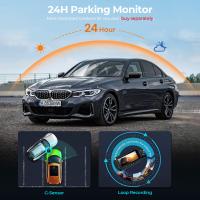
- Parking Mode: This feature allows the camera to record continuously or activate via motion detection when the vehicle is turned off.

- Low Power Consumption: Select a dash cam that consumes less power to avoid draining your car battery.

- Built-in Battery or Capacitor: Some dash cams come with their built-in battery or capacitor that allows them to continue recording for a short period after the ignition is off.

Hardwiring Your Dash Cam
how to make dash cam always on 4

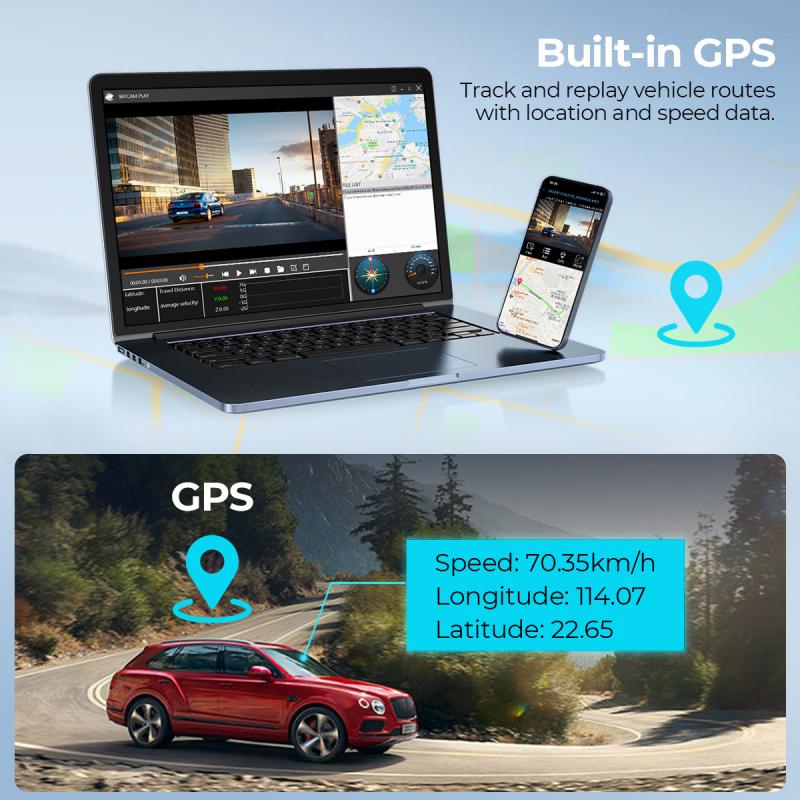
One of the most effective ways to keep your dash cam always on is to hardwire it to your car’s fuse box. Here’s a step-by-step guide on how to hardwire your dash cam:

1. Gather Required Tools and Supplies

You’ll need a hardwiring kit, which usually includes a fuse tap, fuse holder, ground wire, and the necessary cables. Additionally, you will need basic tools like a screwdriver, pliers, and a multimeter.

2. Identify the Fuse Box and Find a Constant Power Source

Locate your car's fuse box, which is typically under the dashboard or in the engine compartment. Use the car’s manual to find a fuse that provides constant power, meaning it remains on even when the vehicle is off. Common choices are fuses for the radio or interior lights.

3. Connect the Hardwiring Kit

- Ground Wire: Find a metal bolt or screw connected to the car’s frame and attach the ground wire from your hardwiring kit.

- Fuse Tap: Replace the identified constant power fuse with the fuse tap included in the hardwiring kit. Plug the original fuse into the fuse tap.

- Connect to Dash Cam: Plug the power cable into the dash cam, making sure it is securely connected.

4. Test the Setup

Before finalizing the installation, turn off your car and ensure the dash cam continues to receive power. Use a multimeter to double-check the voltage if necessary.

5. Tidy Up the Wiring

Once confirmed that everything works, secure the wiring using zip ties or adhesive clips. This will prevent loose wires from becoming a driving hazard.

Using an External Battery Pack

For those who are hesitant about hardwiring their dash cam, an external battery pack can be a viable alternative. These battery packs can supply power to the dash cam for extended periods, even when the car is off.

Advantages of an External Battery Pack

- Ease of Installation: Installing an external battery pack is generally simpler than hardwiring.

- No Risk to Car Battery: Since it’s separate from the car’s battery, there’s no risk of draining the car battery.

- Portability: External battery packs can easily be moved between vehicles if necessary.

Drawbacks

- Cost: High-capacity external battery packs can be expensive.

- Limited Power Supply: They need to be recharged, which can be inconvenient for extended periods of use.

Considerations for Continuous Recording

Battery Drain Concerns

One of the primary concerns with keeping a dash cam always on is the potential to drain the car’s battery. To mitigate this, select a dash cam with low power consumption and consider using a device that automatically shuts off the dash cam when the car battery reaches a certain voltage.

Overheating

Continuous use of your dash cam can lead to overheating, which can damage the camera or reduce its lifespan. Make sure the dash cam has adequate ventilation and consider models with built-in overheating protection.

Legal Considerations

It’s important to be aware of the legal implications of continuous recording. In some jurisdictions, there are privacy laws regarding the recording of audio and video. Ensure you comply with local regulations to avoid legal issues.

Setting up a dash cam to be always on can provide numerous benefits, from enhanced security to peace of mind. By following the steps outlined above, you can ensure continuous recording through hardwiring, using an external battery pack, or selecting the right dash cam with the necessary features. Although it may require a bit of effort and investment, the advantages far outweigh the downsides, offering you a reliable means to capture any incidents that may occur, regardless of whether your vehicle is running or parked. Take the time to choose the appropriate equipment and installation method to ensure you get the most out of your dash cam.
Leave your comment
Cancel reply
Note: HTML is not translated!
Related products
CarPlay for Motorcycle Android Auto Dash Cam Front and Rear GPS Navigation
12
$299.99 $209.99
Motorcycle Dash Cam with 2K Resolution 140° Wide Angle WiFi Control USB Power Kentfaith
10
$84.99 $67.99
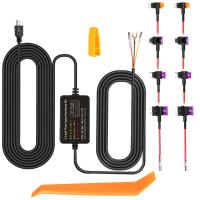
Dash Cam Hardwire Kit, Mini-USB Hard Wire Kit 11.5ft, 12-24V to 5V Car Dash Camera Charger Power Cord, Gift 5 Fuse Tap Cable with Battery Drain Protection for 24h Parking Monitor
$29.99 $20.99
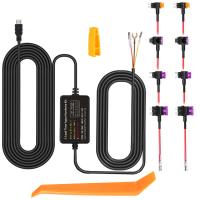
Dash Cam Hardwire Kit, Micro-USB Hard Wire Kit 11.5ft, 12-24V to 5V Car Dash Camera Charger Power Cord, Gift 5 Fuse Tap Cable with Battery Drain Protection for 24h Parking Monitor
$29.99 $20.99
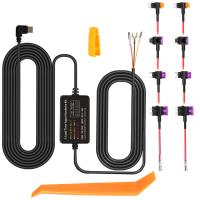
Dash Cam Hardwire Kit, Type-C Hard Wire Kit 11.5ft, 12-24V to 5V Car Dash Camera Charger Power Cord, Gift 5 Fuse Tap Cable with Battery Drain Protection for 24h Parking Monitor
NEW Arrival
Dash Cam Hardwire Kit, Type-C Hard Wire Kit 11.5ft, 12-24V to 5V Car Dash Camera Charger Power Cord, Gift 5 Fuse Tap Cable with Battery Drain Protection for 24h Parking Monitor
$29.99 $20.99
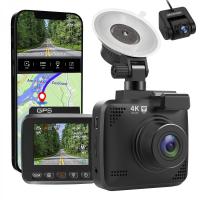
4K Dash Cam Front and Rear with GPS WiFi Night Vision 24H Parking Mode Kentfaith
13
$124.99 $99.99
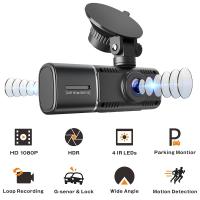
3-Channel Dash Cam Front and Rear Inside 4K 5G WiFi GPS Night Vision G-Sensor Kentfaith
10
$187.49 $169.99
4K Dash Cam Front and Rear with GPS, 5G WiFi, Starlight Night Vision, G-Sensor, 24H Parking Mode Kentfaith
15
$149.99 $119.99
2.7K Motorcycle Dash Cam with 140° Wide Angle, Built-in WiFi, USB Power, Emergency Lock, 3 Types of Mounts, Kentfaith
13
$93.74 $74.99
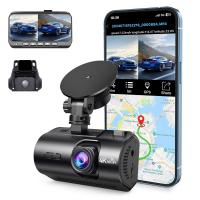
4G LTE Dash Cam Front Inside, Remote Live View, Instant Alert via App, 24/7 Parking Mode, GPS, 1080P IR Night Vision Kentfaith
11
$224.99 $179.99
Products You May Like
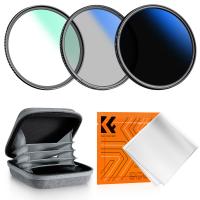
49mm MCUV+CPL+ND2-400 (1-9 Stops) Lens Filter Kit - 18-Layer Coated Optical Glass with Pouch & Cleaning Cloth - Nano-Klear Series
NEW Arrival
49mm MCUV+CPL+ND2-400 (1-9 Stops) Lens Filter Kit - 18-Layer Coated Optical Glass with Pouch & Cleaning Cloth - Nano-Klear Series
20
$35.99 $33.99
72mm CPL Filter 28 Layer Super Slim Circular Polarizing Filter Multi-coated Polarized MRC Filter Nano-Xcel Series
64
$56.99 $49.99
ZHIYUN Weebill 3, 3-Axis Gimbal Stabilizer for DSLR and Mirrorless Cameras, Nikon Sony Panasonic Canon Fuji BMPCC 6K, Fill Light and Mic Integration, OLED Screen with Wrist Rest Pad
$639.99 $566.99
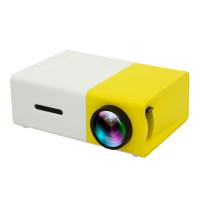
Mini Pocket LED Projector 1080P Full HD Work With TV Stick (EU Plug)
2
$57.99
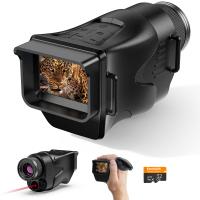
Night Vision Monocular 4K Photos 1080P Videos, 2" Screen, 3000mAh Rechargeable Battery Kentfaith
15
$112.49 $89.99
70” Lightweight Travel Tripod 33lbs Load For Dslr Cameras With Twist Lock And Monopod
65
$304.99 $179.99
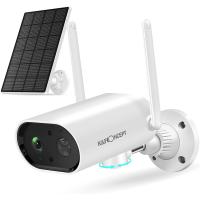
WiFi IP Camera Solar Security Camera Outdoor Wireless 2K HD with Color Night Vision & Audio IP66 Waterproof Battery-Powered Surveillance Camera
245
$87.59 $76.99
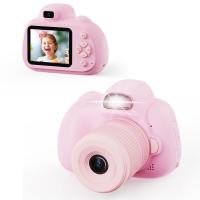
Digital Camera for Kids with Dual 48MP Cameras Auto Focus for 3-12 Years Kids
$82.79 $57.99
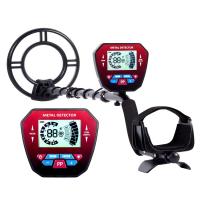
Professional Metal Detector, With Larger LCD Display, Waterproof, With 10 Inch Detection Disk, 5 Detection Modes
16
$309.99 $123.99
82mm CPL Filter 28 Layer Super Slim Circular Polarizing Filter Multi-coated Polarized MRC Filter Nano-Xcel Series
66
$67.99 $59.99
Related articles
What Is Parking Mode On A Dash Cam?
How To Hard Wire A Dash Cam?
Dash Cam Can Connect To Phone?
How Much Storage For Dash Cam?
How Does Car Dash Cam Work?
How Long Does Dash Cam Record?
Why Dash Cam Is Important?
Dash Cam Record When Parked?
How To Use Mobile As Car Dash Cam?
How To Set Up A Tripod?
Blog You May Like
Backpack That Can Double As Camera Bag?
How To Wear Camera Sling Bag?
What's A Good Uv Filter For Camera Lenses?
How To Protect Camera Lens From Sun?
How much do night vision binoculars cost?
Can You Plug A Microphone Into Your Phone?
How To Record Audio From A Video?
How To Design A Security Camera System?
Camera Lens Filters And What They Do?
What Is Quality Of Light In Photography?
Related categories
On-Dash Camera C mount lens adapter m4/3 adapter flash the camera beginner telescope Square Filter Kit square camera filter system
Popular products
pocket camera for video on camera shotgun microphone high speed micro sd card outdoor security camera system wireless indoor security camera wireless the best rangefinder for golf video conference lighting kit pro wireless microphone system body worn camera with audio light with power bank
Related searches
Dash Cam Recorder Best Wireless Dash Cam Gps Tracking Dash Cam Best Parking Dash Cam Dash Cam With Bluetooth Wireless Rear Dash Cam Best Dual Dash Cam Dash Cam Motion Detection Dash Cam With App Motion Sensor Dash Cam
Related Scenes
Best Car Camera Dash Cam Best Camera For Dash Cam The Best Dash Cam Camera Best Carry On Camera Bag Best Camera To Video Sports Best Camera To Capture Wildlife Best Tripod To Travel With Best Video Camera To Record Sports Best Easy To Use Compact Digital Camera The Best Dash Camera
Blog Category
  • Activities
  • Guide
    • Filter Guide
    • Lens Adapter
    • Product Review
  • News & Reviews
    • Camera Reviews
    • Sample Gallery
    • News
  • Tutorials
    • Solar eclipse photography
    • Photography Basics
    • Landscape Photography
  • Inspiration
    • Travel
    • Travel Stories
Search Article
Latest from the Blog
Can Security Camera Record Voice?
What Is A Rigid Endoscope Used For?
Dash Cam Record When Parked?
How To Insert Headphones In Ear?
Steps On How To Focus A Microscope?
How To Use Old Phone As Security Camera?
How To Detect Trail Cameras At Night?
How To Get Noise Cancellation On Any Headphones?
How Does A Wireless Headphones Work?
How Important Is Image Stabilization In A Camera?
  • Easy Payment Multilple Payment Options

  • Free Shipping Global WareHouse Shipment

  • No Risk 30-Day No Reason Return

  • Limited Deals Buy More, Save More

  • Tax Free No any surcharges or tax fee

Information
  • About us
  • Contact Us
  • Site Map
  • Blog
  • Video
  • Gallery
  • VIP Membership Rewards
Service
  • Privacy Policy
  • Terms & Conditions
  • Shipping & Delivery
  • Payment Info
  • Warranty, Return & Refund
  • Intellectual Property Rights
  • Ambassador
  • Affiliates
  • Wholesale
Support
  • My account
  • Order History
  • FAQs
  • Extend Warranty
  • Logistics Tracking
Follow us
NewsLetter

Get the latest product, K&F Concept respects your privacy.

Powered By KENTFAITH © 2026