How Does The Wireless Lavalier Microphone Work?
What is a wireless lavalier microphone?
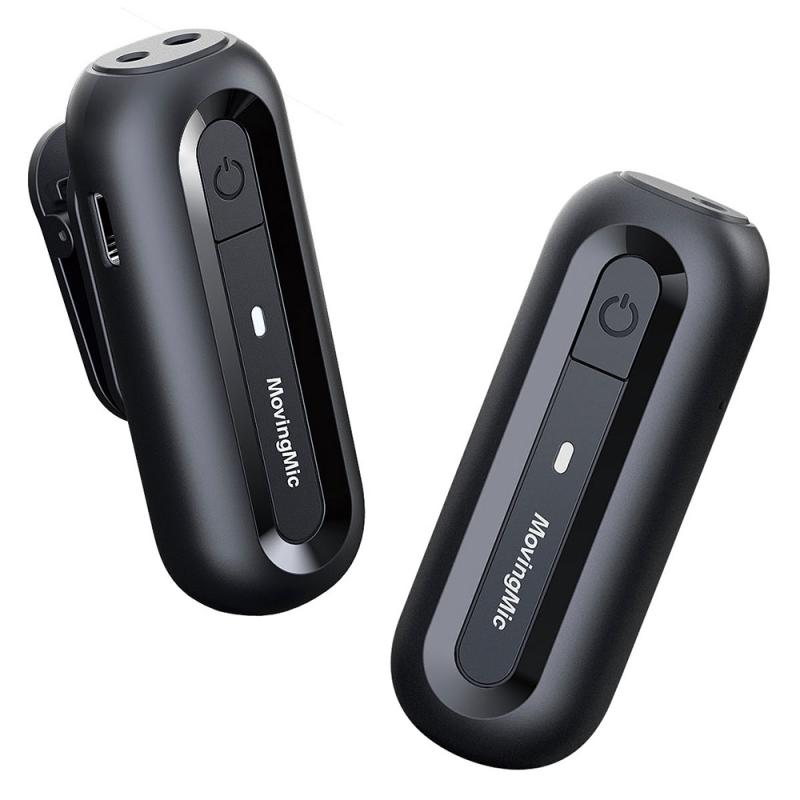
wireless lavalier microphone is a small, clip-on mic designed to capture clear voice audio without tying you down with cables. essentially, it’s the microphone that you forget that you’re wearing and the one that you desperately needed all those years ago.
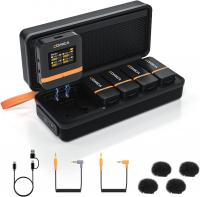
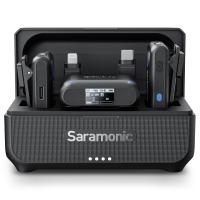
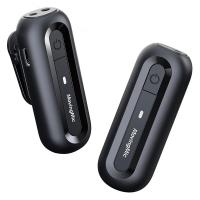
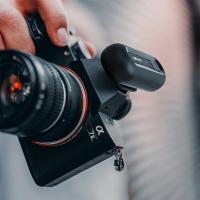
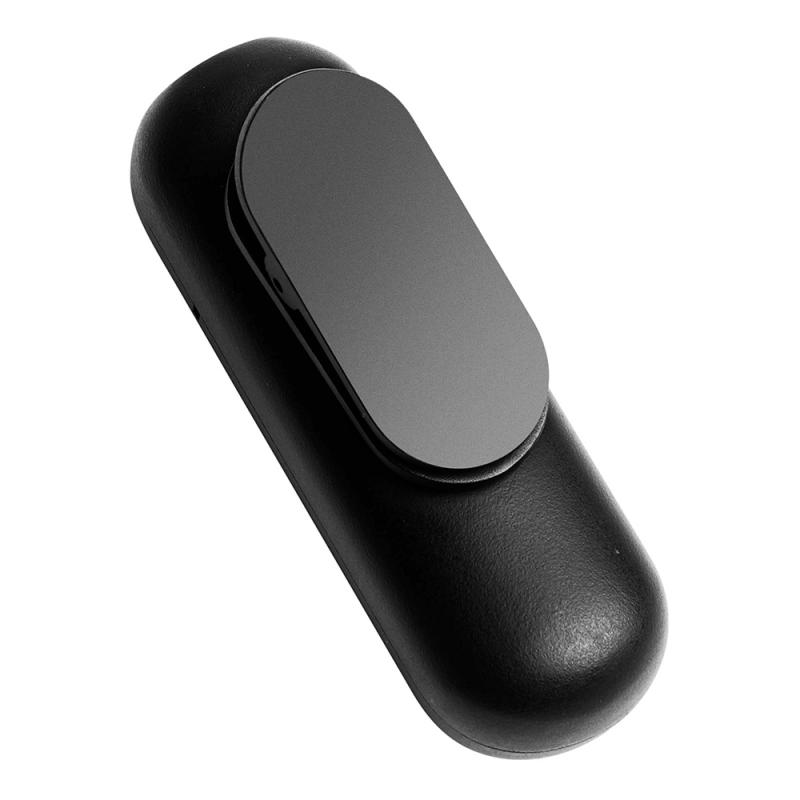
it works with two main components: a receiver, which plugs into your camera or phone, and the transmitter (microphone) with a handy clip that means you can keep it attached all day. the lavalier is all about freedom. no wires, no awkwardness.
simply attach the transmitter close to what you want to record, insert the receiver, and you’re free to get around, whether that’s along a busy shopping street or hiking through the mountains, and as long as two are no more than 100–250 feet (approx. 30–75 meters), depending on model, you’ll have the freedom to record what you want.
How do wireless lavalier microphones work?
- the microphone picks up the sound
- the transmitter transmits the sound wirelessly
- the receiver receives the wireless signal
- the receiver transmits the sound to the device
- the device records the sound successfully
wireless lavalier microphones transmit their audio feeds via radio frequencies directly to a receiver that a sound mixer can control and adjust.
no, they don’t rely on wi-fi or bluetooth. lavalier microphones use dedicated radio frequencies to connect the receiver and the transmitter. this creates a more stable connection with lower latency, which is why they’re preferred for video production and live recording.
Wireless lavalier microphone system
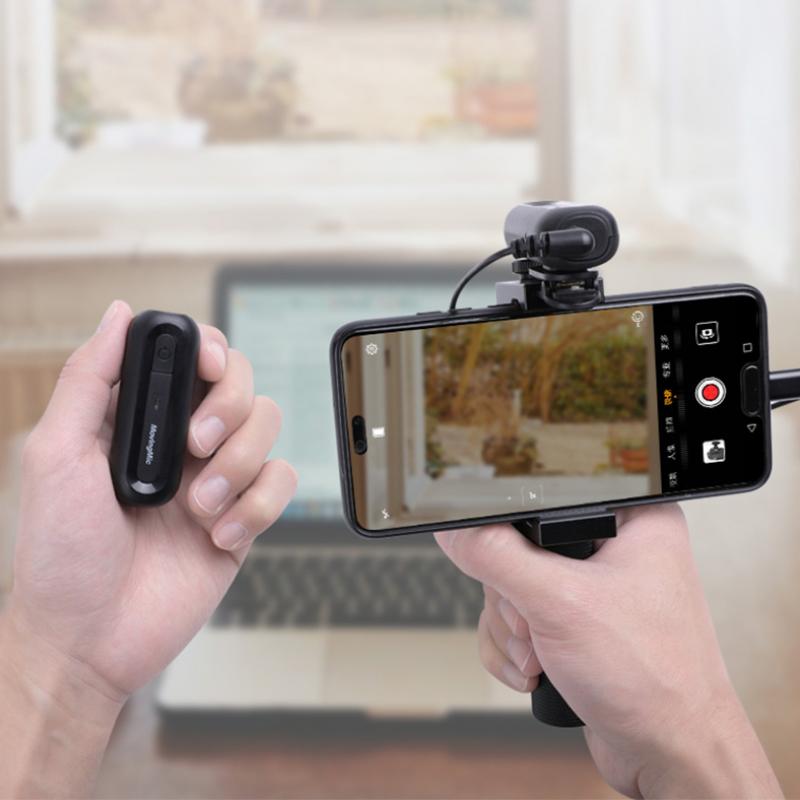
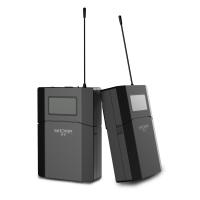
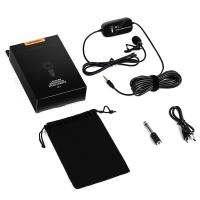
a "wireless lav" is a system consisting of a lavaliere microphone, a transmitter, and a receiver.
there is no such thing as a wireless lav mic. they all have transmitters of some kind.
as you still have a wire from the microphone to the transmitter (or small recorder as you have).
instead of a transmitter & receiver, a wired lav mic has an xlr cable connecting the mic to the audio board. or recorder.
- a receiver, which plugs into your camera or phone
- the transmitter (microphone) with a handy clip that means you can keep it attached all day
- the transmitter and the receiver aren’t paired properly
- the receiver transmits the sound to the device
What you need before setting up
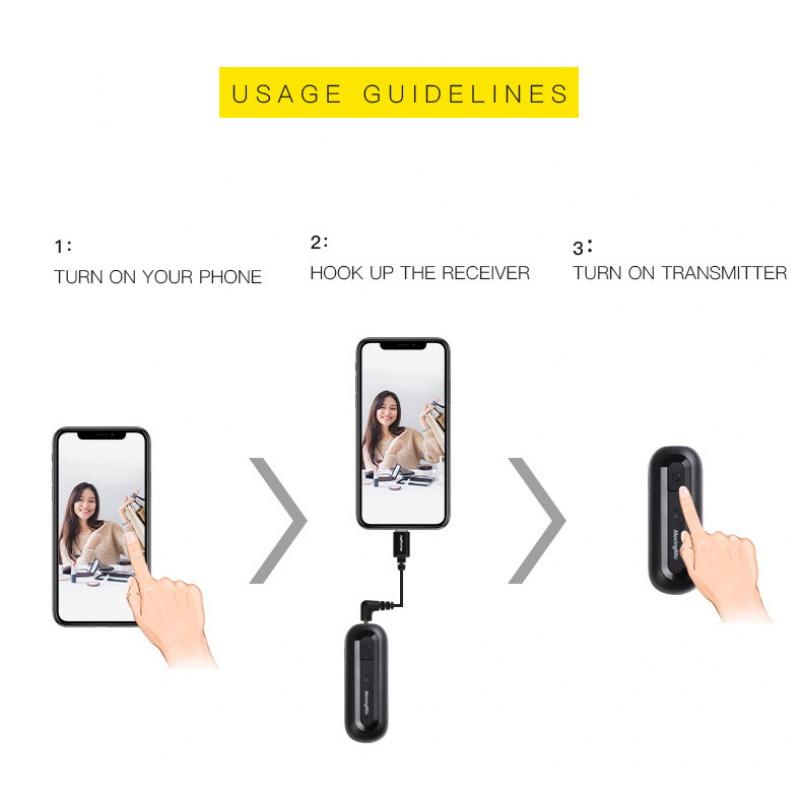
you don’t need much to get started, but having the basics ready saves time later.
at minimum, you’ll need the transmitter, the receiver, and a camera or phone to plug it into. those are the basics, but there are also good additions that will make the experience and quality better.
- a portable charging bank where you can charge your receiver is something few think about before the batteries are dead.
- headphones to listen to audio in real time
- windscreens or dead cats (not what you think) to help cut wind noise during outdoor shoots
- extra clips, just in case
How to set up a wireless lavalier microphone
- step 1 — charge and power on
start with a full charge. it sounds obvious, but it’s commonly overlooked as people rush to get started. power on both the transmitter and receiver. - step 2 — pair the transmitter and receiver
modern wireless systems are built for speed, and in most cases, the transmitter and receiver will pair automatically the moment they’re powered on. if they don’t, trigger manual pairing using the device buttons (check the manual for specifics, as models vary). - step 3 — attach the microphone properly
clip the mic about 6–8 inches below your chin and keep it centered when possible. also, make sure it’s facing outward, not buried under fabric, and avoid loose clothing that can rub against the mic. - step 4 — connect the receiver to your device
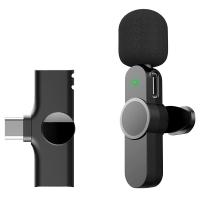
now connect the receiver to your recording device. smartphones and computers will generally use a usb-c (lightning for iphones), while cameras typically use a 3.5mm cable. once connected, your device should automatically recognize the mic. if not, select it manually in your audio settings. - step 5 — check audio levels
before you record anything important, it’s important to check your audio levels. speak at your natural volume and monitor the input. if the signal is too high, your audio will distort. too low, and you’ll lose clarity. aim for the sweet spot in the middle. - step 6 — do a test recording
never. skip. a. test. recording. lots of little things can come up, and the last thing you want to do is record something important and be greeted with complete silence while watching it back. even a 10-second test clip can save an entire shoot.
How to connect a wireless lavalier microphone to a phone
plug the receiver into your phone using the correct port, usb-c or lightning, then power on the transmitter. most systems pair automatically within seconds. from there, open your recording or camera app and confirm the external mic is selected as the audio input.
Lavalier microphone basics
a lavalier microphone is a very small microphone that is attached either directly to an actor’s body or their clothing. they come in both wired and wireless varieties, and are designed to be discrete and lightweight. a wired lav may restrict an actor’s movement, but a wireless lav mic requires only a small transmitter pack that is typically clipped onto an actor’s belt or in their pocket.
- small, compact size
- collects audio focused on a single actor
- omnidirectional or cardioid pickup pattern
the main distinction and advantage of a lav microphone is the smaller, more discreet size over other microphone types. their compact size allows them to be attached to an actor's clothing or body without being visible in the shot.
How to position a lavalier microphone
the most common place to attach a lavalier lapel microphone is near the neckline either on the collar or the knot of a tie if applicable. if a lapel microphone is attached too far away from the actor’s mouth, then the audio quality will suffer.
for a lav mic to be truly invisible, it must be underneath the actor’s clothes, either attached to their skin, or to the inside of the clothing. when the equipped actor moves, their clothing may produce a rustling sound on the mic, which will harm the integrity of the audio recording. luckily there are methods to avoid this drawback.
- clip the mic about 6–8 inches below your chin and keep it centered when possible.
- make sure it’s facing outward, not buried under fabric
- avoid loose clothing that can rub against the mic
- if a lapel microphone is attached too far away from the actor’s mouth, then the audio quality will suffer.
Wireless lavalier microphone issues
- no sound at all
- if you're greeted with complete silence, it probably means that the transmitter and the receiver aren’t paired properly or that the wrong input device is selected.
- fix — re-pair both units and confirm connection indicators and check your device’s audio input settings.
- audio cutting in and out
- choppy audio is infuriating and usually means that either the distance between transmitter and receiver is too far, there are physical obstructions (walls, bodies, gear), or there is wireless interference from nearby devices.
- fix — start by keeping within the suggested range and making sure there aren’t physical obstructions between the transmitter and receiver. if there’s still an issue, move away from crowded signal environments if possible.
- distorted or clipping audio
- if your voice sounds distorted, blown out or unnatural, it probably means that your input gain is set too high, or you are speaking too close to the microphone.
- fix — lower the input levels on your device or receiver and place the microphone a little further from the sound source.
- too much background noise
- background noise can be an audio killer, and it could mean either you’re in an environment that is too loud, the microphone is placed correctly, or a lack of wind protection outdoors.
Wireless lavalier microphone challenges
- clothing
- clothing rustle can be a challenge. if the lav mic is not positioned properly, you can spend minutes of valuable time on set trying to adjust for clean audio. to help avoid this, you might do tests during pre-production with the actors, their wardrobe and the microphones to do the troubleshooting in advance.
- quality
- sound quality can sometimes be lower than other microphone types. where portability and invisibility are clear advantages, there can be a dropoff in quality.
- power
- lavalier microphones are battery-powered so be prepared to change and recharge batteries at particularly inopprtune times. make sure you have extra batteries fully charged and waiting to minimize the disruption when a battery dies.
Wireless lavalier microphone use
lavalier mics are intended to gather audio for only the equipped actor, meaning multiple lav mics can be used to isolate different audio tracks for each actor, especially helpful in situations with a great deal of cross-talk or in environments with distracting background chatter.
use a lavalier mic when a boom mic would be impractical or impossible to keep out of the shot. wide frames with excess headroom and shots with fast and/or complex movement are instances where a lavalier mic may make shooting go much more smoothly than if other types of microphones are relied on.
lavalier mics are used frequently in mediums outside of filmmaking. many theater and musical performances make use of lavalier mics. news programs may use lav mics if the anchors are required to be hands free.
a lav mic can also be preferable for anyone in a one-man crew type situation. don’t have anyone to hold a boom and don’t want to rely on a camera mounted microphone? a clip-on lavalier mic is your best bet.