kfconcept

KENTFAITH
K&F Concept    Blog >

Enjoy Your Selected Digital Life

Recently Viewed
  • Recently Viewed
  • Recently Viewed list is empty.

Compare (0) 0
  • Compare
  • You have not chosen any products to compare.

  • Compare
Currency: USD
  • Currency
Shop by Scene Shop by Rank

Log Into Your Account

Account

Order History

Wish List

Login

Forgotten Password?

Or connect with

Register Account

Already have an Account?Log In

  • Shopping Cart
  • Your shopping cart is empty!

  • Register/Login to purchase, earn points
  • Favorite
  • Your wish list is empty.

  • Register/Login to like, earn points
  • Activities
  • Guide
    • Filter Guide
    • Lens Adapter
    • Product Review
  • News & Reviews
    • Camera Reviews
    • Sample Gallery
    • News
  • Tutorials
    • Solar eclipse photography
    • Photography Basics
    • Landscape Photography
  • Inspiration
    • Travel
    • Travel Stories
  • Home
  • Blog
  • How To Set Up Selfie Stick Iphone 6?

How To Set Up Selfie Stick Iphone 6?

Kentfaith 2024-08-26 01:05:58 0 Comments

In the age of social media and digital connectivity, capturing the perfect selfie has become an art form. Whether you're documenting your travels, sharing moments with friends, or simply indulging in some self-love, a selfie stick can be an invaluable tool. If you own an iPhone 6 and are looking to enhance your selfie game, this guide will walk you through the process of setting up and using a selfie stick effectively.

Understanding the Basics
how to set up selfie stick iphone 6 1

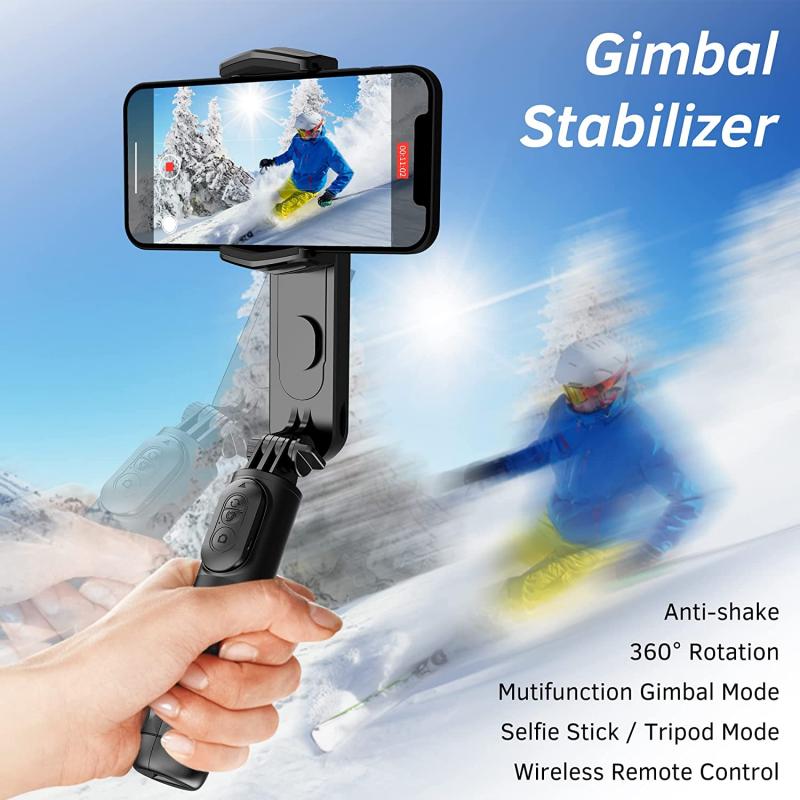
Before diving into the setup process, it's essential to understand the different types of selfie sticks available. Generally, selfie sticks can be categorized into three main types:

1. Wired Selfie Sticks: These connect to your iPhone 6 via the headphone jack.

2. Bluetooth Selfie Sticks: These connect wirelessly via Bluetooth.

3. Manual Selfie Sticks: These do not have any connectivity features and require you to use the timer function on your phone's camera.

Each type has its own set of advantages and disadvantages, but for the purpose of this guide, we will focus on the wired and Bluetooth selfie sticks, as they are the most commonly used and offer the most convenience.

Step-by-Step Guide to Setting Up a Wired Selfie Stick
how to set up selfie stick iphone 6 2

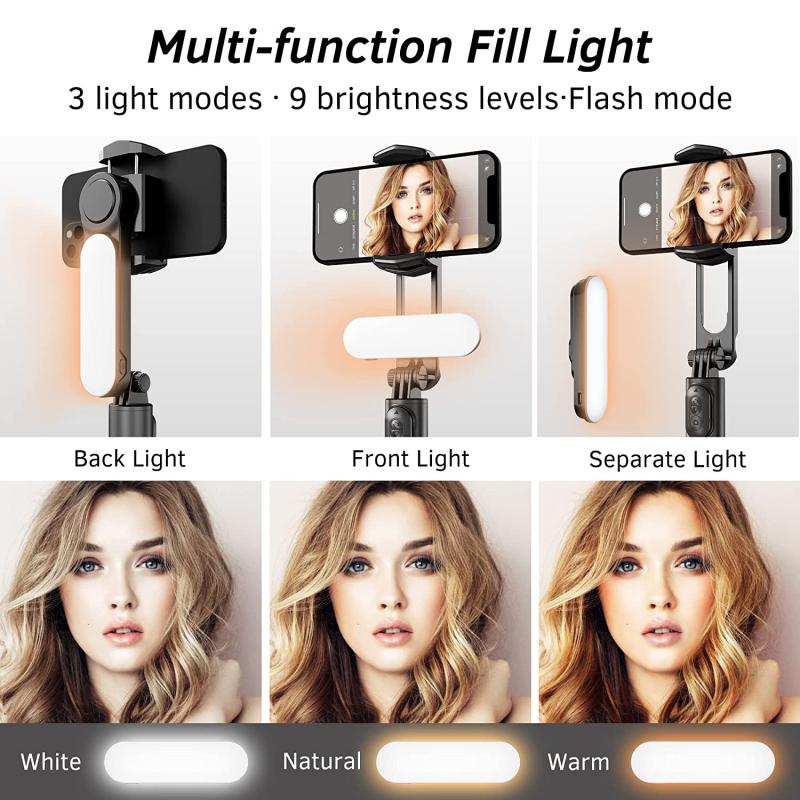
1. Unbox and Inspect: Start by unboxing your selfie stick and inspecting it for any damages. Ensure that all parts are included, such as the phone holder, the stick itself, and the cable.

2. Attach the Phone Holder: Most selfie sticks come with a detachable phone holder. Attach this holder to the top of the stick by screwing it in place. Make sure it is secure and stable.

3. Insert Your iPhone 6: Carefully place your iPhone 6 into the phone holder. The holder should have adjustable grips to accommodate the size of your phone. Ensure that your phone is held securely to prevent it from falling.

4. Connect the Cable: Plug the 3.5mm audio jack cable from the selfie stick into the headphone jack of your iPhone 6. This cable is responsible for triggering the camera shutter.

5. Open the Camera App: Open the camera app on your iPhone 6. You should be able to see the live view from your camera on the screen.

6. Extend the Stick: Extend the selfie stick to your desired length. Most selfie sticks have a telescopic design that allows you to adjust the length easily.

7. Position and Angle: Position the selfie stick at the desired angle to capture the perfect shot. You can tilt the phone holder to adjust the angle.

8. Take the Photo: Press the button on the handle of the selfie stick to take a photo. The button sends a signal through the cable to trigger the camera shutter.

Step-by-Step Guide to Setting Up a Bluetooth Selfie Stick
how to set up selfie stick iphone 6 3

1. Unbox and Inspect: As with the wired selfie stick, start by unboxing your Bluetooth selfie stick and inspecting it for any damages. Ensure that all parts are included.

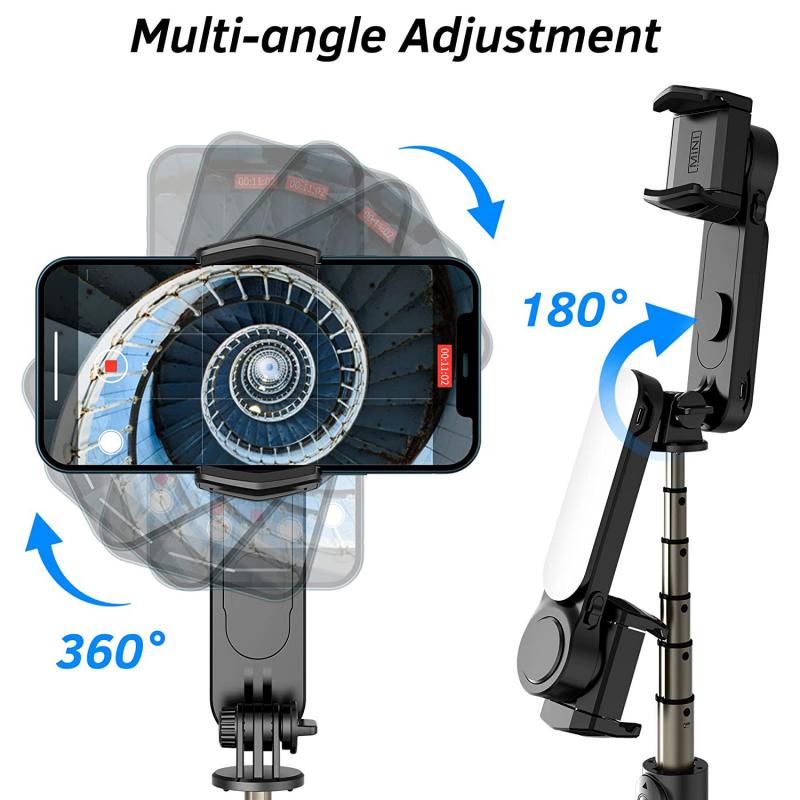
2. Charge the Selfie Stick: Bluetooth selfie sticks usually come with a built-in rechargeable battery. Use the provided USB cable to charge the selfie stick fully before use.

3. Attach the Phone Holder: Attach the phone holder to the top of the stick by screwing it in place. Ensure it is secure and stable.

4. Insert Your iPhone 6: Carefully place your iPhone 6 into the phone holder. Adjust the grips to ensure your phone is held securely.

5. Turn on the Selfie Stick: Turn on the Bluetooth selfie stick by pressing the power button. The stick should enter pairing mode, indicated by a flashing LED light.

6. Pair with Your iPhone 6: On your iPhone 6, go to Settings > Bluetooth and turn on Bluetooth. Look for the selfie stick in the list of available devices and tap to pair. Once paired, the LED light on the selfie stick should stop flashing.

7. Open the Camera App: Open the camera app on your iPhone 6. You should be able to see the live view from your camera on the screen.

8. Extend the Stick: Extend the selfie stick to your desired length. Adjust the length as needed.

9. Position and Angle: Position the selfie stick at the desired angle to capture the perfect shot. Tilt the phone holder to adjust the angle.

10. Take the Photo: Press the button on the handle of the selfie stick to take a photo. The button sends a Bluetooth signal to trigger the camera shutter.

Tips for Capturing the Perfect Selfie
how to set up selfie stick iphone 6 4

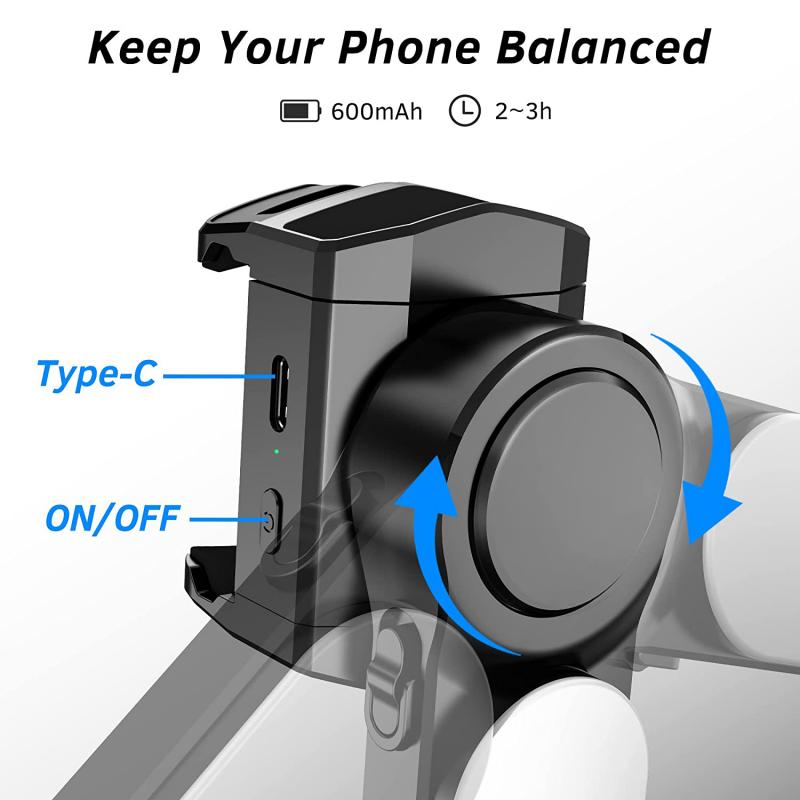
1. Lighting: Good lighting is crucial for a great selfie. Natural light is often the best, so try to take your selfies outdoors or near a window.

2. Background: Pay attention to your background. A clutter-free background can make your selfie stand out more.

3. Angles: Experiment with different angles to find your best side. Holding the selfie stick slightly above your head can often result in a more flattering angle.

4. Expressions: Be natural and relaxed. Forced smiles or poses can make your selfie look less genuine.

5. Editing: Use photo editing apps to enhance your selfies. Adjusting brightness, contrast, and saturation can make a big difference.

Troubleshooting Common Issues

1. Connection Problems: If your wired selfie stick is not triggering the camera, ensure that the cable is fully inserted into the headphone jack. For Bluetooth selfie sticks, make sure the stick is charged and properly paired with your iPhone 6.

2. Phone Stability: If your phone is not stable in the holder, check if the grips are adjusted correctly. You may need to tighten the holder to ensure a secure fit.

3. Button Malfunction: If the button on your selfie stick is not working, it could be due to a low battery (for Bluetooth sticks) or a faulty cable (for wired sticks). Charge the stick or try a different cable if necessary.

4. Camera App Issues: If the camera app is not responding, try restarting your iPhone 6 or updating the camera app to the latest version.

Setting up a selfie stick for your iPhone 6 is a straightforward process that can significantly enhance your photography experience. Whether you opt for a wired or Bluetooth selfie stick, following the steps outlined in this guide will ensure that you are well-equipped to capture stunning selfies. Remember to pay attention to lighting, angles, and background to make your selfies truly stand out. With a bit of practice and creativity, you'll be taking professional-quality selfies in no time. Happy snapping!

Leave your comment
Cancel reply
Note: HTML is not translated!
Related products
63'' Magnetic Iphone Tripod Phone Selfie Stick Tripod And Clip-On ND Filter(1-9 stops) For All Phone Set
207
$113.99 $59.99
K&F Concept Self-Open Selfie Stick, Selfie Stick Tripod with Rechargeable Bluetooth Remote Control, Phone Holder for Vlog, Foldable and Lightweight Design, Compatible with iPhone/Android, White
17
$35.99
63'' Magnetic Iphone Tripod Phone Selfie Stick Tripod, Lightweight Cellphone Holder And Camera Stand With Wireless Remote, Compatible With Iphone 15/14/13/12 Magsafe Series Ms19
94
$53.99 $35.99
Replaceable Cleaning Pen Set (Cleaning Pen + Silicone Head + APS-C Cleaning Stick*6)
1
$37.99 $19.99
Replaceable Cleaning Pen Set (Cleaning Pen + Silicone Head * 2 + Full-frame Cleaning Stick * 6)
1
$37.99 $19.99
K&F Concept Magnetic Phone Tripod Stand for iPhone, 22.5N Strong Magnetic Mini Tripod Aluminium Alloy Pocket Selfie Stick, Mag Safe Phone Holder for iPhone 16 15 14 13 12 Series.
83
$19.99
Cleaning Stick Set K&F Concept 24mm Full Frame Cleaning Stick Set (10PCS Cleaning Stick)
2
$30.99 $15.99
Cleaning Stick Set K&F Concept 16mm APS-C Format Cleaning Stick Set (10PCS Cleaning Stick)
1
$28.99 $14.99
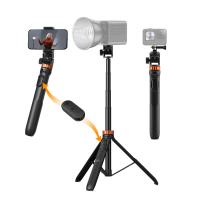
K&F Concept 69''/175cm Iphone Selfie Stick Tripod, Compact Tripod with Phone Holder, Light Stand with Detachable Remote Control, Action Camera Adapter, Compatible with Phone/GoPro/Camera
100
$49.99 $26.99
14Pcs Double-Headed Cleaning Stick Set, CMOS Full Frame Cleaning Stick 24mm Cleaning Cloth Sticks Set
$36.99 $19.99
Products You May Like
77-82mm Brass Filter Adapter Ring, Step-Up Ring Compatible with All 77mm Camera Lens & 82mm Filters
32
$28.99
49mm Circular Polarizer Lens Filter with Filter Cap Cleaning Cloth Optical Glass Ultra Slim Polarizing CPL Filter with 28 Multi-Layer Coatings Nano-Xcel Series
37
$74.99 $38.99
10W Metal Laser Engraving Machine with Air Assist 0.01mm Spot 600mm/min Speed
15
$749.99 $524.99
DJI Air 3 Hard Case Waterproof Carrying Case for DJI Air 3 Fly More Combo with DJI RC 2/RC-N2 Controller, Drone Accessories
$124.99 $99.99
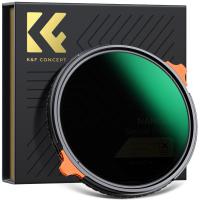
46mm True Color  Variable ND2-32 (1-5 Stops) and CPL Circular Polarizing Lens Filter 2 in 1 for Camera Lens Neutral Density Polarizer Filter Nano-X Series
46mm True Color Variable ND2-32 (1-5 Stops) and CPL Circular Polarizing Lens Filter 2 in 1 for Camera Lens Neutral Density Polarizer Filter Nano-X Series
52
$110.99 $82.99
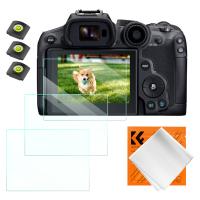
Camera Screen Protector*3 Compatible with Canon EOS R6 II, R6, R7, 0.3mm 9H Hardness Tempered Glass with Hot Shoe Level*3 + Vacuum Cleaning Coth*1
$15.99 $7.99
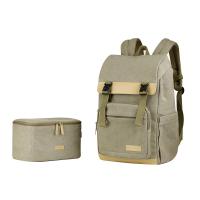
Travel Camera Backpacks with Removable DSLR Case fit up to 15.6" Laptop - 18L
10
$166.99 $91.99
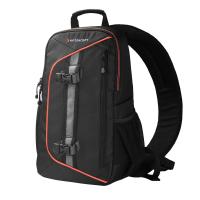
Camera Backpack DSLR/SLR Sling Camera Bag Fits 8-inch Laptop ,Waterproof with Adjustable Crossbody Strap and Removable Modular Inserts Compatible with Canon/Nikon/Sony/Olympus
48
$39.99
A200 1.7M Selfie Live Broadcast Mobile Stand with Remote Control
16
$35.99
[4X Optical Zoom] Recharge power Security Camera PTZ Outdoor for Home Security with Human Detection Auto Tracking-UK Standard
[4X Optical Zoom] Recharge power Security Camera PTZ Outdoor for Home Security with Human Detection Auto Tracking-UK Standard
$129.99 $79.99
Related articles
How To Use Selfie Stick With Iphone 10?
How To Set Up Earbuds?
How To Connect My Selfie Stick?
How To Connect Selfie Stick Shutter?
How To Fix Selfie Stick Button?
How To Use Camera Selfie Stick?
How To Set Up A Telescope?
How To Set Up Action Camera?
How To Make Your Selfie Stick Invisible?
What Is The Purpose Of A Camera Filter?
Blog You May Like
Why Use White Balance Lens Cap?
Make Lights Flash When Phone Rings?
What Does A Pro Mist Filter Do?
Telescope That Can Take Pictures?
How To Reset Battery Indicator On Blink Camera ?
How To Repair Mobile Camera Lens?
  What is the Best CPL Filter?
What is the Best CPL Filter?
How To Format External Memory Card In Android?
How To Use Mini Camera Hd Video Recorder?
Kentfaith and Sony to Co-Promote Brand Collaboration, Creating a New Era of Photography and Moviemaking
Related categories
step up lens filter adapter rings Pentacon 6 Mount Lens Adapters ND64 filter phone camera lens iphone lens filter camera lens adapter C mount lens adapter cell phone tripods
Popular products
travel tripod for iphone Iphone Tripod With Remote mobile lens cleaning pen lens pen cleaning kit travel lens cleaning kit Camera Sensor Cleaning Kit 360 auto tracking phone holder compact camera selfie stick mirrorless selfie stick camera lens star filter
Related searches
Iphone Tripod Selfie Stick Iphone Selfie Stick Tripod Invisible Selfie Stick Iphone Tripod Selfie Stick For Iphone Iphone 14 Pro Max Selfie Stick Selfie Stick And Tripod For Iphone Gopro Selfie Stick Selfie Stick Bluetooth Selfie Stick Tripod Magsafe Selfie Stick
Related Scenes
Best Selfie Ring Light Best Camera To Video Sports Best Camera To Capture Wildlife Best Video Camera To Record Sports Best Golf Laser Rangefinder The Best Digital Camera For Photography The Best Wireless Security Camera Best Binoculars For Night Best Video Camera For Home Best Binoculars For Low Light
Blog Category
  • Activities
  • Guide
    • Filter Guide
    • Lens Adapter
    • Product Review
  • News & Reviews
    • Camera Reviews
    • Sample Gallery
    • News
  • Tutorials
    • Solar eclipse photography
    • Photography Basics
    • Landscape Photography
  • Inspiration
    • Travel
    • Travel Stories
Search Article
Latest from the Blog
How To Pair Tws Bluetooth Earbuds?
How To Keep Earbuds In Your Ear?
Can Trail Cameras Be Used For Home Security?
Can A Tripod Fit Any Camera?
What Camera Has The Best Video Quality?
How To Take Great Photos With Digital Camera?
What Is The Best Trail Camera With Wifi?
What Are The Uses Of A Compound Microscope?
How To Receive Notifications On Smartwatch?
How To Choose A Home Security Camera System?
  • Easy Payment Multilple Payment Options

  • Free Shipping Global WareHouse Shipment

  • No Risk 30-Day No Reason Return

  • Limited Deals Buy More, Save More

  • Tax Free No any surcharges or tax fee

Information
  • About us
  • Contact Us
  • Site Map
  • Blog
  • Video
  • Gallery
  • VIP Membership Rewards
Service
  • Privacy Policy
  • Terms & Conditions
  • Shipping & Delivery
  • Payment Info
  • Warranty, Return & Refund
  • Intellectual Property Rights
  • Ambassador
  • Affiliates
  • Wholesale
Support
  • My account
  • Order History
  • FAQs
  • Extend Warranty
  • Logistics Tracking
Follow us
NewsLetter

Get the latest product, K&F Concept respects your privacy.

Powered By KENTFAITH © 2026