How To Choose A Home Security Camera System?
Most people start shopping for security cameras after something happens: a package disappears, a car gets checked at night, a neighbor mentions a break-in, or a family member wants to know who’s at the door. That urgency can lead to buying the first camera kit that looks popular. The problem is that home security cameras are not one-size-fits-all. A system that works beautifully for a small apartment may be annoying or inadequate for a detached house, and the camera with the sharpest video may still miss the moment you actually needed.
The best system is the one that fits your home, your habits, your internet, and your tolerance for maintenance.
Start with what you actually need to see
Before comparing brands or specs, walk around your home and think in terms of events, not cameras.
Where would someone realistically approach your property? Front door, driveway, side gate, back patio, garage, basement entrance, shared hallway? Those are usually more important than covering every inch of the yard.
A common mistake is placing cameras too high and too wide because people want “full coverage.” That often gives you footage of a person’s hat and shoulders, not their face. For identification, cameras usually need to be closer to the action: near doors, gates, walkways, and vehicle areas. Wide overview shots are useful, but they should not be your only view.
For most homes, the priority order looks something like this:
- Front door or porch
- Driveway or parked vehicles
- Back entrance
- Side gate or hidden approach
- Garage interior or exterior
- Main indoor entry point, if you’re comfortable with indoor cameras
You may not need cameras inside living spaces. Many people start with indoor cameras and later turn them off because they feel intrusive. If you want indoor coverage, entryways, garages, nurseries, pet areas, and utility rooms usually make more sense than bedrooms or main living rooms.
Wired, wireless, or battery-powered?
This is the decision that affects your day-to-day experience more than most people expect.
Wired cameras, especially Power over Ethernet systems, are the most dependable. They get power and data through a cable, usually connected to a recorder or network switch. They are less affected by weak Wi-Fi, don’t need recharging, and are better for continuous recording. The downside is installation. Running cable through attics, exterior walls, soffits, or crawl spaces can be a weekend project or a job for an installer.
Wi-Fi cameras plug into power but send video wirelessly. These are easier to install and work well if your Wi-Fi signal is strong where the camera is mounted. The catch is that outdoor Wi-Fi is often worse than people realize. A phone showing two bars near the driveway doesn’t guarantee a stable camera feed during rain, cold weather, or peak network use.
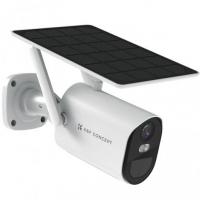
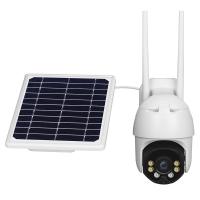
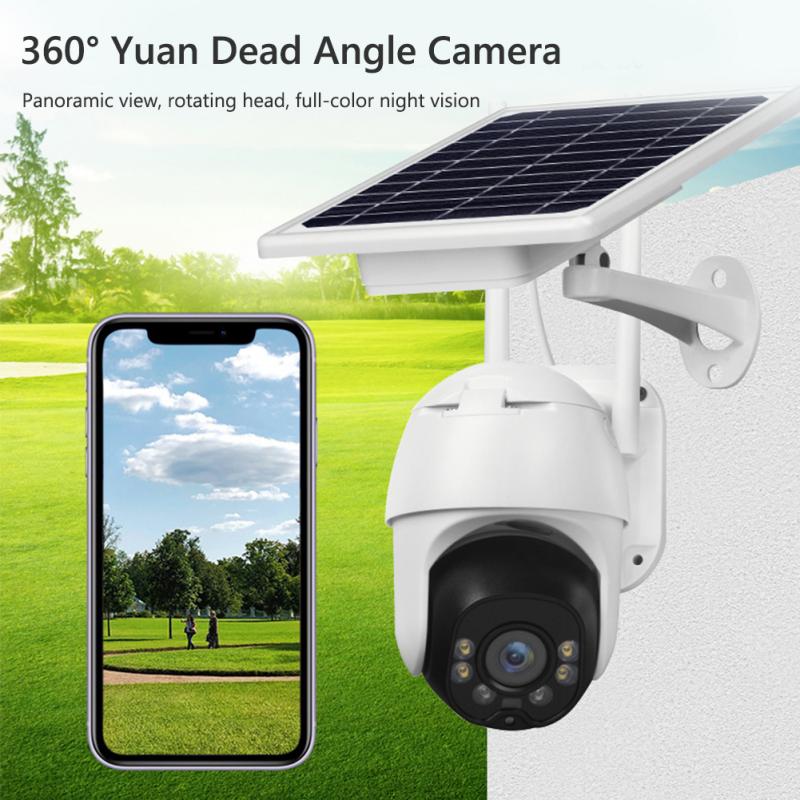
Battery cameras are the easiest to install. No wires, no outlet, no attic crawl. They are great for renters, temporary setups, sheds, gates, or spots where wiring is not worth the trouble. Their limitation is recording behavior. To save battery, they usually wake up on motion rather than recording continuously. That means they can miss the first second or two of activity, especially if motion detection is poorly configured or the person approaches from an odd angle. Battery life also depends heavily on traffic. A camera facing a busy street may drain quickly.
If you want a low-maintenance system for long-term use, wired is usually best. If you want convenience and flexible placement, battery cameras are attractive, but buy them with realistic expectations.
Local storage vs cloud storage
Storage is where many buyers get surprised after purchase.
Cloud-based cameras are simple. Clips are uploaded online, you view them through an app, and if someone steals the camera, the footage may still be saved. The trade-off is a monthly subscription. Some brands are almost useless without a paid plan because they restrict event history, person detection, or longer recordings.
Local storage means footage is saved to a recorder, memory card, or home hub. This can avoid monthly fees and gives you more control. It also works better for continuous recording. The weak point is physical security. If the recorder is sitting beside the TV and someone breaks in, it can be taken. If you go local, place the recorder somewhere less obvious, use a locked cabinet if possible, and consider a backup strategy for important clips.
For many homes, a hybrid setup works well: local recording for main cameras, cloud clips for doorbell or high-priority entry points. The right answer depends on whether you prefer lower monthly cost or easier access and backup.
Don’t obsess over resolution alone
A 4K camera sounds better than a 1080p camera, and often it is. Higher resolution can help with faces, plates, and distant details. But resolution is only part of the picture.
Night performance matters more than most spec sheets suggest. A camera that looks crisp at noon may turn muddy at night, especially if it relies on tiny infrared LEDs. Look for real sample footage from night conditions, not only daytime marketing images. Pay attention to whether faces are overexposed when someone walks close to the camera. Some cameras blast infrared so strongly that a face near the lens becomes a glowing blur.
Field of view also matters. A very wide lens covers more area, but people farther away look smaller. A narrower lens may be better for a driveway or gate where you want detail. In practice, it’s often smarter to use two well-placed cameras than one ultra-wide camera trying to do everything.
Frame rate is another overlooked detail. For general home use, 15 to 30 frames per second is fine. Extremely low frame rates can make fast movement harder to review, but ultra-high frame rates are rarely necessary unless you have a specific need.
Motion detection can make or break the system
A camera that alerts you every time a tree moves will get ignored. A camera that misses people walking up your driveway is worse.
Modern systems may offer person detection, vehicle detection, package detection, animal detection, activity zones, and sensitivity settings. These features are not just extras; they decide whether you trust the system.
Activity zones are especially useful if your camera sees a sidewalk, street, flag, tree, or neighbor’s driveway. Without zones, you may get hundreds of useless notifications. After a few days, most people either disable alerts or stop paying attention. Good detection lets you receive fewer but more meaningful alerts.
Mounting angle affects detection too. Many battery cameras detect motion better when people cross across the frame rather than walk straight toward the camera. If a camera is missing events, don’t assume it’s defective immediately. Try adjusting the angle, lowering it slightly, or narrowing the detection zone.
Expect to spend the first week tuning alerts. That’s normal. A security camera system is rarely perfect on day one.
Think about lighting before buying more cameras
Good lighting can improve security more than another camera.
A dark side yard with a camera may still produce poor footage. Add a motion light and suddenly the same camera becomes far more useful. Some cameras have built-in spotlights, which can work well at doors, garages, and patios. They also make the camera more visible, which can be a deterrent.
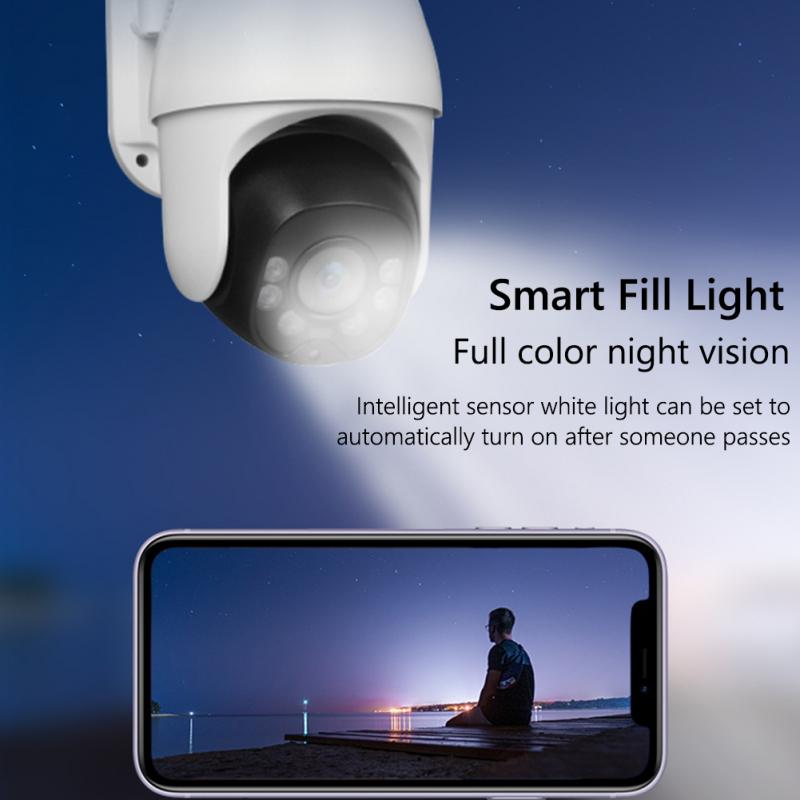
Infrared night vision is discreet, but it produces black-and-white video and can struggle with reflective surfaces. Spotlight cameras provide color footage at night but may annoy neighbors if aimed poorly. If you live close to other homes, test light direction carefully. Nobody wants a security light blasting into a bedroom window at 2 a.m.
Doorbell camera or regular camera at the front door?
A video doorbell is convenient because it captures visitors, deliveries, and doorbell rings from a natural angle. For many homes, it’s the most useful first camera. It also gives you two-way talk, which is handy for deliveries or unexpected visitors.
But doorbell cameras have blind spots. Packages placed directly underneath may not be visible unless the camera has a tall vertical view. Faces can be backlit if the porch faces bright sun. Battery doorbells may be slower to wake than wired ones.
If your front door is important, pairing a doorbell camera with a separate porch or driveway camera gives much better coverage. The doorbell identifies people at the door; the second camera shows where they came from and where they went.
Check your internet and Wi-Fi before committing
Cameras can be demanding, especially if you install several Wi-Fi models. Upload speed matters for cloud recording and remote viewing. A household with slow upload speed may struggle with multiple cameras uploading clips or live streams.
Wi-Fi coverage outdoors is another issue. Exterior walls, brick, metal doors, foil-backed insulation, and distance from the router can weaken signal. If you already have dead spots near the garage or back patio, cameras will likely struggle there too.
For Wi-Fi systems, a mesh network or outdoor access point can help. For wired systems, plan cable routes before buying. Camera placement should not be decided only by where installation is easiest, but ignoring installation realities leads to frustration.
Privacy and security are part of the purchase
A home security camera system should not create new problems.
Use strong, unique passwords. Turn on two-factor authentication if the brand offers it. Keep firmware updated. Avoid no-name cameras with questionable apps, especially for indoor use. Cheap hardware can become expensive if the app is unreliable, the company disappears, or security updates stop.
Also think about privacy inside the home. If you install indoor cameras, choose models with physical privacy shutters or clear status lights if that matters to your household. Everyone living in the home should know where cameras are and when they record. Hidden indoor cameras can create serious trust problems.
For outdoor cameras, avoid pointing directly into neighbors’ windows or private spaces. Aim at your property, entrances, vehicles, and walkways. Good security does not require filming everyone around you.
Match the system to your living situation
Renters usually do better with battery cameras, doorbell mounts that don’t require drilling, and systems that are easy to remove. Just check lease rules before mounting anything outside.
Homeowners planning long-term coverage should seriously consider wired cameras for the main exterior points. The installation effort pays off over time, especially for driveways, garages, and back entrances.
Families with kids may value easy sharing, simple app controls, and reliable notifications more than advanced recording options. People who travel often may prefer cloud storage and smart alerts. Anyone with frequent deliveries should prioritize the front door, porch angle, and package detection.
If you live on a busy street, choose cameras with strong alert filtering. If your property is rural or poorly lit, night vision range, lighting, and local recording become more important.
What I’d avoid
I’d be cautious with any system that looks cheap but requires a subscription for basic features. Read the fine print before buying. Some cameras advertise “free recording” but only offer short clips, limited history, or still images.
I’d also avoid buying a huge camera bundle before testing one or two cameras in your actual home. Specs don’t reveal how well your Wi-Fi reaches the garage, how the porch light affects night video, or how many false alerts your maple tree causes.
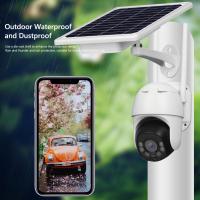
Very cheap outdoor cameras can be tempting, but weather sealing, app reliability, and long-term support matter. A camera mounted outside deals with heat, cold, rain, insects, dust, and power interruptions. Saving a little upfront may not feel worth it if the app fails whenever you need footage.
A practical way to choose
Pick your top three areas to protect first. For many homes, that’s front door, driveway, and back entrance. Decide whether each location needs continuous recording or just motion alerts. Check power and Wi-Fi at those spots. Then choose a system that fits those realities.
If you want the fewest headaches and own the home, lean toward wired cameras for core coverage. If you rent or want easy setup, start with reputable battery or plug-in Wi-Fi cameras. If you hate subscriptions, look closely at local storage options. If you want easy remote access and saved clips after theft or damage, cloud storage may be worth the monthly cost.
The right home security camera system is not always the one with the most cameras or the highest resolution. It’s the one that reliably captures the moments you care about, sends alerts you’ll actually pay attention to, and fits into your life without becoming another chore.