kfconcept

KENTFAITH
K&F Concept    Blog >

Enjoy Your Selected Digital Life

Recently Viewed
  • Recently Viewed
  • 72mm Black Mist 1/4 and ND2-32 (1-5 Stop) Variable ND Lens Filter 2 in 1 with 28 Multi-Layer Coatings Nano-Xcel Series
    72mm Black Mist 1/4 and ND2-32 (1-5 Stop) Variable ND Lens Filter 2 in 1 with 28 Multi-Layer Coatings Nano-Xcel Series
    $116.99 $92.99
    86mm Fader ND2-32 (1-5 Stop) Variable ND Lens Filter Neutral Density Filter for Camera Lens NO X Spot Nanotec Ultra-Slim Weather-Sealed
    86mm Fader ND2-32 (1-5 Stop) Variable ND Lens Filter Neutral Density Filter for Camera Lens NO X Spot Nanotec Ultra-Slim Weather-Sealed
    $112.99 $89.99
    22" / 55cm Octagonal Softbox Quick Release Bowens Mount Softbox with Honeycomb Grid Light Diffusers Carrying Bag for Photography Studio Speedlite Flash and Monolight
    22" / 55cm Octagonal Softbox Quick Release Bowens Mount Softbox with Honeycomb Grid Light Diffusers Carrying Bag for Photography Studio Speedlite Flash and Monolight
    $77.99
Compare (0) 0
  • Compare
  • You have not chosen any products to compare.

  • Compare
Currency: USD
  • Currency
Shop by Scene Shop by Rank

Log Into Your Account

Account

Order History

Wish List

Login

Forgotten Password?

Or connect with

Register Account

Already have an Account?Log In

  • Shopping Cart
  • Your shopping cart is empty!

  • Register/Login to purchase, earn points
  • Favorite
  • Your wish list is empty.

  • Register/Login to like, earn points
  • Activities
  • Guide
    • Filter Guide
    • Lens Adapter
    • Product Review
  • News & Reviews
    • Camera Reviews
    • Sample Gallery
    • News
  • Tutorials
    • Solar eclipse photography
    • Photography Basics
    • Landscape Photography
  • Inspiration
    • Travel
    • Travel Stories
  • Home
  • Blog
  • How Do I Find A Wifi Camera Ip Address ?

How Do I Find A Wifi Camera Ip Address ?

Kentfaith 2023-06-23 07:59:23 0 Comments

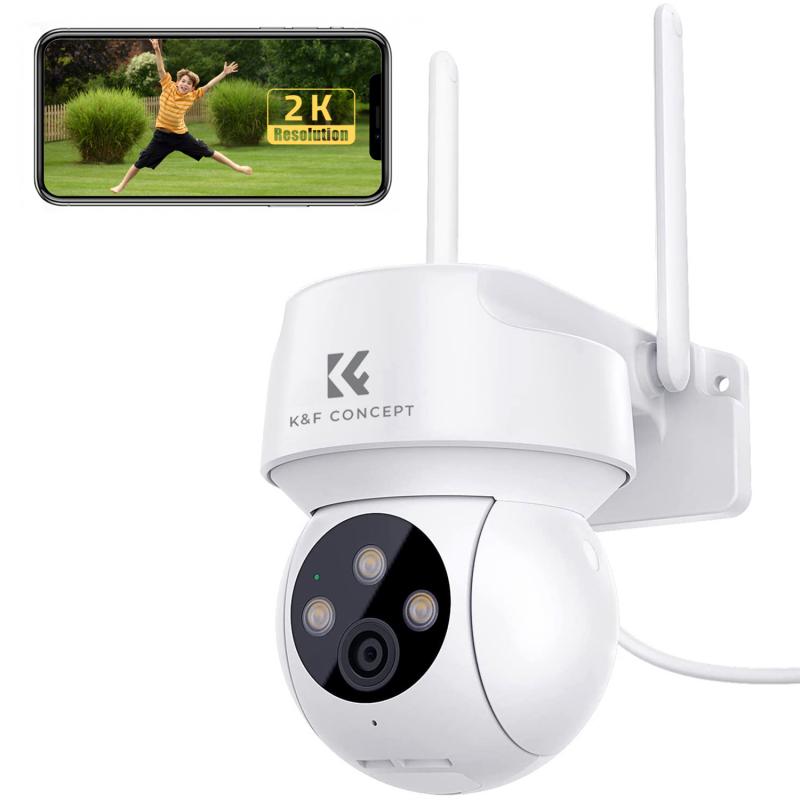
Finding the IP address of a WiFi camera can be a crucial step in setting up and managing your home or office security system. Whether you are a tech enthusiast or a novice, understanding how to locate this information can save you time and ensure your surveillance system is functioning correctly. In this article, we will explore various methods to find the IP address of your WiFi camera, discuss the tools you might need, and provide step-by-step instructions to make the process as straightforward as possible.

Understanding the Basics

Before diving into the methods, it's essential to understand what an IP address is and why it's important. An IP address (Internet Protocol address) is a unique identifier assigned to each device connected to a network. For WiFi cameras, the IP address allows you to access the camera's feed, configure settings, and perform other administrative tasks.

Method 1: Using the Camera's Software

Most WiFi cameras come with proprietary software or a mobile app provided by the manufacturer. This software often includes features that allow you to find the camera's IP address easily.

1. Install the Software: Download and install the software or app from the manufacturer's website or app store.

2. Connect the Camera: Ensure your camera is connected to the same WiFi network as your computer or mobile device.

3. Open the Software: Launch the software or app and log in using your credentials.

4. Locate the Camera: Navigate to the section where your camera is listed. This is usually under a tab like "Devices" or "Cameras."

5. Find the IP Address: The IP address should be displayed alongside other details about the camera.

Method 2: Using a Network Scanner
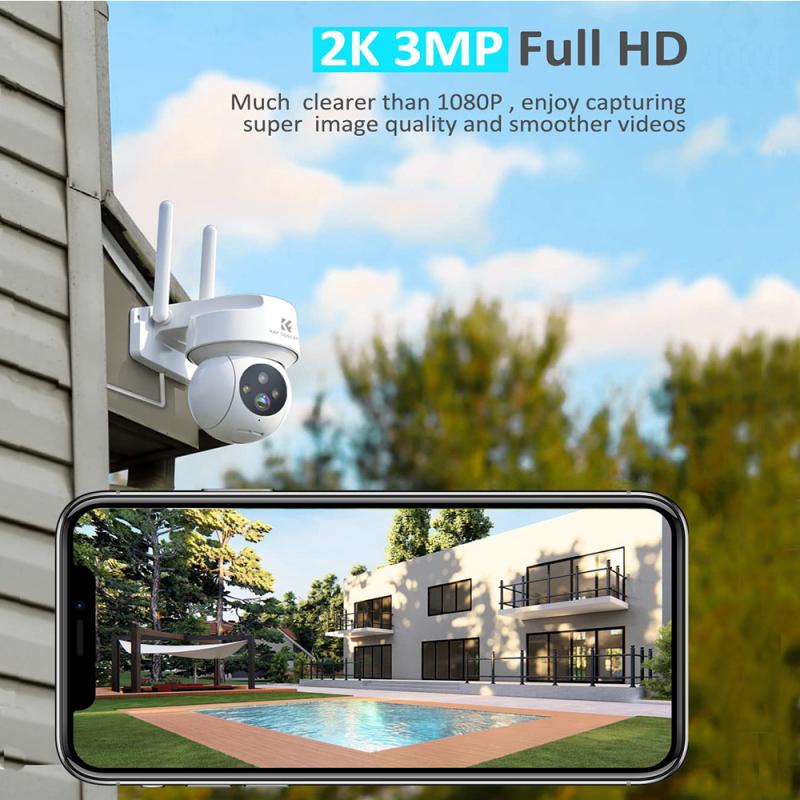

If the camera's software does not provide the IP address, you can use a network scanner tool. These tools scan your network and list all connected devices along with their IP addresses.

1. Download a Network Scanner: Popular options include Advanced IP Scanner, Fing, and Angry IP Scanner.

2. Install and Run the Scanner: Follow the installation instructions and launch the tool.

3. Scan the Network: Initiate a scan of your network. This process may take a few minutes.

4. Identify the Camera: Look through the list of connected devices to find your camera. It may be listed by its MAC address or manufacturer name.

5. Note the IP Address: Once you locate the camera, note down its IP address.

Method 3: Using the Router's Admin Page

Your router's admin page can also provide a list of connected devices and their IP addresses.

1. Access the Router's Admin Page: Open a web browser and enter your router's IP address (commonly 192.168.1.1 or 192.168.0.1) in the address bar.

2. Log In: Enter your router's admin username and password. If you haven't changed these, they are often set to default values like "admin" and "password."

3. Navigate to Connected Devices: Look for a section labeled "Connected Devices," "Device List," or something similar.

4. Find the Camera: Identify your camera from the list. It may be listed by its MAC address or device name.

5. Note the IP Address: Record the IP address associated with your camera.

Method 4: Using Command Prompt (Windows) or Terminal (Mac/Linux)
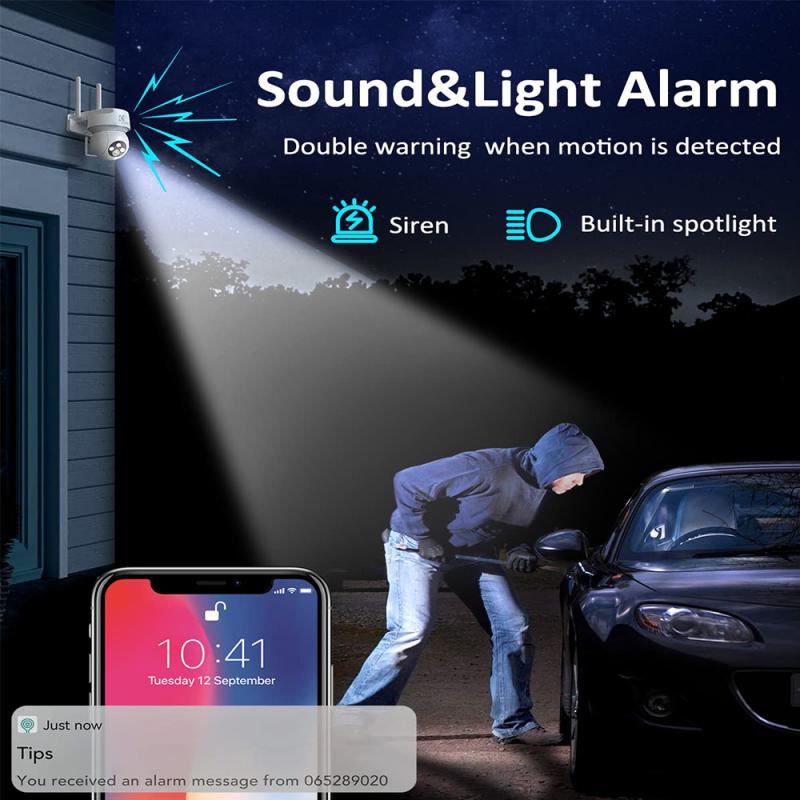

For those comfortable with command-line interfaces, you can use Command Prompt or Terminal to find the IP address.

1. Open Command Prompt/Terminal: On Windows, press `Win + R`, type `cmd`, and press Enter. On Mac/Linux, open Terminal from the Applications folder or use a shortcut.

2. Ping the Network: Type `arp -a` and press Enter. This command will display a list of all devices connected to your network along with their IP addresses and MAC addresses.

3. Identify the Camera: Match the MAC address of your camera (usually found on the camera or in its documentation) with the list to find the corresponding IP address.

Troubleshooting Tips

- Ensure the Camera is On: Make sure your camera is powered on and connected to the WiFi network.

- Check for Interference: Other electronic devices can sometimes interfere with WiFi signals. Ensure your camera is placed in an area with a strong WiFi signal.

- Update Firmware: Ensure your camera's firmware is up to date. Sometimes, outdated firmware can cause connectivity issues.

Conclusion

Finding the IP address of your WiFi camera is a fundamental step in setting up and managing your surveillance system. Whether you use the camera's software, a network scanner, your router's admin page, or command-line tools, the process is generally straightforward. By following the methods outlined in this article, you can quickly locate your camera's IP address and ensure your security system is functioning optimally.

Understanding how to find your WiFi camera's IP address not only helps in the initial setup but also aids in troubleshooting and maintaining your security system. With this knowledge, you can confidently manage your surveillance setup and ensure your home or office remains secure.

Leave your comment
Cancel reply
Note: HTML is not translated!
Related products
128GB MicroDrive Micro SD UHS-I Memory Card
2
$31.99
4K60FPS 48MP 66FT Waterproof Action Camera without a Case, Dual Screens, 64GB Card, EIS, WiFi Remote Control, Kentfaith
14
$191.24 $152.99
Anti-Spy Detector Scan & Disconnect for 24/7 Protection Find Bugs Hidden Cams
15
$89.99 $59.99
Metal Detectors for Adults and Kids, Gold Detector Kit with LCD Display & IP68 Waterproof Search Coil for Find Valuables
285
$215.99 $151.99
K&F Concept KF-150 I-TTL Macro Ring Light Flashs LCD Display and Wireless Slave Function Speedlite with 6pcs Adapter Rings Compatible with Nikon DSLR Cameras
102
$119.99 $115.99
4K Bike Camera 2" Display 1000LM Bicycle Light IP67 Waterproof WIFI Connection
30
$149.99 $125.99
Dual-Lens Security Camera Solar Outdoor Surveillance 10X Optical Zoom 2.4G WiFi
12
$274.99 $230.99
5K Digital Video Camera Camcorder WIFI IR Night Vision for Vlogging Youtube
95
$269.99 $189.99
Dental Intraoral Camera WiFi 2MP Photo & Video 8 LEDs for Home Kentfaith
11
$99.99 $79.99
Camera Sunglasses, HD 1080P, EIS Stabilization, WiFi Connect, Translation, 4H Playtime, Kentfaith
16
$119.99 $95.99
Products You May Like
43mm True Color  Variable ND2-32 (1-5 Stops) and CPL Circular Polarizing Lens Filter 2 in 1 for Camera Lens Neutral Density Polarizer Filter Nano-X Series
43mm True Color Variable ND2-32 (1-5 Stops) and CPL Circular Polarizing Lens Filter 2 in 1 for Camera Lens Neutral Density Polarizer Filter Nano-X Series
52
$110.99 $74.68
KF,High precision lens adapter ring,HB-GFX
10
$148.99 $77.99
55mm Snap-On Center Pinch Lens Cap 9 in 1 with Anti-Loss Keeper Leash Compatible with Nikon, Canon, Sony, Fujifilm Camera Lenses
73
$18.99 $9.99
49mm Variable ND3-ND1000 ND Filter (1.5-10 Stops) Neutral Density Lens Filter with 24 Multi-Layer Coatings for Camera Lens Nano-Dazzle
48
$43.99 $34.99
Mini Voice Recorder Magnetic & Voice-activated, 1600H Recording with Noise Cancelling, Kentfaith Voice Recorder for Meetings, Lectures, Studying, Interviews 128G
621
$82.49 $53.99
K&F Concept Laptop Mobile Screen 20-in-1 Cleaning Kit, Computer Keyboard Brush Cleaning Spray, Suitable for iPhone AirPods MacBook iPad
$26.99 $16.99
52mm Magnetic UV Filter Ultra Slim with Multi Coated Ultraviolet Protection Lens Filter with Cleaning Cloth Nano-K Series
34
$19.99 $15.99
Black Light Trail Camera
10
$135.99 $74.99
LP-E10 Battery and Charger Set with Dual Slot Charger for Canon EOS 1100D, 1300D, 1500D, 1200D, X50
81
$29.99 $24.99
82mm Spiral Halo Camera Lens Filter Premium Optical Glass Halo Swirl Special Effect Filter Nano-B Series
26
$41.99 $29.69
Related articles
How To Find Mac Address On Ring Camera?
How Do I Find My Camera?
How To Use Ip Camera Without Wifi?
How Do I Find Hidden Cameras?
Where Can I Find A Camera?
How To Find Ip Cameras On Network?
How To Find Ip Cameras On Google?
Where Do I Find Camera In System Preferences?
How To Find Camera Wifi Password ?
How Optical Rangefinders Work?
Blog You May Like
How To Use A Digital Camera?
How much do night vision binoculars cost?
How To Set Up Lighting For Video Conferencing?
How To Install Lens Light Filter?
How Do Digital Cameras Capture An Image?
How To View Security Camera On Phone?
How To Find The Right Camera?
Can You Use Golf Rangefinder For Hunting?
How To Wire An Outdoor Camera For Power?
How To Password Protect A Memory Card?
Related categories
Outdoor Security Camera Wifi A Mount Lens Adapter Sony A Mount Lens Adapters Wifi Trail Cameras minolta a mount lenses Baby Movement Monitor Camera Parts | Studio Camera Accessories streaming video camera digital camera for beginner Solar Cellular Trail Camera
Popular products
Smart Home Hd Wifi Camera wireless ip trail camera 1080P Outdoor Security Camera outdoor night camera surveillance outdoor hd wireless ip camera no spy hidden camera detector Gold Detector Kit mini web camera wifi hiding a trail camera 32gb high speed memory card
Related searches
Small Ip Camera Wifi Outdoor Ip Camera Find Hidden Camera Detector Wireless Ip Security Camera Metal Detector Find Bag Ip Home Security Cameras I Touch Smart Watch Sony Vaio Can't Find Wireless Adapter I Touch 3 Smart Watch Samsung C I Card Adapter
Popular searches
Fujifilm Np W126s Canon Lens Mount Converter B Canon T3i Lens Mount Heat Vision Security Camera Live Singing Microphone Canon G7x Lens Adapter Aja Cion Lens Mount Macro Lens For Canon Camera 67mm Filter Small Binoculars For Concerts
Blog Category
  • Activities
  • Guide
    • Filter Guide
    • Lens Adapter
    • Product Review
  • News & Reviews
    • Camera Reviews
    • Sample Gallery
    • News
  • Tutorials
    • Solar eclipse photography
    • Photography Basics
    • Landscape Photography
  • Inspiration
    • Travel
    • Travel Stories
Search Article
Latest from the Blog
Which Camera Is Best For Low Light Photography?
What Is The Difference Between Binoculars And Telescope?
How Do Trail Cameras Work? The Ultimate Guide to Trail Cameras
Where Can I Find Hidden Cameras?
What Is The Best Wireless Outdoor Security Camera?
What Power Binoculars For Long Distance Viewing?
Which Binoculars To Buy?
How To Place Cameras Around Your House?
How To Make A Camera Flash After Effects?
Camera Use Which Lens?
  • Easy Payment Multilple Payment Options

  • Free Shipping Global WareHouse Shipment

  • No Risk 30-Day No Reason Return

  • Limited Deals Buy More, Save More

  • Tax Free No any surcharges or tax fee

Information
  • About us
  • Contact Us
  • Site Map
  • Blog
  • Video
  • Gallery
  • VIP Membership Rewards
Service
  • Privacy Policy
  • Terms & Conditions
  • Shipping & Delivery
  • Payment Info
  • Warranty, Return & Refund
  • Intellectual Property Rights
  • Ambassador
  • Affiliates
  • Wholesale
Support
  • My account
  • Order History
  • FAQs
  • Extend Warranty
  • Logistics Tracking
Follow us
NewsLetter

Get the latest product, K&F Concept respects your privacy.
Powered By KENTFAITH © 2025