kfconcept

KENTFAITH
K&F Concept    Blog >

Enjoy Your Selected Digital Life

Recently Viewed
  • Recently Viewed
  • Recently Viewed list is empty.

Compare (0) 0
  • Compare
  • You have not chosen any products to compare.

  • Compare
Currency: USD
  • Currency
Shop by Scene Shop by Rank

Log Into Your Account

Account

Order History

Wish List

Login

Forgotten Password?

Or connect with

Register Account

Already have an Account?Log In

  • Shopping Cart
  • Your shopping cart is empty!

  • Register/Login to purchase, earn points
  • Favorite
  • Your wish list is empty.

  • Register/Login to like, earn points
  • Activities
  • Guide
    • Filter Guide
    • Lens Adapter
    • Product Review
  • News & Reviews
    • Camera Reviews
    • Sample Gallery
    • News
  • Tutorials
    • Solar eclipse photography
    • Photography Basics
    • Landscape Photography
  • Inspiration
    • Travel
    • Travel Stories
  • Home
  • Blog
  • How To Put Earbuds In Your Ear?

How To Put Earbuds In Your Ear?

Kentfaith 2025-09-06 09:30:29 0 Comments

Earbuds are one of the most popular types of headphones, offering portability, convenience, and decent sound quality for everyday use. Despite their widespread use, however, many people struggle with how to insert them properly into their ears. Improperly wearing earbuds can lead to discomfort, poor audio quality, and even physical irritation after prolonged use. This guide will provide clear and actionable instructions on how to position earbuds correctly, while also addressing common problems and offering tips for achieving the best results.

1. Understand Your Earbud’s Design
how to put earbuds in your ear 1

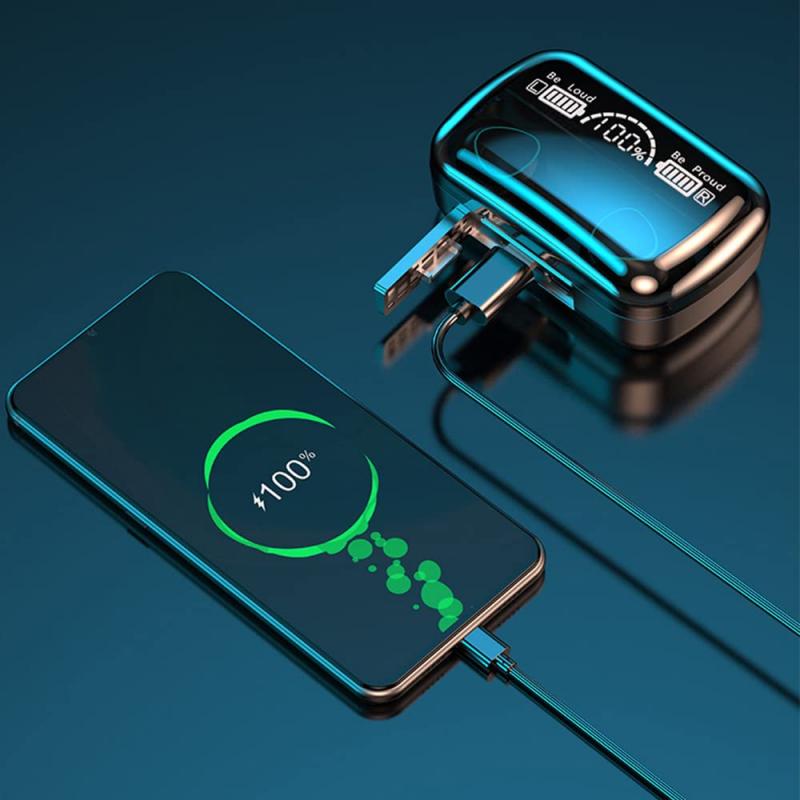
Before inserting your earbuds, it's essential to understand their design. Earbuds come in different shapes and designs, tailored for various ear sizes and audio experiences. Broadly, they fall into two categories:

Standard Earbuds: These sit at the entrance of your ear canal without going deep inside. They are designed for basic comfort and may require more adjustment to stay securely in place.

In-Ear Earbuds (IEMs): These have silicone or foam tips designed to fit snugly inside your ear canal, offering better isolation and sound quality.

Knowing which type of earbuds you own helps you understand the best techniques for wearing them securely.

2. Clean Your Ears and Earbuds
how to put earbuds in your ear 2

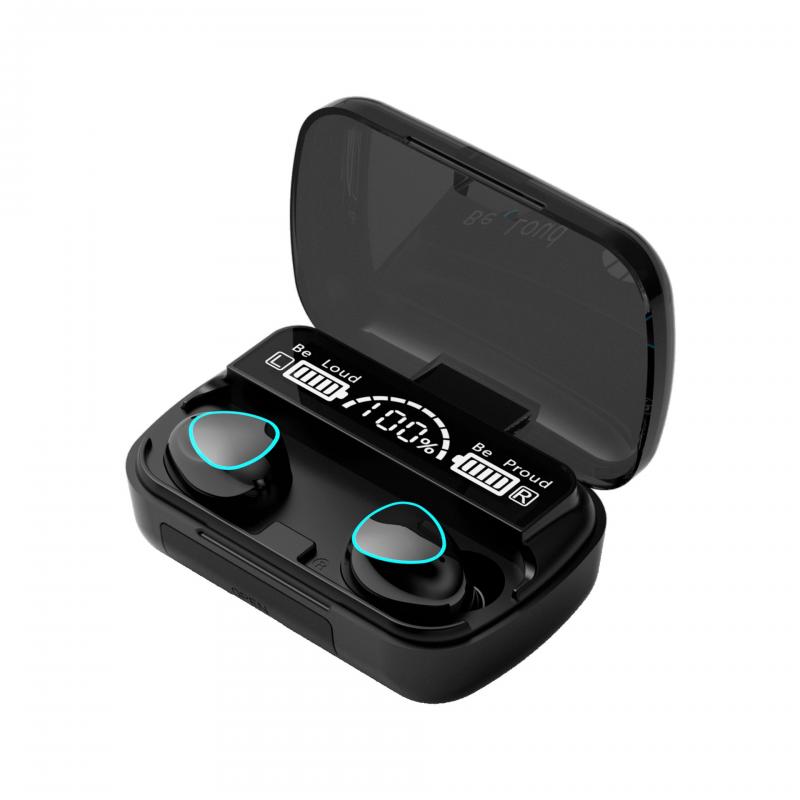
Earwax buildup can frequently interfere with the earbuds' fit and audio quality. Before using your earbuds, it's helpful to clean both your ears and the earbuds themselves.

Steps to Clean Your Ears:

- Use a damp cloth to wipe around the outer ear. Avoid inserting objects like cotton swabs deep into the ear canal.

- Regularly check for earwax buildup, which could obstruct sound or cause discomfort.

Steps to Clean Your Earbuds:

- Use a soft, dry cloth for everyday cleaning of the earbuds.

- If earwax buildup affects the mesh surface of the earbuds, gently use a dry toothbrush or a cotton swab dipped in rubbing alcohol to clean them.

Maintaining cleanliness ensures better sound performance and prevents irritation.

3. Correct Method for Inserting Earbuds
how to put earbuds in your ear 3

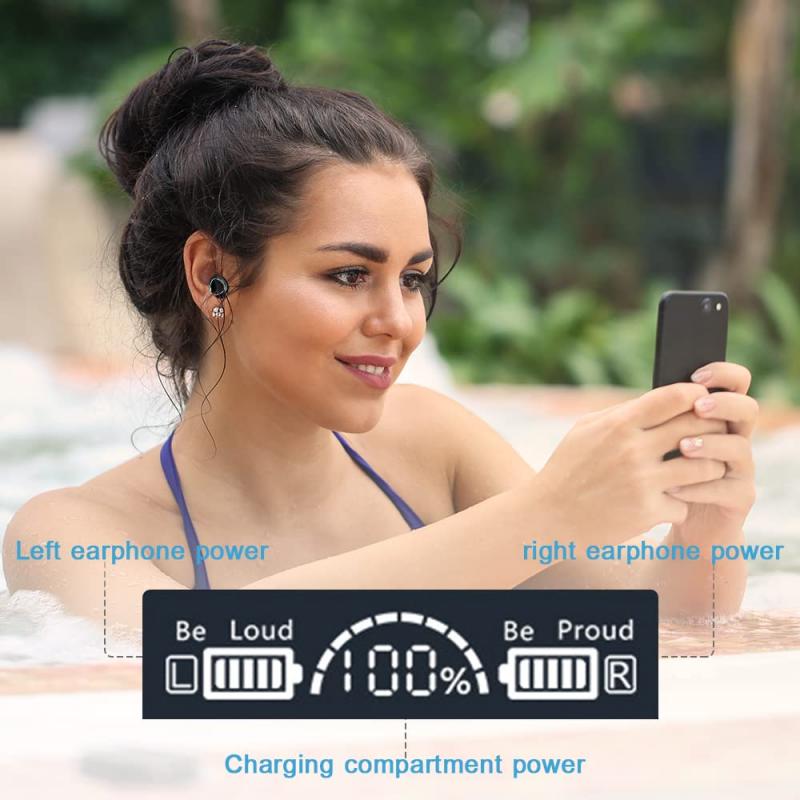
Using improper techniques to insert your earbuds can cause significant discomfort or make them fall out easily. Follow these steps to fit earbuds securely and comfortably:

For Standard Earbuds:
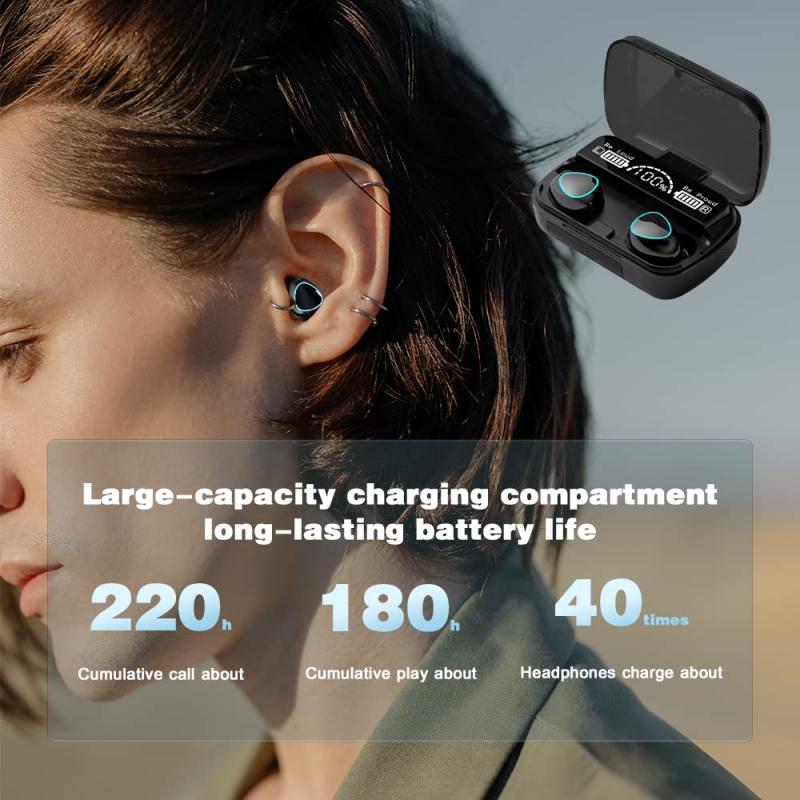
how to put earbuds in your ear 4

1. Placement: Position the earbud speaker directly over the entrance of your ear canal. These earbuds don't require insertion but should align subtly with your ear’s shape.

2. Adjust: Tilt or angle the earbud slightly to match the natural curve of your ear. Trial and error will help you find the most stable position.

3. Secure: Ensure the cord (if applicable) isn’t pulling or tangling, as this can cause the earbuds to dislodge.

For In-Ear Earbuds (IEMs):

1. Choose the Right Ear Tip: Most in-ear earbuds come with multiple sizes of silicone or foam tips. Test them to find the one that fits snugly but comfortably in your ear canal.

2. Orientation: Many earbuds are labeled "L" for left and "R" for right. Ensure you are using the correct earbud for each ear.

3. Insertion: Gently pull the outer part of your ear upward and outward to straighten the ear canal. Insert the earbud at a slight angle, allowing it to fit securely.

4. Seal: Wiggle the earbud gently to establish a good seal. A proper seal enhances sound quality and blocks external noise effectively.

4. Test the Fit

Once the earbuds are in place, you should test the fit to ensure they’re comfortable and secure. Move your head around or mimic the activity you’ll be doing (e.g., jogging or commuting) to check for stability. If the earbuds start slipping out or feel loose, consider adjusting them or switching to a different tip size if you’re using in-ear models.

5. Tips for Preventing Earbuds from Falling Out

A common frustration with earbuds is their tendency to fall out, especially during motion-heavy activities like running or gym workouts. Here are practical strategies to solve this:

Fit Matters: As mentioned earlier, selecting the right ear tip size for in-ear earbuds makes a significant difference. Foam or memory foam tips tend to provide a more secure grip.

Anchor the Cord: If your earbuds have a cord, loop it around your ear or secure it under clothing so it doesn’t tug while you move. For wireless earbuds, adjust accordingly to ensure they’re positioned securely.

Avoid Over-Insertion: Inserting the earbuds too far can cause discomfort or may loosen them unexpectedly. Aim for a natural depth that feels stable.

Ear Hooks or Wings: Many modern earbuds come with optional ear hooks or wings for additional support. These accessories can help lock the earbuds in place, making them ideal for exercise.

Moisture Management: Sweating can make earbuds more prone to slipping. If this is a recurring issue, consider wiping them off periodically during use or exploring sweat-resistant models.

6. Troubleshooting Common Issues

Even after following the proper steps, you may encounter issues. Here are solutions to some common problems:

Earbuds Don't Fit Comfortably

- Adjust the earbud’s positioning or try a different size ear tip.

- For standard earbuds, experiment with angling them differently or pushing them slightly deeper (but not to the point of discomfort).

Sound Quality Feels Hollow

- Improper fit often results in poor bass or hollow sound. Ensure that the earbuds are snugly sealed in your ear canal.

- Check for any earwax or debris blocking the earbud speakers.

Earbuds Feel Irritating Over Time

- Reduce the length of use for the earbuds, especially if you’re experiencing discomfort.

- Opt for foam earbud tips that mold to your ear shape and provide better cushioning.

Persistent Falling Out

- Try ear hooks, wings, or alternative earbuds designed for active wear. Some people have ear shapes that are less conducive to traditional earbud models.

7. Enhancing Your Listening Experience

Wearing earbuds properly isn’t just about comfort—it’s also about getting the most out of the audio. Here are additional tips for optimizing sound quality and user experience:

Play With Equalizer Settings: Most devices allow you to tweak sound balance through their EQ settings. Adjust bass, treble, or vocal levels to optimize your listening.

Use Noise Cancellation Features: If your earbuds have active noise-canceling, ensure this feature is activated to block out ambient noise, especially when you're in crowded areas.

Break Periods: Your ears and ear canals can grow fatigued after prolonged earbuds use. Make sure to take breaks to prevent irritation or hearing strain.

8. When Earbuds Aren’t the Ideal Option

Sometimes, earbuds may not be well-suited for your anatomy or activity. If you’ve tried numerous techniques and still find them uncomfortable, consider alternatives such as over-ear headphones or earphones designed specifically for your needs (e.g., sports models with enhanced grip).

Although wearing earbuds may seem straightforward, paying attention to these details can drastically improve comfort, sound quality, and overall usability. Start by understanding your earbuds’ design, clean them regularly, and follow proper insertion techniques to establish a secure, comfortable fit. If earbuds consistently fall out or irritate your ears, explore accessories such as ear hooks or alternative headphone options.

By practicing these simple steps and troubleshooting techniques, you’ll soon enjoy uninterrupted audio experiences—whether you’re relaxing at home or engaging in vigorous exercise. Proper fit transforms earbuds from a fleeting annoyance into a dependable companion for your daily routine.
Leave your comment
Cancel reply
Note: HTML is not translated!
Related products
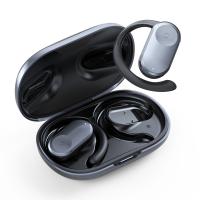
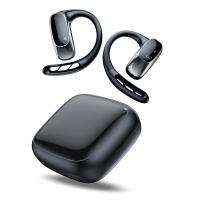
TWS Bluetooth Headset With Microphone Sports Ear Hook LED Display Earbuds
HOT Seller
TWS Bluetooth Headset With Microphone Sports Ear Hook LED Display Earbuds
211
$29.99
Real-Time Translation Earbuds 2-Way 150 Languages & Accents Open-Ear Kentfaith
13
$99.99 $79.99
Translator Earbuds Real-Time, 150 Languages, Free Offline Translation, 5 Translation Modes, Open-Ear Style, ENC, Kentfaith
$174.99 $139.99
Translation Earbuds Real Time, 3-in-1 AI Language Translator Earbuds, 150 Languages Online/Offline Modes 98% Accuracy, with Audio & Video Calls Translation for Travel Business Learning
TOP Best
Translation Earbuds Real Time, 3-in-1 AI Language Translator Earbuds, 150 Languages Online/Offline Modes 98% Accuracy, with Audio & Video Calls Translation for Travel Business Learning
74
$209.99 $134.99
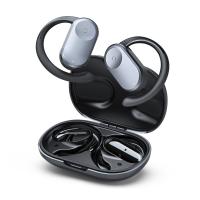
Wireless Earbuds Bluetooth Headphones TWS Waterproof with Microphone
66
$31.99
Wireless Translator Earbuds with 2-way 137 Languages, Live Transcription, Kentfaith
16
$77.49 $61.99
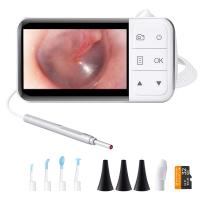
Digital Otoscope with 4.5" Screen, 3.9mm Ear Camera with 6 LED Lights, 32GB Card, Ear Wax Removal Tool, Specula and 2600 mAh Rechargeable Battery, Supports Photo Snap & Video Recording
45
$122.39 $83.99
Real-Time Translation Earbuds 2-Way 132 Languages/Accents, Video Call Translator, Transcribe, Summarize Kentfaith
14
$112.49 $89.99
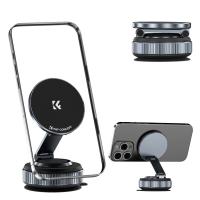
K&F CONCEPT 360° Vacuum Magnetic Car Mount, Foldable & Adjustable Magnetic Phone Holders for Your Car/Gym/Mirror/Smooth Surface, Compatible with iPhone 17 Pro Max 16/15/14/13/12 & Android Phone
29
$29.99
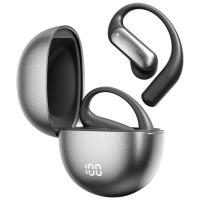
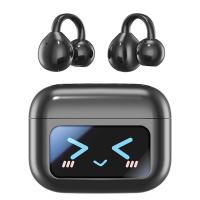
Real-Time Translator Earbuds, 132 Languages/Accents, Voice/Video Call Translation, AI Note Taker, LCD Touchscreen Kentfaith
14
$99.99 $79.99
Products You May Like
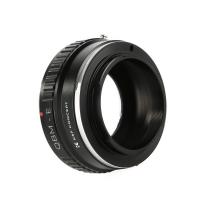
Rollei QBM Lenses to Sony E Mount Camera Adapter
146
$53.99 $27.99
77mm MC UV Protection Filter Ultraviolet Filter Slim Frame with Multi-Resistant Coating for Camera Lens Nano-Klear
259
$18.99 $14.49
Canon FD & FL 35mm Lens to  Leica SL T Sigma FP Panasonic L-mount digital camera Mount Adapter
Canon FD & FL 35mm Lens to Leica SL T Sigma FP Panasonic L-mount digital camera Mount Adapter
82
$53.99 $29.99
72mm MCUV Lens Protection Filter with Filter Cap Cleaning Cloth Optical Glass Ultra Slim 28 Multi-Layer Coatings Nano-Xcel Series
31
$45.99 $35.99
K&F Concept Security Light Motion Sensor Flood Light Outdoor Light Fixture , Solar Panel Charging , 1000LM 10W IP65 Waterproof
$239.99 $209.99
24MP*1296P night vision, 120° wide-angle*0.2S trigger 2-inch screen tracking camera, dead wood color 2pcs
$151.99
T2-NIK Z Manual Focus Compatible with T-Mount (T/T-2) Screw Mount SLR Lens to Nikon Z Mount Camera Body K&F Concept Lens Mount Adapter
25
$66.99 $36.99
K&F CONCEPT Overhead Camera Mount Stand with 2 Section Telescopic Extension Arm, Adjustable Desk Stand with Phone Holder, C-clamp Mount for DSLR Camera, Phone, Webcam, Microphone, Ring Light
$35.99
3PCS Solar Powered Wireless Security Camera 1080P with Audio & Light Alert Outdoor Home Security Camera Color Night Vision & 14400mAh Built in Battery All White
23
$159.99
K&F Concept MCN1 43mm Lens Filter Kit ND1000 CPL with Multiple Layer Nano Coated
$53.99 $29.99
Related articles
How To Wear Earbuds?
How To Set Up Earbuds?
How To Put Headphones In Pc?
How To Put Memory Card In Pc?
How To Put Sd Card In Camera?
How To Connect Smart Watch With Earbuds?
How To Put Sd Card In Iphone 14?
How To Put Bluetooth Speakers In Motorcycle Helmet?
How To Put The Battery In My Camera?
What Is The Most Powerful Microscope?
Blog You May Like
How To Make Your Eyes Flash On Camera?
How To Reset Headphones?
How To Record External Audio On Pc?
What Size Telescope To See Saturn?
How To Test Sd Card Speed On Android?
What is the Best Golf Rangefinder with Slope?
Smart Watch That Can Take Blood Pressure?
How To Check If Camera Battery Is Bad?
How To Make A Bird Feeder Camera?
How To Unlock Memory Card On Nikon Camera?
Related categories
2 in 1 Filter Screw-In Filter C mount lens adapter m4/3 adapter endoscope cameras DJI Mavic 3 classic filter Live Ring Light detachable camera flash
Popular products
in ear tws earbuds bluetooth earbuds wireless headphones in the ear earbuds bluetooth earbuds for phone box bluetooth earphones wireless open ear bluetooth earbuds bluetooth earphone ear hook Translating Earbuds Real Time noise cancelling microphone earbuds wireless bluetooth earbuds for the right ear
Related searches
Headphones That Stay In Your Ear Best In Ear Wireless Bluetooth Earbuds Single Ear Earbuds Best Open Ear Earbuds Wireless Earbuds With Ear Hook Best Ear Buds Wireless Earbuds Bluetooth Earbuds With Ear Hooks Over Ear True Wireless Earbuds In Ear Earphones With Mic In Ear Headphones With Wire
Popular searches
Best Bluetooth In Ear Wireless Headphones Leica Cl Lens Adapter Slr Digital Camera Best Light Bulbs For Soft Lighting 200mm Zoom Lens C Mount Solar Filter 55mm Waterproof Noise Cancelling Earbuds Noise Cancelling Headphones Plug In Digital Slr Rucksack A6400 Kit Lens Nd Filter
Blog Category
  • Activities
  • Guide
    • Filter Guide
    • Lens Adapter
    • Product Review
  • News & Reviews
    • Camera Reviews
    • Sample Gallery
    • News
  • Tutorials
    • Solar eclipse photography
    • Photography Basics
    • Landscape Photography
  • Inspiration
    • Travel
    • Travel Stories
Search Article
Latest from the Blog
How Does a WiFi Trail Camera Work?
ND Filter: The Complete Guide to Neutral Density Filters for Photography and Video
How To Find A Good Digital Camera?
How Big A Memory Card For Camera?
What Is The Best Camera To Record Videos?
How To Place Cameras Around Your House?
Can Security Cameras Detect Motion Through Glass?
What Is The Difference Between Binoculars And Telescope?
Dash Cam That Can Connect To Phone?
Which Binoculars To Buy?
  • Easy Payment Multilple Payment Options

  • Free Shipping Global WareHouse Shipment

  • No Risk 30-Day No Reason Return

  • Limited Deals Buy More, Save More

  • Tax Free No any surcharges or tax fee

Information
  • About us
  • Contact Us
  • Site Map
  • Blog
  • Video
  • Gallery
  • VIP Membership Rewards
Service
  • Privacy Policy
  • Terms & Conditions
  • Shipping & Delivery
  • Payment Info
  • Warranty, Return & Refund
  • Intellectual Property Rights
  • Ambassador
  • Affiliates
  • Wholesale
Support
  • My account
  • Order History
  • FAQs
  • Extend Warranty
  • Logistics Tracking
Follow us
NewsLetter

Get the latest product, K&F Concept respects your privacy.

Powered By KENTFAITH © 2026