kfconcept

KENTFAITH
K&F Concept    Blog >

Enjoy Your Selected Digital Life

Recently Viewed
  • Recently Viewed
  • Recently Viewed list is empty.

Compare (0) 0
  • Compare
  • You have not chosen any products to compare.

  • Compare
Currency: USD
  • Currency
Shop by Scene Shop by Rank

Log Into Your Account

Account

Order History

Wish List

Login

Forgotten Password?

Or connect with

Register Account

Already have an Account?Log In

  • Shopping Cart
  • Your shopping cart is empty!

  • Register/Login to purchase, earn points
  • Favorite
  • Your wish list is empty.

  • Register/Login to like, earn points
  • Activities
  • Guide
    • Filter Guide
    • Lens Adapter
    • Product Review
  • News & Reviews
    • Camera Reviews
    • Sample Gallery
    • News
  • Tutorials
    • Solar eclipse photography
    • Photography Basics
    • Landscape Photography
  • Inspiration
    • Travel
    • Travel Stories
  • Home
  • Blog
  • How To Record External Audio On Pc?

How To Record External Audio On Pc?

Kentfaith 2024-11-26 00:59:42 0 Comments

Recording High-Quality External Audio on a PC: A Comprehensive Guide

Recording external audio on a PC can be a necessity for various purposes, ranging from creating podcasts and voiceovers to recording instruments or external devices. With advancements in technology, capturing high-quality audio has become easier and more accessible, even for those without professional equipment or experience. This article will delve into the methods, tools, and tips required to successfully record external audio on a PC, ensuring clarity and performance in your recordings.

Understanding Your Needs and Objectives
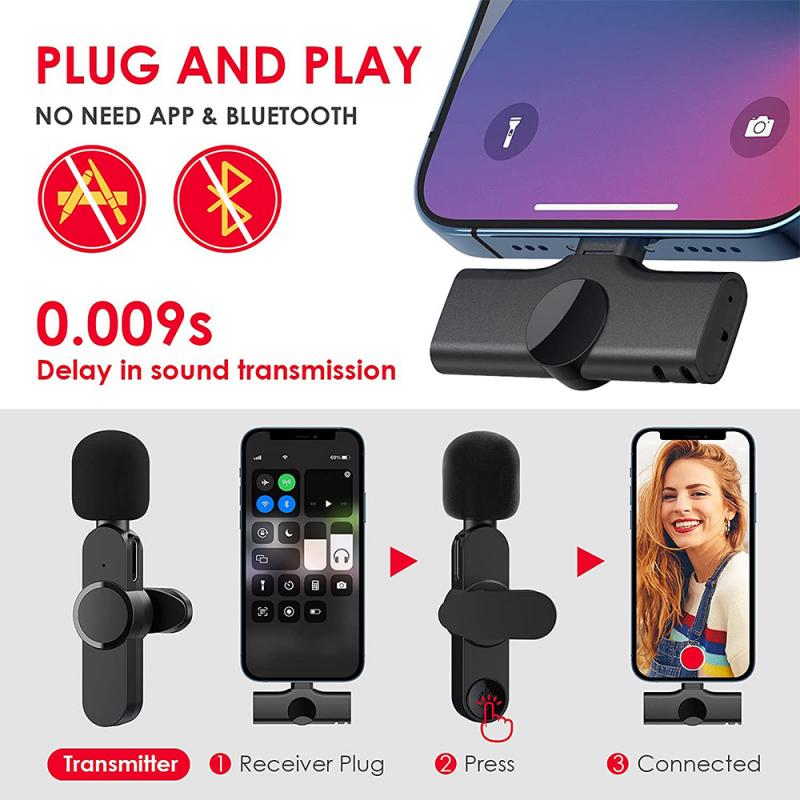
how to record external audio on pc 1

Before diving into the technical details, it’s crucial to outline your specific needs and objectives. Here are some common scenarios and associated considerations:

1. Voice Recording (Podcasts, Voiceovers):

- Microphone Quality: A good-quality condenser microphone is preferred for crisp and clear sound.

- Software: User-friendly DAWs (Digital Audio Workstations) like Audacity or Adobe Audition can be quite beneficial.

2. Instrument Recording (Guitars, Keyboards):

- Interface: An Audio Interface to connect your instruments to the PC is necessary.

- Software: DAWs with lower latency and multi-track capabilities, such as GarageBand or Pro Tools.

3. External Playback Devices (Cassettes, Vinyl):

- Connections: RCA or 3.5mm connections to link playback devices with the PC.

- Software: Software that can handle long recording sessions and has good noise reduction features, such as Audacity.

Knowing the end goal helps in picking the right equipment and settings, optimizing the result based on the audio type and quality required.

Essential Hardware and Software for High-Quality Audio Recording
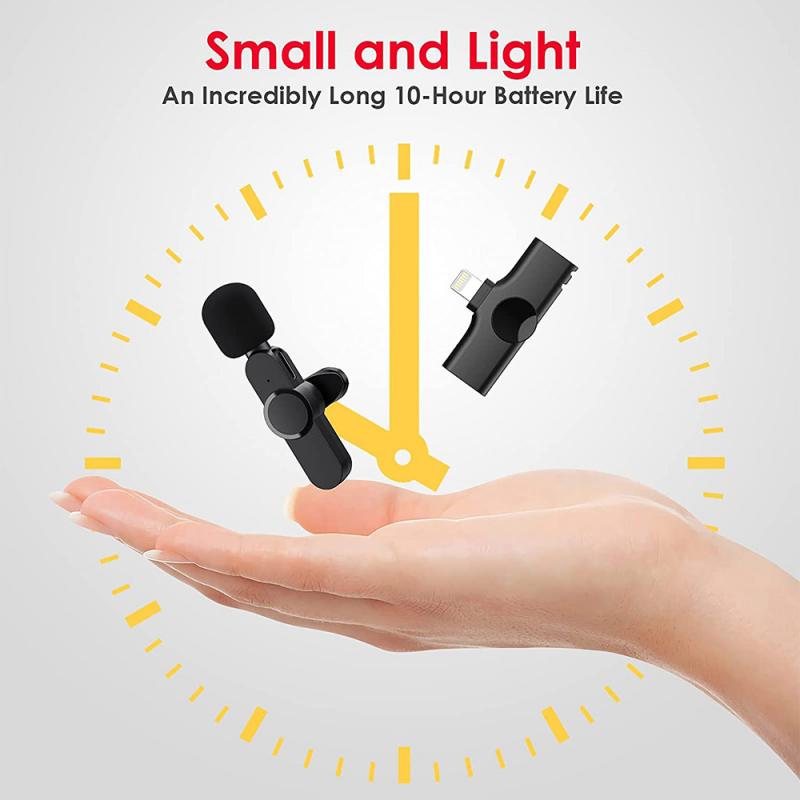
how to record external audio on pc 2

To achieve the best results, you’ll need a combination of hardware and software. Here’s a breakdown of the essential components:

1. Microphones

Choosing the right microphone is crucial for clear audio. There are several types to consider:

- Dynamic Microphones: Durable and good for high-pressure sound levels, ideal for live performances and loud instruments.

- Condenser Microphones: More sensitive and detailed, making them ideal for studio recordings, vocals, and acoustic instruments.

- USB Microphones: Easy to use, connects directly to the PC, suitable for beginners or simple recording needs.

2. Audio Interfaces

An audio interface serves as the bridge between your microphone/instrument and the PC, converting analog signals to digital data. Look for features like:

- Low Latency: Ensures there’s no delay between playing/speaking and hearing the sound in the recording.

- Multiple Inputs/Outputs: Useful if you plan to record several sources simultaneously.

- Phantom Power: Necessary for condenser microphones that require additional power.

3. Headphones

Quality headphones help monitor the audio in real-time to catch any issues instantly. Closed-back headphones are preferred for recording as they prevent sound leak into the microphone.

4. Software (DAWs)

Digital Audio Workstations (DAWs) are essential for recording, editing, and mixing audio. Popular options include:

- Audacity: Free, open-source, and beginner-friendly.

- Adobe Audition: Professional-grade with advanced editing features.

- GarageBand: User-friendly interface, suitable for Mac users.

Steps to Record External Audio on PC
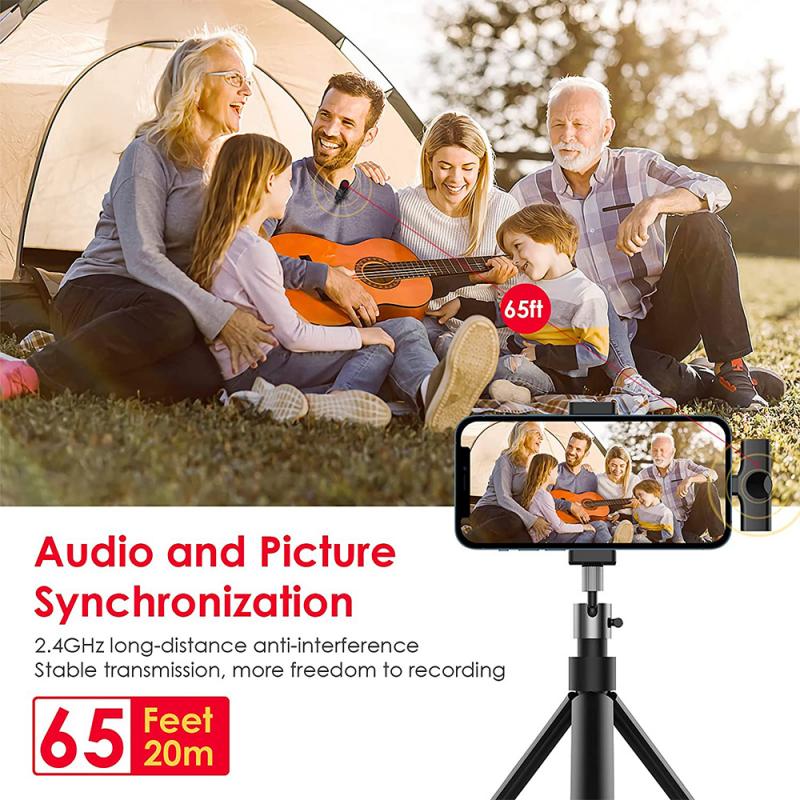
how to record external audio on pc 3

Now that you have the necessary hardware and software, follow these steps to record audio effectively:

Step 1: Set Up Your Equipment
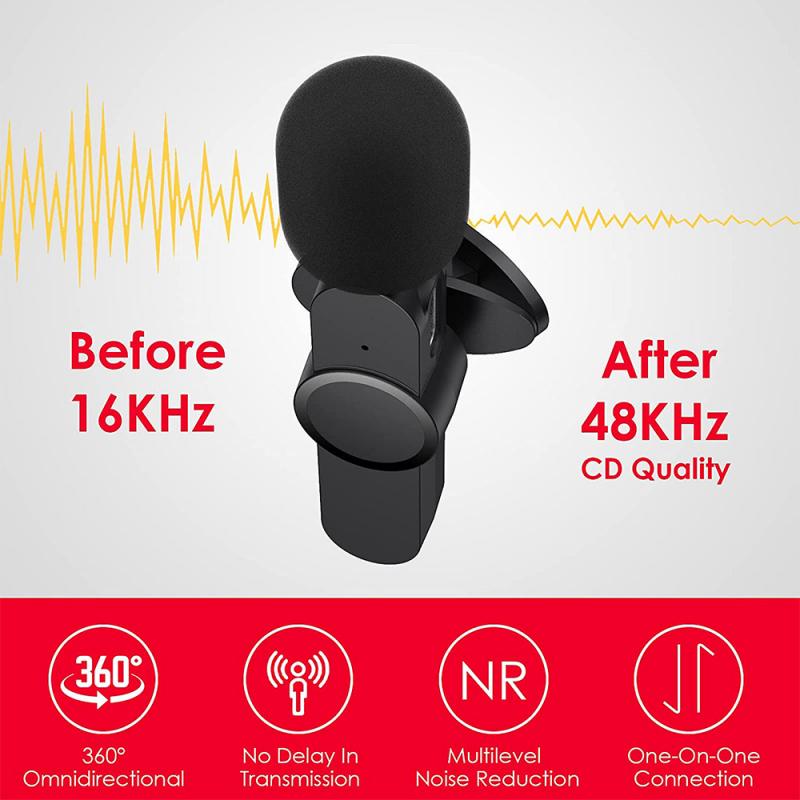
how to record external audio on pc 4

- Connect Your Microphone/Instruments to the Audio Interface: Ensure all cables are securely plugged and the audio interface is connected to your PC via USB or any supported connection.

- Select the Correct Input Source in Your DAW: Open your DAW, go to preferences/settings, and choose the audio interface as your input and output device.

Step 2: Configure Software Settings

- Sample Rate and Bit Depth: Higher sample rates (44.1 kHz or 48 kHz) and bit-depths (16-bit or 24-bit) offer better quality.

- Buffer Size: Lower buffer sizes reduce latency but may cause glitches if your PC isn't powerful enough. Typically, 128 to 256 samples is a good starting point.

Step 3: Test Your Setup

- Monitor Levels: Speak or play the instrument while watching the input levels in the DAW to ensure they aren’t peaking into the red, indicating distortion.

- Test Recording: Perform a quick test recording to check for any issues like noise or latency. Adjust your settings accordingly.

Step 4: Record the Audio

- Hit Record: Start recording in your DAW, keeping an eye on levels to ensure consistency.

- Use Markers: If your DAW supports it, use markers to separate different takes or highlight sections that may need editing later.

Step 5: Edit and Export

- Trim and Clean: Remove any unwanted sections, background noise, and apply EQ or other effects as needed.

- Mix and Master: Adjust levels, pan, and apply any required enhancements to polish the audio.

- Export: Once satisfied, export the file in your desired format (WAV, MP3, etc.).

Tips for Enhancing Your Audio Recording

- Environment: Record in a quiet, acoustically treated space to minimize background noise and echo.

- Pop Filters: Use pop filters or windshields for microphones to reduce plosive sounds (“P” and “B” sounds).

- Dose of Patience: Don’t rush through the process. Patience and experimentation with settings and placements yield better results.

Troubleshooting Common Issues

1. Background Noise: Use noise reduction plugins and ensure a quiet recording environment.

2. Latency Issues: Reduce buffer size and close unnecessary applications to free up system resources.

3. Distorted Sound: Lower the gain on the audio interface or microphone to prevent peaking.

Recording external audio on a PC can seem daunting at first, but with the right equipment, software, and a bit of practice, it becomes a straightforward task. Whether you aim to start a podcast, lay down tracks for a song, or digitize old tapes, following the steps outlined will help you achieve high-quality recordings. Remember, the key to great audio is not just the tools but how you use them. Experiment, tweak settings, and most importantly, listen closely to ensure your audio is as clear and impactful as possible.


Leave your comment
Cancel reply
Note: HTML is not translated!
Related products
128G Mini Digital Voice Recorder with Color Screen Bluetooth Call Record 3072kbps Kentfaith
15
$119.99 $83.99
Instant Cross-APP Translator Device for Business & Trade, Video Call Translation, Record, & Transcription, Kentfaith AI Translator Devices
12
$124.99 $99.99
67mm Clip-on CPL Phone Camera Lens Filter Kit Applicable to All Mobile Phone Models
24
$18.99
67mm Clip-on ND2-32 Phone Camera Lens Filter Kit Applicable to All Mobile Phone Models
24
$37.99
5K Video Camera with 75MP Photos, 8X Optical Zoom, WiFi Transfer, Wireless Mic, Dual Batteries, Support PIP Record, Kentfaith
16
$274.99 $239.99
67mm Clip-on Black Mist 1/4 Phone Camera Lens Filter Kit Applicable to All Mobile Phone Models
24
$29.99
5K Video Camera with 75MP Photos, 8X Optical Zoom, WiFi Transfer, Foldable Tripod, Wireless Mic, Dual Batteries, Support PIP Record, Kentfaith
$312.49 $249.99
52mm Clip-on CPL Phone Camera Lens Filter Kit, Circular Polarizer Polarizing Filter Applicable to All Mobile Phone Models
24
$16.99
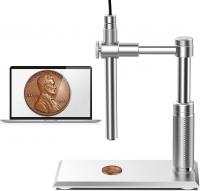
DM101 Digital USB Microscope Camera Coin Magnifier, 10X-500X Magnification, PC Compatible
41
$77.99 $59.99
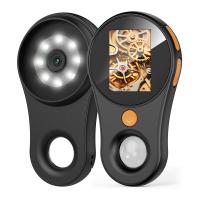
500X Handheld Digital Microscope with 8 LEDs 2" IPS Screen PC Compatible
12
$97.49 $68.99
Products You May Like
4K Night Vision Binoculars with Infrared 3D 8X Zoom 32G Card Kentfaith
61
$359.99 $251.99
37mm MCUV Filter Ultra-Thin Trapezoid Patterned Frame Coating with a Vacuum Cleaning Cloth Nano-Klear Series
144
$12.99 $9.89
best trail camera with phone app
10
$135.99 $74.99
Video Conference Light Kit with Clip and Phone Holder for iPhone/Tablet/Laptop, Dimmable CRI 95+ with 3 Light Modes, Built-in 2000mAh Battery for Zoom Calls/Remote Work/Live Streaming/Selfie
$29.99
4G Low Power Consumption LTE Hunting Camera Solar and Battery Powered 2K Hunting Camera with 4W Solar Panel US Version
59
$209.99 $157.99
Smart Car Recorder, 1080P Full HD, 24H Monitoring, Sony IMX307 Sensor, Built-in G Sensor, WDR, Night Vision (with low voltage connection cable)
114
$56.39 $44.99
67mm Black Mist 1/4 Filter Waterproof Mist Cinematic Effect Filter with 24 Multi-Layer Coatings for Video/Vlog/Portrait Photography (Nano-Dazzle)
37
$49.99 $39.99
72mm Blue Streak Filter (2mm)  Anamorphic Lens Effect Filter Optical Glass Ultra-clear Waterproof Anti-Scratch Anti-Reflection Green Film Nano-Klear Series
72mm Blue Streak Filter (2mm) Anamorphic Lens Effect Filter Optical Glass Ultra-clear Waterproof Anti-Scratch Anti-Reflection Green Film Nano-Klear Series
32
$33.99 $24.29
43mm MCUV Filter Brass Frame Multifunctional HD Ultra-Thin Brass Frame 36-Layer Anti-Reflection Green Film Nano-Xcel Pro Series
66
$93.99 $59.99
Hasselblad HB Lens to Nikon F Lens Mount Adapter K&F Concept M32171 Adapter
4
$53.99 $27.99
Related articles
How Record Audio On Pc?
How To Record On Pc With Audio?
How To Record Video With Sound On Pc?
How To Record Video And Voice On Pc?
How To Turn On Screen Record Audio?
How To Record Voice Audio On Mac?
How To Record Discord Audio On Xbox?
How To Record Audio On Xbox Clips?
How To Record Audio On A Macbook?
How To Clear A Write Protected Sd Card?
Blog You May Like
Which Uv Filter Should I Buy?
What Memory Card Does Psp Go Use?
How To Charge Camera With Battery Inside It?
How To Measure Blood Pressure Smart Watch?
Can You Hook Up Alexa To Bluetooth Speakers?
How To View Security Cameras On Smart Tv?
Android Phone How To Play Camera Videos?
How To Insert Micro Sd Card Switch?
How To Improve Audio Recording Quality On Laptop?
How To Install Security Cameras Hidden Outdoors?
Related categories
On-Dash Camera C mount lens adapter m4/3 adapter camera lens adapter Sony E Mount Body
Popular products
Mini Digital Voice Recorder​ external microphone to iphone microphone for laptop computer video recording camera for youtube light with power bank sony camera with microphone Polarize Filter For Mobile Phone digital microscope for students clip on phone camera lens high quality condenser microphone
Related searches
Cameras That Record Audio Best Microphones To Record Vocals Record Wifi Camera Wireless Pc Camera Pc Video Camera Pc Microscope Usb External Camera Flash External Camera Battery External Surveillance Camera Phone External Microphone
Popular searches
Fd To E Mount Compatible Camera Bodies Canon Fd Lens Mount Top Professional Video Cameras Pocket 3 Nd Filters Wireless Solar Powered Surveillance Camera Long Range Shooting Rangefinder Tripod Tilt Mount Voigtlander Nikon Mount Lenses Sony A6000 3.5-5.6 Adapter Aluminized Mylar Solar Filter
Blog Category
  • Activities
  • Guide
    • Filter Guide
    • Lens Adapter
    • Product Review
  • News & Reviews
    • Camera Reviews
    • Sample Gallery
    • News
  • Tutorials
    • Solar eclipse photography
    • Photography Basics
    • Landscape Photography
  • Inspiration
    • Travel
    • Travel Stories
Search Article
Latest from the Blog
How Much Storage For Security Camera?
What Does Tripod?
How Do Night Vision Goggles Work?
How To Find Camera Roll On Iphone 5s?
How Do Trail Cameras Work? The Ultimate Guide to Trail Cameras
Which Bluetooth Earphones?
How Big A Memory Card For Camera?
Which Binoculars To Buy?
Is the Sony A7M5 worth buying?
What Is Surveillance Camera Control System?
  • Easy Payment Multilple Payment Options

  • Free Shipping Global WareHouse Shipment

  • No Risk 30-Day No Reason Return

  • Limited Deals Buy More, Save More

  • Tax Free No any surcharges or tax fee

Information
  • About us
  • Contact Us
  • Site Map
  • Blog
  • Video
  • Gallery
  • VIP Membership Rewards
Service
  • Privacy Policy
  • Terms & Conditions
  • Shipping & Delivery
  • Payment Info
  • Warranty, Return & Refund
  • Intellectual Property Rights
  • Ambassador
  • Affiliates
  • Wholesale
Support
  • My account
  • Order History
  • FAQs
  • Extend Warranty
  • Logistics Tracking
Follow us
NewsLetter

Get the latest product, K&F Concept respects your privacy.

Powered By KENTFAITH © 2025