How To Put Earbuds In Your Ear?
Earbuds are one of the most popular types of headphones, offering portability, convenience, and decent sound quality for everyday use. Despite their widespread use, however, many people struggle with how to insert them properly into their ears. Improperly wearing earbuds can lead to discomfort, poor audio quality, and even physical irritation after prolonged use. This guide will provide clear and actionable instructions on how to position earbuds correctly, while also addressing common problems and offering tips for achieving the best results.
1. Understand Your Earbud’s Design
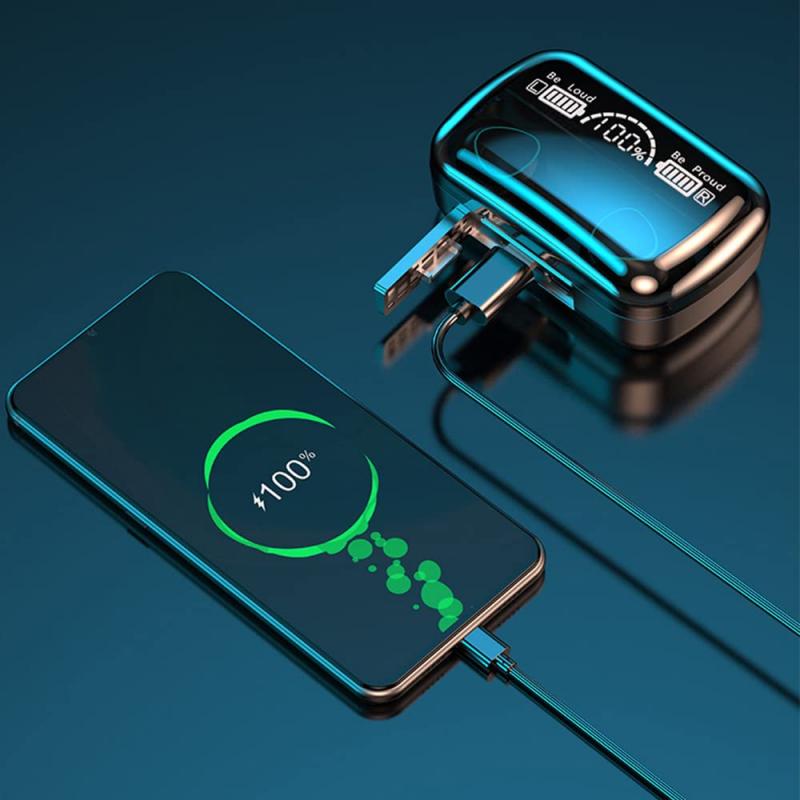
Before inserting your earbuds, it's essential to understand their design. Earbuds come in different shapes and designs, tailored for various ear sizes and audio experiences. Broadly, they fall into two categories:
Standard Earbuds: These sit at the entrance of your ear canal without going deep inside. They are designed for basic comfort and may require more adjustment to stay securely in place.
In-Ear Earbuds (IEMs): These have silicone or foam tips designed to fit snugly inside your ear canal, offering better isolation and sound quality.
Knowing which type of earbuds you own helps you understand the best techniques for wearing them securely.
2. Clean Your Ears and Earbuds
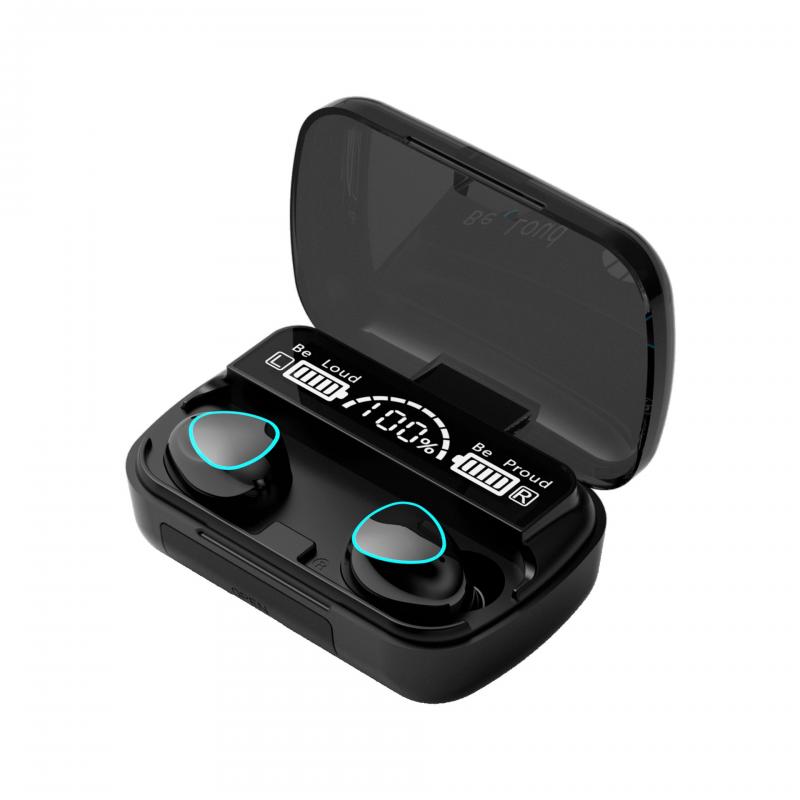
Earwax buildup can frequently interfere with the earbuds' fit and audio quality. Before using your earbuds, it's helpful to clean both your ears and the earbuds themselves.
Steps to Clean Your Ears:
- Use a damp cloth to wipe around the outer ear. Avoid inserting objects like cotton swabs deep into the ear canal.
- Regularly check for earwax buildup, which could obstruct sound or cause discomfort.
Steps to Clean Your Earbuds:
- Use a soft, dry cloth for everyday cleaning of the earbuds.
- If earwax buildup affects the mesh surface of the earbuds, gently use a dry toothbrush or a cotton swab dipped in rubbing alcohol to clean them.
Maintaining cleanliness ensures better sound performance and prevents irritation.
3. Correct Method for Inserting Earbuds
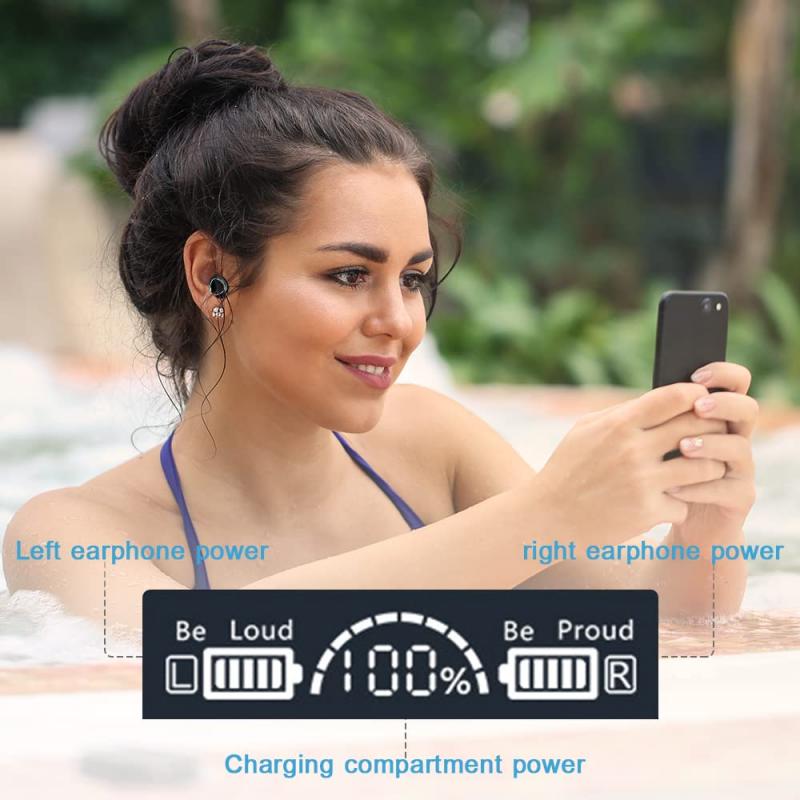
Using improper techniques to insert your earbuds can cause significant discomfort or make them fall out easily. Follow these steps to fit earbuds securely and comfortably:
For Standard Earbuds:

1. Placement: Position the earbud speaker directly over the entrance of your ear canal. These earbuds don't require insertion but should align subtly with your ear’s shape.
2. Adjust: Tilt or angle the earbud slightly to match the natural curve of your ear. Trial and error will help you find the most stable position.
3. Secure: Ensure the cord (if applicable) isn’t pulling or tangling, as this can cause the earbuds to dislodge.
For In-Ear Earbuds (IEMs):
1. Choose the Right Ear Tip: Most in-ear earbuds come with multiple sizes of silicone or foam tips. Test them to find the one that fits snugly but comfortably in your ear canal.
2. Orientation: Many earbuds are labeled "L" for left and "R" for right. Ensure you are using the correct earbud for each ear.
3. Insertion: Gently pull the outer part of your ear upward and outward to straighten the ear canal. Insert the earbud at a slight angle, allowing it to fit securely.
4. Seal: Wiggle the earbud gently to establish a good seal. A proper seal enhances sound quality and blocks external noise effectively.
4. Test the Fit
Once the earbuds are in place, you should test the fit to ensure they’re comfortable and secure. Move your head around or mimic the activity you’ll be doing (e.g., jogging or commuting) to check for stability. If the earbuds start slipping out or feel loose, consider adjusting them or switching to a different tip size if you’re using in-ear models.
5. Tips for Preventing Earbuds from Falling Out
A common frustration with earbuds is their tendency to fall out, especially during motion-heavy activities like running or gym workouts. Here are practical strategies to solve this:
Fit Matters: As mentioned earlier, selecting the right ear tip size for in-ear earbuds makes a significant difference. Foam or memory foam tips tend to provide a more secure grip.
Anchor the Cord: If your earbuds have a cord, loop it around your ear or secure it under clothing so it doesn’t tug while you move. For wireless earbuds, adjust accordingly to ensure they’re positioned securely.
Avoid Over-Insertion: Inserting the earbuds too far can cause discomfort or may loosen them unexpectedly. Aim for a natural depth that feels stable.
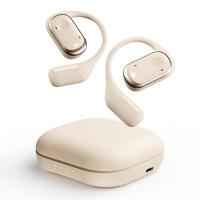
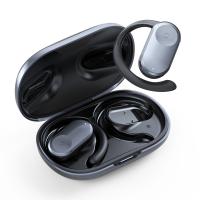
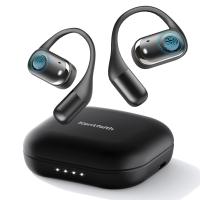
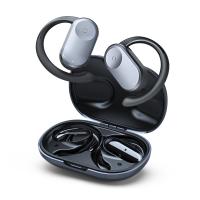
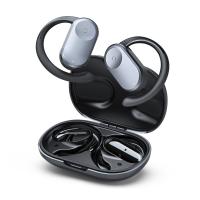
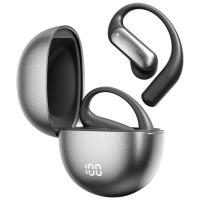
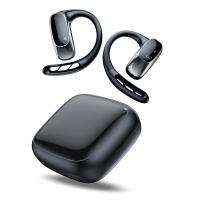
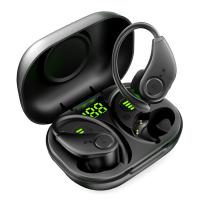
Ear Hooks or Wings: Many modern earbuds come with optional ear hooks or wings for additional support. These accessories can help lock the earbuds in place, making them ideal for exercise.
Moisture Management: Sweating can make earbuds more prone to slipping. If this is a recurring issue, consider wiping them off periodically during use or exploring sweat-resistant models.
6. Troubleshooting Common Issues
Even after following the proper steps, you may encounter issues. Here are solutions to some common problems:
Earbuds Don't Fit Comfortably
- Adjust the earbud’s positioning or try a different size ear tip.
- For standard earbuds, experiment with angling them differently or pushing them slightly deeper (but not to the point of discomfort).
Sound Quality Feels Hollow
- Improper fit often results in poor bass or hollow sound. Ensure that the earbuds are snugly sealed in your ear canal.
- Check for any earwax or debris blocking the earbud speakers.
Earbuds Feel Irritating Over Time
- Reduce the length of use for the earbuds, especially if you’re experiencing discomfort.
- Opt for foam earbud tips that mold to your ear shape and provide better cushioning.
Persistent Falling Out
- Try ear hooks, wings, or alternative earbuds designed for active wear. Some people have ear shapes that are less conducive to traditional earbud models.
7. Enhancing Your Listening Experience
Wearing earbuds properly isn’t just about comfort—it’s also about getting the most out of the audio. Here are additional tips for optimizing sound quality and user experience:
Play With Equalizer Settings: Most devices allow you to tweak sound balance through their EQ settings. Adjust bass, treble, or vocal levels to optimize your listening.
Use Noise Cancellation Features: If your earbuds have active noise-canceling, ensure this feature is activated to block out ambient noise, especially when you're in crowded areas.
Break Periods: Your ears and ear canals can grow fatigued after prolonged earbuds use. Make sure to take breaks to prevent irritation or hearing strain.
8. When Earbuds Aren’t the Ideal Option
Sometimes, earbuds may not be well-suited for your anatomy or activity. If you’ve tried numerous techniques and still find them uncomfortable, consider alternatives such as over-ear headphones or earphones designed specifically for your needs (e.g., sports models with enhanced grip).
Although wearing earbuds may seem straightforward, paying attention to these details can drastically improve comfort, sound quality, and overall usability. Start by understanding your earbuds’ design, clean them regularly, and follow proper insertion techniques to establish a secure, comfortable fit. If earbuds consistently fall out or irritate your ears, explore accessories such as ear hooks or alternative headphone options.
By practicing these simple steps and troubleshooting techniques, you’ll soon enjoy uninterrupted audio experiences—whether you’re relaxing at home or engaging in vigorous exercise. Proper fit transforms earbuds from a fleeting annoyance into a dependable companion for your daily routine.