How To Clean A Wireless Microphone?
These techniques are specific to wireless handheld microphones.
the information on this site relates solely to general information for cleaning methods for microphones.
please note that the observations below do not imply any guarantee against damage to the product, but are based on the best information we have at this time.
Cleaning tips: things to avoid
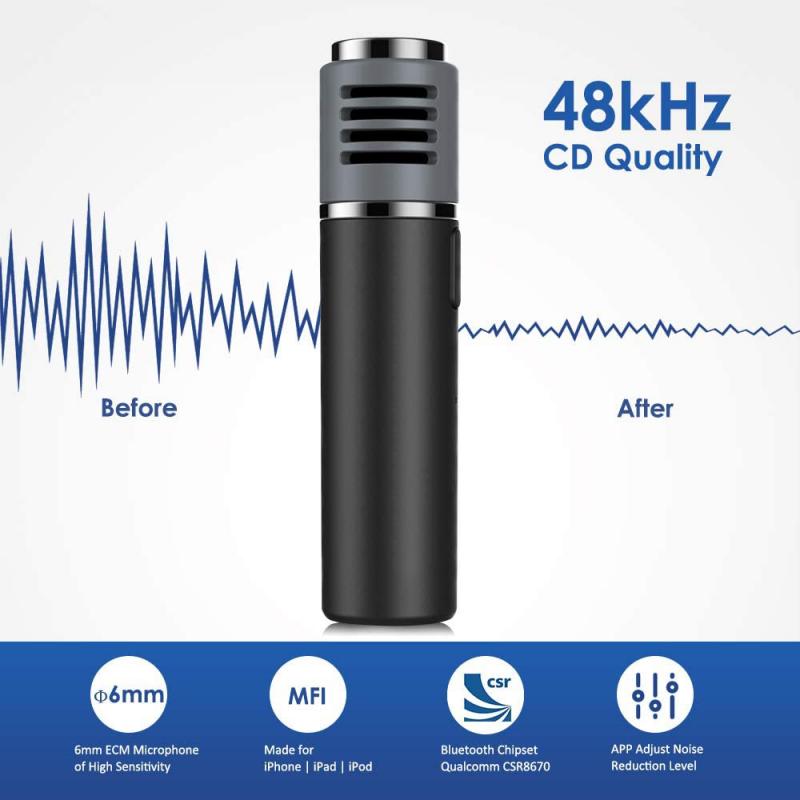
- hand sanitizers
- do not use hand sanitizers to clean shure products
- abrasive tools
- no abrasive cleaning tools (i.e. scrub brush, scouring pad)
- rubbing alcohol
- no rubbing alcohol (isopropyl alcohol) on clear plastic parts
- remove grille/windscreen
- remove grille/windscreen for cleaning. do not clean on element itself.
Before cleaning
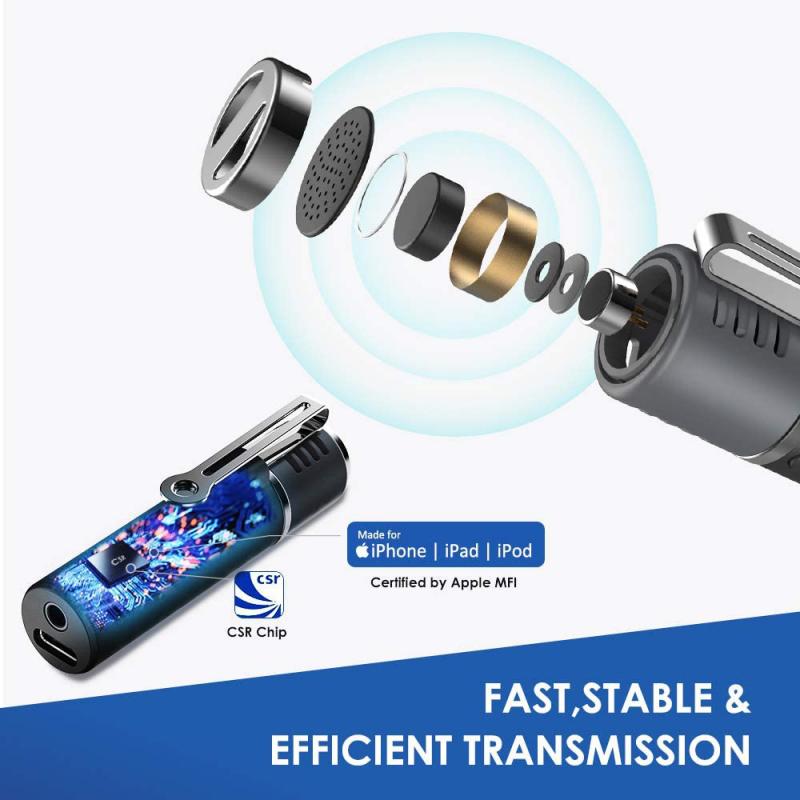
- be sure to power down the transmitter and remove the battery before cleaning.
- re-attach the battery cover onto the handle. this will help minimize the exposure of the battery contacts to cleaning agents and prevent corrosion.
- for now, leave the grille and windscreen on to protect the microphone element from accidental exposure to moisture and cleaning agents.
- use only a soft cloth and a minimal amount of cleaner - do not saturate the product.
Cleaning agents

we have tested the following cleaning agents:
- mild soapy water (such as liquid dish soap), which is then removed with a clean, damp cloth.
- clorox® disinfecting wipes
- lysol® disinfectant spray
- note: not recommended for nickel handhelds
- isopropyl alcohol
- note: may remove some of the paint from the handle and impact the aesthetics of the microphone. though this should not affect the performance of the microphone, if this is important to you, test on an inconspicuous area first.
External surface cleaning
- when cleaning, avoid getting any moisture on the microphone element itself.
- do not apply cleaning agents to the microphone capsule directly.
- if possible, hold the microphone upright so that any excess liquid will flow away from the microphone element.
- avoid the display bezel, as well as any buttons, switches, or seams while cleaning.
- once the cleaning of the external surface is complete, pat dry with a soft cloth.
- unscrew the battery cover to remove and inspect the battery area for any damp spots, and pat dry.
- set aside the sleeve to allow the battery compartment to dry fully.
- unscrew the wireless capsule from the handle to inspect for and dry any damp areas.
we do not recommend cleaning the inside of the battery compartment. in consideration of providing a clean microphone for others to use, consider washing hands or using gloves to access the battery compartment and insert batteries. then wash hands before re-attaching the sleeve. this will result in a clean external surface for the talent.
be sure to allow the surface of the microphone to dry fully before use.
Grille and windscreen cleaning
we recommend keeping an inventory of spares instead of cleaning the grille and windscreen whenever possible. if you have spares, there will always be a clean replacement ready to swap in while the other gets cleaned and dries out.
- carefully unscrew the grille from the microphone.
- remove the foam windscreen pop-filter inside the grille (note that the windscreen may be glued in place. if the pop filter does not come out with gentle pulling, we recommend cleaning the entire grille with the pop filter in place).
- using a soft-bristled toothbrush, clean the grille with water or isopropyl alcohol.
- if the internal pop filter is removable, the grille can alternatively be cleaned with mild soapy water.
- suds tend to collect in the windscreen, which may affect the performance of the microphone, so this method is not recommended for filters that cannot be separated from the grille.
- rinse the foam windscreen pop filter with water or isopropyl alcohol only (note: this applies only to removable foam windscreen pop filters inside the grille; see the next step for cleaning external windscreens.
- only warm water or hydrogen peroxide should be used to clean external foam windscreens.
- since they tend to act like a sponge, soap, or liquid detergents will be impossible to rinse fully.
- isopropyl alcohol and lysol disinfectant spray will cause color to leech from the windscreen.
- clean replacements are the best solution!
- remove excess water from the grille and windscreen and allow themto dry fully before reinstalling on the microphone
Microphone output after cleaning
note: if the microphone output seems low or quieter than normal, it’s possible the microphone element got wet and hasn’t fully dried yet. unplug the microphone and allow it to dry out completely before using it.
Wireless bodypack transmitters/receivers + lavalier/headworn microphones
when cleaning bodypack transmitters and receivers, and lavalier microphones, there are two main considerations to keep in mind. typically, most lavaliers risk potential damage from excess liquid ingress but can tolerate a variety of chemicals. conversely, bodypacks are fairly resistant to liquid ingress but can react poorly with certain chemicals. for this reason, you will see a shorter list of chemicals recommended for cleaning bodypacks than for lavaliers.
Bodypack cleaning
- we have tested the following cleaning agents:
- mild soapy water (such as liquid dish soap), which is then removed with a clean, damp cloth.
- clorox® disinfecting wipes
- isopropyl alcohol
- do not use abrasive cleaning tools as they can scratch the product.
- instead, use a clean cloth or soft-bristled toothbrush.
- use a minimal amount of cleaner - do not saturate the product.
- once the cleaning of the external surface is complete, pat dry with a soft cloth.
- open the battery door to inspect the battery area for any damp spots, and pat dry.
- set aside, with the battery door open, and allow to dry fully.
we do not recommend cleaning the inside of the battery compartment. to help ensure a clean external surface, be sure to follow the guidance of appropriate health authorities regarding handwashing and/or personal protective equipment such as sterile gloves.
Lavalier and headset microphone cleaning
- mild soapy water (such as liquid dish soap), which is then removed with a clean, damp cloth
- clorox® disinfecting wipes
- isopropyl alcohol
- hydrogen peroxide
- lysol® disinfectant spray
- use a minimal amount of cleaner - do not saturate the product.
- apply cleaners with a clean cloth.
- when cleaning, avoid getting any moisture on the microphone element itself.
- do not apply cleaning agents to the microphone capsule directly.
- for this reason, we highly recommend using a windscreen on the microphone that can easily be cleaned or, better yet, replaced.
- for standard lavaliers: hold the microphone upward toward the ceiling with the cable hanging down so that any excess liquid will flow away from the microphone element.
- start just below the microphone element and move down the length of the cable as you apply the cleaning agent.
- for headset microphones: to control the flow of liquid cleaners, clean headsets in sections.
- first, wipe on the cleaner in the area between the microphone element and the headband. wipe this section dry.
- next move to the headband section, apply the cleaner and dry in the same manner.
- finally, wipe the length of the cable.
Removable external windscreen
- rinse the removable external windscreen with warm water or hydrogen peroxide only.
- since they tend to act like a sponge, avoid soap or liquid detergents as they will be impossible to rinse fully.
- isopropyl alcohol and lysol disinfectant spray will cause color to leech from the windscreen.
- clean replacements are the best solution!
- remove excess water from the windscreen.
- allow both the windscreen and lavalier to dry separately and completely before using.