How To Make A Wired Security Camera Wireless?
Making a wired security camera wireless is possible through several approaches, depending on whether you have an IP camera system or an analog/coax-based system. The right method depends on your camera type, the number of cameras involved, and the physical layout of your installation.
Converting Wired IP Cameras to Wireless
To make wired IP cameras work wirelessly, here is a list of the major components you will need, including extension wire for the power supply in case your power outlet is farther than 3 ft from the camera:
- IP security camera – IP cameras that fit your requirements for night vision, angle of view, and resolution.
- 2.4GHz wireless access point – To broadcast the WiFi signal, you need a 2.4GHz access point for your wireless security camera setup. For solid performance and reliability, using a Ubiquiti access point or something similar like a Cisco AP is recommended. Options include:
- 2.4GHz wireless outdoor access point (item NB24) – with integrated 11dBi antenna, weather proof construction for outdoor applications, also great for indoor industrial applications where there are obstructions, up to 1km range (clear line of sight) when used with WiFi cameras with integrated radio.
- 2.4GHz wireless WiFi bullet access point
- Wireless antenna
- Laptop or PC/Mac – To view the camera you will need a PC or Mac computer with preferably Chrome as the web browser.
Make sure your IP address for the camera is set to static. Otherwise the address will change every time the camera or router power cycles.

Adding a WiFi Camera to an Existing Wired NVR System
A NVR supports any combination of PoE or plug-in WiFi cameras plus selected battery cameras. The camera just needs to be appropriately connected. In the case of WiFi cameras, that would be on your home network; in the case of a PoE camera, either via a PoE switch or NVR PoE ports.
- You can add a WiFi camera to your network and then to the NVR — that is not an issue.
- WiFi cameras connected to an NVR record just like wired cameras and do take up a slot on the NVR.
- For example, on an RLK8 NVR, you can have 6 wired cameras and 2 WiFi cameras connected (for a total of 8), with any combination of them.
- The cameras just have to be on the same network — connection method doesn't matter.
- Battery-powered cameras only record motion onto their own SD card, as it would take too much battery power to constantly stream video to another device.
Using Wireless Transmitters and Receivers for Analog/BNC Systems
For analog CCTV systems with BNC connections, you do not need brand-specific products. Any transmitter and receiver set will more than likely work with whatever you have, as long as you purchase the correct cables to attach the transmitter to the camera and the receiver to the DVR.
- Frequency options
- You have 2.4GHz and 5.8GHz frequencies to work with, with only 4 channels on each. If you are only doing 4 cameras wirelessly, use 5.8GHz transmitters and receivers — you will have less interference from other wireless devices.
- Channel limitations
- With analog wireless you are limited to 8 wireless cameras max without beginning to run into issues with interference (4 channels on 2.4GHz and 4 on 5.8GHz).
- Line of sight requirement
- You need direct line of sight with analog wireless — no transmitting through walls. If you are transmitting through a wall, you are looking at anywhere from 30%–100% video loss depending on the thickness and material. Typically it is about 40%–60% video loss when transmitting through most walls. Glass and very light foliage are some of the only things that most of these transmit through without a lot of issues.
- Cost consideration
- 12 cameras wireless is going to cost much more than a full wired system. It would be cheaper to run cables. Also remember that drilling holes would still be required, as you still need power local to the camera. Single camera transmitter/receiver sets (5.8GHz) start at around $86.
- Transmitter wiring
- If a transmitter has a BNC video cable and a power input, it should work for video transmission. Some units have two power inputs — these may include other inputs and outputs such as audio in and alarm output.
Changing a Base Station from Wired to Wireless (Wyze Outdoor Cam)
For the Wyze Outdoor Cam system, you can switch the base station from a wired Ethernet connection to WiFi without replacing any hardware. Click on your base station and open the "Device Info" menu, go down to "Change Connection". If it is plugged into your router, it will say "Ethernet". Click this and follow the instructions — it will eventually ask you to unplug your Ethernet cable. Once complete, your base station will switch to WiFi and you can move it anywhere in your house, provided it is in range of the router.
Power Considerations When Going Wireless
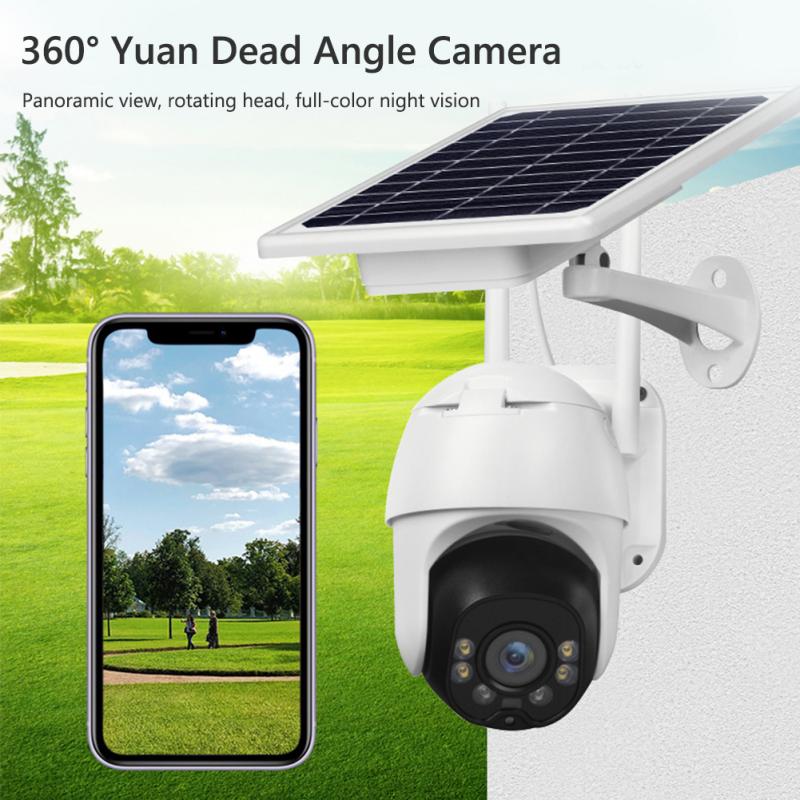
Regardless of which wireless method you use, power still needs to be delivered locally to each camera. Running cables for power cannot be avoided even when the video signal is transmitted wirelessly. For IP camera systems using PoE, one ethernet cable per camera is required to supply both power and data. If the distance from the camera to the network video recorder is too long, a PoE injector or PoE switch can increase the distance by up to 328 feet. When running cables outdoors, drill a hole from the outside where the camera is being placed and run the cable back to the NVR. Use wire guards to hide and protect the cable, and conceal the wire holes with silicone or duct seal so moisture or water does not get into the cable.