kfconcept

KENTFAITH
K&F Concept    Blog >

Enjoy Your Selected Digital Life

Recently Viewed
  • Recently Viewed
  • Insta360 GO 3S CPL + UV + ND8 + ND16 + ND32 + ND64 Filters Kit Neutral Density Polorizing Camera Len Filters 28 Multi-Layer Coated
    Insta360 GO 3S CPL + UV + ND8 + ND16 + ND32 + ND64 Filters Kit Neutral Density Polorizing Camera Len Filters 28 Multi-Layer Coated
    $49.99
    52mm Circular Polarizer Filter with Lens Cap Optical Glass Ultra Slim 18 Multi-Layer Coatings Polarizing Filter for Camera Lens Nano-Klear Series
    52mm Circular Polarizer Filter with Lens Cap Optical Glass Ultra Slim 18 Multi-Layer Coatings Polarizing Filter for Camera Lens Nano-Klear Series
    $12.99
Compare (0) 0
  • Compare
  • You have not chosen any products to compare.

  • Compare
Currency: USD
  • Currency
Shop by Scene Shop by Rank

Log Into Your Account

Account

Order History

Wish List

Login

Forgotten Password?

Or connect with

Register Account

Already have an Account?Log In

  • Shopping Cart
  • Your shopping cart is empty!

  • Register/Login to purchase, earn points
  • Favorite
  • Your wish list is empty.

  • Register/Login to like, earn points
  • Activities
  • Guide
    • Filter Guide
    • Lens Adapter
    • Product Review
  • News & Reviews
    • Camera Reviews
    • Sample Gallery
    • News
  • Tutorials
    • Solar eclipse photography
    • Photography Basics
    • Landscape Photography
  • Inspiration
    • Travel
    • Travel Stories
  • Home
  • Blog
  • How To Use External Microphone Android Camera App ?

How To Use External Microphone Android Camera App ?

Kentfaith 2023-07-13 10:08:42 0 Comments

An external microphone can significantly improve the quality of audio recordings, especially when recording videos in noisy environments. This article will detail how to connect an external microphone to your Android device, recommend some great camera apps, and provide useful tips for solving connection problems and improving sound quality.
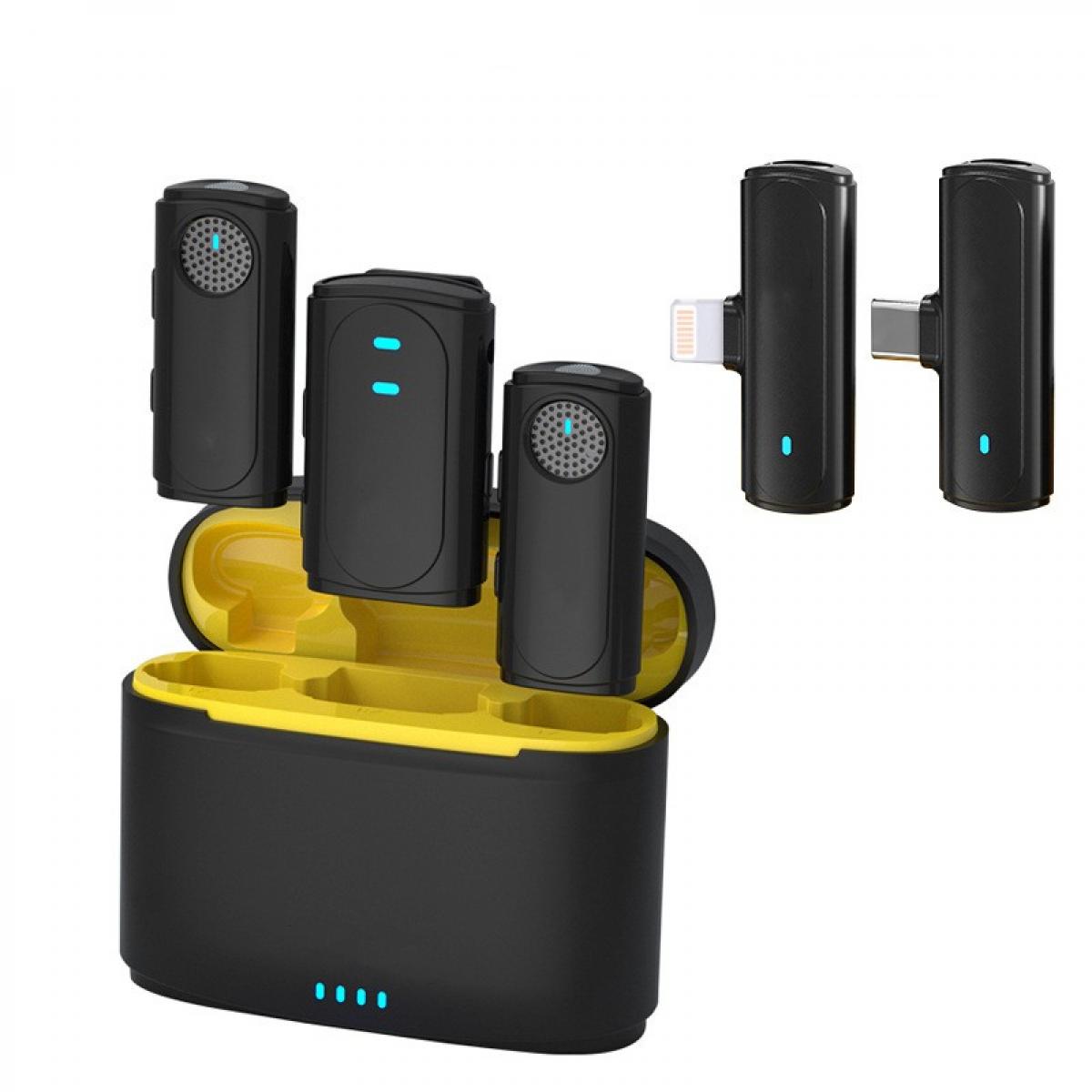

How to connect an external microphone to an Android device

Choose the right microphone:

First, choose an external microphone that suits your recording needs. Common microphone types include Lavalier (lavalier), Shotgun (directional), and USB microphones.

Connection method:

3.5mm connector: most Android devices support a 3.5mm audio connector, which allows you to plug in the microphone directly. However, please make sure the microphone plug type is compatible with the device interface (TRRS or TRS).

USB connector: For devices that do not have a 3.5mm connector, you can use a USB microphone or connect a traditional microphone via an OTG (On-The-Go) adapter.

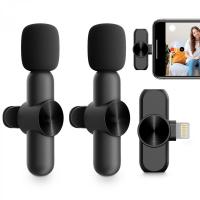
Bluetooth microphone: some wireless Bluetooth microphones are also available for Android devices and need to be paired in the device settings first when used.

Device Settings:

After connecting the microphone, go to the "Settings" menu of your Android device, find the "Sound" or "Audio Input" option, and make sure the external microphone is selected as the input source.


Recommended Android camera apps and how to set them up

Here are some recommended Android camera apps that provide good audio input support and rich setting options:

Open Camera:

Setup method: download and install the Open Camera app. Open the app, go to the Settings menu, select "Video Settings", find the "Audio Source" option, and select "External Microphone".

Pros: Free and open source, offers professional audio and video setup options, suitable for a variety of recording needs.

Filmic Pro:

How to set it up: Install the Filmic Pro app, open it and go to the settings menu. Select the "Audio" option and make sure "External Microphone" is enabled.

Benefits: Powerful video recording features and high quality audio recording options, ideal for professional video producers.

Cinema FV-5:

Setup: Install the Cinema FV-5 app, go to the setup menu, select the "Audio" option, and set it to use an external microphone.

Pros: Focuses on video recording and offers a variety of audio control options, suitable for users who require high sound quality.

Ways to solve the problem of connecting external microphone with Android devices

When using an external microphone, you may encounter some connection problems. Here are some common problems and solutions:

Microphone is unresponsive:

Make sure the microphone is properly inserted into the device. If using a 3.5mm connector, check that the microphone plug type matches (TRRS vs TRS).

Try restarting the device or re-plugging the microphone to make sure the device recognizes the external microphone correctly.

Poor sound quality:

Check if an external microphone is selected as the audio input source in the device settings.

Try different recording apps, some apps have better support for external microphones.

Noise interference:

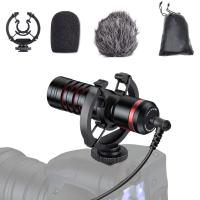
Use a windshield (e.g. sponge or fur windshield) to reduce ambient noise.

Choose a directional microphone to minimize interference from ambient noise.


Tips for improving sound quality

For the best sound quality, you can refer to the following tips:

Microphone position:

Place the microphone close to the sound source to avoid confusion with background noise.

If using a lavalier microphone, secure it to your chest to ensure stable and clear recordings.

Audio settings:

Adjust the audio gain in the Camera app to avoid overloading the recording with distortion.

Try to record in a quiet environment to minimize background noise.

Post-processing:

Use audio editing software (such as Audacity) for post-processing to remove background noise and enhance sound quality.

Add appropriate equalizer effects to enhance the clarity and depth of the recording.

Frequently Asked Questions and Maintenance Tips

Device compatibility:

Regularly update your Android device and app to ensure compatibility with external microphones.

Consider replacing the microphone or using a different recording device if you encounter persistent compatibility issues.

Microphone Maintenance:

Clean the microphone regularly, especially if used in an outdoor environment.

Use a protective case when storing the microphone to prevent dust and damage.


With the above detailed introduction and guidance, you should be able to use an external microphone to enhance the audio recording of your Android camera app without any problem. No matter it is the connection method, app settings, or tips to solve connection problems and improve sound quality, it will help you get a more professional recording experience. We hope this article has provided you with valuable information and help to make your recordings better.
Leave your comment
Cancel reply
Note: HTML is not translated!
Related products
Wireless Lavalier Microphone for iPhone & Android 48kHz 24bit HiFi Audio Noise Cancelling
16
$134.99 $94.99
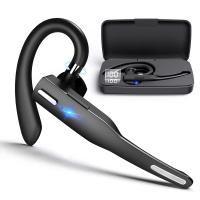
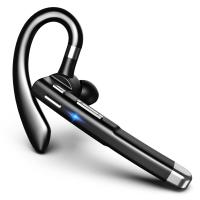
Bluetooth Headset for Mobile Phone Wireless Headset with Microphone Bluetooth Headset 5.1 Hands-free Headset CVC8.0 Compatible with iPhone Android Business Office Driving
43
$14.99
Mobile Phone Bluetooth Earphones Bluetooth V5.1 Earphone Hands-free Single Ear Earphone with CVC8.0 Noise-cancelling Microphone for Office/driving Compatible with Android/iPhone/laptop
1
$14.99
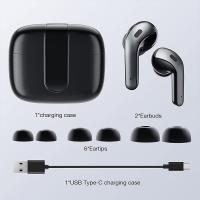
Bluetooth Headset for Mobile Phone Wireless Headset with Microphone Bluetooth Headset 5.1 Hands-free Headset CVC8.0 Compatible with iPhone Android Business Office Driving with Charging Case
42
$26.99
Cell Phone Bluetooth Headphones Bluetooth V5.1 Headphones with Charging Case Hands-Free Single Ear Headphones with CVC8.0 Noise Cancelling Microphone for Office/Driving Compatible with Android/iPhone/Laptop
57
$26.99
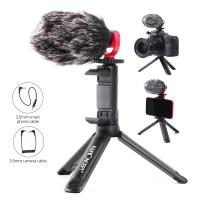
Camera Video Microphone Kit for YouTube, Vlog Windscreen 3.5mm for Phone and Camera
45
$34.99 $19.99
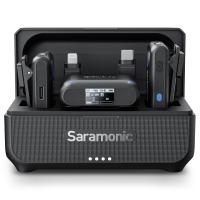
Saramonic Wireless Lavalier Microphone for Smartphone Camera 492ft Range 20h Battery Life
11
$224.99 $157.99
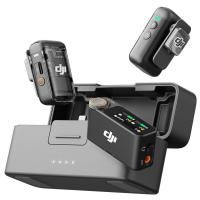
DJI Mic 2, Wireless Lavalier Microphone, Noise Cancelling, 48kHz 32-bit Float Internal Recording, 820 ft.(250m) Range, 18H Battery with Charging Case, Microphone for Camera/Phone, Vlog, Streaming
$704.99 $493.99
Gift Certificate: $200 Value - Can Use with Any Discounts
$200.00 $190.00
Gift Certificate: $300 Value  - Can Use with Any Discounts
Gift Certificate: $300 Value - Can Use with Any Discounts
$300.00 $285.00
Products You May Like
62mm  Black Mist Filter 1/8 Special Effects Filter Ultra-Clear Multi-layer Coated With Waterproof Scratch-Resistant and Anti-Reflection Nano-Xcel Series
62mm Black Mist Filter 1/8 Special Effects Filter Ultra-Clear Multi-layer Coated With Waterproof Scratch-Resistant and Anti-Reflection Nano-Xcel Series
134
$71.99 $56.99
22" / 55cm Octagonal Softbox Quick Release Bowens Mount Softbox with Honeycomb Grid Light Diffusers Carrying Bag for Photography Studio Speedlite Flash and Monolight
18
$77.99
Olympus OM Lenses to Sony E Lens Mount Adapter K&F Concept M16101 Lens Adapter
162
$37.99 $21.99
DJI MINI 3 PRO Dedicated High-Definition Tempered Film Explosion-Proof Screen Remote Control Protective Film (2 Pieces)
$24.99 $12.99
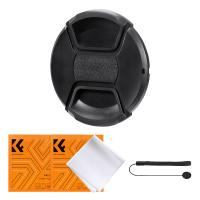
49mm Snap-On Center Pinch Lens Cap 4 in 1 with Anti-Loss Keeper Leash Compatible with Nikon, Canon, Sony, Fujifilm Camera Lenses
$11.99 $5.99
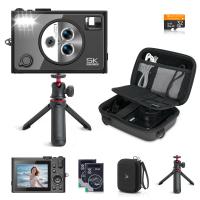
5K 75MP Compact Digital Camera, 3 Lens 12X Zoom Autofocus for YouTube Vlogging, Compact Tripod, Camera Bag, 32GB Card 2 Batteries, Kentfaith
$256.24 $204.99
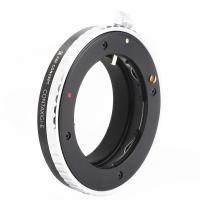
C/G-NEX Lens Adapter Manual Focus Compatible Contax G Lenses for Sony E Camera Body
146
$87.99 $45.99
4G Security Camera with 4K Clarity, 180° Panoramic View with Dual Lens, Solar Powered, 360° Live View, Color Night Vision, 3 Packs, Kentfaith
$999.99 $799.99
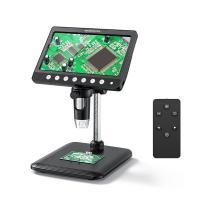
Digital Coin Microscope 7" LCD Screen 1200X Magnification 1080P Image
14
$134.99 $94.99
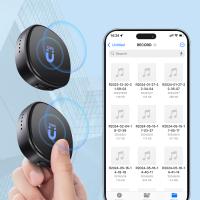
Mini Voice Recorder, Voice-activated & Magnetic, 128GB 1600 Hours Capacity, Noise Cancelling, 2 Packs, Kentfaith
$129.99 $103.99
Related articles
How To Find Camera App On Android?
How To Use Camera Detector App?
How To Format External Memory Card In Android?
How To Allow Access To Camera And Microphone On Android ?
How To Use Condenser Microphone?
Bluetooth Microphone How To Use?
How To Sync External Flash With Camera?
How To Stream From Ps4 And Use An External Webcam ?
How To Use Microphone With Camera Windows 10?
Why Use White Balance Lens Cap?
Blog You May Like
Camera Flashes Red When Taking Pictures?
What Happens If A Speed Camera Flashes?
How To Hook Up Surveillance Cameras?
How To Connect 2 Bluetooth Headphones To Laptop Windows 10 ?
How To Access Sd Card Windows 10?
How To Connect Wireless Camera With Pc?
Find Out Which App Is Using Camera?
What Is The Smallest Wireless Spy Camera?
Can You Use Multiple Sd Cards For Switch?
Can You Use Nikon Lens With Canon Camera?
Related categories
streaming video camera phone camera lens C mount lens adapter cell phone tripods m4/3 adapter
Popular products
microphone for laptop computer wireless audio recording external microphone to iphone smart ai battery camera microphone with foam cover mic bluetooth wireless microphone portable wireless microphone system light trail camera app trail camera with phone app outdoor expert trail camera app
Related searches
External Microphone Android Phone Phone External Microphone External Recording Microphone External Laptop Microphone Microphone For Android External Microphone For Computer Best External Microphone Iphone External Webcam And Microphone External Microphone For Ipad Microphone For Outdoor Use
Popular searches
Big Security Camera Fujinon B4 Lens Mount Baveyes Adapter Ef Mft Af 0.7 Portable Microscope With Camera Sony 25mm Prime Lens Rental Pl Mount Canon Af Vs Ef Mount Thunderbolt Apple Adapter For My Sony Bluetooth Microphones For Iphone M To Z Mount Mamiya Sekor Lens Adapter
Blog Category
  • Activities
  • Guide
    • Filter Guide
    • Lens Adapter
    • Product Review
  • News & Reviews
    • Camera Reviews
    • Sample Gallery
    • News
  • Tutorials
    • Solar eclipse photography
    • Photography Basics
    • Landscape Photography
  • Inspiration
    • Travel
    • Travel Stories
Search Article
Latest from the Blog
Black Friday 2025 Special at Kentfaith
What To Look For In A Dash Cam?
Camera Use Which Lens?
What Is The Best Camera To Record Videos?
How To Place Cameras Around Your House?
Neutral Density Filter: The Ultimate Guide for Photographers and Videographers
Is the Sony A7M5 worth buying?
Dash Cam That Can Connect To Phone?
Where Can I Find Hidden Cameras?
What Power Binoculars For Long Distance Viewing?
  • Easy Payment Multilple Payment Options

  • Free Shipping Global WareHouse Shipment

  • No Risk 30-Day No Reason Return

  • Limited Deals Buy More, Save More

  • Tax Free No any surcharges or tax fee

Information
  • About us
  • Contact Us
  • Site Map
  • Blog
  • Video
  • Gallery
  • VIP Membership Rewards
Service
  • Privacy Policy
  • Terms & Conditions
  • Shipping & Delivery
  • Payment Info
  • Warranty, Return & Refund
  • Intellectual Property Rights
  • Ambassador
  • Affiliates
  • Wholesale
Support
  • My account
  • Order History
  • FAQs
  • Extend Warranty
  • Logistics Tracking
Follow us
NewsLetter

Get the latest product, K&F Concept respects your privacy.
Powered By KENTFAITH © 2025