kfconcept

KENTFAITH
K&F Concept    Blog >

Enjoy Your Selected Digital Life

Recently Viewed
  • Recently Viewed
  • Recently Viewed list is empty.

Compare (0) 0
  • Compare
  • You have not chosen any products to compare.

  • Compare
Currency: USD
  • Currency
Shop by Scene Shop by Rank

Log Into Your Account

Account

Order History

Wish List

Login

Forgotten Password?

Or connect with

Register Account

Already have an Account?Log In

  • Shopping Cart
  • Your shopping cart is empty!

  • Register/Login to purchase, earn points
  • Favorite
  • Your wish list is empty.

  • Register/Login to like, earn points
  • Activities
  • Guide
    • Filter Guide
    • Lens Adapter
    • Product Review
  • News & Reviews
    • Camera Reviews
    • Sample Gallery
    • News
  • Tutorials
    • Solar eclipse photography
    • Photography Basics
    • Landscape Photography
  • Inspiration
    • Travel
    • Travel Stories
  • Home
  • Blog
  • Can You Use Ps5 Camera As Webcam ?

Can You Use Ps5 Camera As Webcam ?

Kentfaith 2023-09-28 09:02:45 0 Comments

With the popularity of telecommuting and online communication, more and more people are looking for ways to improve the quality and convenience of their video calls. If you already own a PS5 webcam, you may be wondering if it can be used as a regular webcam. As an expertise blogger, I will explore this question in detail and provide you with specific setup methods and practical advice.
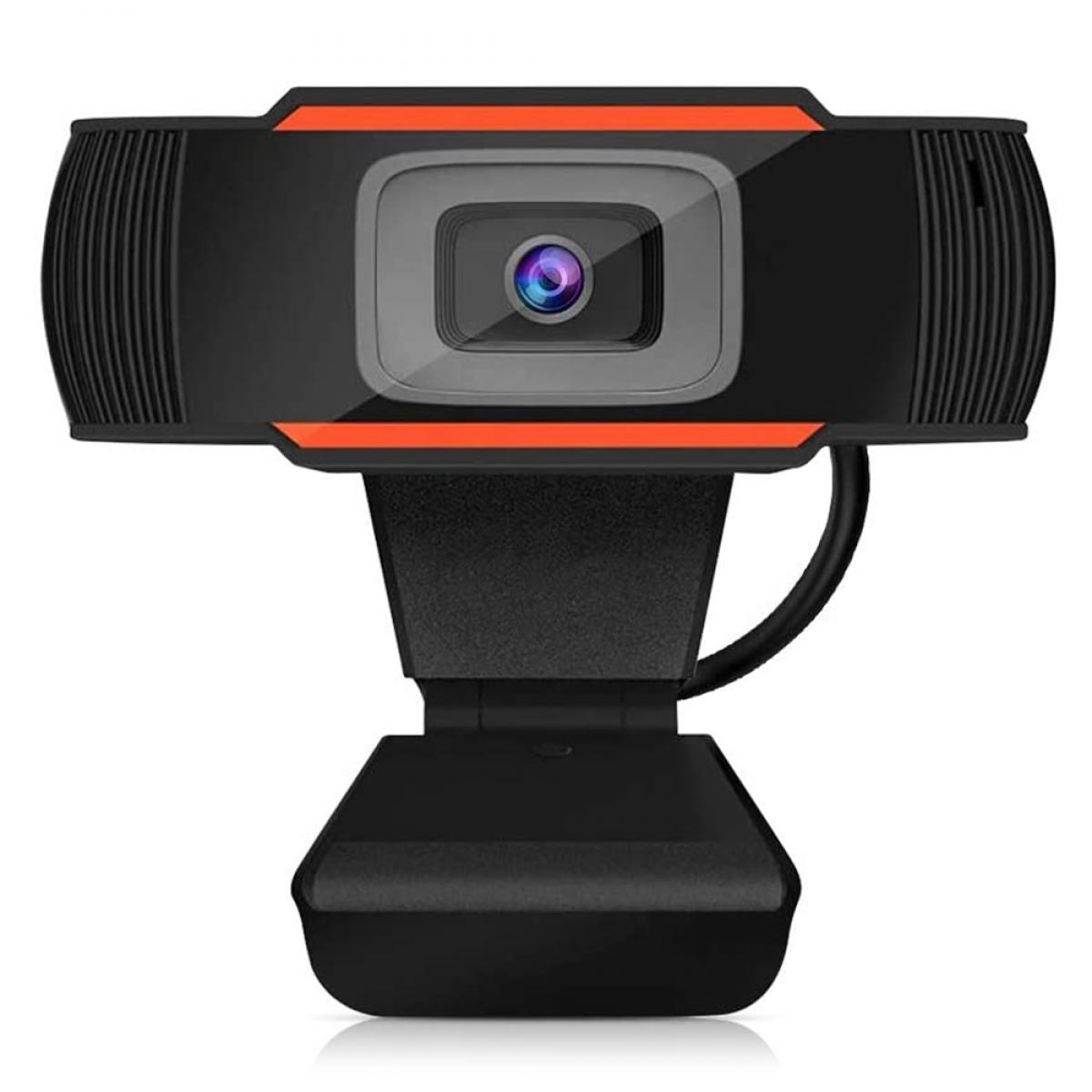

1. PS5 webcam hardware compatibility

First of all, we need to understand the hardware compatibility of the PS5 webcam.The PS5 webcam is designed for the PlayStation 5 gaming console and comes with 1080p HD resolution and dual wide-angle lenses. However, it's not plug-and-play like traditional USB cameras, which makes using it as a webcam on a PC or Mac require some extra steps.

The PS5 camera uses a special connection port that is not compatible with the standard USB port on most computers. Therefore, plugging a PS5 webcam directly into a computer is usually not recognized and used.


2. Software and Driver Support

Since the PS5 webcam is not designed for computers, the lack of official driver support is a major obstacle. Most traditional webcams can be plug-and-play by installing drivers and software, but the PS5 webcam has no officially supported software for PC or Mac.

Some third-party software and drivers may claim to allow the PS5 webcam to run on a computer, but these are often unstable and can be a security risk. Therefore, make sure you understand and accept the potential risks before attempting to use such software.


3. Setup and configuration steps

Despite the lack of official support for the PS5 webcam, there are ways to try to use it as a webcam. Here are some of the possible methods:

Video capture card: Use a video capture card to connect the PS5 webcam to your computer. A video capture card converts the signal from the PS5 webcam into a format that your computer can recognize. You will need to purchase a compatible video capture card and follow the instructions to set it up.

Third-party software: Try using third-party software such as OBS (Open Broadcaster Software), which captures video signals from a video capture card or other input source and uses them as webcam input.

Note that these methods may require some technical knowledge and debugging time, and do not guarantee stability and compatibility.


4. Functionality and performance

Assuming that you have successfully connected the PS5 webcam to your computer and gotten it to work, the next question is its functionality and performance. Since the PS5 webcam was originally designed to provide video capture for gaming consoles, it may not perform as well as a specially designed webcam for video conferencing or web calls.

The PS5 camera's strengths are its HD resolution and wide-angle lens, which provides a clear and wide field of view. However, its lack of autofocus and optimized microphone may affect the quality of video calls. In addition, since it is not fully compatible with PC or Mac, you may encounter software compatibility issues and performance limitations.


5. Frequently Asked Questions and Solutions

In the process of trying to use PS5 camera as a webcam, users may encounter some common problems. Here are some solutions:

Webcam not recognized: Make sure the video capture card and third-party software are properly installed and configured. Check if the connection is solid and try to reboot the device.

Stuttering or delayed picture: Check your computer's performance and network connection to make sure no other high load applications are running. Try adjusting video settings to reduce resolution or frame rate.

Audio issues: Consider using a separate microphone to improve audio quality, as the microphone built into the PS5 camera may not provide optimal results.


6. Security and privacy

Please pay attention to security and privacy protection when using third-party software and video capture cards. Ensure that the software you download and install is from a trusted source and is regularly updated to prevent security breaches. Avoid using software from unknown sources to protect your privacy and data security.


7. Customer support and technical services

Since using PS5 camera as a webcam is not an officially supported feature, users may have difficulty in obtaining official support when encountering problems. Users are advised to check relevant forums and communities for other users' experiences and suggestions before trying. If technical support is needed, the manufacturer of the video capture card or the developer of the third-party software can be contacted.


In summary, even though the PS5 webcam is not a webcam designed for computers, it is still possible to accomplish this with a video capture card and third-party software. However, users need to have some technical knowledge and be prepared to face potential compatibility and performance issues. Hopefully, the guide in this article will help you better understand and try out ways to use your PS5 webcam as a webcam for more efficient telecommuting and online communication.



Leave your comment
Cancel reply
Note: HTML is not translated!
Related products
Gift Certificate: $200 Value - Can Use with Any Discounts
$200.00 $190.00
Gift Certificate: $300 Value  - Can Use with Any Discounts
Gift Certificate: $300 Value - Can Use with Any Discounts
$300.00 $285.00
Gift Certificate: $1000 Value  - Can Use with Any Discounts
Gift Certificate: $1000 Value - Can Use with Any Discounts
$1,000.00 $950.00
Gift Certificate: $500 Value  -Can Use with Any Discounts
Gift Certificate: $500 Value -Can Use with Any Discounts
$500.00 $475.00
Gift Certificate: $800 Value - Can Use with Any Discounts
$800.00 $760.00
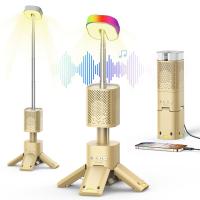
A Camping Lantern That Dances with You, Rechargeable, Telescoping & Compact with Bluetooth Speaker, Emergency Power Bank 14000mAh Battery Kentfaith
116
$199.99 $94.99
OBSBOT Tiny 2 Webcam 4K Voice Control PTZ, AI Tracking Multi-Mode & Auto Focus, Web Camera with 1/1.5" Sensor, Gesture Control, 60 FPS, HDR Light Correction, Webcam for PC, Streaming, Meeting
NEW Arrival
OBSBOT Tiny 2 Webcam 4K Voice Control PTZ, AI Tracking Multi-Mode & Auto Focus, Web Camera with 1/1.5" Sensor, Gesture Control, 60 FPS, HDR Light Correction, Webcam for PC, Streaming, Meeting
$374.99 $299.99
K&F Concept Premium is compatible with the Ricoh cameras GR III, GR III HDF, GR IIIx HDF, GR IIIX, WG-6 with DB-110 batteries as well as with the Olympus cameras TG7/6/5/4 with Li-90B/Li-92B batteries.
NEW Arrival
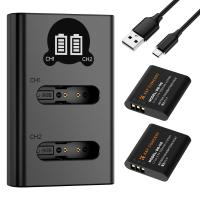
K&F Concept Premium is compatible with the Ricoh cameras GR III, GR III HDF, GR IIIx HDF, GR IIIX, WG-6 with DB-110 batteries as well as with the Olympus cameras TG7/6/5/4 with Li-90B/Li-92B batteries.
7
$29.99
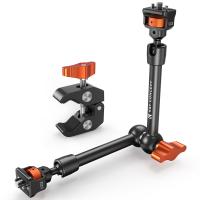
11" Magic Arm 1/4" Screw 360° Ball Heads Articulating Friction Camera Arm Mount for Monitor, LED Light, Webcam, Microphone, Camera Cage
$35.99 $24.99
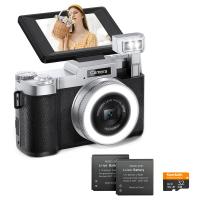
4K 64MP Digital Camera for Photography, Flash + Lens Fill Light, Auto Focus, Webcam, 180° Flip Screen, for Vlogging, Youtube, Traveling, Kentfaith
15
$112.49 $89.99
Products You May Like
DJI Drone Mini 3 Pro & Mini 3 Filter Set (CPL + ND8 + ND16 ) with Single-sided Anti-reflection Green Film and a Set of Paddles
121
$41.99 $26.99
52mm Magnetic Filter Kit CPL + ND2-32 + Black Mist 1/4 Filter Set + Magnetic Adapter Ring & Lens Cap,28-Layer Coated HD Optical Glass for Camera Lens - Nano-X Series
NEW Arrival
52mm Magnetic Filter Kit CPL + ND2-32 + Black Mist 1/4 Filter Set + Magnetic Adapter Ring & Lens Cap,28-Layer Coated HD Optical Glass for Camera Lens - Nano-X Series
75
$127.99 $95.99
Digital Camera for Teens, 4K Videos 48MP Photos, Auto Focus, WiFi Transfer, 32GB Card, Kentfaith
16
$96.24 $76.99
77mm ND4-64 (2-6 Stop) Variable ND Filter and CPL Circular Polarizing Filter 2 in 1, 28 Layers Coated Nano-Xcel Series
68
$124.99 $99.99
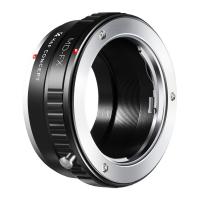
Minolta MD MC Lenses to Fuji X Lens Mount Adapter K&F Concept M15111
31
$36.99 $21.99
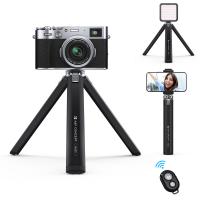
K&F Concept Metal Mini Phone Camera Tripod, 1/4" Screw Table Stand w/Cellphone Clip & Wireless Remote, 2-Level Height Adjustment - Load up to 44lbs, MS05
8
$38.99 $22.99
55mm ND4-64 (2-6 Stop) Variable ND Filter and CPL Circular Polarizing Filter 2 in 1,28 Layers Coated Nano-Xcel Series
68
$107.99 $85.99
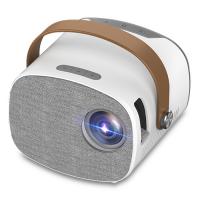
Mini Portable Projector for Kids - Home Theater Projector 1080p Supported(US Plug)
3
$89.99
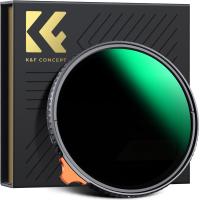
62mm Variable ND Filter ND2-400 (1-9 Stop) Lens Filter Waterproof Scratch Resistant Nano-Xcel Series
57
$87.99 $69.99
1.8*2.8m Green Muslin Background, Foldable Soft Seamless Keying Cloth with 4 Spring Clips, Used for Video Photography and TV
22
$28.88
Related articles
Can You Use Any Webcam On Ps5 ?
Can You Use Iphone As Microphone?
Can You Use Iphone As Baby Monitor?
How To Use Phone As Webcam For Pc?
How To Use Your Mobile Camera As PC Webcam Discord?
Can I Use Gopro As Security Camera?
How To Setup Dslr As Webcam?
Can I Use Indoor Camera As Baby Monitor?
Can I Use Alexa As A Microphone?
What Batteries Does The Adventure Challenge Camera Use?
Blog You May Like
Can One Ring Solar Panel Charge Two Cameras?
What Does Ef Mean On A Camera Lens?
Which Bluetooth Earphone Is Best For Calling?
How To Take Photos With A Ring Light?
How Long Professional Camera Charge Battery?
How To Use Video Camera On Laptop?
Does Camera Bag Count As Personal Item?
Camcorder That Can Live Stream?
What Is An Nd Pl Filter?
Neutral Density Filter: The Ultimate Guide for Photographers and Videographers
Related categories
Camera Parts | Studio Camera Accessories streaming video camera digital camera for beginner Solar Cellular Trail Camera Non Cellular Trail Camera camera shoulder bag digital camera cases detachable camera flash Cannon camera battery
Popular products
mini web camera wifi webcam for video recording live streaming video webcam webcam with microphone for pc best camping rechargeable lantern usb webcam and microphone external webcam for laptop usb webcam for streaming uhf wireless microphone system webcam with built in microphone
Related searches
Use Iphone As Wireless Microphone Camera Tripod That Follows You Sony Ps5 Vr Adapter Camera Bag As Carry On Outdoor Use Camera Multi Use Camera Backpack Mylar As Solar Filter Amscope Ca-can-slr Canon Slr Dslr Camera Adapter Auto Darkening Lens As A Camera Filter Best Webcam Camera With Microphone
Popular searches
Polarizing Filter For Ultra Wide Angle Lens Small Memory Card For Camera Adaptador Wireless Sony Cechya 0081 Nikon El15c Charger Wireless Outdoor Camera No Wifi Needed Adapter Canon Sony Nex M12 Lens Mount Stl Sony Alpha A7r Iii Body E Mount 86mm Uv Lens Filter Canon Eos 5d Mark Iv Lens Mount
Blog Category
  • Activities
  • Guide
    • Filter Guide
    • Lens Adapter
    • Product Review
  • News & Reviews
    • Camera Reviews
    • Sample Gallery
    • News
  • Tutorials
    • Solar eclipse photography
    • Photography Basics
    • Landscape Photography
  • Inspiration
    • Travel
    • Travel Stories
Search Article
Latest from the Blog
How To Adjust Binoculars With Glasses?
What Is The Difference Between Binoculars And Telescope?
How To Focus An Image On A Microscope?
Where Can I Find Hidden Cameras?
What Is Nd Filter On Video Camera?
Where To Buy A Microphone?
how to clean microfiber cloth?
How Much Does It Cost For Security Cameras?
How To Reduce Noise In Bluetooth Headphones?
Dash Cam That Can Connect To Phone?
  • Easy Payment Multilple Payment Options

  • Free Shipping Global WareHouse Shipment

  • No Risk 30-Day No Reason Return

  • Limited Deals Buy More, Save More

  • Tax Free No any surcharges or tax fee

Information
  • About us
  • Contact Us
  • Site Map
  • Blog
  • Video
  • Gallery
  • VIP Membership Rewards
Service
  • Privacy Policy
  • Terms & Conditions
  • Shipping & Delivery
  • Payment Info
  • Warranty, Return & Refund
  • Intellectual Property Rights
  • Ambassador
  • Affiliates
  • Wholesale
Support
  • My account
  • Order History
  • FAQs
  • Extend Warranty
  • Logistics Tracking
Follow us
NewsLetter

Get the latest product, K&F Concept respects your privacy.

Powered By KENTFAITH © 2026